Play GrandChase on PC Play GrandChase on PC and Mac
GrandChase is a mobile role-playing game developed by Kog Co., Ltd. that brings back one of the most beloved free-to-play online RPG franchises to a new generation of players. Originally enjoyed by over 20 million users on PC, this official mobile sequel follows the legendary chase after the villain Kaze'aze across dimensions, delivering an action-packed adventure filled with a rich storyline, a massive roster of heroes, and a variety of battle modes. Now you can experience all of that on a bigger screen by running GrandChase on PC through MuMuPlayer.
At the heart of GrandChase is a hero collection system featuring over 100 characters, blending the original cast with brand-new additions, all of which can be mixed and matched to form a four-member party accompanied by pets. Combat is driven by player decisions, from skill timing and activation order to battlefield positioning and directional control, making each encounter feel dynamic and engaging. The game offers solo content with story-driven stages, cooperative Dual Raids, guild-based social features, and competitive PVP battles, ensuring there is always something fresh to pursue. Players can also develop their heroes through upgrading, evolving, prestiging, and awakening systems, adding meaningful depth to team building over time.
Playing GrandChase on PC through MuMuPlayer unlocks clear advantages for a game built around fast-paced combat and precise control. The larger display makes it far easier to manage your party positions, track skill cooldowns, and react to battlefield changes during intense multi-enemy encounters. MuMuPlayer's keyboard and mouse support gives you a more responsive and comfortable way to handle the tap-and-drag controls the game relies on, which is especially helpful during PVP matches and Dual Raids where timing is critical. Running the game on PC also helps maintain stable performance across long play sessions without worrying about device battery or overheating.
Download GrandChase on PC or Mac with MuMuPlayer, get a PC like gameplay along with smart control and high graphics performance.
MuMuPlayer, the top Android emulator for PC and Apple silicon Mac, delivers an optimal gaming experience with minimal RAM usage and high FPS. It also allows you to create multiple instances of the emulator and run several games simultaneously, thanks to its Multi-instance feature. Its advanced emulator features ensure smooth gameplay, even on low-end PCs.
Download and play GrandChase on PC or Mac with MuMuPlayer and start enjoying your gaming experience now.
About the Game
GrandChase invites players into a sprawling role-playing adventure that originally captivated more than 20 million users as a free-to-play online PC title. This mobile sequel, developed by Kog Co., Ltd., carries forward the spirit of that classic experience while expanding it with new content, new characters, and battle systems designed specifically for modern mobile play. The story picks up once again with the pursuit of Kaze'aze across dimensions, serving as the foundation for a campaign that takes players through varied environments and escalating challenges.
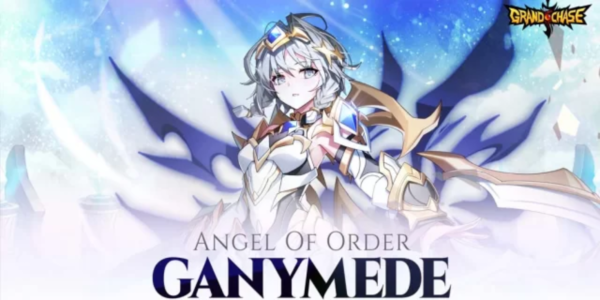
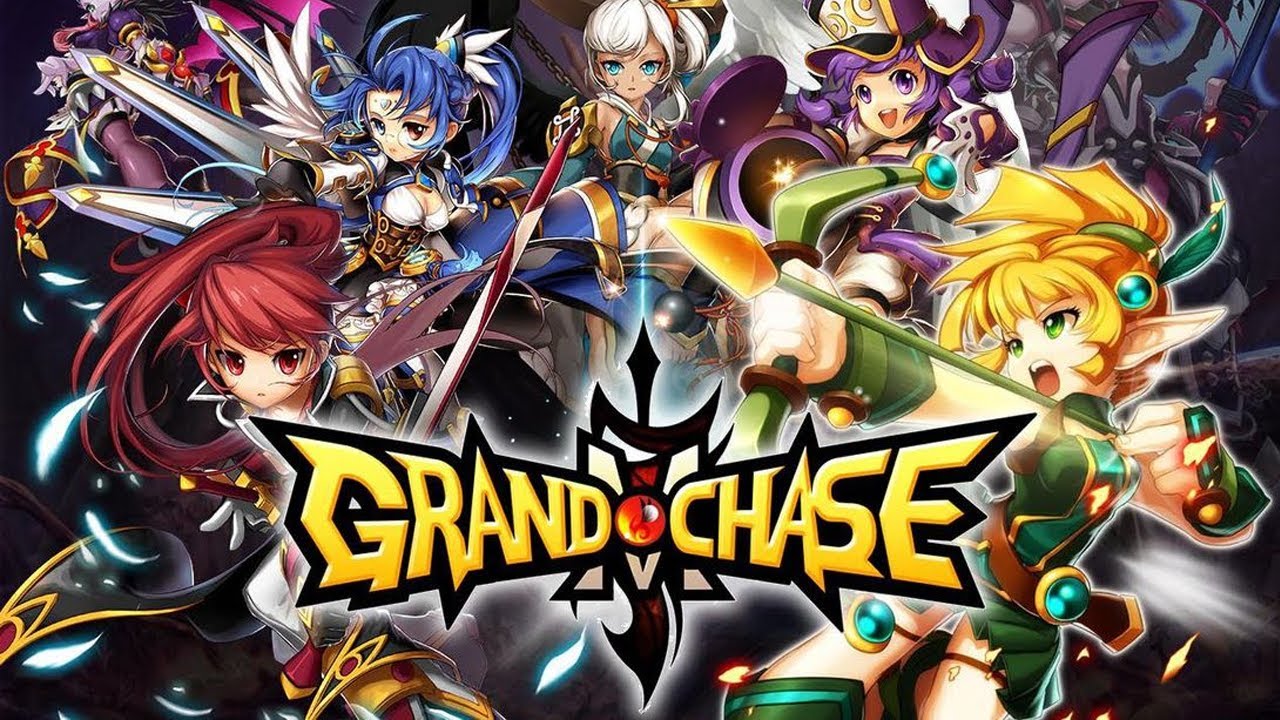
The hero roster is one of GrandChase's most defining features. With over 100 characters available for collection, players have access to both familiar faces from the original game and entirely new additions created for the sequel. Building a team means selecting four heroes and pairing them with pets, and the combination possibilities are extensive enough that no two players are likely to field the same lineup. The game encourages experimentation, and the satisfaction of assembling a squad that performs exactly as intended is a core part of the experience.
Progression in GrandChase goes well beyond simply leveling up characters. The development system includes several distinct layers:
- Upgrading to boost base stats and overall combat effectiveness
- Evolving to push characters beyond their initial limits
- Prestige mechanics that reset and amplify hero potential
- Awakening to unlock deeper abilities and visual transformations
These layered systems give players consistent long-term goals and a reason to keep returning to the game as their roster grows.
Battle in GrandChase is built around player input rather than passive watching. The tap-and-drag control scheme is straightforward to learn but rewards skilled execution. Decisions about which skills to activate, when to use them, where to position party members, and how to direct attacks all influence how each fight plays out. One of the most visually satisfying mechanics involves drawing large groups of enemies together before unleashing a powerful area attack, a moment that captures the action-oriented tone the game consistently delivers.
Outside of solo story content, GrandChase offers a range of multiplayer and competitive modes. Dual Raids allow players to team up and tackle powerful enemies cooperatively, while guild systems provide a social layer that connects players beyond individual battles. PVP modes let Chasers test their team compositions against others, adding a competitive dimension that pushes players to refine their strategies. The variety across these modes means the game does not rely on a single type of challenge to hold attention over time.
GrandChase has ranked among the top 10 RPG titles in 25 countries since its release, a reflection of how well the combination of accessible controls, deep progression, and a rich cast of characters has resonated with players globally. Whether you are a returning fan of the original PC game or someone discovering the franchise for the first time, there is a substantial amount of content to explore and enjoy.
Emulator Features
Highest Android 15 Support Best Compatibility on Mac

With a smart button scheme and image recognition function, provide a more concise UI, and support custom button mapping to meet different needs. With a smart button scheme and image recognition, enjoy a cleaner UI and custom button mapping to fit different gaming needs on Mac.

Run multiple games independently at the same time, easily manage multiple accounts, play games while hanging. Take your Mac gaming further with multiple independent instances, easy account management, and seamless AFK gaming on Apple Silicon Mac.

Break through FPS limit, and enjoy a seamless gaming experience without lag and delay! Break through FPS limits for a seamless, lag-free gaming experience on MacBook, Mac mini, iMac, and Mac Studio.

Get a 3-second startup with 52% less memory usage and 65% more stability. Enjoy 3-second startup, 52% less memory usage, and 65% greater stability on Apple Silicon Mac.
How to Download and Play GrandChase on PC and Mac
Installation Guide
Download MuMuPlayer
Download MuMuPlayer and install it on your PC or Mac
Sign-in Google Store
Complete Google sign-in to access the Play Store
Search and Install
Search GrandChase in the Play Store
Enjoy Gaming
Enjoy 120 FPS high-def gameplay with big screen
System Requirements
Windows PC
Vulkan / DirectX supported. 4 cores + 4GB RAM recommended. Up to 240 FPS. VT required.
macOS
Recommended: Apple Silicon Mac with 8GB RAM or above. Up to 240 FPS.