Play Indus Battle Royale on PC Play Indus Battle Royale on PC and Mac
Download Indus Battle Royale on PC with MuMuPlayer, get a PC like gameplay along with smart control and high graphics performance.
MuMuPlayer, the top Android emulator for PC and Apple silicon Mac, delivers an optimal gaming experience with minimal RAM usage and high FPS. It also allows you to create multiple instances of the emulator and run several games simultaneously, thanks to its Multi-instance feature. Its advanced emulator features ensure smooth gameplay, even on low-end PCs.
Download and play Indus Battle Royale on PC with MuMuPlayer and start enjoying your gaming experience now.
Download Indus Battle Royale on PC or Mac with MuMuPlayer, get a PC like gameplay along with smart control and high graphics performance.
MuMuPlayer, the top Android emulator for PC and Apple silicon Mac, delivers an optimal gaming experience with minimal RAM usage and high FPS. It also allows you to create multiple instances of the emulator and run several games simultaneously, thanks to its Multi-instance feature. Its advanced emulator features ensure smooth gameplay, even on low-end PCs.
Download and play Indus Battle Royale on PC or Mac with MuMuPlayer and start enjoying your gaming experience now.
About the Game
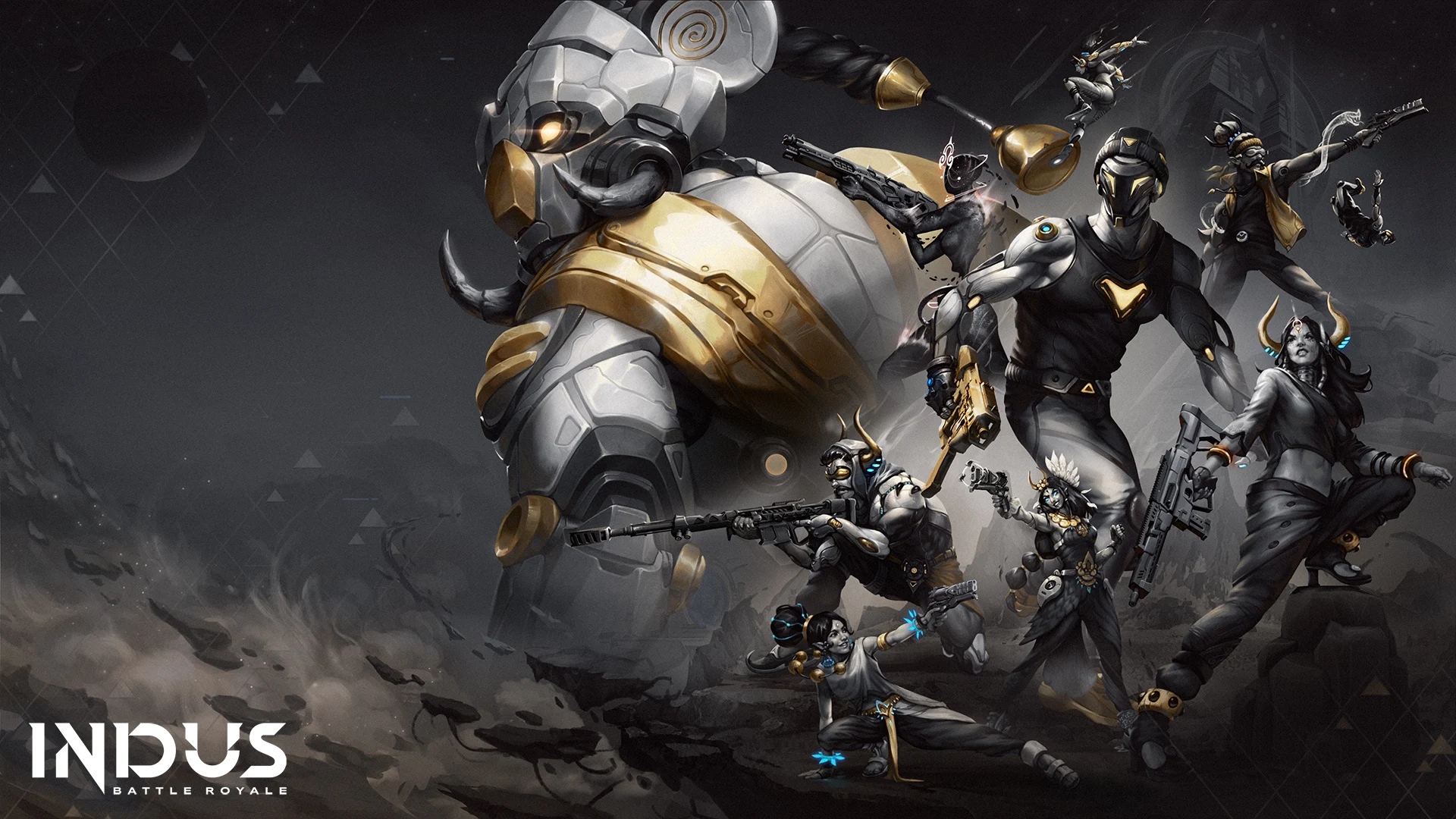
Drop onto the mysterious island of Virlok on the fabled planet, Indus. Your mission is to survive and portal out with the coveted element, Cosmium. You will find and use unique weapons, gear, and consumables to fight in an ever-shrinking battleground while navigating this brand-new universe

Next Gen Gunplay
Crafted and optimized for mobile devices, From sniper rifles to hand cannons, there's a gun for everyone. The gunplay is designed to deliver the most authentic gunplay and experience in its space. Indus' guns are designed to feel great to shoot & as brutal to be shot at.

Pick your Paragon aka Skins
From the mysterious Sir-Taj to the powerful Big-Gaj, each of Indus' Paragons aka character skins allow you to express yourself in different ways with distinct emotes, letting you dominate the battlefield in a style and personality that's solely yours.

Dive into Virlok
Dive into Virlok like a hero. Fight through the Ancient Ruins, snipe down your foes from the heights of Jatayu Central, or have a showdown at the Arches of Virlok, this battle royale map has limitless possibilities for victory and valor.

Collect Cosmium
The most valuable resource in the galaxy and the reason why you are on Indus. Tasked by COVEN to retrieve Cosmium, you, Mythwalker, are on this quest for glory and riches on this mysterious planet. Cosmium is a unique substance that manifests itself as the battle wears on. Find it and win the game instantly. Sometimes victory doesn’t wait for the last man standing.

Explore and Unravel the Mystery of Indus
Indus is a now mysterious planet that was famous across the galaxy. However, it’s been thousands of years since now it lies silent and forgotten. And that's where you come in. Explore and discover what happened to a once glorious planet and piece together the story of Indus.
Emulator Features
Highest Android 15 Support Best Compatibility on Mac

With a smart button scheme and image recognition function, provide a more concise UI, and support custom button mapping to meet different needs. With a smart button scheme and image recognition, enjoy a cleaner UI and custom button mapping to fit different gaming needs on Mac.

Run multiple games independently at the same time, easily manage multiple accounts, play games while hanging. Take your Mac gaming further with multiple independent instances, easy account management, and seamless AFK gaming on Apple Silicon Mac.

Break through FPS limit, and enjoy a seamless gaming experience without lag and delay! Break through FPS limits for a seamless, lag-free gaming experience on MacBook, Mac mini, iMac, and Mac Studio.

Get a 3-second startup with 52% less memory usage and 65% more stability. Enjoy 3-second startup, 52% less memory usage, and 65% greater stability on Apple Silicon Mac.
How to Download and Play Indus Battle Royale on PC and Mac
Installation Guide
Download MuMuPlayer
Download MuMuPlayer and install it on your PC or Mac
Sign-in Google Store
Complete Google sign-in to access the Play Store
Search and Install
Search Indus Battle Royale in the Play Store
Enjoy Gaming
Enjoy 120 FPS high-def gameplay with big screen
System Requirements
Windows PC
Vulkan / DirectX supported. 4 cores + 4GB RAM recommended. Up to 240 FPS. VT required.
macOS
Recommended: Apple Silicon Mac with 8GB RAM or above. Up to 240 FPS.