Play Island Times: Easy Life on PC Play Island Times: Easy Life on PC and Mac
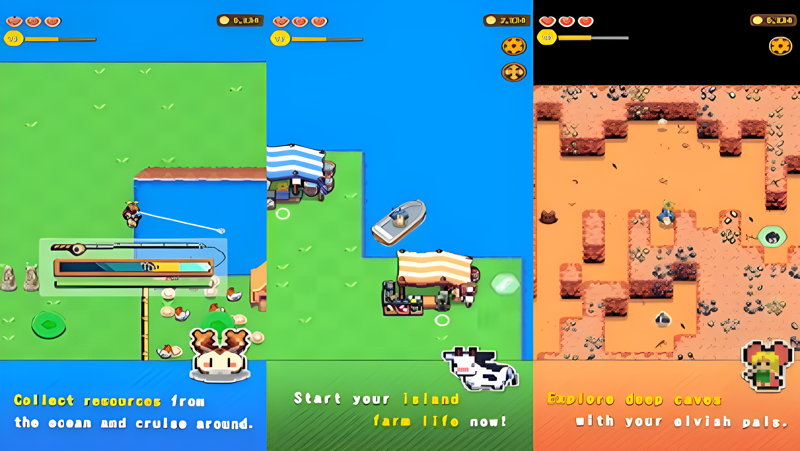
Island Times: Easy Life is a casual simulation game that invites you to step onto a mysterious island and begin a pastoral life. You will cultivate vast fields, plant crops, fish in abundant seas, raise cute animals, and explore hidden mineral caves. The game features a unique pixel style and a relaxed atmosphere. You can enjoy this charming island adventure on PC through MuMuPlayer, which brings the game to a larger screen with smooth performance.
On the island, you can plant a variety of crops, from common vegetables to rare fruits, and watch them grow under your care. Surrounding waters offer diverse fishing experiences, with different seas harboring different fish. You can also raise gentle sheep, lively chickens, and even slime, harvesting pastoral products. Exploration leads to mineral caves containing hard minerals and dazzling gemstones. Cute elves and pets inhabit the island; you can befriend them, and elves will help tend crops and animals while pets accompany you.
Playing Island Times: Easy Life on PC with MuMuPlayer enhances your experience through the larger screen and precise controls, making farming, fishing, and exploration more comfortable. MuMuPlayer is a reliable Android emulator that lets you play on Windows PC or Mac, including MacBook and macOS devices. Whether you use a Mac mini with Apple Silicon (M1, M2, M3, M4, M5, M5 Pro, M6) or a traditional PC, MuMuPlayer provides a smooth platform to enjoy the game. The relaxed gameplay and pixel art look great on a big monitor, and you can easily manage your island activities with keyboard and mouse or gamepad. Embrace the pastoral life and start your adventure on PC or Mac with MuMuPlayer today.
Download Island Times: Easy Life on PC or Mac with MuMuPlayer, get a PC like gameplay along with smart control and high graphics performance.
MuMuPlayer, the top Android emulator for PC and Apple silicon Mac, delivers an optimal gaming experience with minimal RAM usage and high FPS. It also allows you to create multiple instances of the emulator and run several games simultaneously, thanks to its Multi-instance feature. Its advanced emulator features ensure smooth gameplay, even on low-end PCs.
Download and play Island Times: Easy Life on PC or Mac with MuMuPlayer and start enjoying your gaming experience now.
About the Game
Island Times: Easy Life is a casual simulation game that places you on a mysterious island where you can build a peaceful pastoral life. The game combines farming, fishing, animal raising, exploration, and friendship with elves and pets, all presented in a charming pixel art style. While the game is designed for mobile, you can also play it on PC or Mac through MuMuPlayer, an Android emulator that brings the experience to a larger screen with enhanced controls. This allows you to enjoy the relaxing island atmosphere whether you are on a Windows PC, a MacBook, or a Mac mini with Apple Silicon.
The core of the game revolves around cultivating the land. You start with vast fields that await your attention. You can plant a wide range of crops, from everyday vegetables to rare and exotic fruits. Each piece of land is full of vitality, and as you care for your crops, you will watch them grow vigorously. The joy of harvest is a central reward, encouraging you to expand and diversify your farm. The pixel art style gives the plants a charming, nostalgic look, and the relaxed pace means you can take your time without pressure.
Fishing is another major activity. The island is surrounded by abundant marine resources. You can sail out to sea and enjoy fishing in different areas. Each sea harbors different types of fish, so every fishing trip brings new rewards and surprises. The fishing mechanics are simple yet engaging, and the variety of fish adds a collection element to the game. Whether you fish for relaxation or to complete your collection, the seas around the island offer endless opportunities.
Animal husbandry adds more life to your farm. You can raise various cute animals, from gentle sheep to lively chickens, and even slime. Each animal requires care, and in return, you receive a wealth of pastoral products. These products can be used or sold, adding more color to your daily life. The animals are animated with personality, making the farm feel like a lively community. The presence of slime adds a fantasy touch to the otherwise realistic farming activities.
Exploration is encouraged, and the island holds hidden mineral caves. These caves contain hard minerals, dazzling gemstones, and other resources. Mining adds another layer to the gameplay, providing materials that can be used for upgrades or crafting. The caves are part of the island's mysteries, and exploring them can lead to valuable finds. The pixel art style makes the caves and minerals visually distinct and appealing.
The island is also home to cute elves and pets. You can establish deep friendships with them and explore the island's secrets together. Elves are helpful companions who will take care of your crops and small animals, easing your workload and allowing you to focus on other activities. Pets accompany you through joyful times, adding emotional warmth to the game. Building relationships with these creatures is a key part of the experience, and they make the island feel alive.
The game features a unique pixel style that gives it a retro, charming aesthetic. The graphics are detailed and colorful, bringing the island and its inhabitants to life. The relaxed gaming atmosphere means there is no rush; you can play at your own pace, whether you want to farm, fish, mine, or simply socialize with the island's residents. The combination of activities ensures that there is always something to do, but without the stress of time limits or complex goals.
Playing Island Times: Easy Life on PC with MuMuPlayer offers several advantages. The larger screen makes it easier to see the pixel art details and manage your farm layout. Keyboard and mouse controls can be more precise for activities like fishing and mining, and you can customize the controls to your preference. MuMuPlayer also supports gamepad input, if you prefer a controller. The emulator is optimized for performance, providing smooth gameplay even on lower-end PCs. For Mac users, MuMuPlayer allows you to play on macOS, including MacBook and Mac mini models with Apple Silicon chips such as M1, M2, M3, M4, M5, M5 Pro, and M6. This means you can enjoy the game on a Macintosh computer without needing a separate mobile device. The emulator handles the Android version of the game, so you get the same content and features as on mobile, but with the comfort of a desktop setup.
MuMuPlayer is a reliable Android emulator that supports both Windows and Mac. It provides a stable environment for running mobile games, with features like multi-instance support, customizable controls, and high frame rates. For a casual game like Island Times: Easy Life, MuMuPlayer ensures that you can play for extended periods without battery concerns or overheating issues common on mobile devices. You can also easily switch between apps or take screenshots and record your gameplay. The emulator is regularly updated to support the latest macOS versions and Apple Silicon chips, ensuring compatibility with newer Mac models.
In summary, Island Times: Easy Life is a delightful casual game that offers farming, fishing, animal raising, mining, and friendship with elves and pets in a pixel art world. Whether you play on PC or Mac through MuMuPlayer, you can immerse yourself in the relaxed island life. The game's gentle pace and variety of activities make it suitable for players of all ages. Start your island adventure today and experience the joy of pastoral life on a big screen with MuMuPlayer.
Emulator Features
Highest Android 15 Support Best Compatibility on Mac
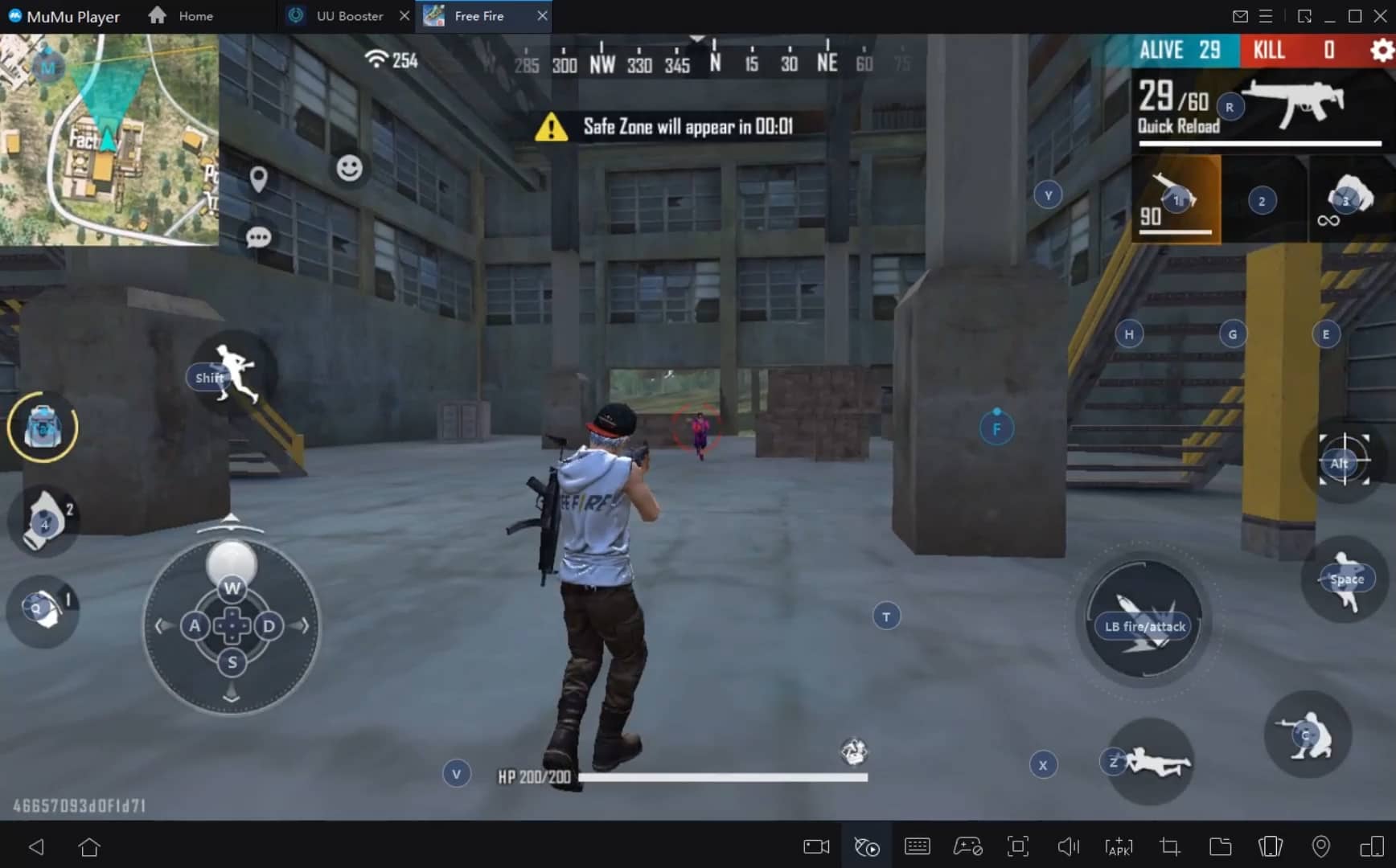
With a smart button scheme and image recognition function, provide a more concise UI, and support custom button mapping to meet different needs. With a smart button scheme and image recognition, enjoy a cleaner UI and custom button mapping to fit different gaming needs on Mac.
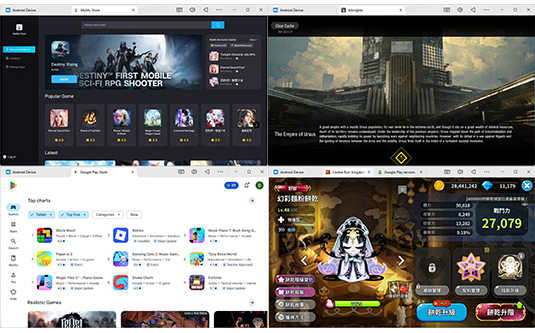
Run multiple games independently at the same time, easily manage multiple accounts, play games while hanging. Take your Mac gaming further with multiple independent instances, easy account management, and seamless AFK gaming on Apple Silicon Mac.
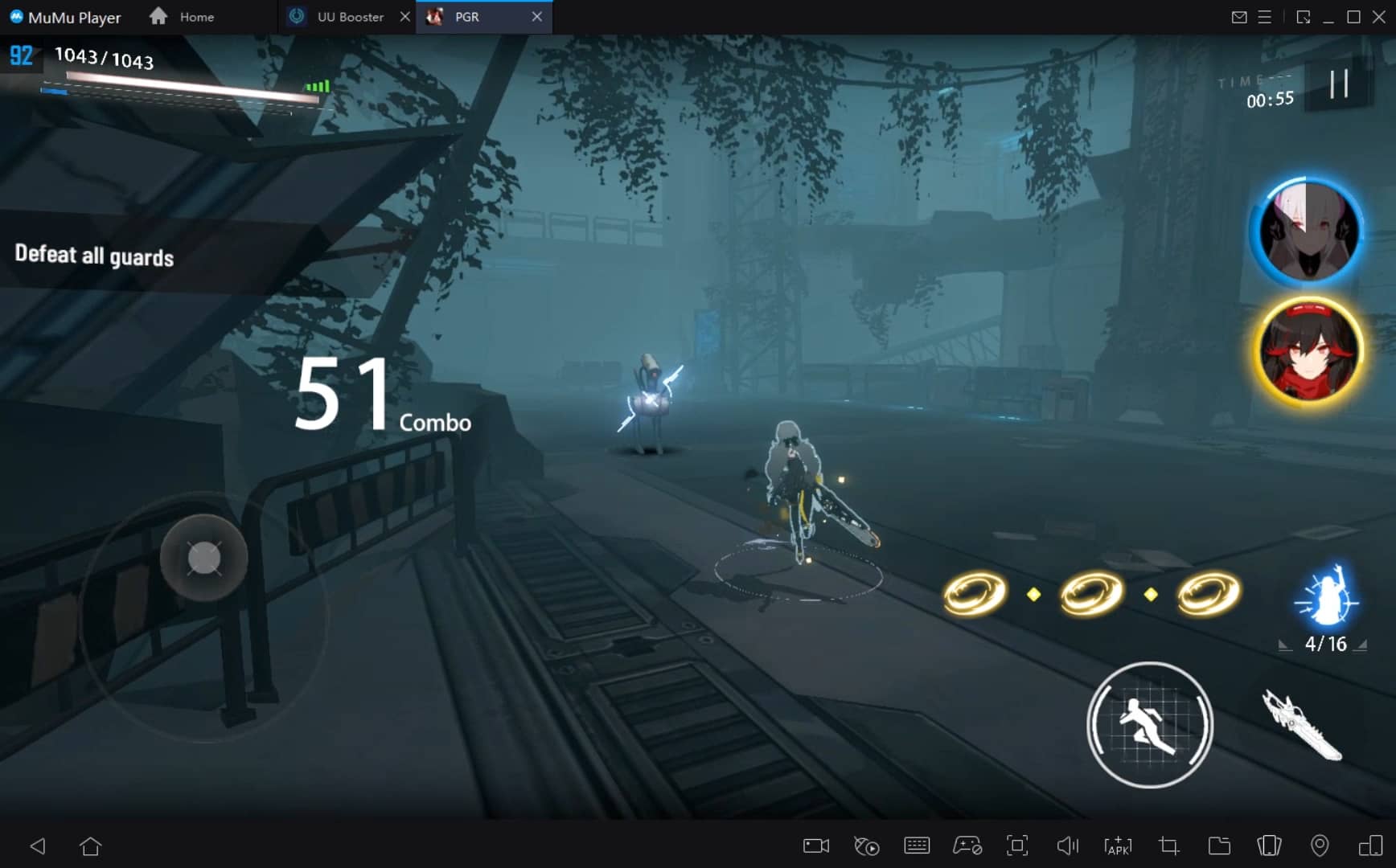
Break through FPS limit, and enjoy a seamless gaming experience without lag and delay! Break through FPS limits for a seamless, lag-free gaming experience on MacBook, Mac mini, iMac, and Mac Studio.
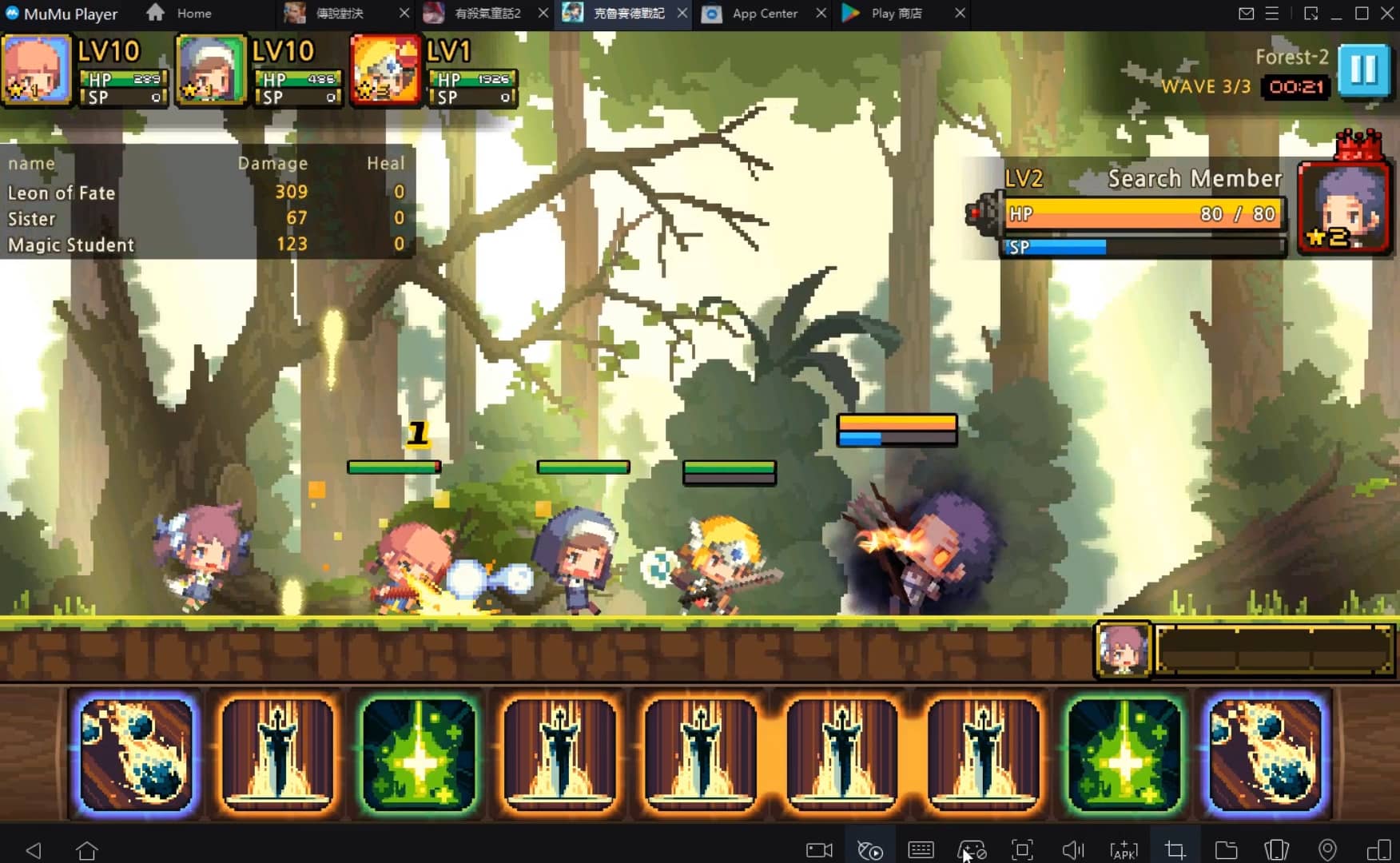
Get a 3-second startup with 52% less memory usage and 65% more stability. Enjoy 3-second startup, 52% less memory usage, and 65% greater stability on Apple Silicon Mac.
How to Download and Play Island Times: Easy Life on PC and Mac
Installation Guide
Download MuMuPlayer
Download MuMuPlayer and install it on your PC or Mac
Sign-in Google Store
Complete Google sign-in to access the Play Store
Search and Install
Search Island Times: Easy Life in the Play Store
Enjoy Gaming
Enjoy 120 FPS high-def gameplay with big screen
System Requirements
Windows PC
Vulkan / DirectX supported. 4 cores + 4GB RAM recommended. Up to 240 FPS. VT required.
macOS
Recommended: Apple Silicon Mac with 8GB RAM or above. Up to 240 FPS.