
Legend of Kingdoms: Idle RPG (macOS)
Play Legend of Kingdoms: Idle RPG on PC Play Legend of Kingdoms: Idle RPG on PC and Mac
Legend of Kingdoms: Idle RPG is a role playing game developed by Loongcheer Game that puts you in command of a growing army in a world of ancient civilizations and strategic warfare. Your task is to collect fighters, build powerful formations, and expand your kingdom through both idle progression and active battles. While the game is designed for mobile, you can play it on PC with MuMuPlayer, giving you a larger screen and precise controls to manage your troops and alliances more effectively.
The game offers a deep roster of over 44 fighters across four factions, each with unique skills that you can combine into ultimate lineups. A rebirth system lets you experiment freely with hero upgrades because you can recover all resources invested in a fighter, so there is no penalty for trying new strategies. Idle and auto-battle features mean your team keeps fighting even when you are not actively playing, and almost all modes can be skipped, making daily progress quick and efficient. You can also join alliances to conquer cities, raid resources, and compete with players worldwide in arena and team modes.
Playing Legend of Kingdoms: Idle RPG on PC with MuMuPlayer enhances every aspect of the game. The larger screen makes it easier to read battle reports, manage your hero roster, and plan alliance strategies. MuMuPlayer also provides stable performance and smooth controls, so you can switch between idle management and active warfare without hassle. Whether you are at your Windows desktop or using a MacBook, MuMuPlayer lets you enjoy the game on a bigger display with keyboard and mouse support, making it simpler to handle multiple tasks and stay on top of your kingdom's growth.
Download Legend of Kingdoms: Idle RPG on PC or Mac with MuMuPlayer, get a PC like gameplay along with smart control and high graphics performance.
MuMuPlayer, the top Android emulator for PC and Apple silicon Mac, delivers an optimal gaming experience with minimal RAM usage and high FPS. It also allows you to create multiple instances of the emulator and run several games simultaneously, thanks to its Multi-instance feature. Its advanced emulator features ensure smooth gameplay, even on low-end PCs.
Download and play Legend of Kingdoms: Idle RPG on PC or Mac with MuMuPlayer and start enjoying your gaming experience now.
About the Game
Legend of Kingdoms: Idle RPG invites you to step into the role of a lord in a world of ancient civilizations, where strategy, hero collection, and alliance warfare define your path to greatness. Developed by Loongcheer Game, this role playing game combines idle mechanics with deep tactical combat, allowing you to build and command a diverse army while progressing even when you are away. On PC with MuMuPlayer, you can experience the game on a larger screen with enhanced controls, making every decision from hero upgrades to alliance raids more engaging.
At the heart of the game is a robust hero collection system. You can recruit from over 44 fighters spanning four distinct factions, each possessing unique skills and abilities. Success depends on understanding these fighters and deploying them wisely to create ultimate lineups. Whether you prefer a balanced formation or a specialized team, the game encourages experimentation and strategic thinking. The rebirth system further supports this by allowing you to recover all resources invested in a fighter, so you can freely try different heroes and upgrade paths without fear of wasting materials. This feature is especially welcoming for newcomers who want to learn the game without penalties.
Idle and auto-battle mechanics ensure that your team continues to fight and gather resources even when you are not actively playing. Almost all game modes can be skipped, and daily quests can be completed in about ten minutes, making it easy to fit the game into a busy schedule. If your power greatly exceeds that of your enemies, you can smash through them quickly to earn resources. This blend of idle progression and active management means you can enjoy steady growth without constant attention.
War and conquest play a central role as you fight alongside your alliance to take control of the kingdom. You can clash with other players to capture cities and raid resources in the war zone, adding a competitive and cooperative layer to the experience. The game also emphasizes military tactics, encouraging you to learn and apply strategy in combat. Knowing your fighters well and leveraging faction bonuses and formations will help you defeat enemies across all modes. Your goal is to become the greatest lord, and every battle brings you closer.
Beyond alliance warfare, you can compete with players worldwide in the arena or team up with friends in team mode to conquer enemies together. The game's community features, including Facebook and Discord, provide spaces to connect with other players, share strategies, and get the latest game information. Generous rewards are available as you progress: you can log in to receive 400 free draws total, and by finishing the main story, you can earn three thousand draws, giving you plenty of opportunities to expand your roster.
Playing Legend of Kingdoms: Idle RPG on PC with MuMuPlayer adds significant convenience and performance benefits. The larger screen makes it easier to manage your heroes, read battle statistics, and coordinate with your alliance. MuMuPlayer offers smooth and stable performance, so you can switch between idle management and active warfare without lag. Keyboard and mouse controls provide precision when navigating menus and deploying troops. Whether you are using a Windows PC or a MacBook, MuMuPlayer allows you to play the game on a bigger display and with greater control, enhancing your overall strategy experience. For those using a Mac mini or an Apple Silicon chip like M1, M2, M3, M4, M5, M5 Pro, or M6, MuMuPlayer provides a reliable way to enjoy the game on macOS. Even on a Macintosh, you can play through MuMuPlayer, ensuring that PC and Mac users alike can lead their kingdoms effectively.
Emulator Features
Highest Android 15 Support Best Compatibility on Mac

With a smart button scheme and image recognition function, provide a more concise UI, and support custom button mapping to meet different needs. With a smart button scheme and image recognition, enjoy a cleaner UI and custom button mapping to fit different gaming needs on Mac.
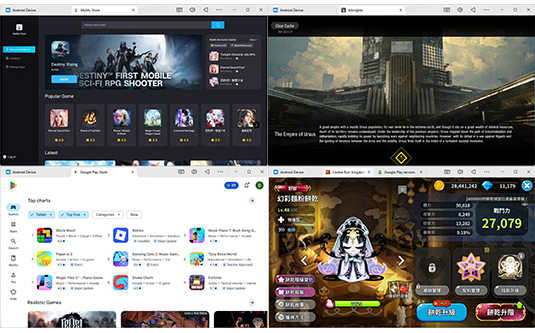
Run multiple games independently at the same time, easily manage multiple accounts, play games while hanging. Take your Mac gaming further with multiple independent instances, easy account management, and seamless AFK gaming on Apple Silicon Mac.

Break through FPS limit, and enjoy a seamless gaming experience without lag and delay! Break through FPS limits for a seamless, lag-free gaming experience on MacBook, Mac mini, iMac, and Mac Studio.
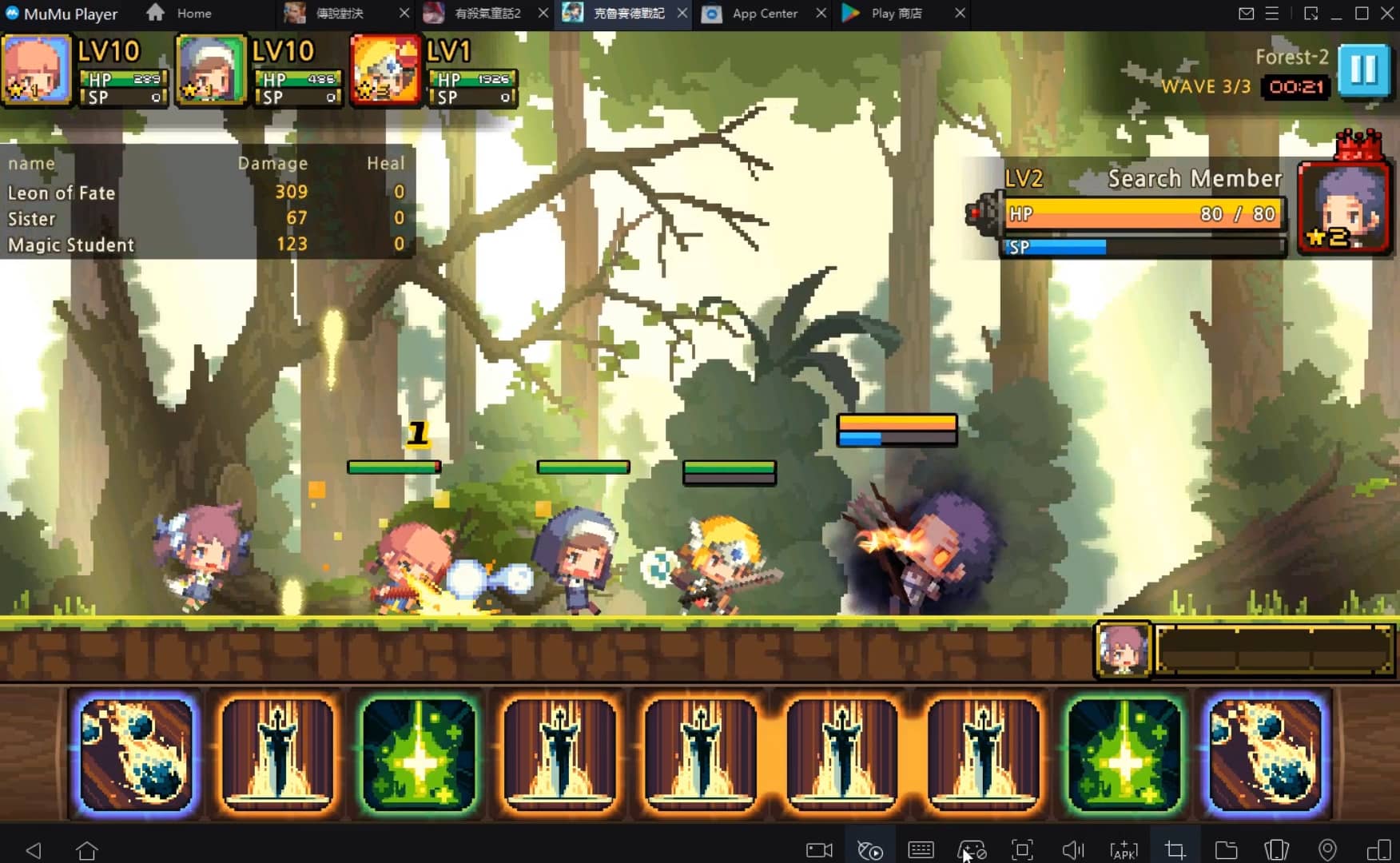
Get a 3-second startup with 52% less memory usage and 65% more stability. Enjoy 3-second startup, 52% less memory usage, and 65% greater stability on Apple Silicon Mac.
How to Download and Play Legend of Kingdoms: Idle RPG on PC and Mac
Installation Guide
Download MuMuPlayer
Download MuMuPlayer and install it on your PC or Mac
Sign-in Google Store
Complete Google sign-in to access the Play Store
Search and Install
Search Legend of Kingdoms: Idle RPG in the Play Store
Enjoy Gaming
Enjoy 120 FPS high-def gameplay with big screen
System Requirements
Windows PC
Vulkan / DirectX supported. 4 cores + 4GB RAM recommended. Up to 240 FPS. VT required.
macOS
Recommended: Apple Silicon Mac with 8GB RAM or above. Up to 240 FPS.