Play Lords Mobile: Kingdom Wars on PC and Mac
Lords Mobile is a strategy game developed by IGG.COM that drops you into a fractured world where empires are built through careful planning, powerful heroes, and relentless conquest. With the true Emperor gone, it falls to you to rise from humble beginnings, recruit a diverse cast of warriors ranging from dwarves and dark elves to mermaids and steampunk robots, and forge a kingdom strong enough to dominate all others. Playing on PC through MuMuPlayer brings this expansive world to a larger screen, giving you sharper visuals and more comfortable controls for managing everything your empire demands.
The game packs in a remarkable range of features that keep strategy enthusiasts engaged across dozens of hours. You can construct and upgrade buildings, push your research forward, train four distinct troop types across six different formations, and send a team of five heroes into an RPG-style campaign. Guild Expedition events let multiple guilds clash over territory without permanent troop losses, while larger events like Kingdom Versus Kingdom battles, Wonder Wars, and Darknest Invasions push guild cooperation to its limits. An Artifact Hall lets you uncover and enhance ancient relics that unlock additional layers of power, and the entire experience is presented through animated 3D battles that show off hero abilities in real time.
MuMuPlayer makes Lords Mobile significantly more manageable on PC, particularly when you are handling the constant stream of building timers, troop training queues, hero upgrades, and guild coordination that the game demands. The larger display makes troop formation planning and battle monitoring far clearer, while keyboard and mouse input gives you faster, more precise control during high-stakes events like Guild Wars and Battle Royals. For a strategy game built around sustained, detail-heavy empire management, playing through MuMuPlayer on PC is a genuine advantage.
About the Game
Lords Mobile puts you at the center of a world thrown into chaos after the fall of its ruling Emperor. No single power remains strong enough to hold the kingdoms together, and the contest to fill that void has drawn ambitious lords from every corner of the realm. Your task is to build an empire from the ground up, making smart decisions at every stage so that your civilization outlasts and overpowers everything that stands against it.
Building your kingdom is a layered process that rewards consistent attention. Constructing and upgrading your core buildings unlocks new capabilities, while a deep research system gradually improves your military strength, economic output, and defensive resilience. Troops are trained across four distinct types, and when battle arrives, you can organize them into six different formations to exploit weaknesses in enemy lineups. Pairing the right heroes with the right troops adds another dimension to your strategic planning.
Heroes sit at the heart of everything in Lords Mobile. You assemble a team of five, each drawn from a wide range of backgrounds and fantasy archetypes, including dwarves, dark elves, mermaids, and steampunk robots among many others. These heroes serve dual roles: they lead your armies into war as generals, and they fight through an RPG-style campaign that unfolds across a series of increasingly difficult stages. Leveling them up, equipping them properly, and choosing the right combination for each challenge is a game in itself.
Guild play is where Lords Mobile truly opens up. Joining a guild connects you with allies who share resources, coordinate attacks, and defend each other during wars. The events available to guild members are both varied and intense:
- Guild Expedition: A large-scale Guild vs Guild territorial battle where fallen troops are not permanently lost, letting you fight aggressively without long-term penalties.
- Kingdom Versus Kingdom: Cross-server warfare where your entire kingdom mobilizes against rival kingdoms for dominance.
- Wonder Wars and Battle Royals: Competitive events that test coordination and timing under pressure.
- Darknest Invasions: Cooperative challenges that push guilds to work together against a common threat.
Beyond combat, the Artifact Hall introduces a progression system centered on ancient relics. Discovering these artifacts and investing in their upgrades gradually unlocks powerful bonuses that complement your broader strategy. It is a long-term system that rewards players who plan ahead and stay engaged with the game over time.
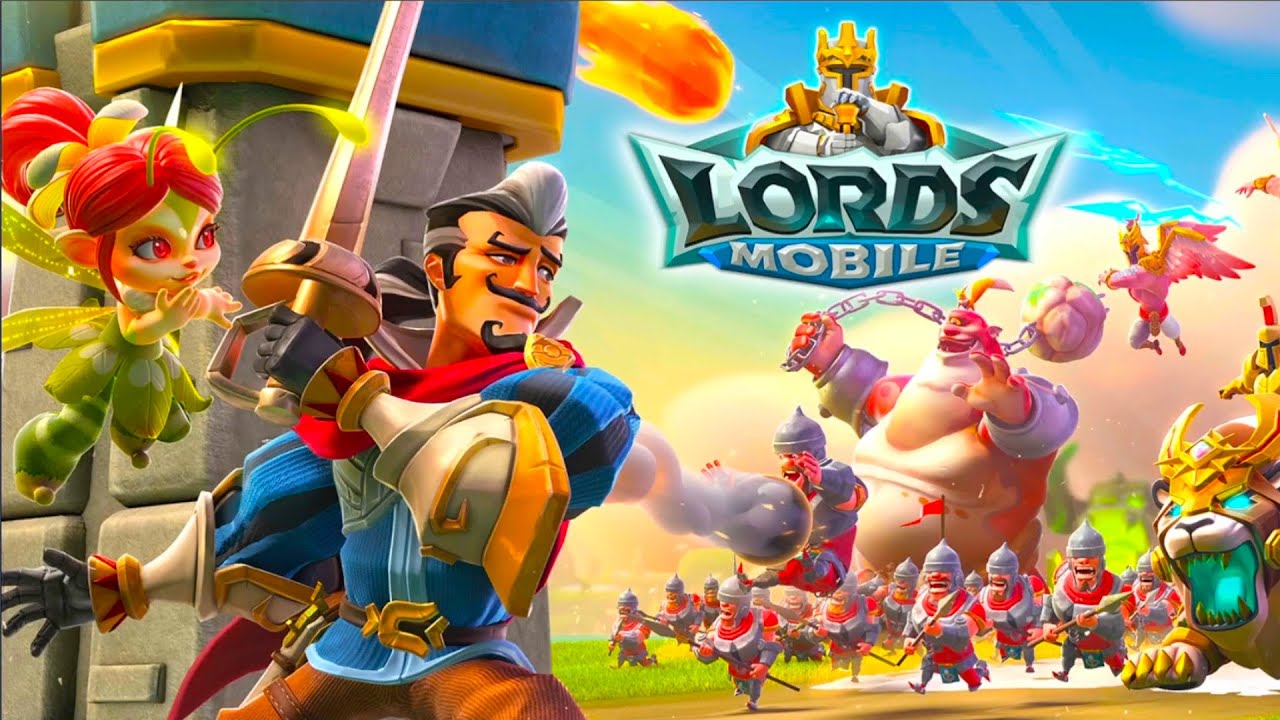
Visually, Lords Mobile presents its battles through animated 3D sequences that capture hero skills and army clashes with real energy. Watching your carefully assembled force take the field, with heroes unleashing their abilities in the middle of a full-scale confrontation, gives the strategy layer a satisfying sense of consequence.
With millions of players active across global servers, the competitive landscape stays alive at all hours. Forming the right alliances, timing your attacks, managing your resources, and climbing the ranks toward the throne is an ongoing challenge that evolves as your kingdom grows. Whether you are a new lord just learning the basics or a veteran coordinating guild campaigns across multiple events, Lords Mobile continues to offer meaningful goals at every level of play.
Emulator Features
Highest Android 15 Support Best Compatibility on Mac

With a smart button scheme and image recognition function, provide a more concise UI, and support custom button mapping to meet different needs. With a smart button scheme and image recognition, enjoy a cleaner UI and custom button mapping to fit different gaming needs on Mac.

Run multiple games independently at the same time, easily manage multiple accounts, play games while hanging. Take your Mac gaming further with multiple independent instances, easy account management, and seamless AFK gaming on Apple Silicon Mac.

Break through FPS limit, and enjoy a seamless gaming experience without lag and delay! Break through FPS limits for a seamless, lag-free gaming experience on MacBook, Mac mini, iMac, and Mac Studio.

Get a 3-second startup with 52% less memory usage and 65% more stability. Enjoy 3-second startup, 52% less memory usage, and 65% greater stability on Apple Silicon Mac.
How to Download and Play Lords Mobile: Kingdom Wars on PC and Mac
Installation Guide
Download MuMuPlayer
Download MuMuPlayer and install it on your PC or Mac
Sign-in Google Store
Complete Google sign-in to access the Play Store
Search and Install
Search Lords Mobile: Kingdom Wars in the Play Store
Enjoy Gaming
Enjoy 120 FPS high-def gameplay with big screen
System Requirements
Windows PC
Vulkan / DirectX supported. 4 cores + 4GB RAM recommended. Up to 240 FPS. VT required.
macOS
Recommended: Apple Silicon Mac with 8GB RAM or above. Up to 240 FPS.