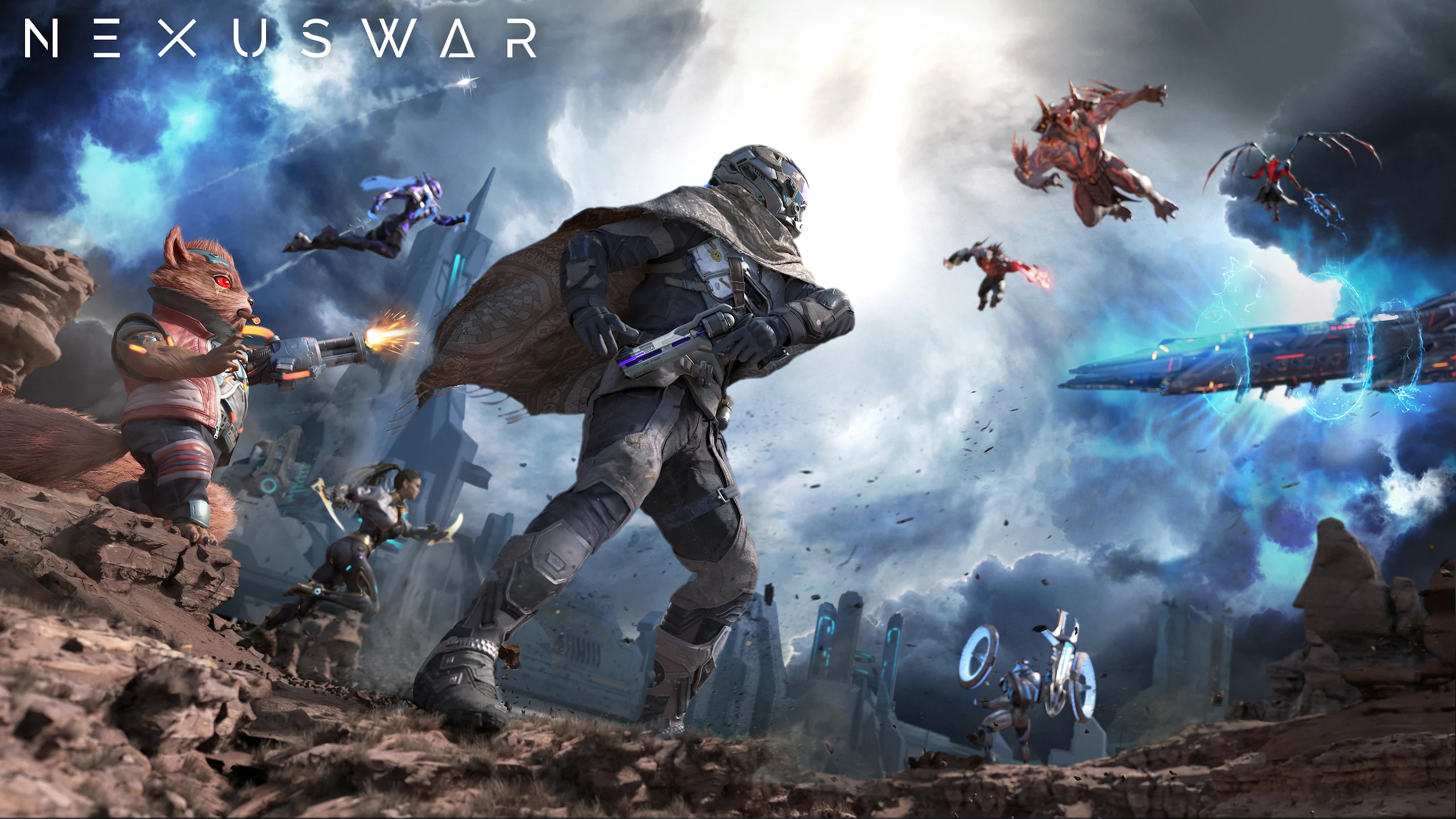
Play Nexus War: Civilization on PC and Mac
Download Nexus War: Civilization on PC or Mac with MuMuPlayer, get a PC like gameplay along with smart control and high graphics performance.
MuMuPlayer, the top Android emulator for PC and Apple silicon Mac, delivers an optimal gaming experience with minimal RAM usage and high FPS. It also allows you to create multiple instances of the emulator and run several games simultaneously, thanks to its Multi-instance feature. Its advanced emulator features ensure smooth gameplay, even on low-end PCs.
Download and play Nexus War: Civilization on PC or Mac with MuMuPlayer and start enjoying your gaming experience now.
About the Game
The Astra tore through the sky and descended upon Origin Star. The once vibrant cities were laid waste beyond recognition…
The end is nigh on Origin Star, and every race is fighting desperately in hopes to survive in the new age of terror…
As destiny chose you, you must now act. Raise an army and seek out the mightiest heroes from the four races of Origin Star – The Humans, Izans, Aokus, Theias, and unite them all to annihilate the Invaders of your home planet. Return Origin Star to its former glory!


********[Features]********
Freely Explore the Open World and Uncover the Mystery of Origin Star
Journey a path to uncover the truth of this world from relics and hidden treasures scattered across the monster-infested lands. Meet the natives of Origin Star and the four races that govern the planet. Navigate through deception and conflicts in the world to start or prevent war. Annihilate the Astra and bring new hope for the survivors.

In-Depth Strategic Battles
Command dozens of unlockable heroes from each race. Personalize your army from infantry, artillery, and tank units. Direct your army into the unknown and strategize against your enemies or overpower them with military might. Seek and destroy other players, capture resources, occupy fortresses, and join alliances. Experience the most exciting real-time war immediately!

Build, Design, and Personalize your City
Personalize and plan your city using the 4 available architectural styles from each race. Build mega structures like Titan Docks, Research Lab, Intelligence Building, and many more to design your city any way you want.

Take Part in Alliance Battles and Become the Ruler of Origin Star
Legend has it that whoever ascends the Infinity Throne gains absolute control and power of the entire planet. With the unparalleled power granted by the Throne, one can gain access to the rarest resources and technological advantage. Hunt down the deadliest monsters and defeat the strongest alliances. Earn your right to ascend the throne and become the ruler of Origin Star.

Official Facebook Page:https://www.facebook.com/Nexus-War-105668681957633
Contact us: support.nexuswar@phantixgames.com

Nexus War Team
Emulator Features
Highest Android 15 Support Best Compatibility on Mac

With a smart button scheme and image recognition function, provide a more concise UI, and support custom button mapping to meet different needs. With a smart button scheme and image recognition, enjoy a cleaner UI and custom button mapping to fit different gaming needs on Mac.

Run multiple games independently at the same time, easily manage multiple accounts, play games while hanging. Take your Mac gaming further with multiple independent instances, easy account management, and seamless AFK gaming on Apple Silicon Mac.

Break through FPS limit, and enjoy a seamless gaming experience without lag and delay! Break through FPS limits for a seamless, lag-free gaming experience on MacBook, Mac mini, iMac, and Mac Studio.

Get a 3-second startup with 52% less memory usage and 65% more stability. Enjoy 3-second startup, 52% less memory usage, and 65% greater stability on Apple Silicon Mac.
How to Download and Play Nexus War: Civilization on PC and Mac
Installation Guide
Download MuMuPlayer
Download MuMuPlayer and install it on your PC or Mac
Sign-in Google Store
Complete Google sign-in to access the Play Store
Search and Install
Search Nexus War: Civilization in the Play Store
Enjoy Gaming
Enjoy 120 FPS high-def gameplay with big screen
System Requirements
Windows PC
Vulkan / DirectX supported. 4 cores + 4GB RAM recommended. Up to 240 FPS. VT required.
macOS
Recommended: Apple Silicon Mac with 8GB RAM or above. Up to 240 FPS.