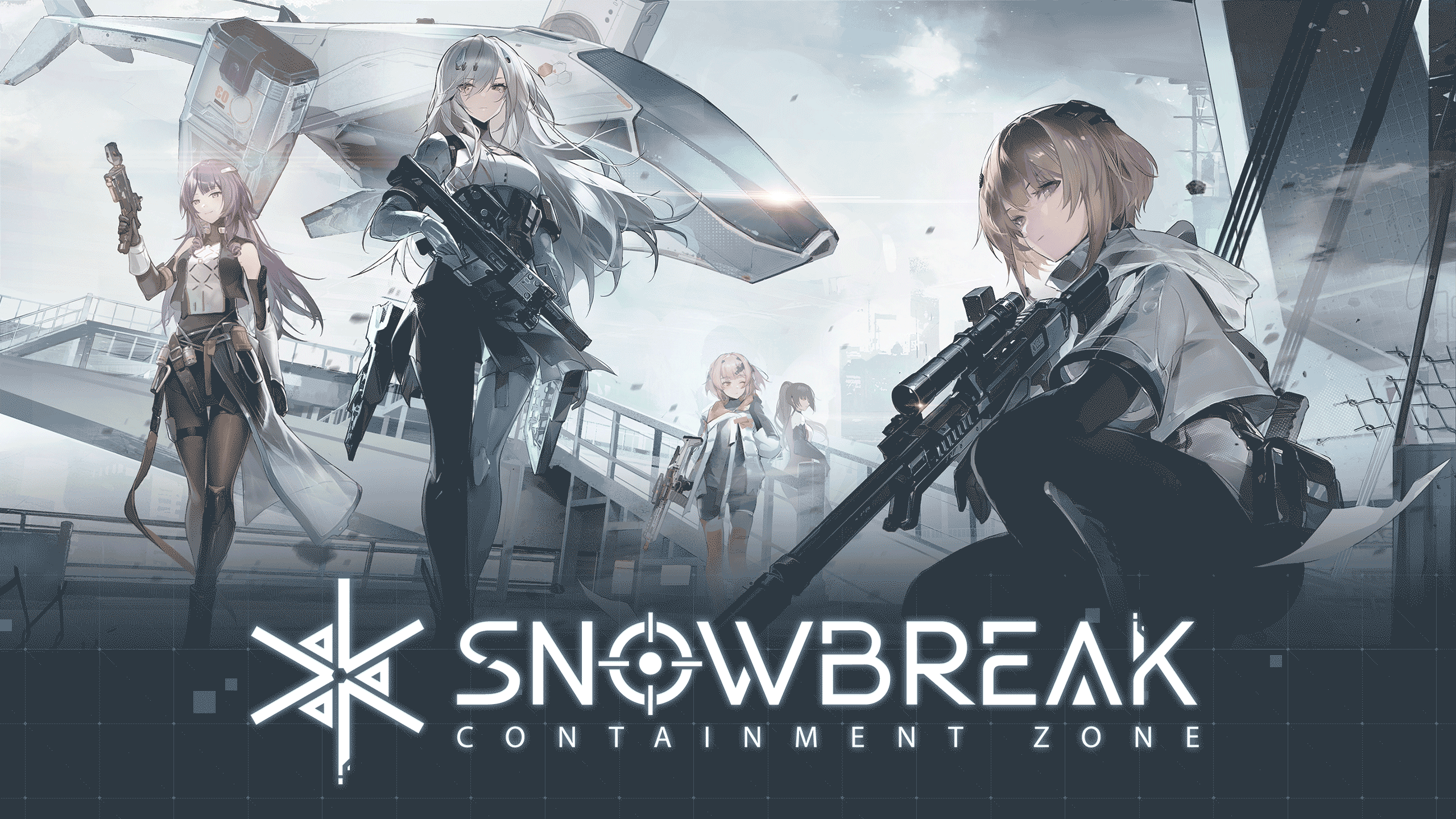
Play Snowbreak: Containment Zone on PC Play Snowbreak: Containment Zone on PC and Mac
Download Snowbreak: Containment Zone on PC with MuMuPlayer, get a PC like gameplay along with smart control and high graphics performance.
MuMuPlayer, the top Android emulator for PC and Apple silicon Mac, delivers an optimal gaming experience with minimal RAM usage and high FPS. It also allows you to create multiple instances of the emulator and run several games simultaneously, thanks to its Multi-instance feature. Its advanced emulator features ensure smooth gameplay, even on low-end PCs.
Download and play Snowbreak: Containment Zone on PC with MuMuPlayer and start enjoying your gaming experience now.
Download Snowbreak: Containment Zone on PC or Mac with MuMuPlayer, get a PC like gameplay along with smart control and high graphics performance.
MuMuPlayer, the top Android emulator for PC and Apple silicon Mac, delivers an optimal gaming experience with minimal RAM usage and high FPS. It also allows you to create multiple instances of the emulator and run several games simultaneously, thanks to its Multi-instance feature. Its advanced emulator features ensure smooth gameplay, even on low-end PCs.
Download and play Snowbreak: Containment Zone on PC or Mac with MuMuPlayer and start enjoying your gaming experience now.
About the Game
Snowbreak: Containment Zone is a 3D Waifu Sci-Fi RPG Shooter. Powered by the Unreal Engine 4, Snowbreak offers a next-gen, cross-platform gaming experience, sharing your progress across all of your devices.

The Descent of the Titans turned a once-vibrant city into the devastated wasteland of Containment Zone Aleph. As the Adjutant of Heimdall Force, bravely undertake missions alongside Manifestations with the powers of gods and unique personalities, seeking to bring this bitter winter to an end...

[Enjoy Hybrid Combat]
Snowbreak's weaponry injects realism into a sci-fi setting, with designs closely simulating future firearms technology. This combines with the otherworldly, RPG-like skill mechanic to create a refreshing combat experience.

[Take on Titans]
The Descent of the Titans completely changed the world, and the battlefield. Feel the thrill of battling giants in this dystopian future!

[Befriend Operatives]
Spend time with your Heimdall Force companions in the Base system. Decorate, chat, and give gifts to grow closer!

[Play Co-Op in Gigalink]
Tired of exploring alone? Join up with friends and fight enemies together!

-- Customer Support --
If you encounter any issues in game, feel free to contact us at any time~
Contact Method:
Settings → Other → Contact
Support Email: snowbreakcs@seasungames.com

-- Official Community --
Official Website: https://snowbreak.amazingseasun.com/
Discord: https://discord.gg/snowbreak
X(Twitter): https://twitter.com/SnowbreakEN
YouTube: https://youtube.com/@snowbreakEN
Reddit: https://www.reddit.com/r/SnowbreakOfficial
Instagram: https://www.instagram.com/snowbreaken_official
Facebook: https://facebook.com/SnowbreakEN"
Emulator Features
Highest Android 15 Support Best Compatibility on Mac

With a smart button scheme and image recognition function, provide a more concise UI, and support custom button mapping to meet different needs. With a smart button scheme and image recognition, enjoy a cleaner UI and custom button mapping to fit different gaming needs on Mac.

Run multiple games independently at the same time, easily manage multiple accounts, play games while hanging. Take your Mac gaming further with multiple independent instances, easy account management, and seamless AFK gaming on Apple Silicon Mac.

Break through FPS limit, and enjoy a seamless gaming experience without lag and delay! Break through FPS limits for a seamless, lag-free gaming experience on MacBook, Mac mini, iMac, and Mac Studio.

Get a 3-second startup with 52% less memory usage and 65% more stability. Enjoy 3-second startup, 52% less memory usage, and 65% greater stability on Apple Silicon Mac.
How to Download and Play Snowbreak: Containment Zone on PC and Mac
Installation Guide
Download MuMuPlayer
Download MuMuPlayer and install it on your PC or Mac
Sign-in Google Store
Complete Google sign-in to access the Play Store
Search and Install
Search Snowbreak: Containment Zone in the Play Store
Enjoy Gaming
Enjoy 120 FPS high-def gameplay with big screen
System Requirements
Windows PC
Vulkan / DirectX supported. 4 cores + 4GB RAM recommended. Up to 240 FPS. VT required.
macOS
Recommended: Apple Silicon Mac with 8GB RAM or above. Up to 240 FPS.