Star Wars™: Galaxy of Heroes (macOS)
Play Star Wars™: Galaxy of Heroes on PC Play Star Wars™: Galaxy of Heroes on PC and Mac
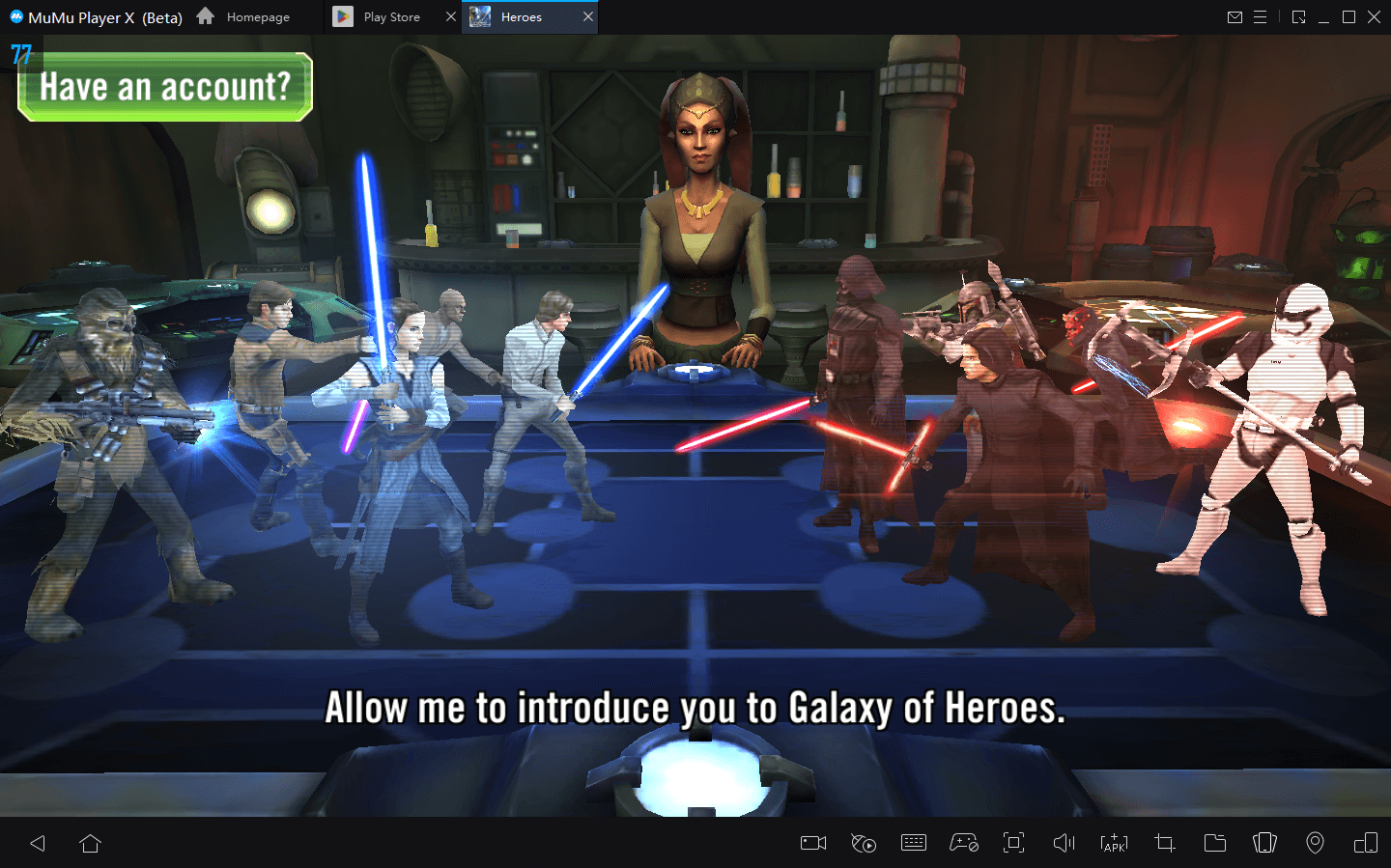
Star Wars: Galaxy of Heroes is a role-playing game developed by Electronic Arts that brings the entire Star Wars universe to your fingertips through a deep, strategy-driven experience. Players collect and command iconic characters spanning decades of Star Wars lore, from Luke Skywalker and Darth Vader to Ahsoka Tano and The Mandalorian, battling across cinematic turn-based encounters that reward careful planning and squad-building. The full breadth of this universe is now accessible on your computer when you run the game through MuMuPlayer.
At the heart of the experience is a roster system that lets you unlock legendary Jedi, Sith, bounty hunters, and rebels, then level them up, equip upgradable gear, and master their unique abilities in both PvE and PvP combat. Beyond individual battles, the game expands into fleet warfare where you command ships like the Millennium Falcon in tactical arena clashes, recruit pilots, and build a powerful armada. Guild-based Territory Battles and Wars let you team up with allies to tackle massive multiplayer challenges, while modes like Squad Arena, Galactic Challenges, and the Coliseum keep competitive players constantly engaged with rotating opponents and leaderboard rewards.
Playing Star Wars: Galaxy of Heroes on PC through MuMuPlayer brings real advantages to every aspect of the game. The larger screen gives you a clearer view of the battlefield, making it easier to read enemy formations, manage gear upgrades, and plan each turn with precision. MuMuPlayer also helps maintain a stable connection during Guild raids and real-time PvP sessions, so you never miss a critical moment in Territory Wars or Fleet Arena. Whether you are grinding through campaign stages, climbing arena rankings, or coordinating with your Guild, MuMuPlayer provides a smoother and more comfortable platform to experience everything the galaxy has to offer.
Download Star Wars™: Galaxy of Heroes on PC or Mac with MuMuPlayer, get a PC like gameplay along with smart control and high graphics performance.
MuMuPlayer, the top Android emulator for PC and Apple silicon Mac, delivers an optimal gaming experience with minimal RAM usage and high FPS. It also allows you to create multiple instances of the emulator and run several games simultaneously, thanks to its Multi-instance feature. Its advanced emulator features ensure smooth gameplay, even on low-end PCs.
Download and play Star Wars™: Galaxy of Heroes on PC or Mac with MuMuPlayer and start enjoying your gaming experience now.
About the Game
Few mobile games manage to capture the scale and depth of a beloved franchise the way Star Wars: Galaxy of Heroes does. Developed by Electronic Arts, this turn-based role-playing game invites players to build squads from one of the most extensive character rosters in mobile gaming, drawing from nearly every era of Star Wars storytelling. From the original trilogy to The Mandalorian and The Bad Batch, the characters you encounter feel authentic to their on-screen counterparts, complete with signature abilities and faction identities that influence how you approach every fight.
The foundation of the game is collection and progression. You earn character shards through battles, events, and various game modes, gradually unlocking and promoting heroes to higher power tiers. Once unlocked, each character can be leveled up, equipped with gear across multiple upgrade slots, and trained to unlock new or enhanced abilities. The roster spans Jedi like Obi-Wan Kenobi and Yoda, Sith lords like Darth Vader, smugglers like Han Solo, and bounty hunters who follow their own code entirely. Building a well-balanced squad means understanding faction synergies, role assignments, and the turn-based combat mechanics that reward strategy over raw power.
Key features across the game include:
- Turn-based squad combat with upgradable abilities, gear tiers, and faction bonuses that shape battle outcomes
- A massive character roster covering heroes and villains from across Star Wars films, animated series, and expanded content
- Fleet Arena mode where you recruit pilots, command capital ships, and engage in large-scale tactical space battles
- The Coliseum, featuring a rotating selection of powerful opponents such as the Dyax, Jotaz, and Pirate AT-ST, with leaderboard rewards for top performers
- Guild-based content including Territory Battles, Territory Wars, and cooperative raids against formidable bosses like rancors and AAT tanks
- Competitive modes such as Squad Arena, Galactic Challenges, and online PvP that keep the endgame active and rewarding
The social dimension of the game adds another layer of long-term investment. Joining a Guild opens access to raid content and coordinated Territory Wars that require teamwork, planning, and consistent participation. These multi-phase events reward guilds that communicate well and assign the right squads to the right territories, making guild membership feel genuinely meaningful rather than cosmetic.
Special battles and challenges tied to moments from The Mandalorian, The Last Jedi, and other Star Wars properties give the game a cinematic quality that goes beyond standard RPG progression. Signature moves like Han Solo's "Never Tell Me the Odds" and Obi-Wan Kenobi's "Mind Tricks" feel pulled directly from the films, giving each character a personality that resonates with fans.
For players who want to enjoy all of this on a bigger screen with a stable connection, running the game through MuMuPlayer on PC is a practical choice that enhances both comfort and control across every game mode.
Emulator Features
Highest Android 15 Support Best Compatibility on Mac

With a smart button scheme and image recognition function, provide a more concise UI, and support custom button mapping to meet different needs. With a smart button scheme and image recognition, enjoy a cleaner UI and custom button mapping to fit different gaming needs on Mac.

Run multiple games independently at the same time, easily manage multiple accounts, play games while hanging. Take your Mac gaming further with multiple independent instances, easy account management, and seamless AFK gaming on Apple Silicon Mac.

Break through FPS limit, and enjoy a seamless gaming experience without lag and delay! Break through FPS limits for a seamless, lag-free gaming experience on MacBook, Mac mini, iMac, and Mac Studio.

Get a 3-second startup with 52% less memory usage and 65% more stability. Enjoy 3-second startup, 52% less memory usage, and 65% greater stability on Apple Silicon Mac.
How to Download and Play Star Wars™: Galaxy of Heroes on PC and Mac
Installation Guide
Download MuMuPlayer
Download MuMuPlayer and install it on your PC or Mac
Sign-in Google Store
Complete Google sign-in to access the Play Store
Search and Install
Search Star Wars™: Galaxy of Heroes in the Play Store
Enjoy Gaming
Enjoy 120 FPS high-def gameplay with big screen
System Requirements
Windows PC
Vulkan / DirectX supported. 4 cores + 4GB RAM recommended. Up to 240 FPS. VT required.
macOS
Recommended: Apple Silicon Mac with 8GB RAM or above. Up to 240 FPS.