Play Valiant Ark on PC Play Valiant Ark on PC and Mac
Download Valiant Ark on PC with MuMuPlayer, get a PC like gameplay along with smart control and high graphics performance.
MuMuPlayer, the top Android emulator for PC and Apple silicon Mac, delivers an optimal gaming experience with minimal RAM usage and high FPS. It also allows you to create multiple instances of the emulator and run several games simultaneously, thanks to its Multi-instance feature. Its advanced emulator features ensure smooth gameplay, even on low-end PCs.
Download and play Valiant Ark on PC with MuMuPlayer and start enjoying your gaming experience now.
Download Valiant Ark on PC or Mac with MuMuPlayer, get a PC like gameplay along with smart control and high graphics performance.
MuMuPlayer, the top Android emulator for PC and Apple silicon Mac, delivers an optimal gaming experience with minimal RAM usage and high FPS. It also allows you to create multiple instances of the emulator and run several games simultaneously, thanks to its Multi-instance feature. Its advanced emulator features ensure smooth gameplay, even on low-end PCs.
Download and play Valiant Ark on PC or Mac with MuMuPlayer and start enjoying your gaming experience now.
About the Game
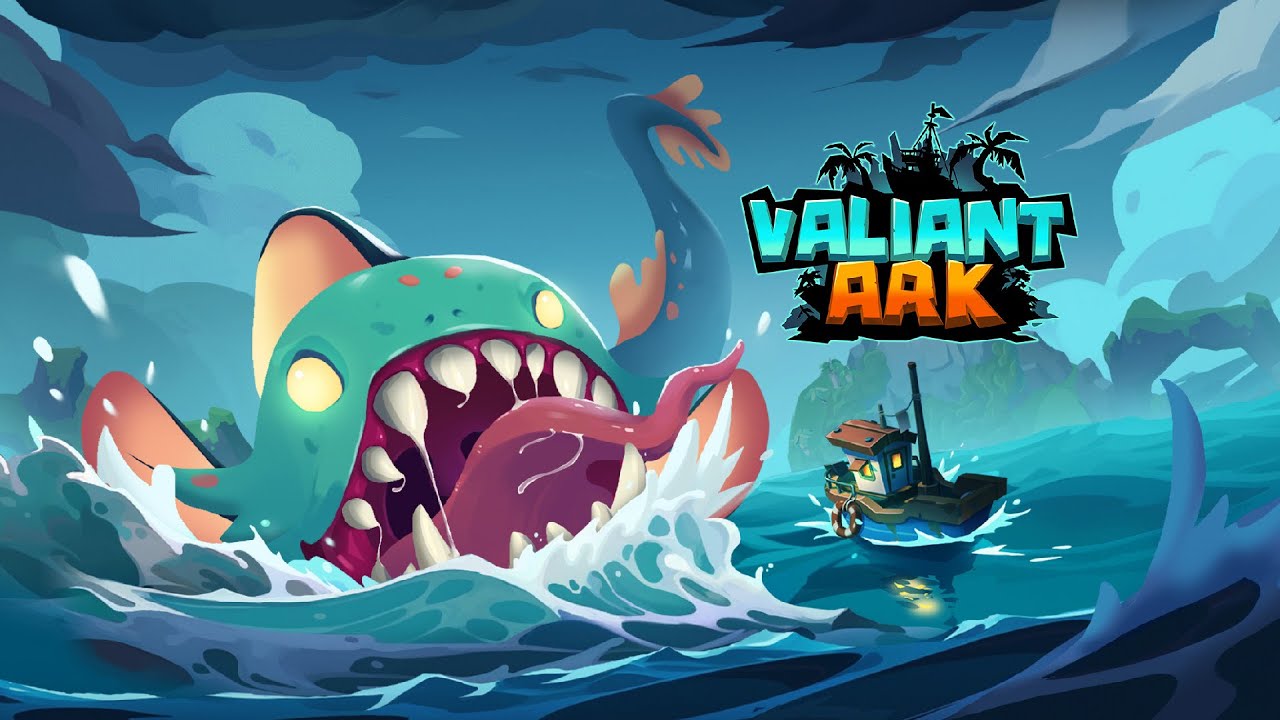
[Valiant Ark] tells the story of a post-apocalyptic world submerged in water. You play the role of a brave adventurer and the leader of a survivor settlement. Faced with swiftly deteriorating survival conditions, you must lead your people and other Heroes to explore unknown waters and find a way to resolve the tsunami crisis.

Explore the Waters
☆ Explore a submerged world to find city ruins, seaside resorts, and abandoned factories.
☆ Uncover secrets hidden in the waters by exploring unknown territories.

Island Adventure
☆ Lead Heroes with different abilities to team up for adventures on unknown islands.
☆ Challenge various mutants, harvest valuable survival resources, and lay the foundation for the settlement's future development.

Hero Development
☆ Uncover surviving talents after the apocalypse and assemble a formidable team of Heroes.
☆ Identify each Hero's unique abilities and skills to create strategic combos that can easily overcome all threats and crises!

Homeland Rebuild
☆ Use the abundant resources obtained during adventures to bring hope and ensure survival for your people.
☆ Learn advanced disaster prevention technology and knowledge from other regions, repair and upgrade settlement buildings, gradually creating an ideal homeland.

Are you prepared for the life-and-death struggle against the tsunami? In [Valiant Ark], bravely face the catastrophe and fight for survival!
Emulator Features
Highest Android 15 Support Best Compatibility on Mac

With a smart button scheme and image recognition function, provide a more concise UI, and support custom button mapping to meet different needs. With a smart button scheme and image recognition, enjoy a cleaner UI and custom button mapping to fit different gaming needs on Mac.

Run multiple games independently at the same time, easily manage multiple accounts, play games while hanging. Take your Mac gaming further with multiple independent instances, easy account management, and seamless AFK gaming on Apple Silicon Mac.

Break through FPS limit, and enjoy a seamless gaming experience without lag and delay! Break through FPS limits for a seamless, lag-free gaming experience on MacBook, Mac mini, iMac, and Mac Studio.

Get a 3-second startup with 52% less memory usage and 65% more stability. Enjoy 3-second startup, 52% less memory usage, and 65% greater stability on Apple Silicon Mac.
How to Download and Play Valiant Ark on PC and Mac
Installation Guide
Download MuMuPlayer
Download MuMuPlayer and install it on your PC or Mac
Sign-in Google Store
Complete Google sign-in to access the Play Store
Search and Install
Search Valiant Ark in the Play Store
Enjoy Gaming
Enjoy 120 FPS high-def gameplay with big screen
System Requirements
Windows PC
Vulkan / DirectX supported. 4 cores + 4GB RAM recommended. Up to 240 FPS. VT required.
macOS
Recommended: Apple Silicon Mac with 8GB RAM or above. Up to 240 FPS.