Free Trial & Purchase/Renew Membership
MuMuPlayer for Mac offers a 7-day free trial for Mac devices that have not previously used it. After the trial period ends, you will need to pay for membership to continue using the service. Please refer to the instructions below for the free trial and membership purchase:
1. Log In
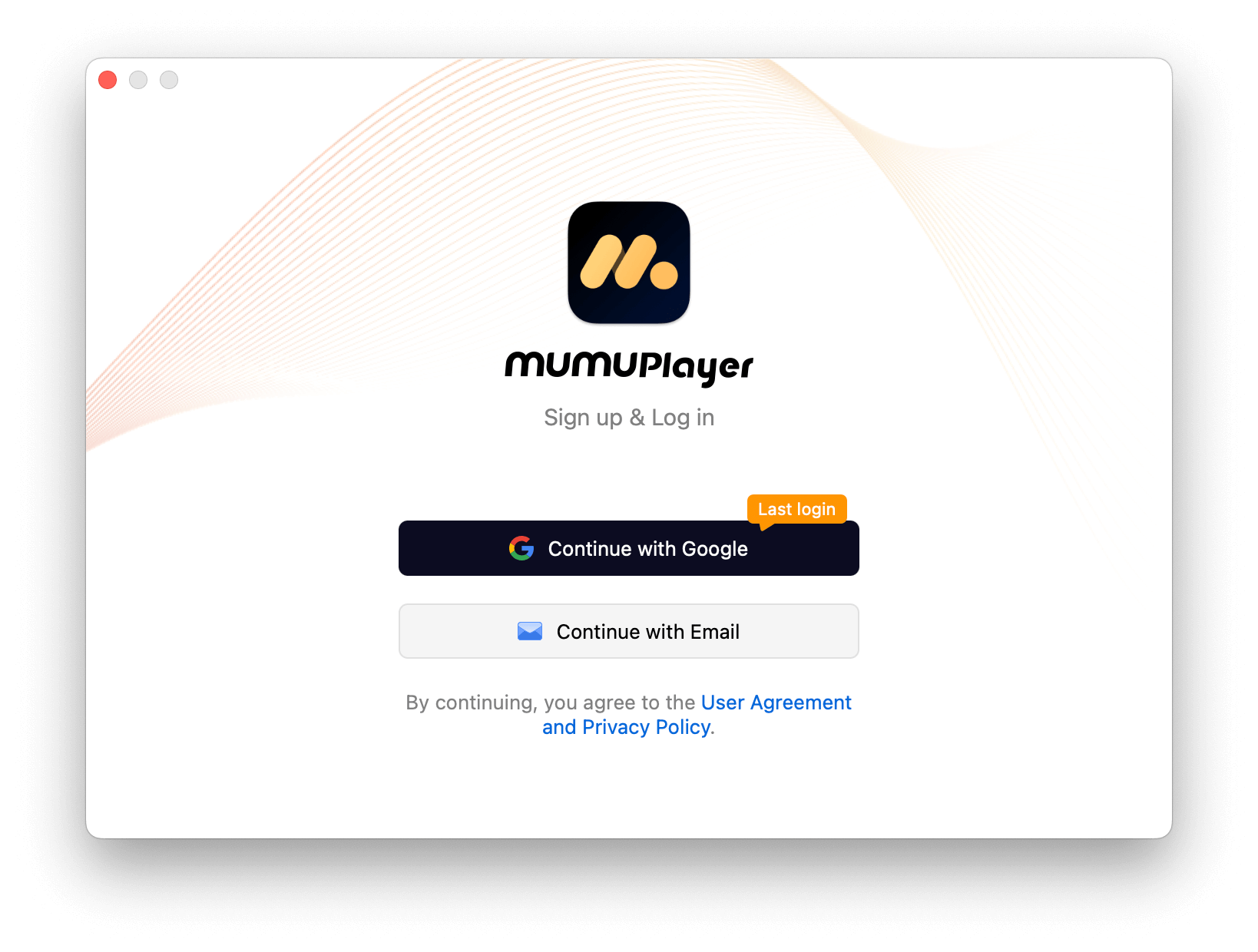
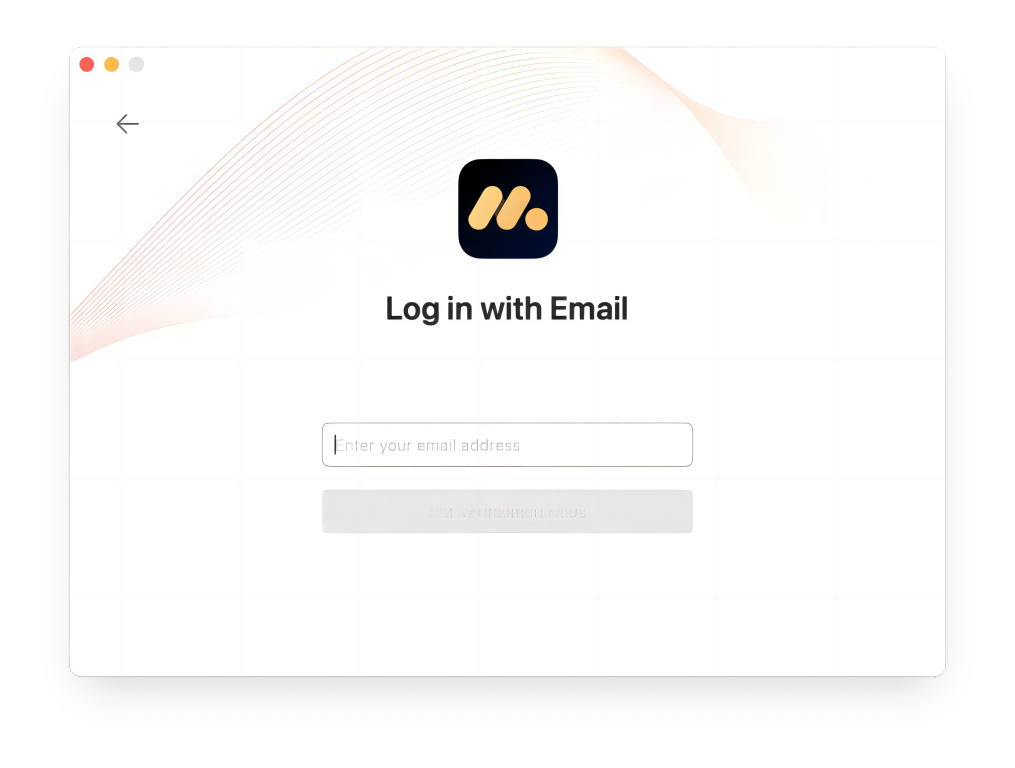
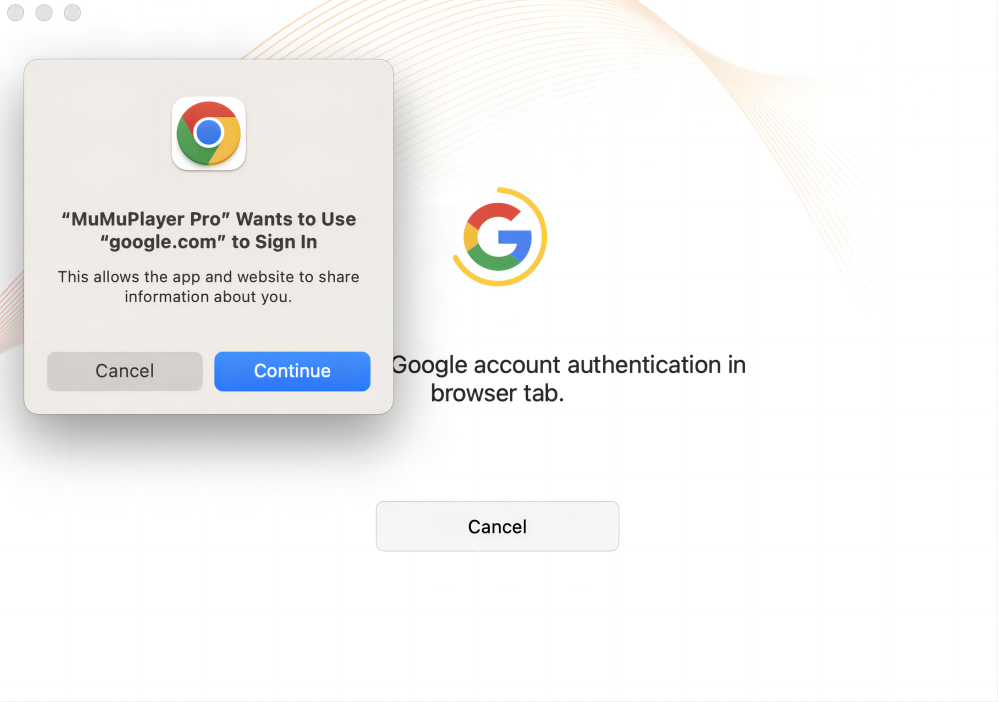
First, register and log in to the product. You can choose to register with your email or Google account. For email registration, retrieve the verification code from your email and enter it on the login page. For Google account registration, complete Google account authentication in the browser tab.
2. Free Trial
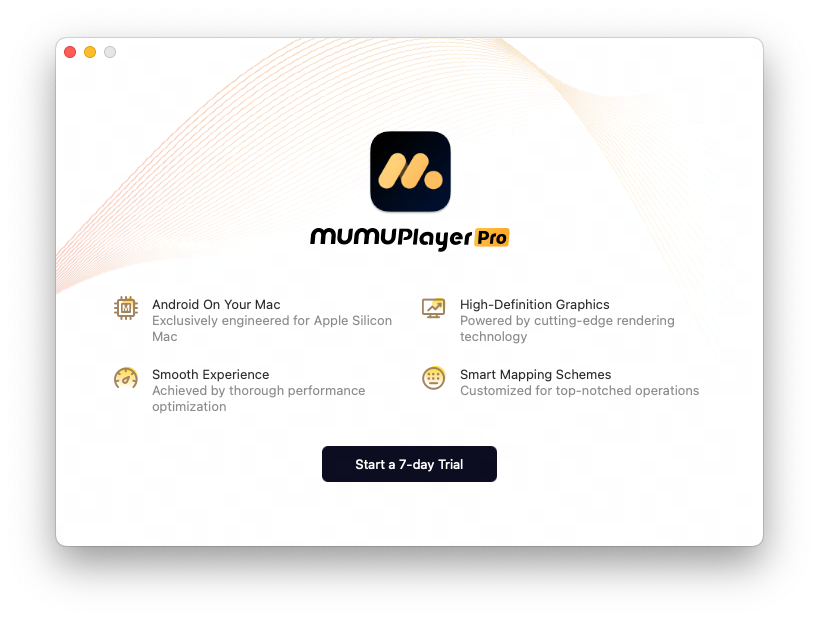
We provide free trial access for Mac devices that have not used MuMuPlayer for Mac before. After logging in, a trial pop-up will appear. Click "Start a 7-day trial" to begin. After 7 days, payment is required to continue using the service.
3. Membership Purchase/Renew
After your trial or subscription expires, you can purchase or renew your membership using these two methods:
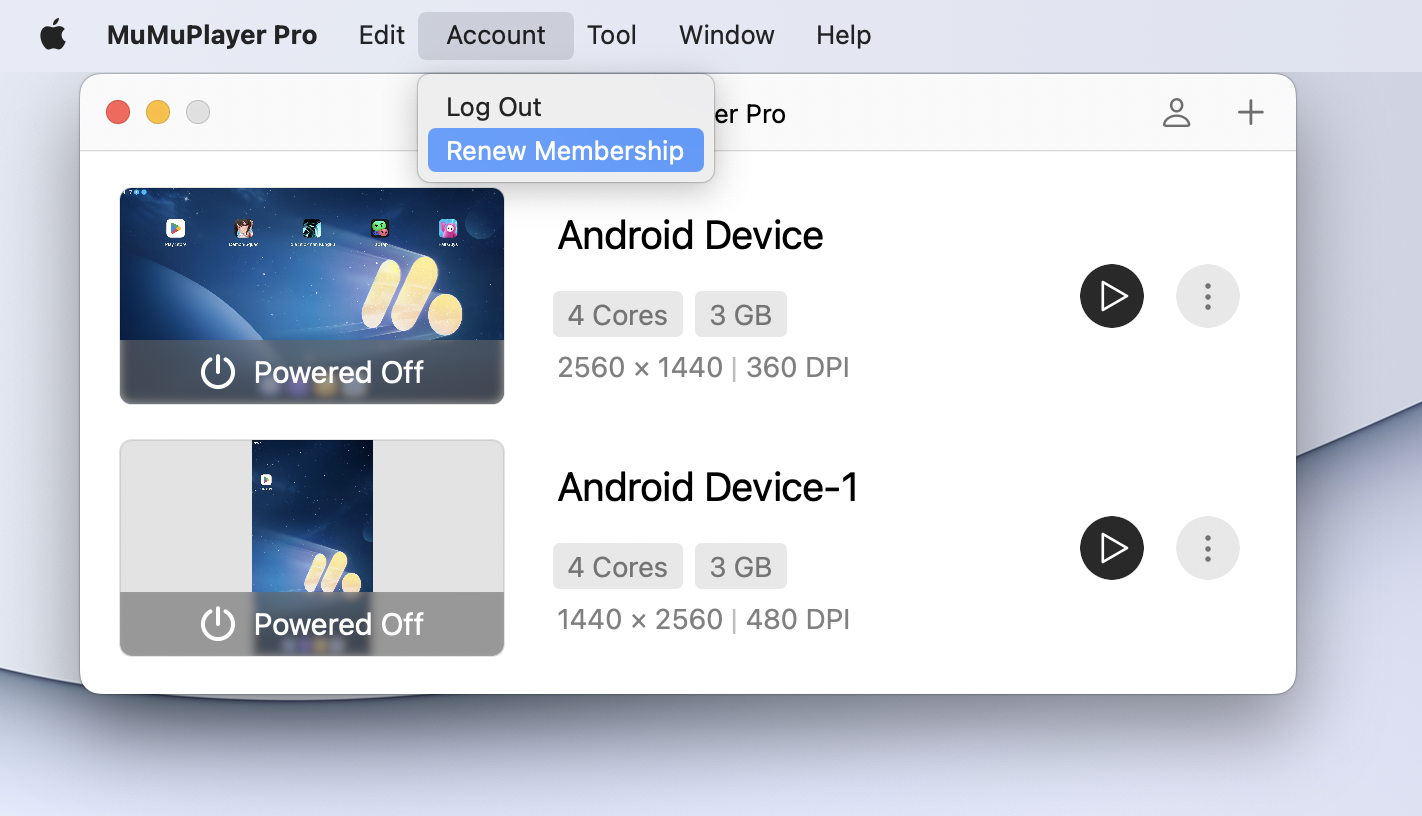
(1) Click "Account - Purchase/Renew Membership" in the Mac menu bar to open the purchase window.
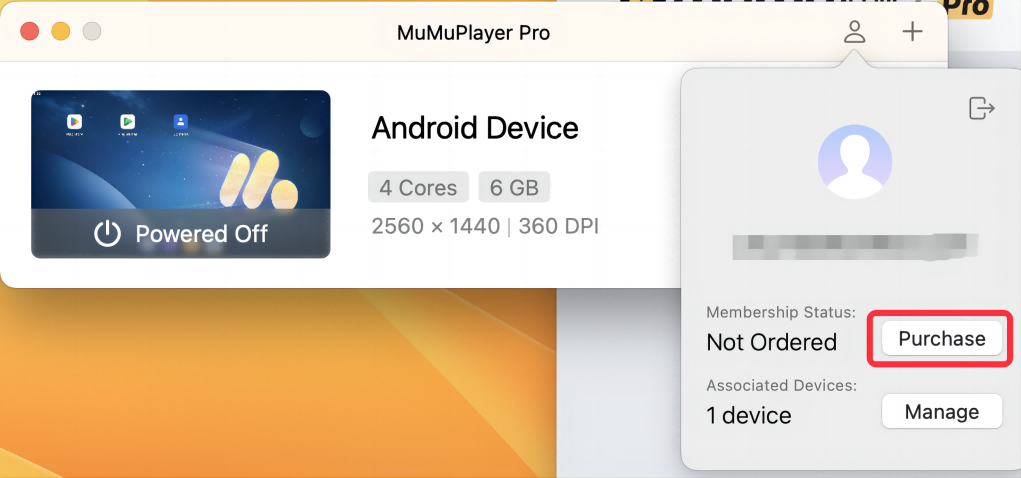
(2) From the main interface, click "Personal Center" at the top, then "Purchase/Renew" to open the purchase window.
We offer 30-day, 90-day, and 365-day memberships after the product is officially launched. During the beta period, we only offer a 30-day membership plan. Please choose according to your needs. For payment, we currently support Credit Card, Apple Pay, and PayPal. Please complete your purchase through these channels.
Once the purchase is successful, you'll see the new membership expiration date. Remember to renew before your membership expires to ensure uninterrupted service.
End of Article