Installing MuMuPlayer for Mac: A Quick Guide
MuMuPlayer for Mac is an Android emulator exclusively for Apple Silicon Mac. Please follow the steps below to complete the installation.
1. Download MuMuPlayer for Mac: Click on "Download for Mac" and download the dmg installer file.
2. Open the Installer file: Once downloaded, double-click the dmg installer file.
Note: MacOS 14.4 beta users may need to check our "Installation Failure for Apple Silicon Mac" if double-clicking fails.
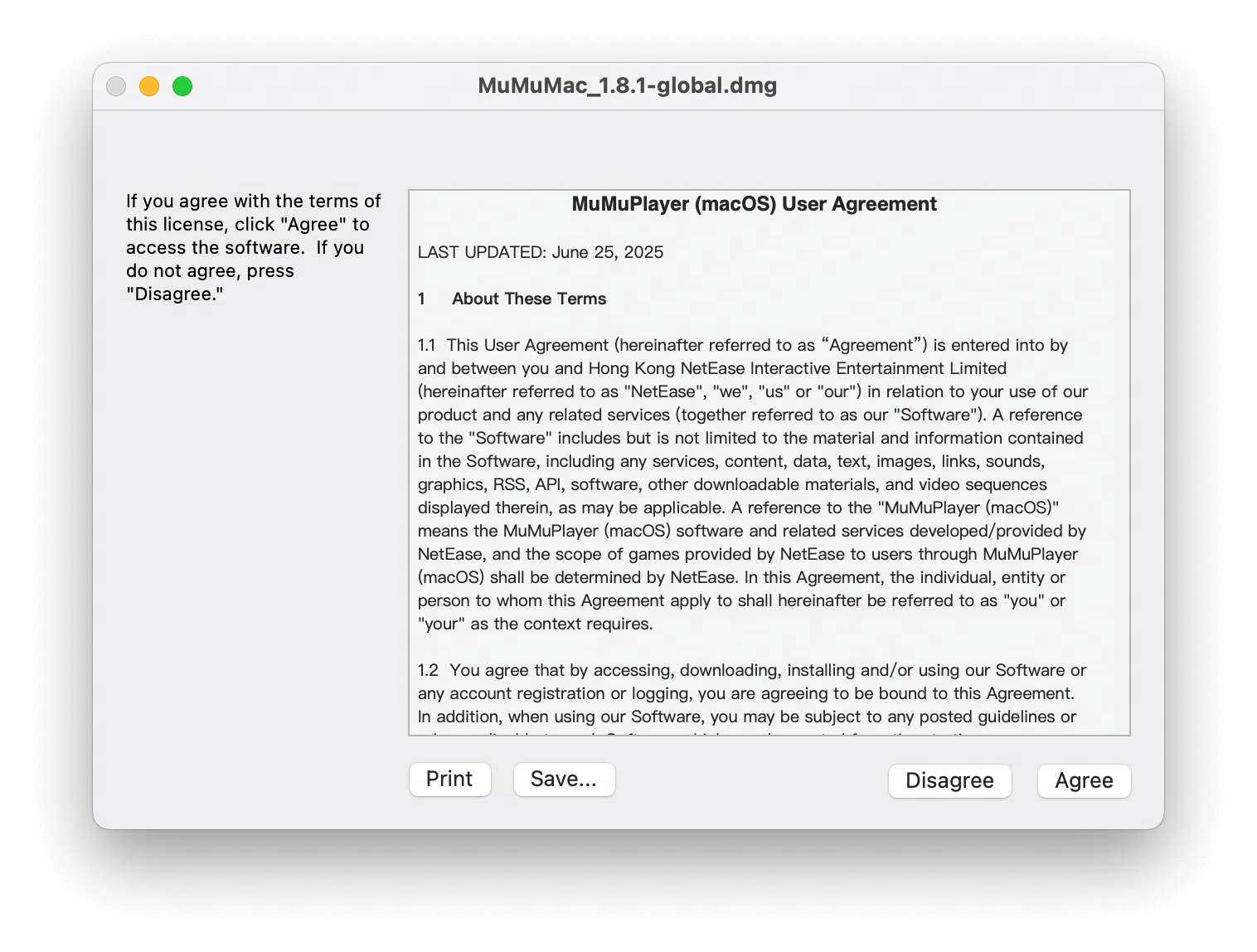
3. Agree to Policy: The User Agreement and Privacy Policy will pop up before you finish the installation. Read and agree to proceed.
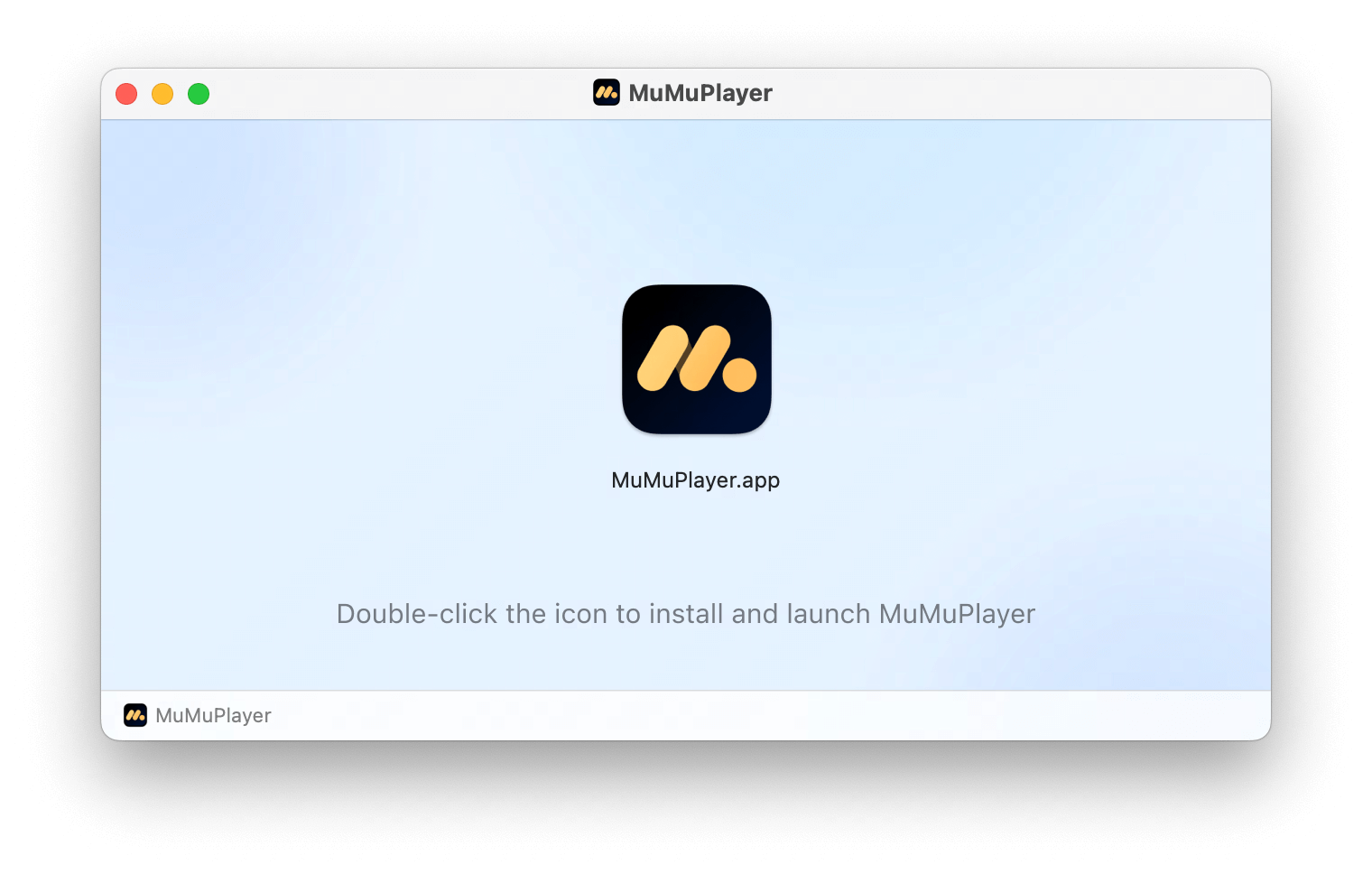
4. Double-click to Install: Double-click the "MuMuPlayer for Mac" icon to complete the installation.
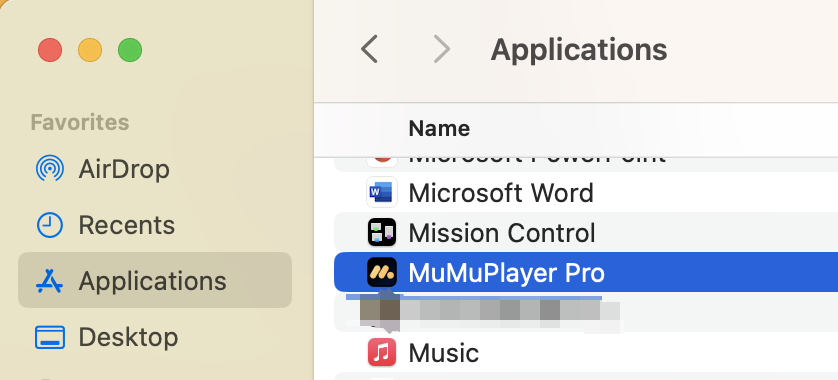
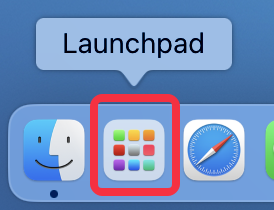
5. Launch and Go: Find MuMuPlayer for Mac in your Applications or Launchpad, double-click to open it.
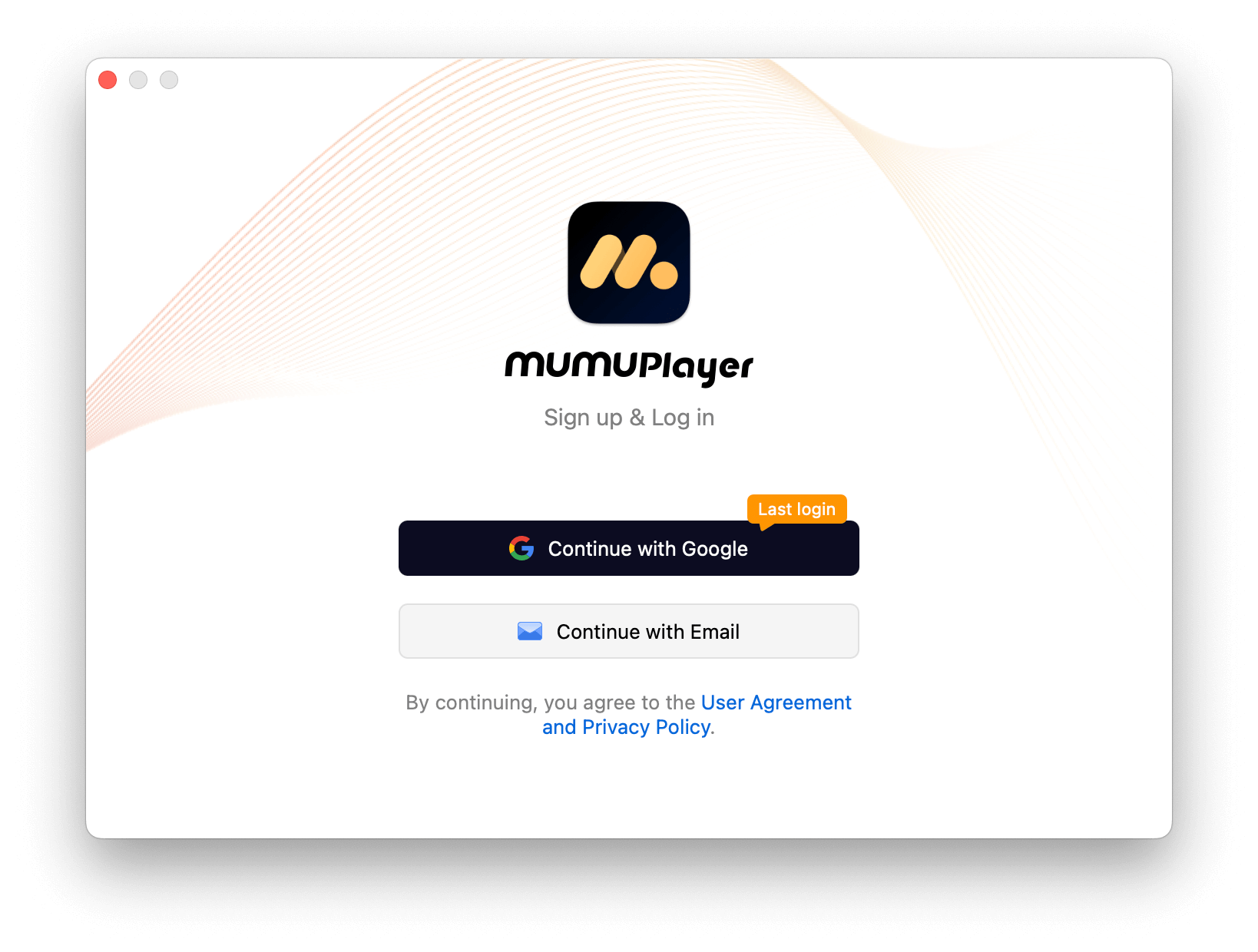
When the login page pops up, you're set!>
For any issues encountered during installation, feel free to join our Discord Community and consult with our official support team for assistance.
End of Article