MuMuPlayer App cloner guide
MuMuPlayer has now launched the App Cloner feature. You can click the function menu in the upper right corner of MuMuPlayer - App Cloner to perform multi-instance operations for applications.
Note: MuMuPlayer must be version 3.5.5 or above to use this feature. Click here to get the latest version
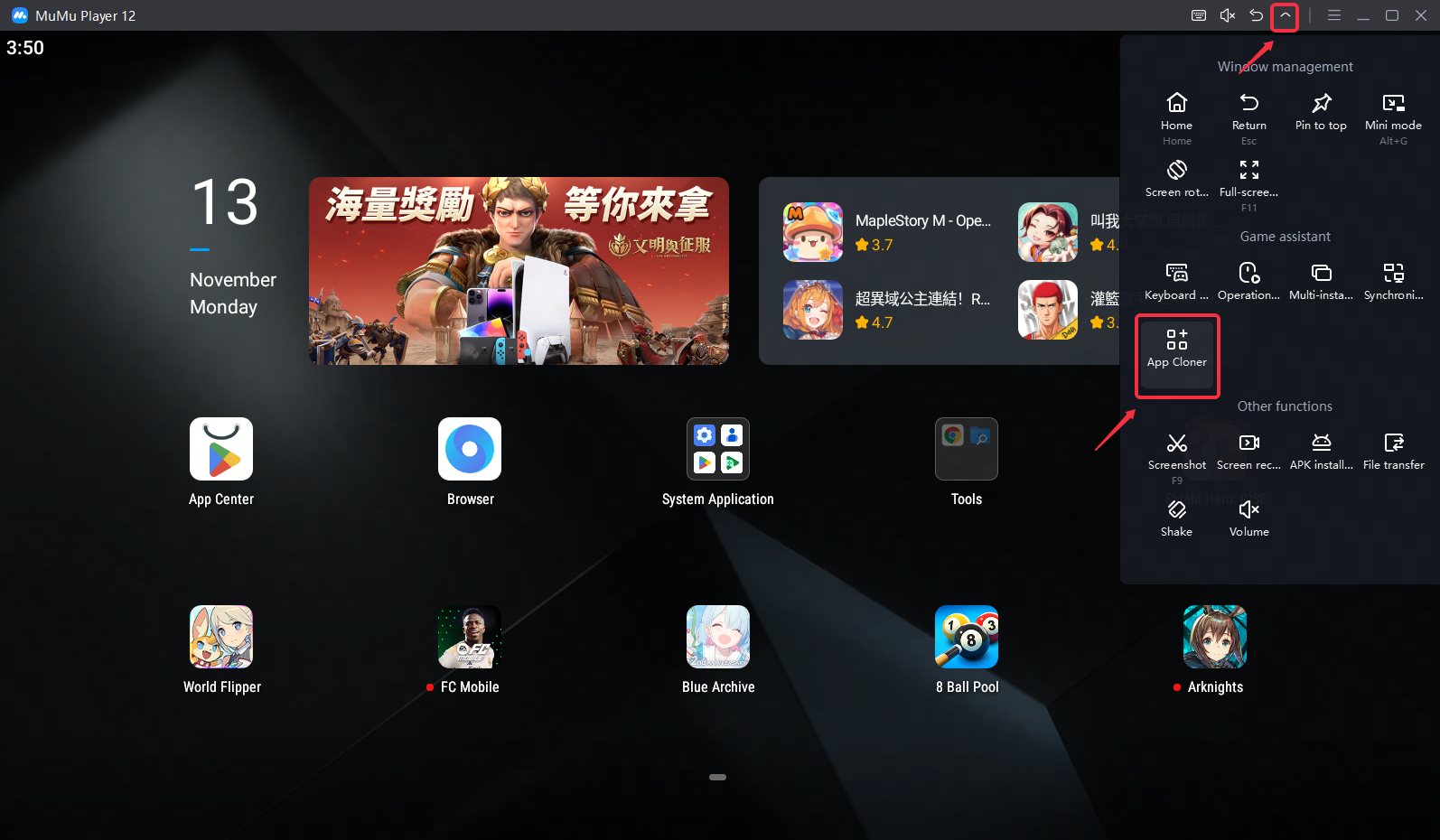
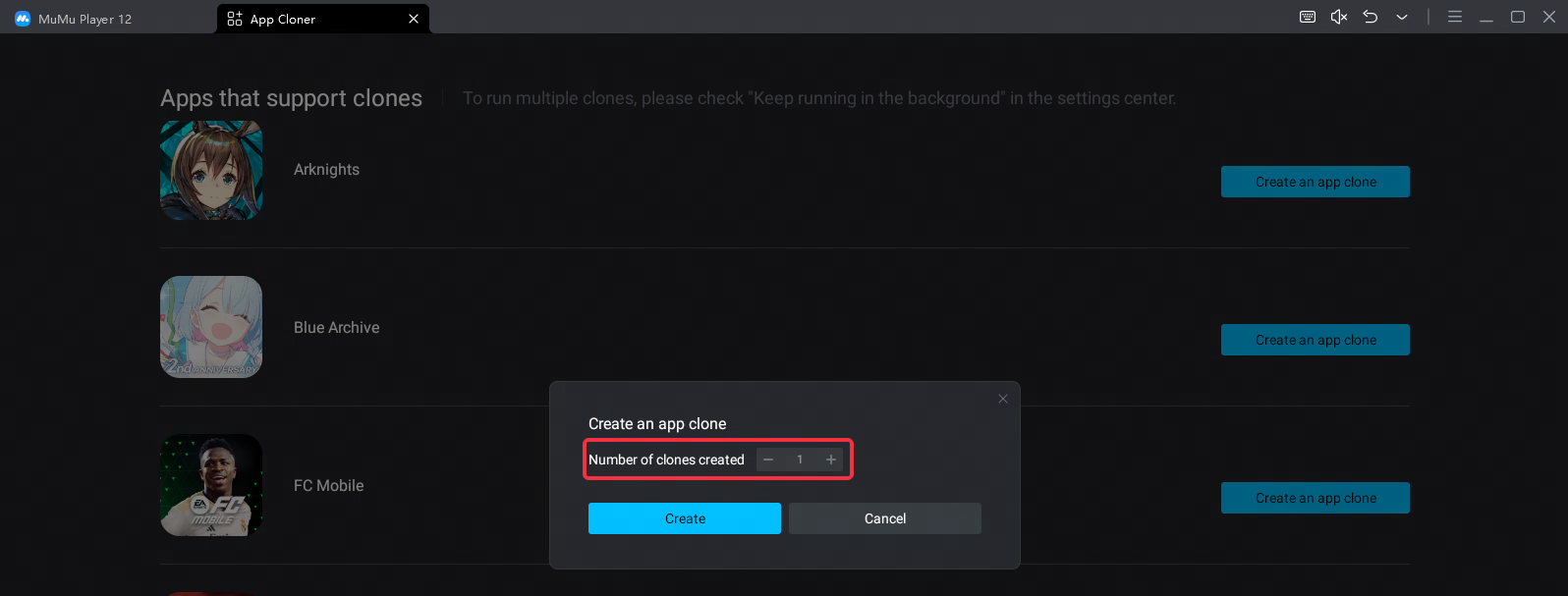
After entering the application multi-opening function interface, click "Create an app clone" to perform the multi-opening operation for the application.
Note: There is a limit of 9 clones, and game resources need to be re-downloaded for multiple apps.
If you need to run multiple applications at the same time, you can click the menu in the upper right corner of the emulator - Settings, click - Other, and enable Keep running in the background to run multiple applications simultaneously.
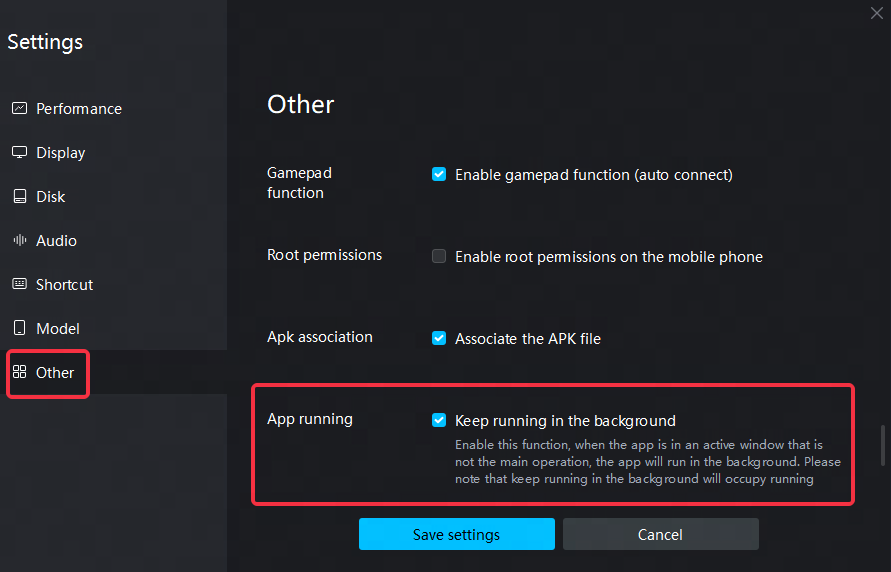
Note: When the background app running function is enabled, the current version of scripts (such as MAA, ALAS) that use the screenshot function will be invalid, and this function needs to be turned off to run the scripts normally.
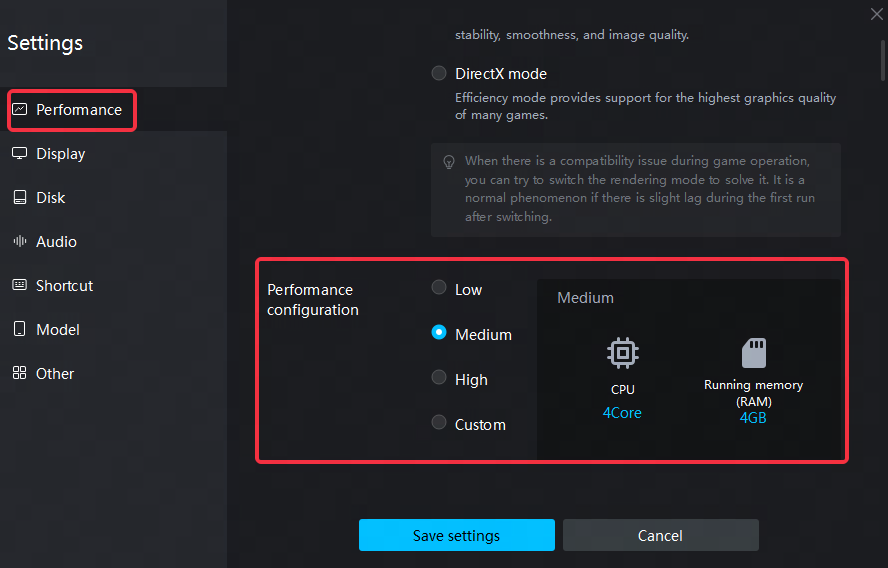
In addition, the more applications/games running simultaneously in a single emulator, the higher the required performance setting requirements, and the emulator performance settings can be adjusted as appropriate according to the performance of the computer.
Note: If Keep running in the background is not enabled, just keep the original performance settings.
End of Article