Enabling VT in Toshiba PCs
Jul 3, 2025
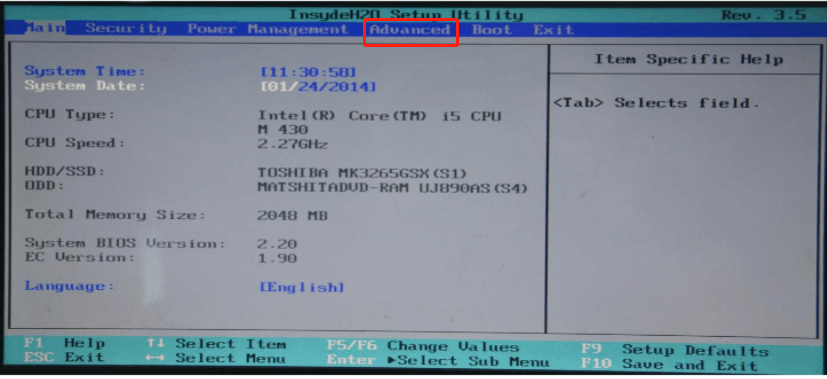
1. Reboot your PC and access BIOS:
Right on the first interface after booting, repeatedly press " F2/F1/ESC" to access BIOS.
Remark: (What if I keep on failing to access BIOS because the startup happens too fast?)
2. Find the setting and enable VT:
Go to "Advanced" → Virtualization Technology → Change it from "Disabled" to "Enabled" → Press F10 to save the setting and exit.
Remark: Different motherboard models may use different names for the term VT, some of the common ones include:
"Intel(R) Virtualization Technology", "Virtual", "Virtualization", "VT-X", and "SVM".
End of Article
Keyword: