What should I do if the game crashes multiple times during playing?
When using the MuMu player, some users may encounter the situation that the game crashes many times during the running process. If the user encounters such a situation, and if restarting the emulator still cannot solve the problem, you can refer to the following methods to try.
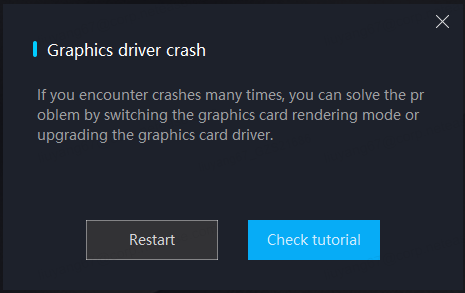
1. Switch the graphics rendering mode setting of the MuMu emulator:
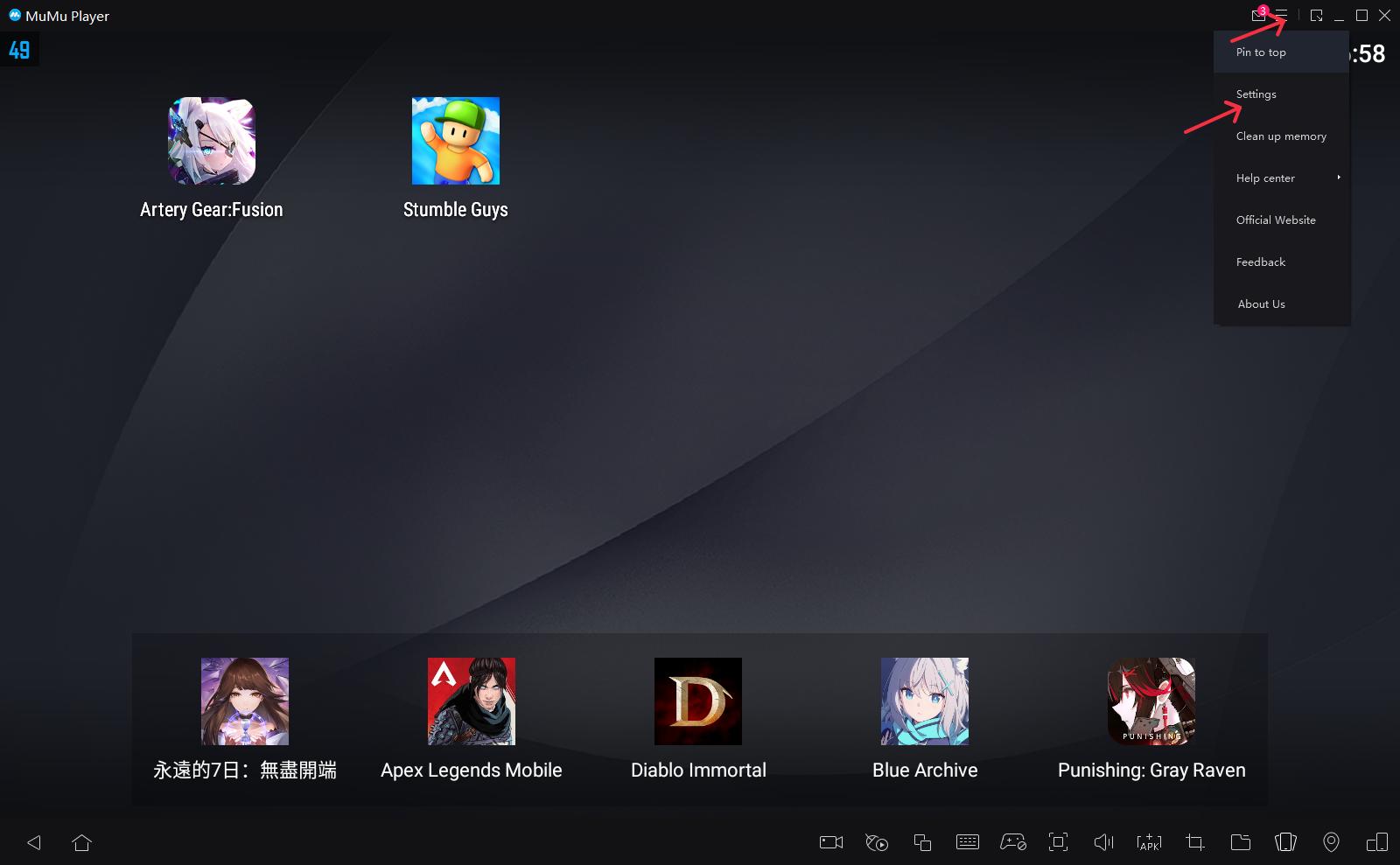
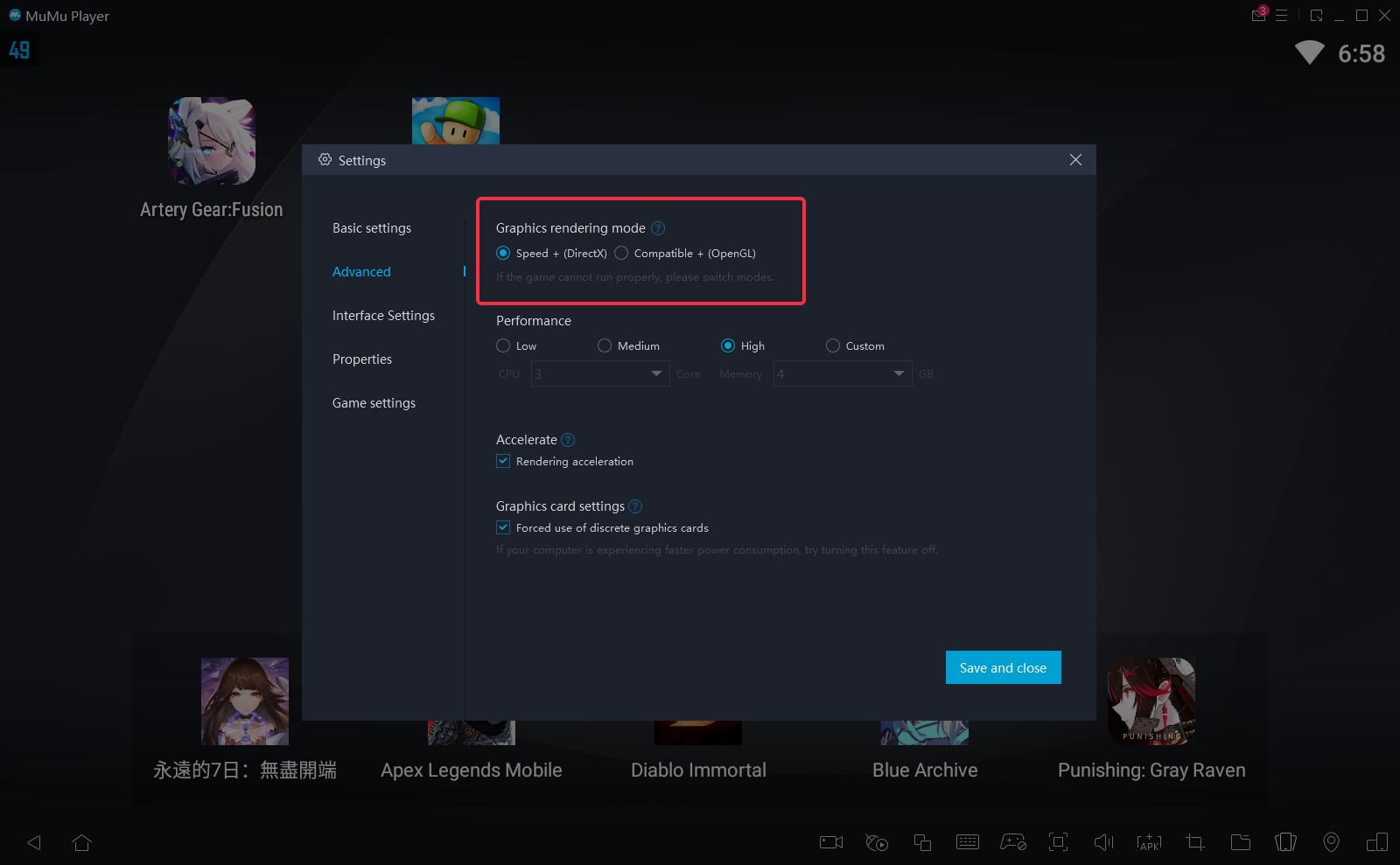
Click the menu in the upper right corner of the MuMu Player - setting - Advanced, switch the graphics rendering mode used by the current emulator to another option to try.
2. Update the computer graphics card driver:
Update the graphics card driver, but some users do not know which type of graphics card their computer belongs to. For details, please refer to the following steps:
The first step, check the graphics card model of your computer.
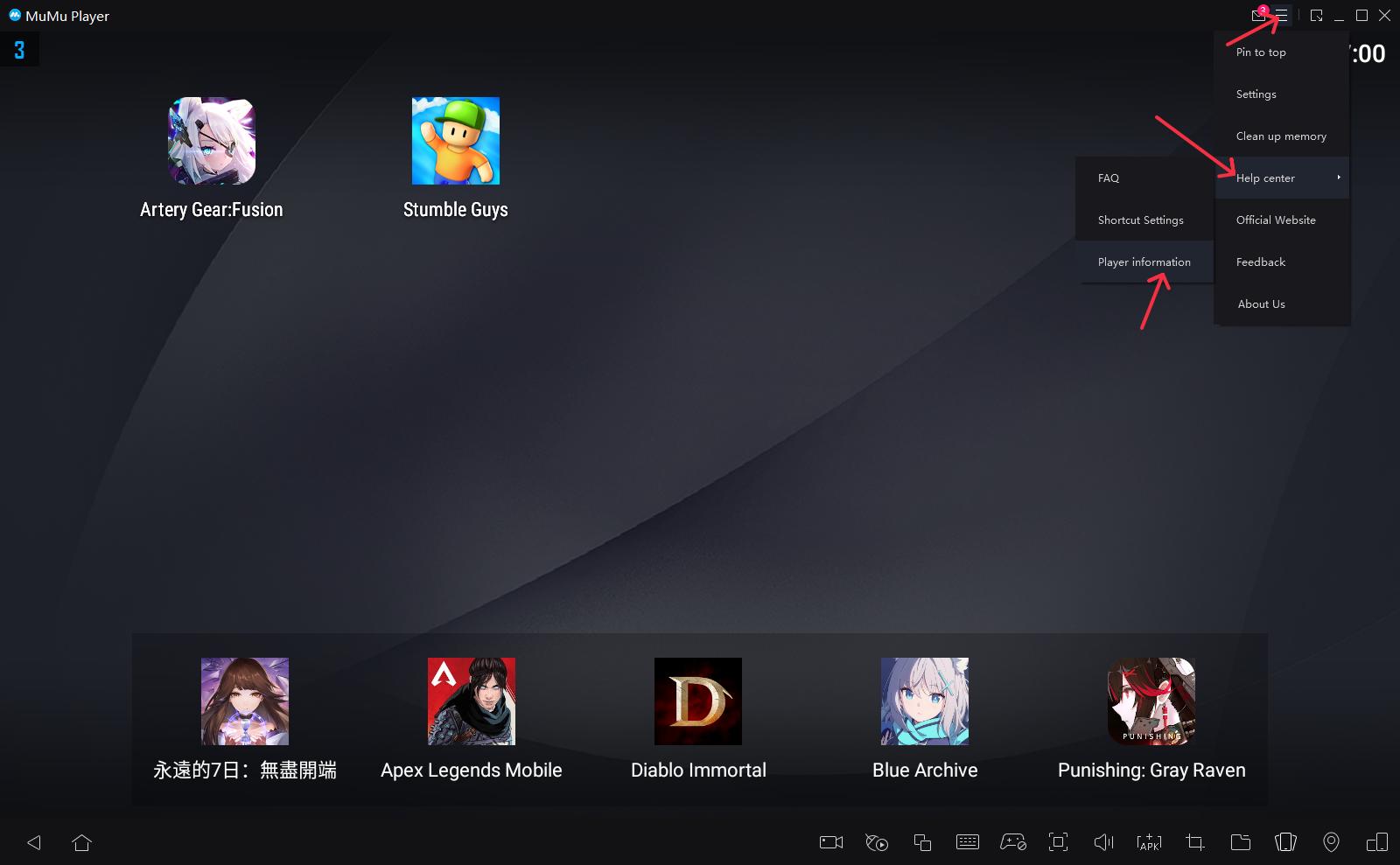
The computer graphics card model can be viewed in the upper right corner of the MuMu Player- Help Center - Player information - All Graphics.
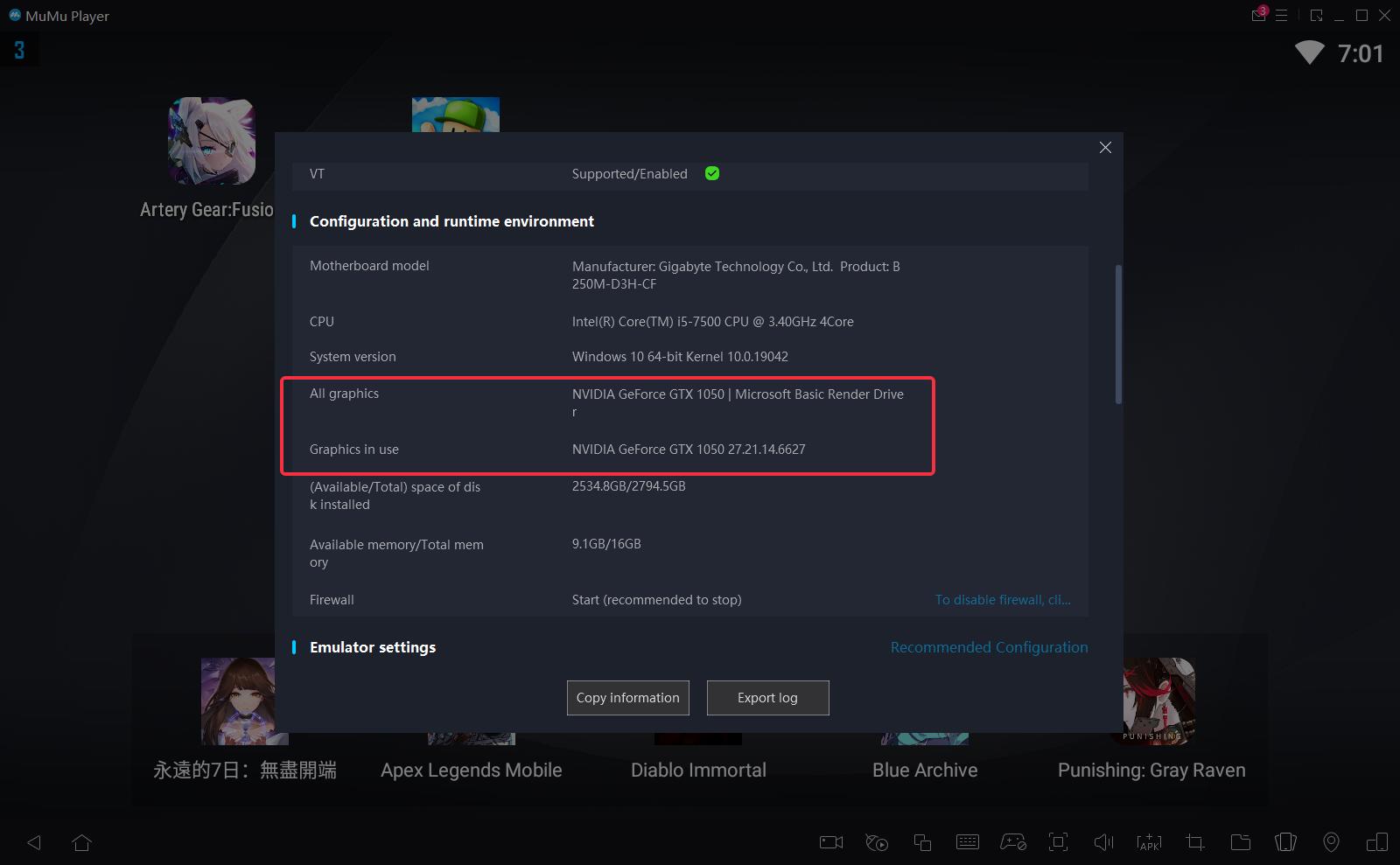
NVIDIA: N card users
AMD: A card users
Intel: I card users
The second step, the graphics card driver update method
Please follow our graphics card driver update tutorial before restarting the game.
End of Article