The solution to PGsharp getting stuck on the loading page
Apr 23, 2023
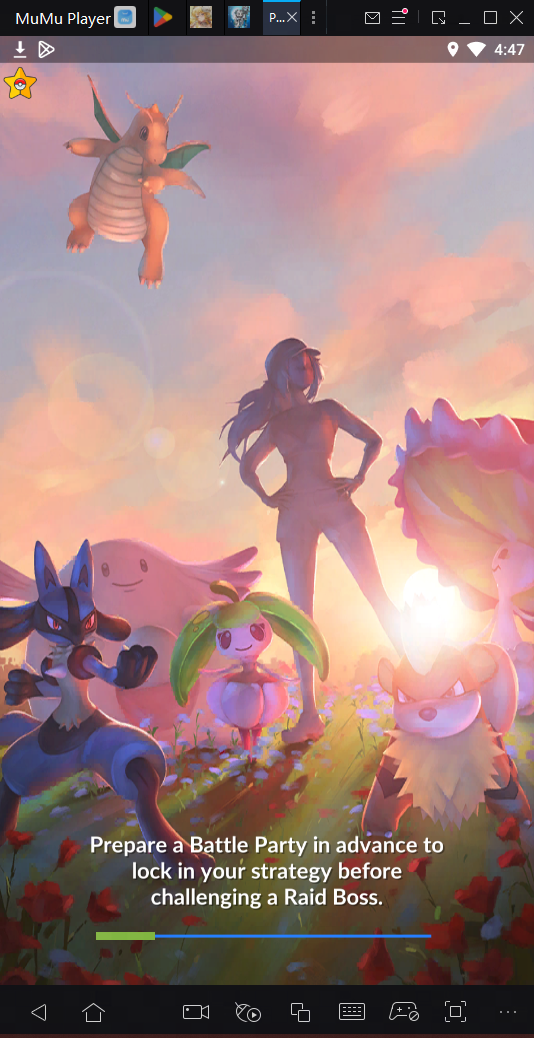
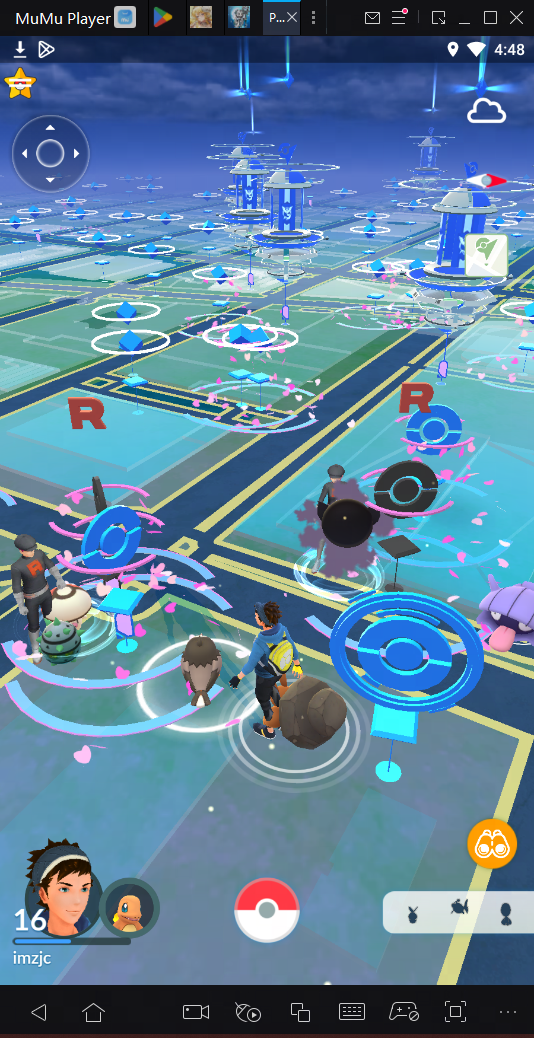
If you encounter loading stuck when starting PGsharp (as shown in the figure), please follow the steps below to solve it:
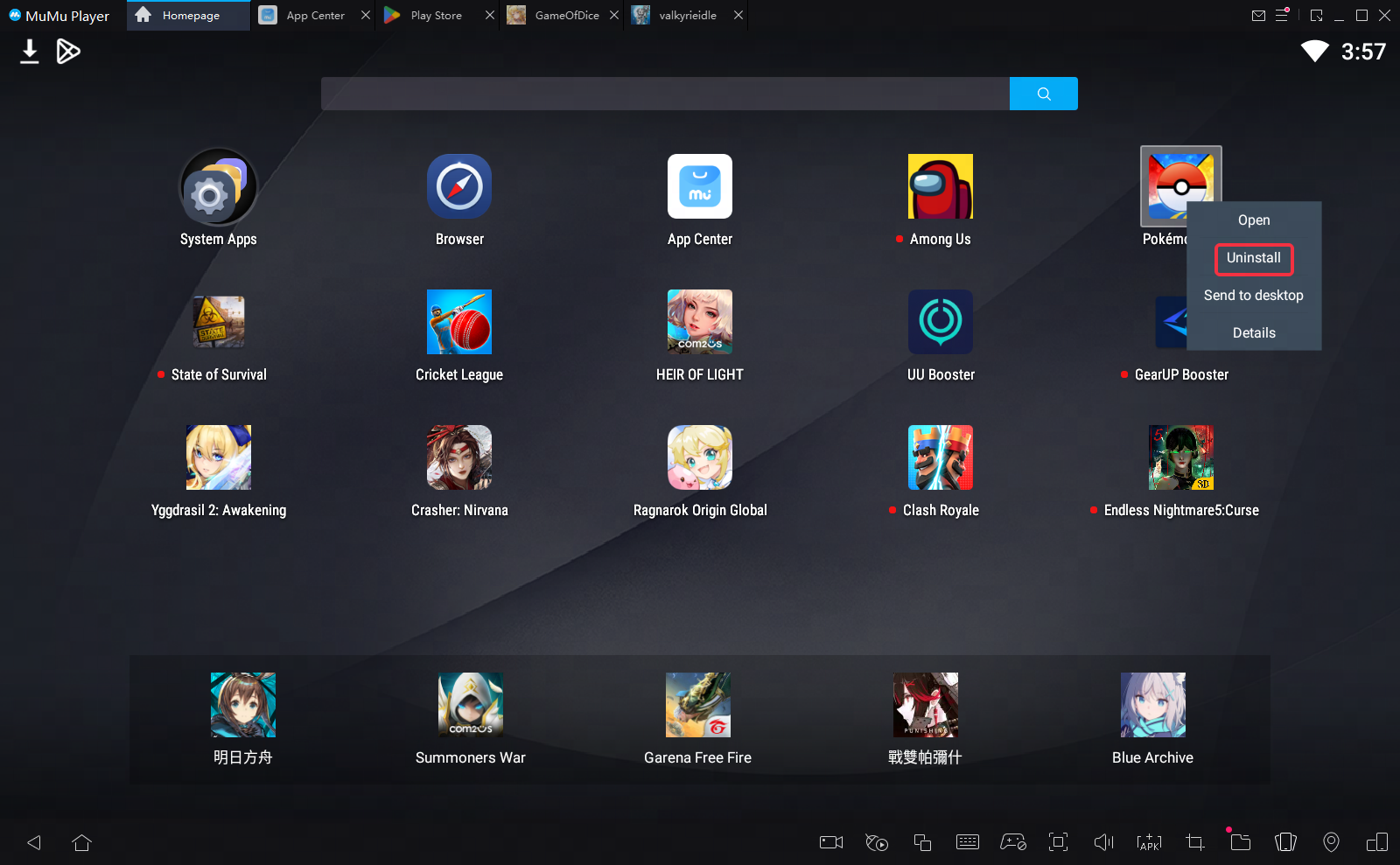
Step 1: uninstall the current PGsharp version.
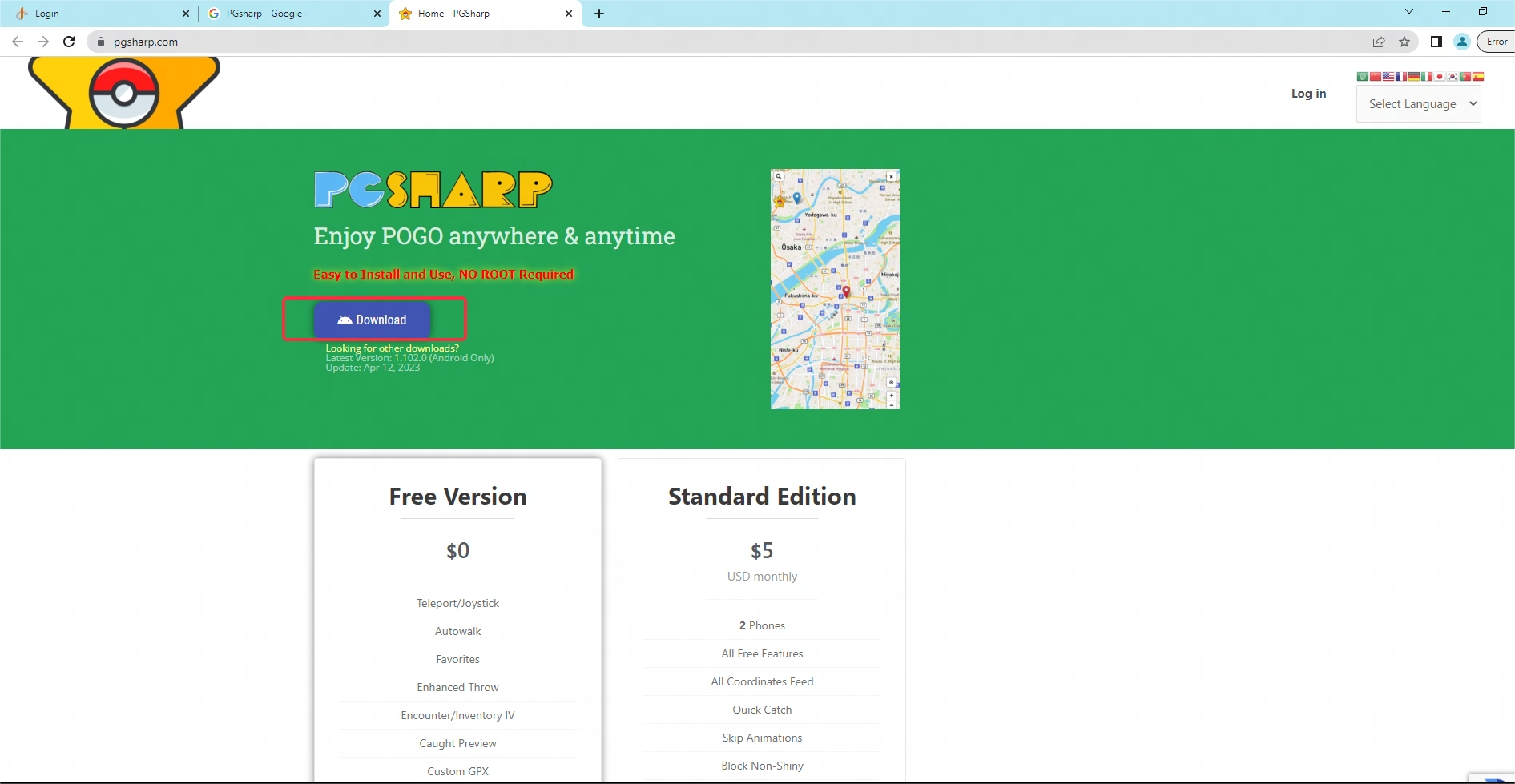
Step 2: Open the PC-side browser to search and download PGsharp. (Note: It must be a PC-side browser! The download of the internal browser of the emulator will automatically change the game structure!)
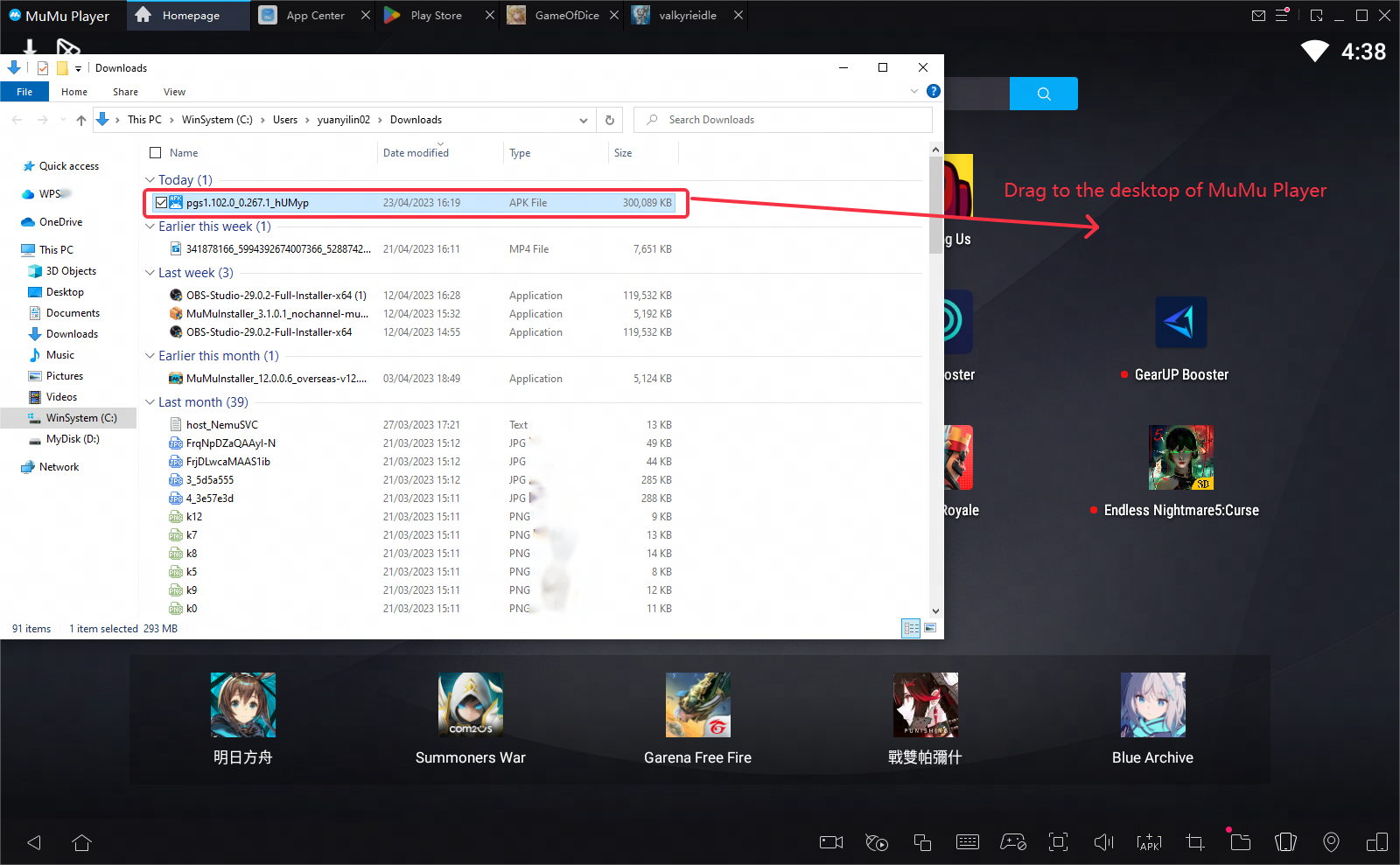
Step 3: Find the PGsharp apk you downloaded, drag and install it to the emulator desktop.
Step 4: Restart the game, then you can enter normally~
End of Article
Keyword: