
Play Idle Huntress:Adventure on PC and Mac
Download Idle Huntress:Adventure on PC or Mac with MuMuPlayer, get a PC like gameplay along with smart control and high graphics performance.
MuMuPlayer, the top Android emulator for PC and Apple silicon Mac, delivers an optimal gaming experience with minimal RAM usage and high FPS. It also allows you to create multiple instances of the emulator and run several games simultaneously, thanks to its Multi-instance feature. Its advanced emulator features ensure smooth gameplay, even on low-end PCs.
Download and play Idle Huntress:Adventure on PC or Mac with MuMuPlayer and start enjoying your gaming experience now.
About the Game
Idle x RPG x Huntress
Dive into the dragon realm and start your huntress adventure!

Idle Huntress is an online JRPG mobile game that allows you to collect, enhance and socialize with your huntresses to unlock their unique stories. Create your own legend now and conquer the dragon realm today!

Game Features

Unite with adorable huntresses
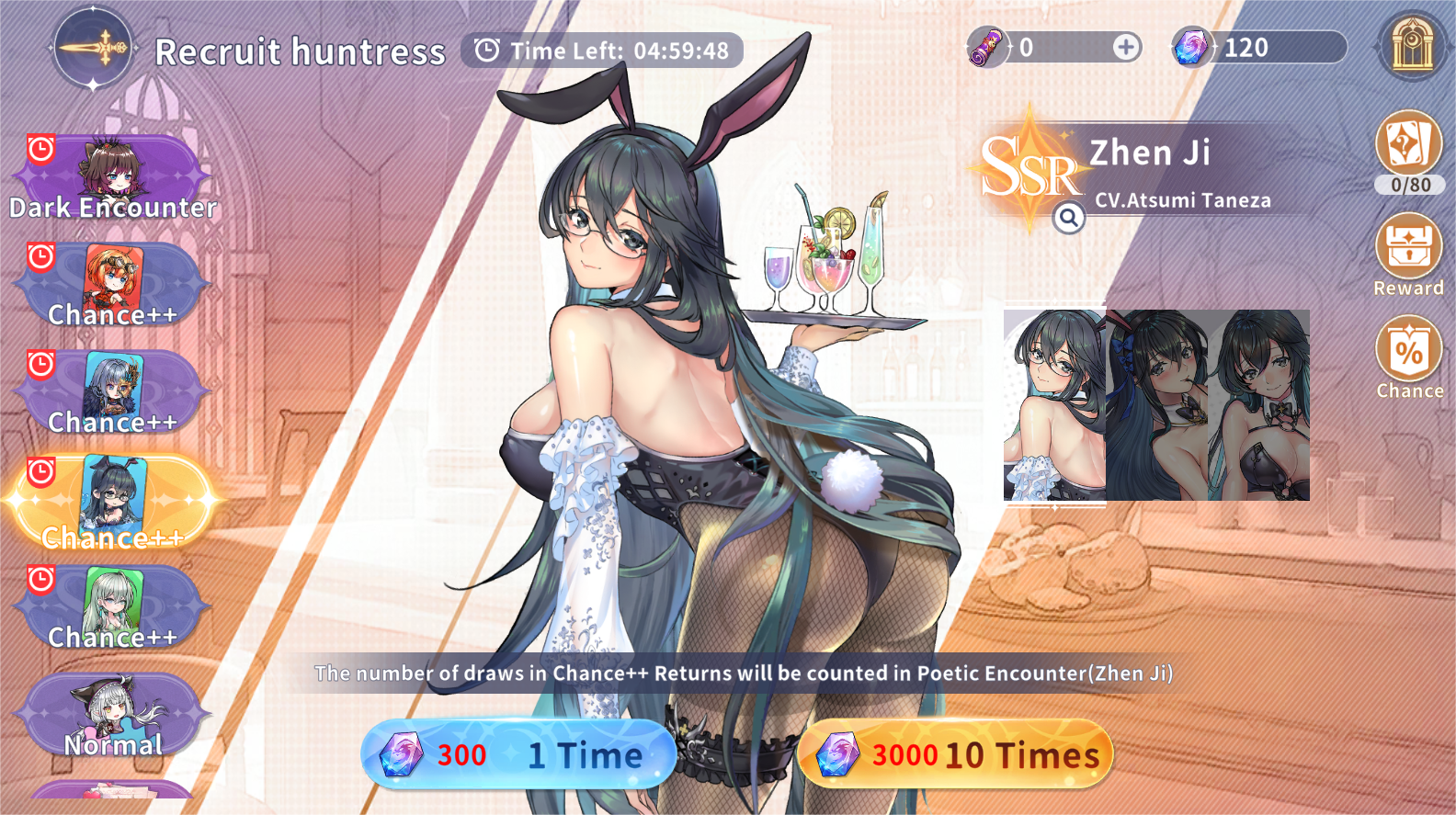
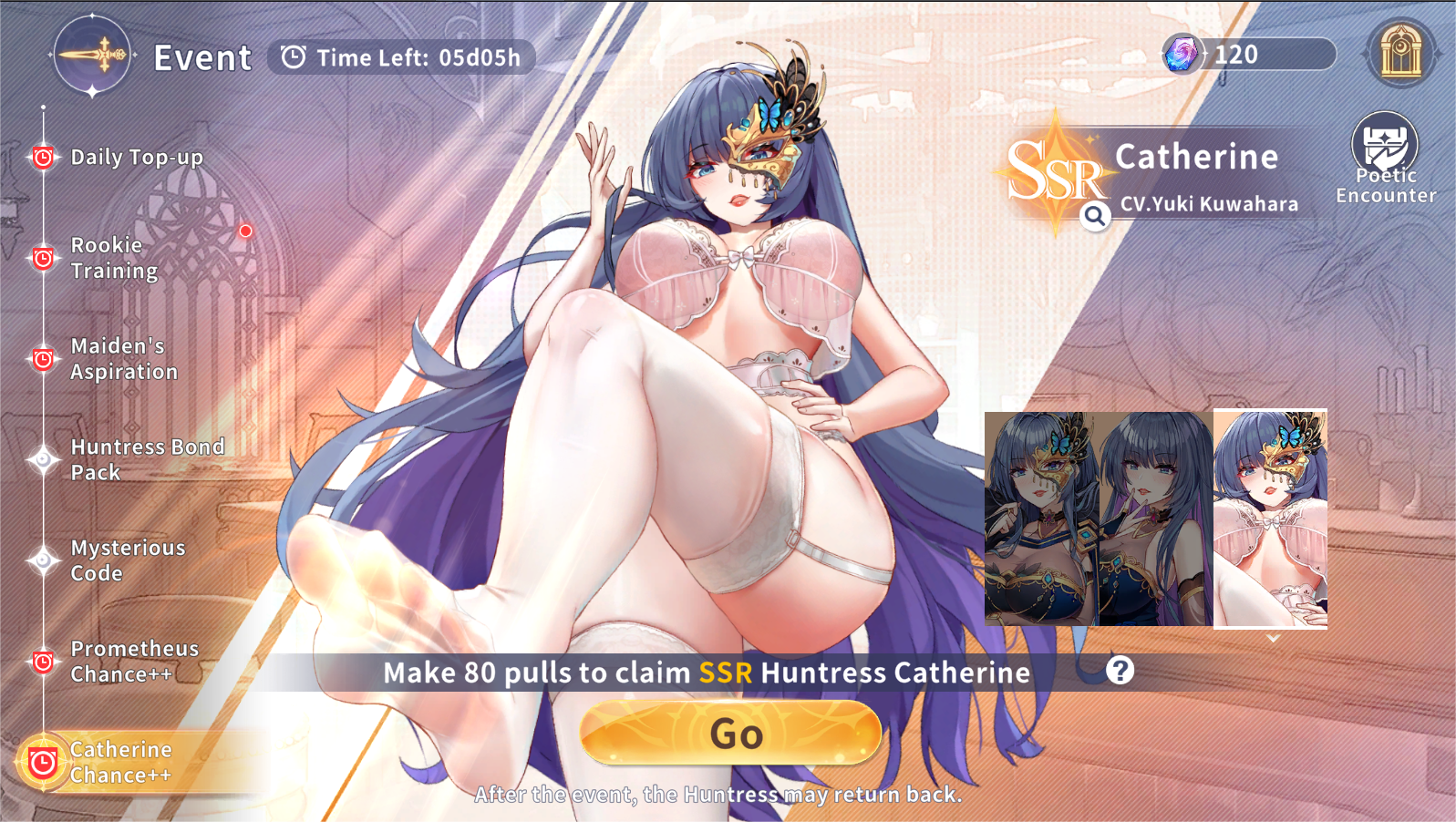
Collect and recruit over 100 fascinating characters, who are reincarnated as huntresses in this isekai world, and they are waiting your visit to lead them fight against evil forces. Interact and forge special bonds with beautiful huntresses, and find out secrets behind them!

Breathtaking graphic design and world-class voice-over talents
Designed by talented artists and voice actors, gorgeous characters are brought to life in this world. With three forms of live 2D appearance, you will discover an unprecedented gaming experience here.

Light tactic gameplay with idle feature
Too busy to log into the game? Have no time to train your huntresses? Feel free to idle anytime and anywhere! The hands-free feature allows rewards such as gems, coins, EXP and other resources to be auto collected when you are away from the game. Upgrade your characters easily and strategize your formation wisely to prepare for an epic battle. Enter the Arena and challenge other players! Don’t forget to adjust the formation to maximize the element balancing and damage output!

Fair gaming system
There are six forms of elements in the dragon realm: earth, water, fire, air, light and dark. Each character has a special bond with one of the elements and there are no useless huntresses, your strength and chances of victory strongly depends on how your battlefield formation is strategized! High summoning SSR rate, completion of main stories and special quests will unlock many more valuable huntresses and treasures for you!

Other in-game features
Create a Guild with your friends and challenge Guild Boss’s together! Start your own Summoner Guild and work together to take down Titans and Gods. Challenge your allies to a 1-on-1 battle in the Arena. Go through levels in the Queen’s Tower and explore in the Lost Court for new challenges. Joining the guild can also swim with other friends in the continent of Tara. Come and embark on a dragon hunting journey with the lovely huntresses! You will enjoy great features such as idle mode, fighting system, adventure tasks, and huntress collecting, training and awakening. Explore unique continents as they are seamlessly joined in a role-playing game storyline! Choose and enhance champions now!
Emulator Features

With a smart button scheme and image recognition function, provide a more concise UI, and support custom button mapping to meet different needs.

Run multiple games independently at the same time, easily manage multiple accounts, play games while hanging.

Break through FPS limit, and enjoy a seamless gaming experience without lag and delay!

Get a 3-second startup with 52% less memory usage and 65% more stability.
How to Download and Play Idle Huntress:Adventure on PC and Mac
Installation Guide
① Download and install MuMuPlayer on your PC or Mac. It will identify automatically your current system and download the latest version.
② Start MuMuPlayer and complete Google sign-in to access the Play Store, or do it later.
③ Search Idle Huntress:Adventure in the Play Store.
④ Complete Google sign-in (if you skipped step 2) to install Idle Huntress:Adventure.
⑤ Once installation completes, click the Idle Huntress:Adventure icon on the home page to start the game.
⑥ Enjoy playing Idle Huntress:Adventure on your PC or Mac with MuMuPlayer.
Installation Guide
Recommended computer configuration
For Windows:4-core CPU, 4GB RAM, i5 OS, GTX950+ graphics card
For macOS: 4-core CPU, 4GB RAM
Recommended Android Device performance settings
Graphics renderer mode
Vulkan and DirectX both supported
Performance Settings
Recommended performance settings: 2 cores, 2GB. >>How to adjust performance settings
Recommended Android Device Display Settings
Resolution Settings
Go to Device Settings > Display > Resolution Settings to adjust your device's resolution as needed.
FPS Settings
MuMuPlayer supports up to 240 FPS. >>How to enable high FPS mode
Recommended to enable VT
Enabling VT will significantly improve emulator performance, reduce screen freezing, and make games run more smoothly. >>How to enable VT



(1).png?fop=imageView/0/w/150/h/150)