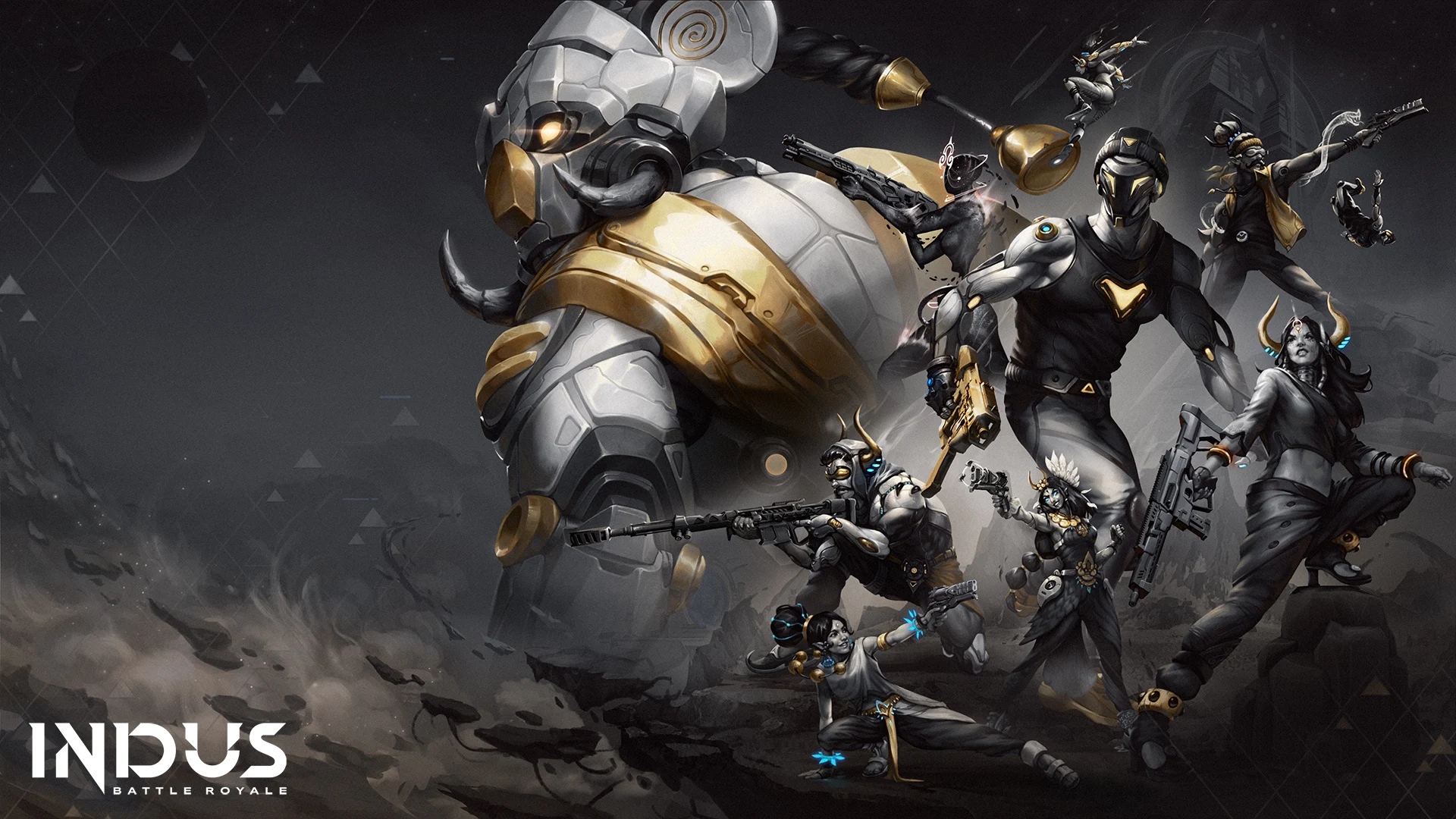
Play Indus Battle Royale on PC and Mac
Download Indus Battle Royale on PC or Mac with MuMuPlayer, get a PC like gameplay along with smart control and high graphics performance.
MuMuPlayer, the top Android emulator for PC and Apple silicon Mac, delivers an optimal gaming experience with minimal RAM usage and high FPS. It also allows you to create multiple instances of the emulator and run several games simultaneously, thanks to its Multi-instance feature. Its advanced emulator features ensure smooth gameplay, even on low-end PCs.
Download and play Indus Battle Royale on PC or Mac with MuMuPlayer and start enjoying your gaming experience now.
About the Game
Drop onto the mysterious island of Virlok on the fabled planet, Indus. Your mission is to survive and portal out with the coveted element, Cosmium. You will find and use unique weapons, gear, and consumables to fight in an ever-shrinking battleground while navigating this brand-new universe

Next Gen Gunplay
Crafted and optimized for mobile devices, From sniper rifles to hand cannons, there's a gun for everyone. The gunplay is designed to deliver the most authentic gunplay and experience in its space. Indus' guns are designed to feel great to shoot & as brutal to be shot at.

Pick your Paragon aka Skins
From the mysterious Sir-Taj to the powerful Big-Gaj, each of Indus' Paragons aka character skins allow you to express yourself in different ways with distinct emotes, letting you dominate the battlefield in a style and personality that's solely yours.

Dive into Virlok
Dive into Virlok like a hero. Fight through the Ancient Ruins, snipe down your foes from the heights of Jatayu Central, or have a showdown at the Arches of Virlok, this battle royale map has limitless possibilities for victory and valor.

Collect Cosmium
The most valuable resource in the galaxy and the reason why you are on Indus. Tasked by COVEN to retrieve Cosmium, you, Mythwalker, are on this quest for glory and riches on this mysterious planet. Cosmium is a unique substance that manifests itself as the battle wears on. Find it and win the game instantly. Sometimes victory doesn’t wait for the last man standing.

Explore and Unravel the Mystery of Indus
Indus is a now mysterious planet that was famous across the galaxy. However, it’s been thousands of years since now it lies silent and forgotten. And that's where you come in. Explore and discover what happened to a once glorious planet and piece together the story of Indus.
Emulator Features

With a smart button scheme and image recognition function, provide a more concise UI, and support custom button mapping to meet different needs.

Run multiple games independently at the same time, easily manage multiple accounts, play games while hanging.

Break through FPS limit, and enjoy a seamless gaming experience without lag and delay!

Get a 3-second startup with 52% less memory usage and 65% more stability.
How to Download and Play Indus Battle Royale on PC and Mac
Installation Guide
① Download and install MuMuPlayer on your PC or Mac. It will identify automatically your current system and download the latest version.
② Start MuMuPlayer and complete Google sign-in to access the Play Store, or do it later.
③ Search Indus Battle Royale in the Play Store.
④ Complete Google sign-in (if you skipped step 2) to install Indus Battle Royale.
⑤ Once installation completes, click the Indus Battle Royale icon on the home page to start the game.
⑥ Enjoy playing Indus Battle Royale on your PC or Mac with MuMuPlayer.
Installation Guide
Recommended computer configuration
For Windows:4-core CPU, 4GB RAM, i5 OS, GTX950+ graphics card
For macOS: 4-core CPU, 4GB RAM
Recommended Android Device performance settings
Graphics renderer mode
Vulkan and DirectX both supported
Performance Settings
Recommended performance settings: 2 cores, 2GB. >>How to adjust performance settings
Recommended Android Device Display Settings
Resolution Settings
Go to Device Settings > Display > Resolution Settings to adjust your device's resolution as needed.
FPS Settings
MuMuPlayer supports up to 240 FPS. >>How to enable high FPS mode
Recommended to enable VT
Enabling VT will significantly improve emulator performance, reduce screen freezing, and make games run more smoothly. >>How to enable VT