
Play Magic Chronicle: Isekai RPG on PC and Mac
Download Magic Chronicle: Isekai RPG on PC or Mac with MuMuPlayer, get a PC like gameplay along with smart control and high graphics performance.
MuMuPlayer, the top Android emulator for PC and Apple silicon Mac, delivers an optimal gaming experience with minimal RAM usage and high FPS. It also allows you to create multiple instances of the emulator and run several games simultaneously, thanks to its Multi-instance feature. Its advanced emulator features ensure smooth gameplay, even on low-end PCs.
Download and play Magic Chronicle: Isekai RPG on PC or Mac with MuMuPlayer and start enjoying your gaming experience now.
About the Game
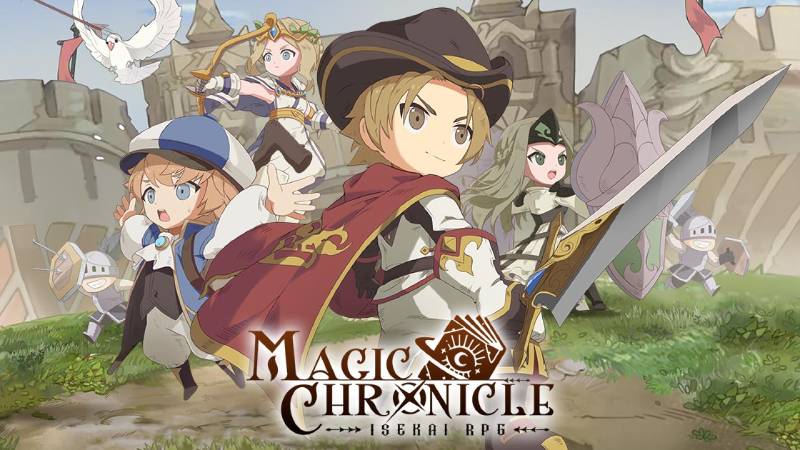
This isekai world combines light and magic, embodying love and perseverance!
Interesting treasures are scattered throughout the world, each with its own mysteries and landscapes, waiting to be explored by adventurers.
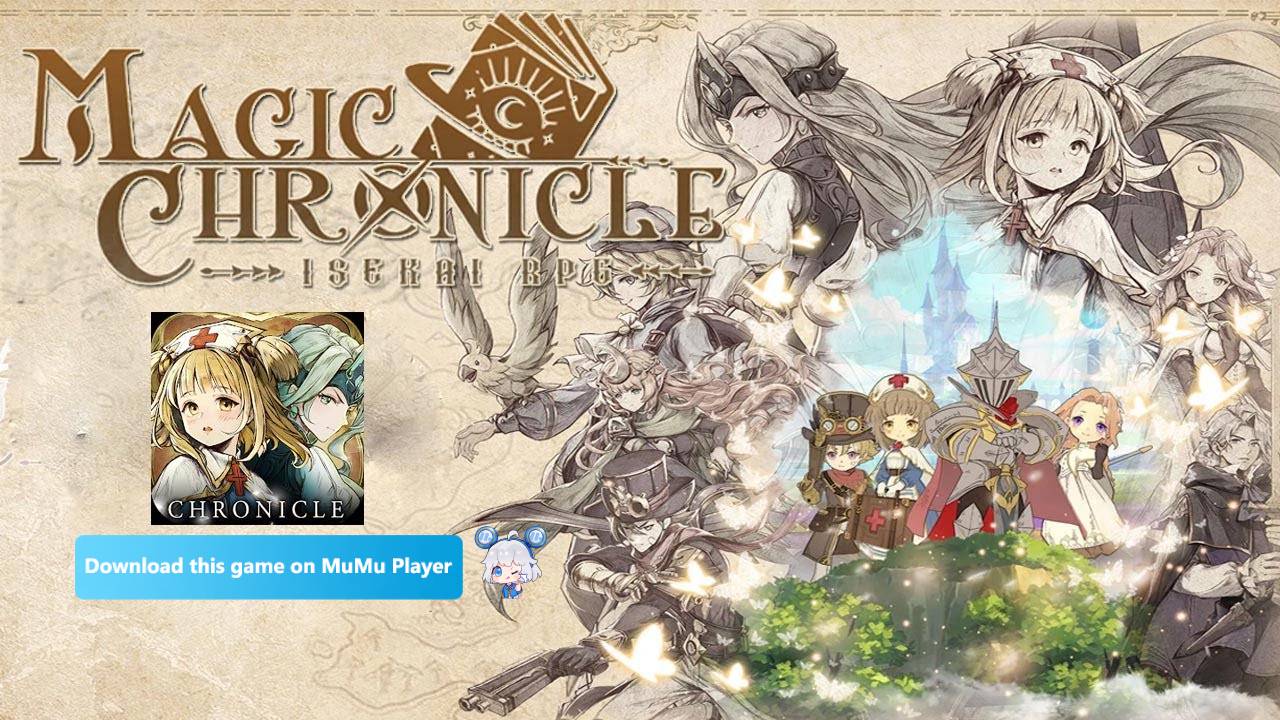
You will embark on a joyful and relaxing adventure with cute and charming epic heroes...
--------------------------------------------------------------------
| ▶Marco Polo: I pretty much never sit by the pool anymore.
| ▶Nightingale: Be nice to me I may be your nurse someday.
| ▶Julius Caesar: I conquered the whole world and the best they can do is name a salad after me?
--------------------------------------------------------------------
※Awake Magic Power of Hundreds of Heroes
--Summon hundreds of epic heroes and experience the legendary stories behind them.
--Get 1000 consecutive draws upon logging in, high chance to get SSR heroes. Every member of your team can be in the spotlight!

※Explore Unknown Adventures in Isekai World
--Experience a pure and authentic adventure in the isekai world.
--Enjoy exquisite and healing hand-drawn art by world-class artists.

※Enjoy Fun Strategic Battles
--Engage in fun and exciting battles, clear levels while having a blast.
--Choose your favorite heroes and build a dream team with fantastic rewards to start off strongly.

※A Large Variety of Skins & Outfits
--A wide variety of equipment, pets, and outfits to choose from.
--Select from a dazzling array of outfits such as mysterious robes, sunny sailor suits, and handsome suits.

※Win Effortlessly with Luxurious Welfare
--Get random and generous rewards for the whole server.
--Just sit back and relax to receive unexpected wealth when the lucky cat meows.

◈◈◈◈◈◈◈◈◈◈◈◈◈◈◈◈◈◈◈◈◈◈◈◈◈◈◈◈◈

Facebook: https://www.facebook.com/MagicChronicle2024
Discord: https://discord.gg/VkXCfETdf3
Group: https://www.facebook.com/groups/635631031854371
Emulator Features

With a smart button scheme and image recognition function, provide a more concise UI, and support custom button mapping to meet different needs.

Run multiple games independently at the same time, easily manage multiple accounts, play games while hanging.

Break through FPS limit, and enjoy a seamless gaming experience without lag and delay!

Get a 3-second startup with 52% less memory usage and 65% more stability.
How to Download and Play Magic Chronicle: Isekai RPG on PC and Mac
Installation Guide
Download MuMuPlayer
Download and install MuMuPlayer on your PC or Mac
Sign-in Google Store
Complete Google sign-in to access the Play Store
Search and Install
Search Magic Chronicle: Isekai RPG in the Play Store
Enjoy Gaming
Enjoy 120 FPS high-def gameplay with big screen
System Requirements
Windows PC
Vulkan / DirectX supported. 4 cores + 4GB RAM recommended. Up to 240 FPS. VT required.
macOS
Recommended: Apple Silicon Mac with 8GB RAM or above. Up to 240 FPS.



(1).png?fop=imageView/0/w/150/h/150)