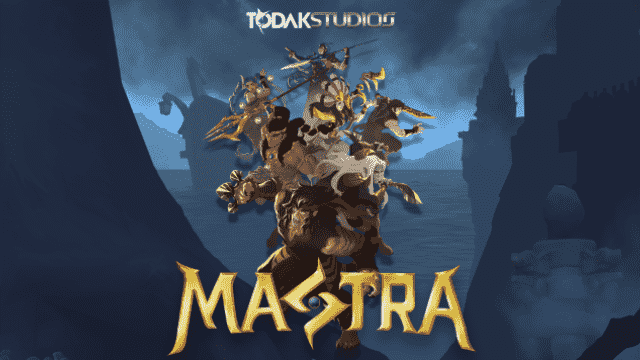
Play Mastra: Battle Arena on PC and Mac
Download Mastra: Battle Arena on PC or Mac with MuMuPlayer, get a PC like gameplay along with smart control and high graphics performance.
MuMuPlayer, the top Android emulator for PC and Apple silicon Mac, delivers an optimal gaming experience with minimal RAM usage and high FPS. It also allows you to create multiple instances of the emulator and run several games simultaneously, thanks to its Multi-instance feature. Its advanced emulator features ensure smooth gameplay, even on low-end PCs.
Download and play Mastra: Battle Arena on PC or Mac with MuMuPlayer and start enjoying your gaming experience now.
About the Game
Step into a mystical universe inspired by the rich culture of 7th century Nusantara in this epic 5 vs 5 MOBA. Harness the elemental powers of your chosen hero to dominate your opponents in intense battles.

GAME OVERVIEW
Two teams battle each other with the sole objective of destroying the enemy's base. The game features two lanes only. To win the game, players must complete the map objectives and push the enemy's lane by destroying gates and towers.
To aid in this task, each player controls a hero with unique skills and elements that can synergize with their team members depending on the character skills and elements. Players can choose from a diverse pool of heroes, each with its own strengths and weaknesses.

KEY FEATURES
Simplified 5vs5 MOBA
Elemental power that can affect the gameplay and encourage team fight cohesion.
Stats upgrading mechanics instead of item and gold system
Emulator Features

With a smart button scheme and image recognition function, provide a more concise UI, and support custom button mapping to meet different needs.

Run multiple games independently at the same time, easily manage multiple accounts, play games while hanging.

Break through FPS limit, and enjoy a seamless gaming experience without lag and delay!

Get a 3-second startup with 52% less memory usage and 65% more stability.
How to Download and Play Mastra: Battle Arena on PC and Mac
Installation Guide
Download MuMuPlayer
Download and install MuMuPlayer on your PC or Mac
Sign-in Google Store
Complete Google sign-in to access the Play Store
Search and Install
Search Mastra: Battle Arena in the Play Store
Enjoy Gaming
Enjoy 120 FPS high-def gameplay with big screen
System Requirements
Windows PC
Vulkan / DirectX supported. 4 cores + 4GB RAM recommended. Up to 240 FPS. VT required.
macOS
Recommended: Apple Silicon Mac with 8GB RAM or above. Up to 240 FPS.