Play Minion Rumble on PC and Mac
Download Minion Rumble on PC or Mac with MuMuPlayer, get a PC like gameplay along with smart control and high graphics performance.
MuMuPlayer, the top Android emulator for PC and Apple silicon Mac, delivers an optimal gaming experience with minimal RAM usage and high FPS. It also allows you to create multiple instances of the emulator and run several games simultaneously, thanks to its Multi-instance feature. Its advanced emulator features ensure smooth gameplay, even on low-end PCs.
Download and play Minion Rumble on PC or Mac with MuMuPlayer and start enjoying your gaming experience now.
About the Game
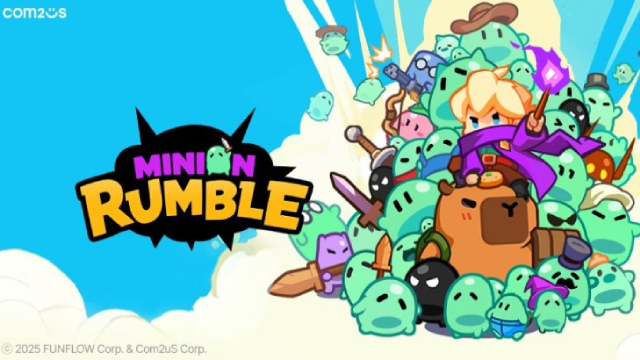
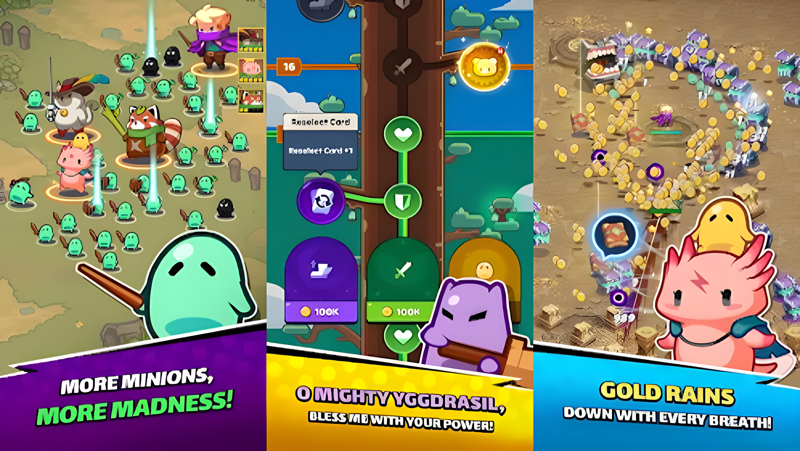
Time for a full-scale legion vs. legion .io battle—lead your Summoner, Champions, and Minions to crush the enemy legions!
Charming heroes set off on an epic journey! Meet a mighty mage, a skilled bowmaster fairy, a marvelous swordmaster, and a shooter who follows the path of war.
Summon adorable and charming animal Champions—like a capybara and a cat—to lead your legion and crush waves of enemy hordes!
As you level up, choose which stat to upgrade—Summoner, Champion, or Minions—and survive relentless zombie-like enemy attacks! Experience a thrilling and heart-pounding Roguelike RPG right at your fingertips!
Enjoy casual action packed with satisfying hits and effortless controls!

[Game Features]

- Legion Battle: Choose your Summoner, each with unique abilities and weapons, and lead a legion of Minions! Experience a variety of exciting gameplay styles!
- Roguelike .io Game: Strategically select Champions and skill cards that appear randomly, making every battle a fresh and exciting experience!
- Casual Vertical game: Glide through the battleground and dominate with just one hand!
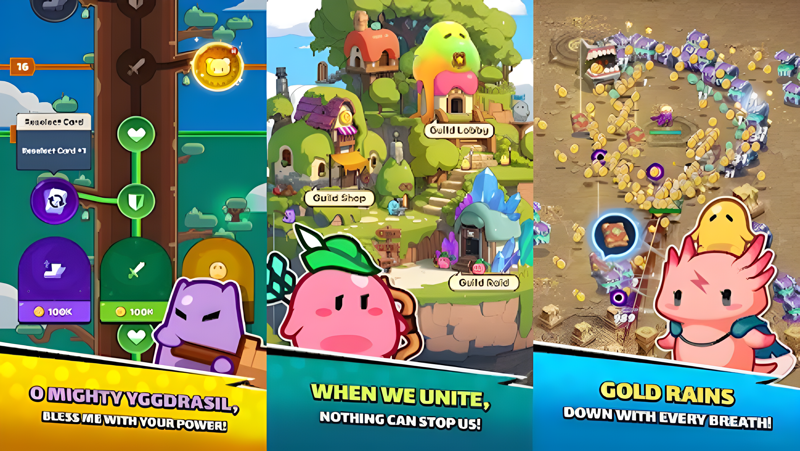
- Collect and Enhance Gear: Collect resources, enhance your gear—like a wand, arrows, and a sword—and unlock ultimate power to ensure your survival!
- Thrilling Boss Battle: Prove your mettle and test your strategy against a formidable Boss! Defeat the Boss, climb the ranks, and prove you're the ultimate survivor!
- Offline Rewards: Earn valuable items even while offline! Claim your Offline Rewards and power up your journey!

***

Device App Access Permission Notice

Access permissions are requested in order for us to provide you with the following service when you use the app.

[Required]
None

[Optional]
· Push Notification: The authority is required to receive push notifications from the game.
· ID for Advertisers: It will help us to provide you a more personalized experience, relevant content, and ads.

※ Please note that you can still enjoy the service excluding features related to the above without giving access permissions.
Emulator Features

With a smart button scheme and image recognition function, provide a more concise UI, and support custom button mapping to meet different needs.

Run multiple games independently at the same time, easily manage multiple accounts, play games while hanging.

Break through FPS limit, and enjoy a seamless gaming experience without lag and delay!

Get a 3-second startup with 52% less memory usage and 65% more stability.
How to Download and Play Minion Rumble on PC and Mac
Installation Guide
Download MuMuPlayer
Download and install MuMuPlayer on your PC or Mac
Sign-in Google Store
Complete Google sign-in to access the Play Store
Search and Install
Search Minion Rumble in the Play Store
Enjoy Gaming
Enjoy 120 FPS high-def gameplay with big screen
System Requirements
Windows PC
Vulkan / DirectX supported. 4 cores + 4GB RAM recommended. Up to 240 FPS. VT required.
macOS
Recommended: Apple Silicon Mac with 8GB RAM or above. Up to 240 FPS.