
Play Mu:Devils Awaken on PC and Mac
Download Mu:Devils Awaken on PC or Mac with MuMuPlayer, get a PC like gameplay along with smart control and high graphics performance.
MuMuPlayer, the top Android emulator for PC and Apple silicon Mac, delivers an optimal gaming experience with minimal RAM usage and high FPS. It also allows you to create multiple instances of the emulator and run several games simultaneously, thanks to its Multi-instance feature. Its advanced emulator features ensure smooth gameplay, even on low-end PCs.
Download and play Mu:Devils Awaken on PC or Mac with MuMuPlayer and start enjoying your gaming experience now.
About the Game
The original team of MU ORIGIN joined hands with WEBZEN again
Breaking through the limits of 3D MMORPG graphics
MMORPG2.0 Genesis
Invite you to witness the next miracle, download and experience it now!

European and American Servers. Cross-server system
MU Online European and American Servers/Innovative MMORPG Cross-server system for social PvP/The world of MU is always changing. This time, it’s up to you to guard the world of MU! Receive the Archangel Sword and enjoy the adventure fun brought by MU online!

The dynamic fashion is gorgeous, and the colorful wings are extremely cool
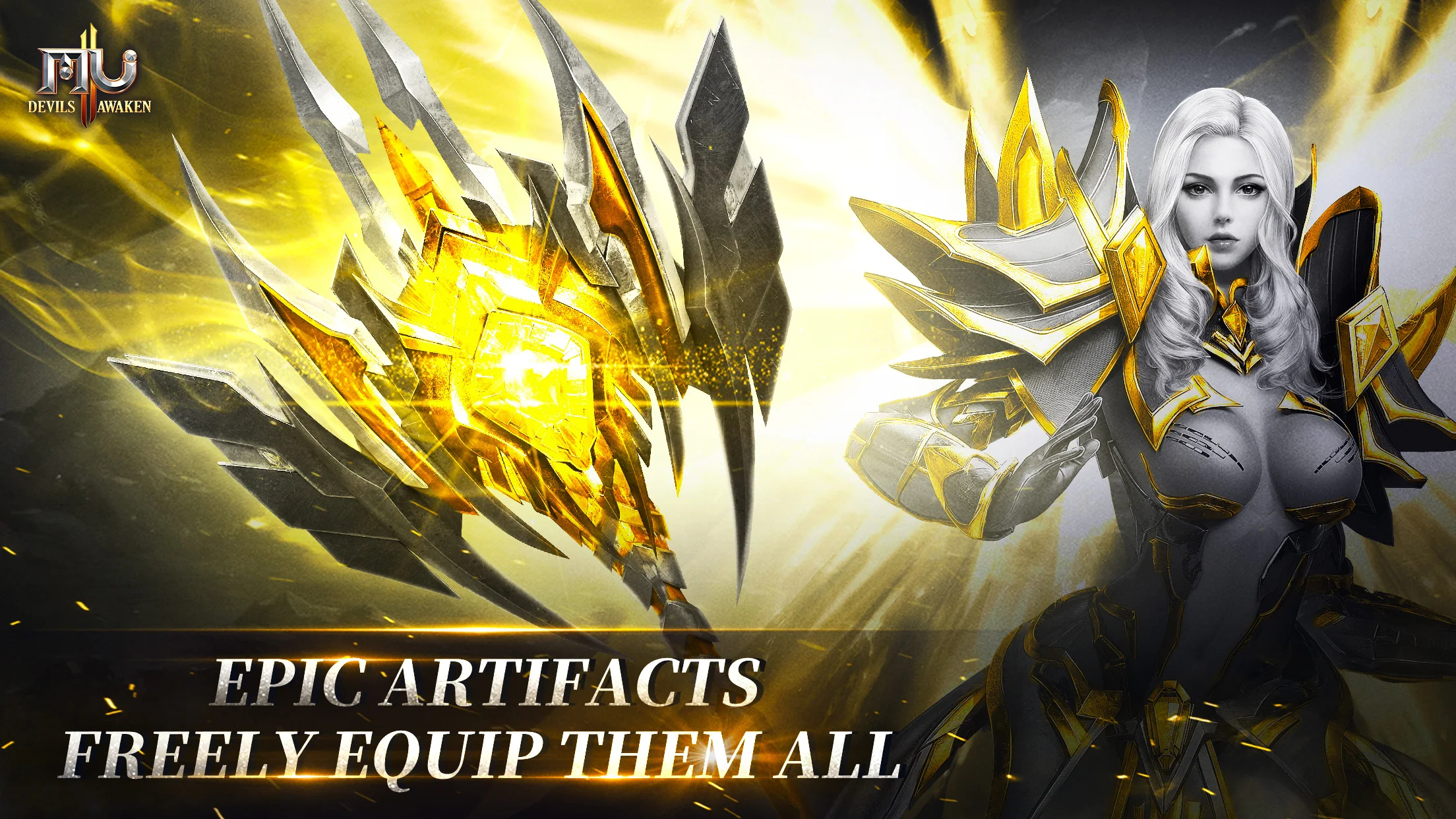
The "five parts" of the whole body change fashion, dynamically show the magnificence of MU, where you can change equipment, wings, mounts, Horcruxes, spirits, and titles as you want! Fantastic Magical Light and Shadow, gorgeous Archangel Sword, everything is continuing to write a legend of MU~~

Innovative peer-to-peer, free trade is the real miracle
The strongest free trading system in the history of MU - in addition to traditional trading methods, you can also trade face to face with other players. The Trading House does not need to wait online, and the items will be managed and traded by the Trading House after offline; the alliance auction system auctions rare items, and the Glory Alliance of the material output has priority auction privileges and other innovative gameplays, which cannot be more free~

Break through the traditional gameplay and innovate professional control
With the awakening of miracles, classic professions such as swordsman, magician, and archer are back in glory, and popular professions such as saint tutor and devil swordsman are ready to go! MU ORIGIN 2 breaks through the traditional professional gameplay, and the skills are fully advanced and awakened. Say no to the boring single skill. Immediately experience the cool random matching of new skills!

Innovative gorgeous scenes where you can build a new Land of MU
The upgrade of MU's full screen and light and shadow effects is by no means a casual talk! Swaying seaweed, flowing ripples... perfectly restore Atlantis in the deep sea. The glamorous equipment and realistic map scenes give you a sense of visual substitution as if you are in a fairyland.

A variety of free activities are in full swing, join now!

==Official information==
"MU: Devils Awaken" Fan Club: https://www.facebook.com/MUDevilsAwaken/
Emulator Features

With a smart button scheme and image recognition function, provide a more concise UI, and support custom button mapping to meet different needs.

Run multiple games independently at the same time, easily manage multiple accounts, play games while hanging.

Break through FPS limit, and enjoy a seamless gaming experience without lag and delay!

Get a 3-second startup with 52% less memory usage and 65% more stability.
How to Download and Play Mu:Devils Awaken on PC and Mac
Installation Guide
① Download and install MuMuPlayer on your PC or Mac. It will identify automatically your current system and download the latest version.
② Start MuMuPlayer and complete Google sign-in to access the Play Store, or do it later.
③ Search Mu:Devils Awaken in the Play Store.
④ Complete Google sign-in (if you skipped step 2) to install Mu:Devils Awaken.
⑤ Once installation completes, click the Mu:Devils Awaken icon on the home page to start the game.
⑥ Enjoy playing Mu:Devils Awaken on your PC or Mac with MuMuPlayer.
Installation Guide
Recommended computer configuration
For Windows:4-core CPU, 4GB RAM, i5 OS, GTX950+ graphics card
For macOS: 4-core CPU, 4GB RAM
Recommended Android Device performance settings
Graphics renderer mode
Vulkan and DirectX both supported
Performance Settings
Recommended performance settings: 2 cores, 2GB. >>How to adjust performance settings
Recommended Android Device Display Settings
Resolution Settings
Go to Device Settings > Display > Resolution Settings to adjust your device's resolution as needed.
FPS Settings
MuMuPlayer supports up to 240 FPS. >>How to enable high FPS mode
Recommended to enable VT
Enabling VT will significantly improve emulator performance, reduce screen freezing, and make games run more smoothly. >>How to enable VT
(1).png?fop=imageView/0/w/150/h/150)