Play Primitive Era: 10000 BC on PC and Mac
Download Primitive Era: 10000 BC on PC or Mac with MuMuPlayer, get a PC like gameplay along with smart control and high graphics performance.
MuMuPlayer, the top Android emulator for PC and Apple silicon Mac, delivers an optimal gaming experience with minimal RAM usage and high FPS. It also allows you to create multiple instances of the emulator and run several games simultaneously, thanks to its Multi-instance feature. Its advanced emulator features ensure smooth gameplay, even on low-end PCs.
Download and play Primitive Era: 10000 BC on PC or Mac with MuMuPlayer and start enjoying your gaming experience now.
About the Game
We are not only searching for the origin of humans, but also the starting point of mother earth.

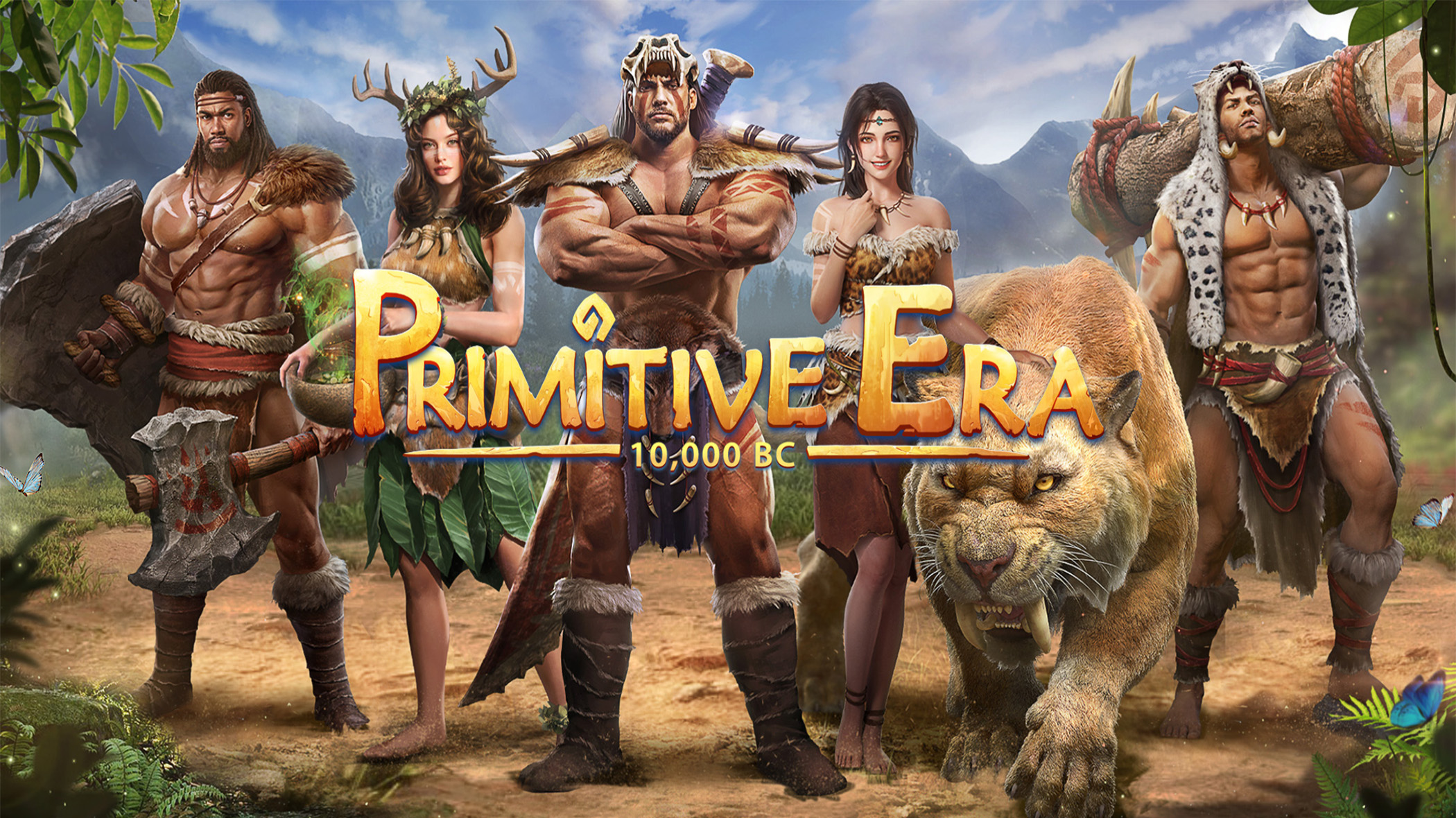
Join the new casual SLG Primitive Era: 10000 BC to explore the magnificence of prehistoric civilizations such as Gendaya, Mesopotamia, Mulia, Atlantis and many others. Download the game for free and write your own history!

——Game Features——
►Unlock prehistoric civilization and explore the mysteries it holds
Travel back to the prehistoric era to explore the vibrant virgin jungle and conquer nature. You need to build a territory from scratch and solve countless mysteries. You can explore the new continent with other chiefs and communicate with millions of players all around the world in real-time!

►Improve productivity and develop civilization
In an era where resources are lacking, chiefs are required to develop their tribes with knowledge and build civilizations using languages and tools.

►Expand your tribe with romance
To adapt to the changing natural environment and keep expanding your tribe, you must reproduce as many offspring as possible to achieve higher productivity.

►Domesticate wild beasts and expand your tribe
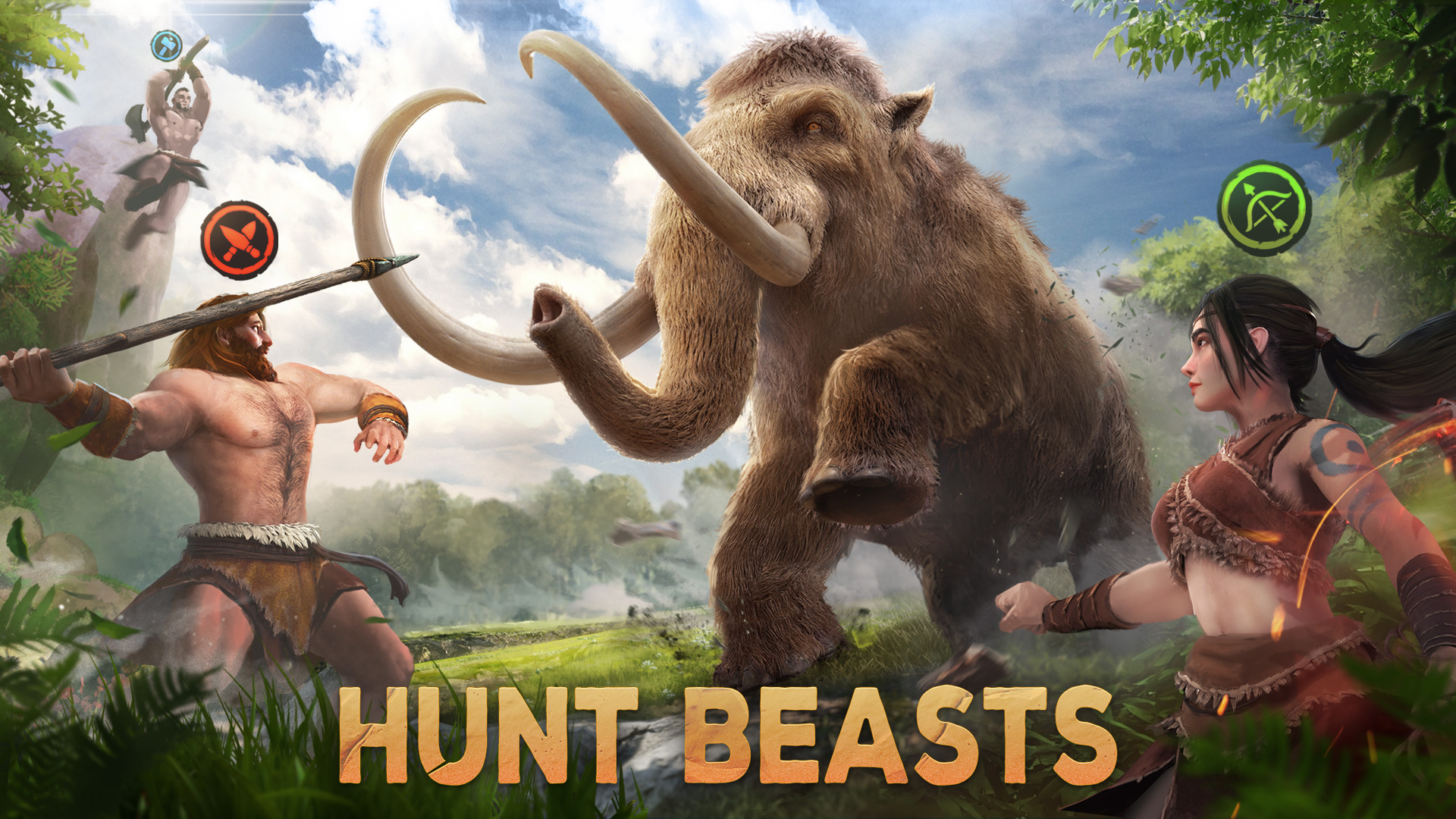
Collaborate with different tribe members to domesticate prehistoric beasts such as mammoths and saber-toothed tigers. With personalized display and diversified decorations, Primitive Era is committed to providing all chiefs with the freest game experience of tribe construction!

►Fight other tribes and emerge as the ruler of all
Switching strategies of buildings and heroes will deliver a different gaming experience. You will conquer the world and decide the direction of civilization development as the leader of the strongest tribe!

——Contact——
If you need any help, please contact us via the "Service Center" in the game or e-mail us at CSC@37mobile.com
Facebook Fan Page: https://www.facebook.com/gaming/ThePrimitiveEra
Discord: https://discord.gg/bsVEzRkXtE

——Notice——
1. This game can be downloaded for free, but it contains certain pay items and services.
2. According to the Terms of Use and the Privacy Policy of 37 Mobile Games, this game is specially designed for users aged above 12.
3. Internet connection is required to play this game. Please make sure your device can be connected to the Internet.
Emulator Features

With a smart button scheme and image recognition function, provide a more concise UI, and support custom button mapping to meet different needs.

Run multiple games independently at the same time, easily manage multiple accounts, play games while hanging.

Break through FPS limit, and enjoy a seamless gaming experience without lag and delay!

Get a 3-second startup with 52% less memory usage and 65% more stability.
How to Download and Play Primitive Era: 10000 BC on PC and Mac
Installation Guide
Download MuMuPlayer
Download and install MuMuPlayer on your PC or Mac
Sign-in Google Store
Complete Google sign-in to access the Play Store
Search and Install
Search Primitive Era: 10000 BC in the Play Store
Enjoy Gaming
Enjoy 120 FPS high-def gameplay with big screen
System Requirements
Windows PC
Vulkan / DirectX supported. 4 cores + 4GB RAM recommended. Up to 240 FPS. VT required.
macOS
Recommended: Apple Silicon Mac with 8GB RAM or above. Up to 240 FPS.