
Play Ragnarok X: Together on PC and Mac
Download Ragnarok X: Together on PC or Mac with MuMuPlayer, get a PC like gameplay along with smart control and high graphics performance.
MuMuPlayer, the top Android emulator for PC and Apple silicon Mac, delivers an optimal gaming experience with minimal RAM usage and high FPS. It also allows you to create multiple instances of the emulator and run several games simultaneously, thanks to its Multi-instance feature. Its advanced emulator features ensure smooth gameplay, even on low-end PCs.
Download and play Ragnarok X: Together on PC or Mac with MuMuPlayer and start enjoying your gaming experience now.
About the Game
The new main server, Link Region, launches on November 24! New classes, new maps, new servers, plus tons of rewards going live together!
A new beginning, a new journey! To all Adventurers old and new—come, unite once more, and step boldly into a brand-new era of adventure!
Officially authorized by Gravity from South Korea! A fresh take on the classic masterpiece! Adventurers, let's embark on your own fantasy journey of the next generation!

======Game Features======
◆ New Class—Soul Linker
Twin souls dance as one, united beyond boundaries
Shatters all boundaries with dual forms, offering a new combat experience

◆ New Lv.160 Map—Lighthalzen
Reborn from the wasteland, with new MVP and MINI monsters awakened
Major update on Main City - Rachel, along with the new enchantment feature

◆ New Main Server - Link Region Goes Live on November 24
Connect with Adventurers all over the world
Exclusive new server events and Hyper Return

◆ Cross-Server Trading, Market Never Sleeps
The Exchange Center is now fully connected—the pulse of commerce beats 24/7
Tons of events and rewards await to boost your return

◆ Stay True, Let's Adventure Together
Recreating the massive PC world in 3D, with loads of stories for you to explore!
Everything from Prontera to sea islands, the Midgard continent is all yours to unlock!
※This is a F2P game with in-game currency and item purchases. Please spend wisely based on your interest and budget.

======Contact Us======
Official Website: http://www.ragnarokx.com
Facebook Fans Group: https://www.facebook.com/RagnarokXNextGeneration
Customer Service: cs@roxnextgeneration.com
Emulator Features

With a smart button scheme and image recognition function, provide a more concise UI, and support custom button mapping to meet different needs.

Run multiple games independently at the same time, easily manage multiple accounts, play games while hanging.

Break through FPS limit, and enjoy a seamless gaming experience without lag and delay!

Get a 3-second startup with 52% less memory usage and 65% more stability.
How to Download and Play Ragnarok X: Together on PC and Mac
Installation Guide
Download MuMuPlayer
Download and install MuMuPlayer on your PC or Mac
Sign-in Google Store
Complete Google sign-in to access the Play Store
Search and Install
Search Ragnarok X: Together in the Play Store
Enjoy Gaming
Enjoy 120 FPS high-def gameplay with big screen
System Requirements
Windows PC
Vulkan / DirectX supported. 4 cores + 4GB RAM recommended. Up to 240 FPS. VT required.
macOS
Recommended: Apple Silicon Mac with 8GB RAM or above. Up to 240 FPS.
Get more news, guides and redeem codes about Ragnarok X: Together
Ragnarok X: Next Generation kicks off its Esports event in 2023 with other exciting updates
Ragnarok X: Next Generation - Ultraman Event Guide
Ragnarok X: Next Generation Weapon Guide
Ragnarok X: Next Generation: Kingdom Pass 2023 Guide
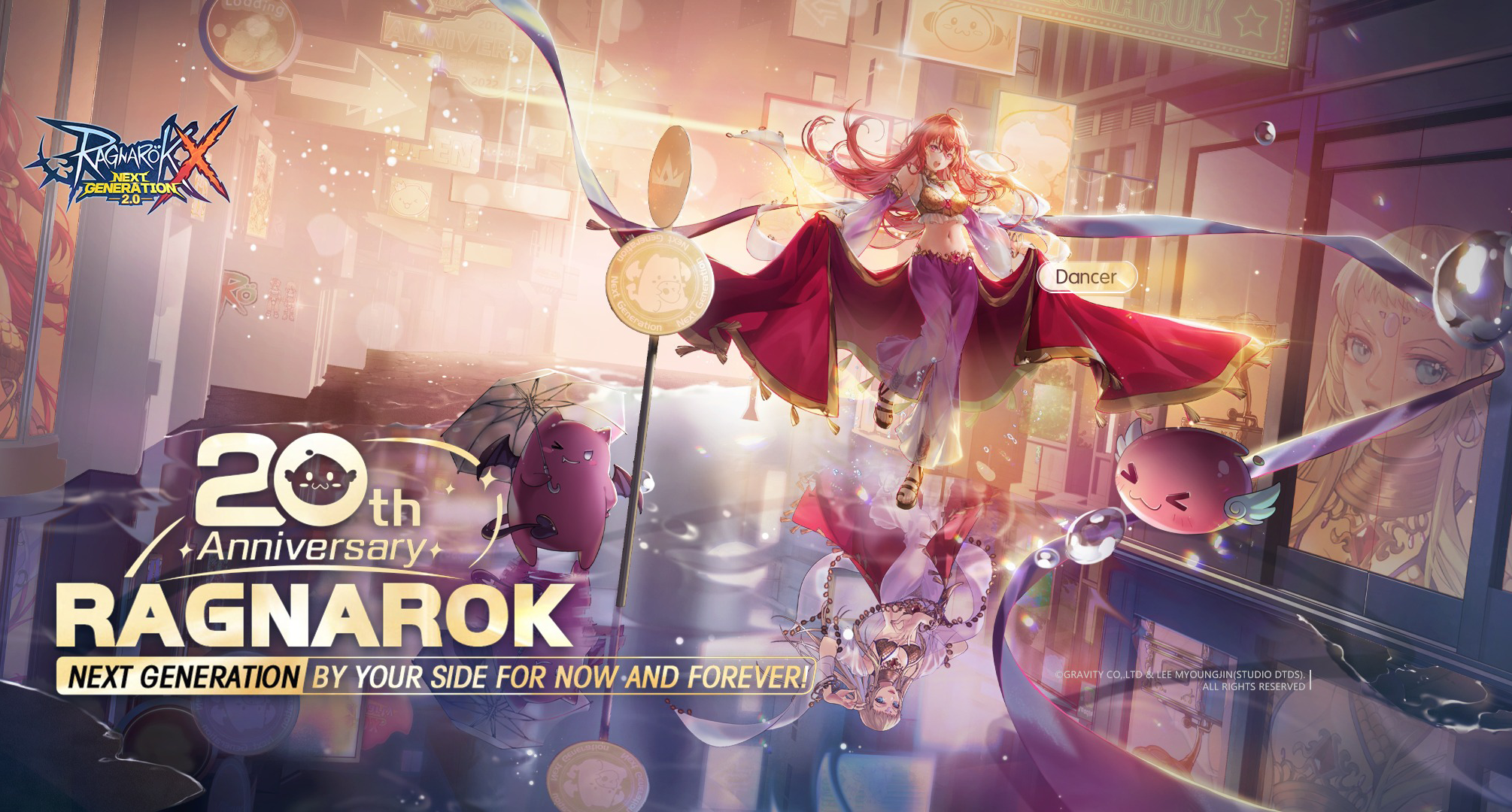
Ragnarok Online's 20th anniversary with Ragnarok X: Next Generation!
How to Play Ragnarok X: Next Generation on PC with MuMu Player
MuMu Player x ROX: Player Creation Contest with $300 Reward

(1).png?fop=imageView/0/w/150/h/150)