
Play Seven Knights Re:BIRTH on PC and Mac
Seven Knights Re:Birth is a role-playing game that brings back the beloved world of the original Seven Knights with a fresh new experience built around strategic turn-based combat and rich hero storytelling. Players return to a universe filled with iconic characters, dramatic skill animations, and a collectible RPG structure that rewards both patience and strategy. Whether you are a longtime fan of the series or a newcomer drawn in by its vibrant visual style, Seven Knights Re:Birth delivers an engaging adventure that is easy to jump into and deeply satisfying to explore. MuMuPlayer lets you bring this mobile RPG to your PC so you can enjoy every battle and story moment on a larger screen.
At the heart of Seven Knights Re:Birth is a refined turn-based battle system that gives players meaningful control over their team. You set your formation, arrange your skill order, and then watch the battle play out with stunning visual flair. The game features bold, high-energy hero skill animations, including standout moves like Lunar Slash and Meteor Wrecker, all rendered in the signature vibrant style the Seven Knights series is known for. Beyond combat, the game expands the lore through dedicated hero story content, offering new animations and illustrations that show beloved characters like Rudy and Rachel in ways fans have never seen before. The progression system is built around a sustainable hero-collecting loop where you can earn Rubies through regular play and use them to summon new heroes, keeping the excitement going without requiring constant spending.
Playing Seven Knights Re:Birth on PC through MuMuPlayer brings a set of practical advantages that enhance the overall experience. The larger display makes it far easier to read skill details, manage your team formation, and appreciate the detailed hero animations that are central to the game's visual identity. Farming Rubies through daily play becomes more comfortable when you are not limited to a small mobile screen, and managing a growing collection of heroes is smoother with the precision that keyboard and mouse input provides. MuMuPlayer is optimized for performance, ensuring the turn-based battles and cinematic skill sequences run with the stability they deserve, making it a strong choice for anyone who wants to get the most out of Seven Knights Re:Birth.
About the Game
Seven Knights Re:Birth is a collectible role-playing game designed to recapture the spirit of the original Seven Knights experience while introducing meaningful upgrades in visuals, storytelling, and battle mechanics. It is built for players who appreciate strategic depth wrapped in a colorful, character-driven world, and it offers a progression path that centers on building a powerful roster of heroes over time.
The combat system is one of the game's defining strengths. Rather than throwing players into chaotic real-time action, Seven Knights Re:Birth uses a turn-based framework that puts formation and skill sequencing at the center of every fight. Before each battle, you decide how your team is arranged and in what order their abilities will activate. Once the battle begins, the game takes over and executes your strategy, letting you sit back and watch the results unfold through visually striking skill animations. This approach rewards thoughtful preparation over quick reflexes, making it accessible to a wide range of players while still offering real strategic satisfaction.
Visually, the game leans hard into the bold and energetic art style that defined the Seven Knights series. Hero skills are not just functional moves but full animated sequences with their own distinct personality. Abilities like Lunar Slash and Meteor Wrecker are designed to be memorable, and the overall presentation gives the game a cinematic quality that goes well beyond typical mobile RPG standards. The hero roster itself is packed with colorful characters, and the game expands on their personalities through dedicated story content that includes new animations and illustrations created specifically for this title.
Key features of Seven Knights Re:Birth include:
- A turn-based battle system built around pre-set formations and skill orders, rewarding strategic planning
- High-quality hero skill animations that highlight the visual identity of the Seven Knights universe
- Expanded hero story content with new animations and artwork for characters like Rudy and Rachel
- A Ruby-based summoning system that allows players to earn in-game currency through regular play and use it to collect new heroes
- A sustainable collectible RPG loop designed to keep hero hunting engaging over the long term
The hero collection aspect of the game is central to its long-term appeal. Rubies, the currency used for summoning, can be obtained through normal gameplay, which means dedicated players can continuously expand their roster without relying entirely on purchases. This structure supports a genuine collecting experience where building and refining your team happens organically through consistent play.
For players who want to experience Seven Knights Re:Birth on a larger screen with more comfortable controls, running the game on PC through MuMuPlayer is a practical option. The expanded display makes team management, hero browsing, and battle observation noticeably more enjoyable, and the stable performance environment ensures that the game's animated sequences and visual effects come through clearly. Whether you are grinding for Rubies, working through hero story chapters, or fine-tuning your battle formation, having the game on PC through MuMuPlayer gives you a setup that matches the depth the game is designed to offer.
Emulator Features

With a smart button scheme and image recognition function, provide a more concise UI, and support custom button mapping to meet different needs.

Run multiple games independently at the same time, easily manage multiple accounts, play games while hanging.

Break through FPS limit, and enjoy a seamless gaming experience without lag and delay!

Get a 3-second startup with 52% less memory usage and 65% more stability.
How to Download and Play Seven Knights Re:BIRTH on PC and Mac
Installation Guide
Download MuMuPlayer
Download and install MuMuPlayer on your PC or Mac
Sign-in Google Store
Complete Google sign-in to access the Play Store
Search and Install
Search Seven Knights Re:BIRTH in the Play Store
Enjoy Gaming
Enjoy 120 FPS high-def gameplay with big screen
System Requirements
Windows PC
Vulkan / DirectX supported. 4 cores + 4GB RAM recommended. Up to 240 FPS. VT required.
macOS
Recommended: Apple Silicon Mac with 8GB RAM or above. Up to 240 FPS.
Get more news, guides and redeem codes about Seven Knights Re:BIRTH
Seven Knights Re: birth All Latest Codes (February 2026)
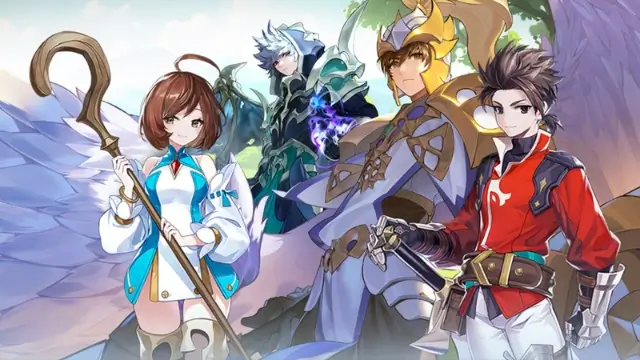
Best Android Emulator for Seven Knights Re:BIRTH – Smooth Gameplay on PC with MuMuPlayer
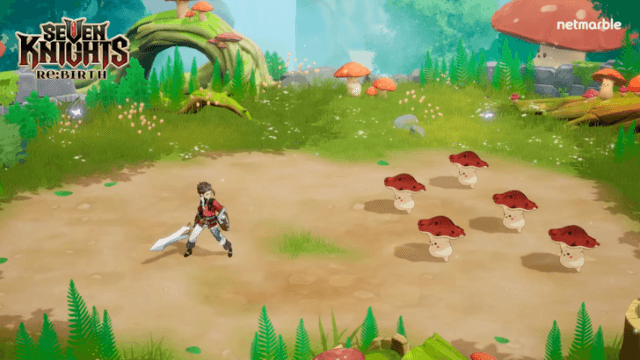
Seven Knights Re:BIRTH Ruby Farming Guide – Best Ways to Earn Free Rubies
Seven Knights Re:BIRTH Equipment Enhancement Guide - How to Enhance Gear Effectively
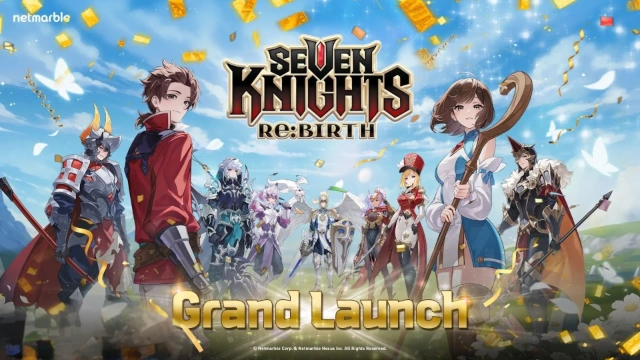
Seven Knights Re:BIRTH Equipment Guide – Top Gear & Accessories Explained
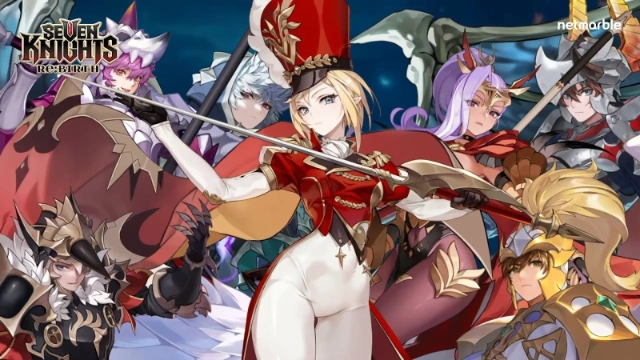
Seven Knights Re:BIRTH Beginner Guide: Tips, Heroes & Team Strategies
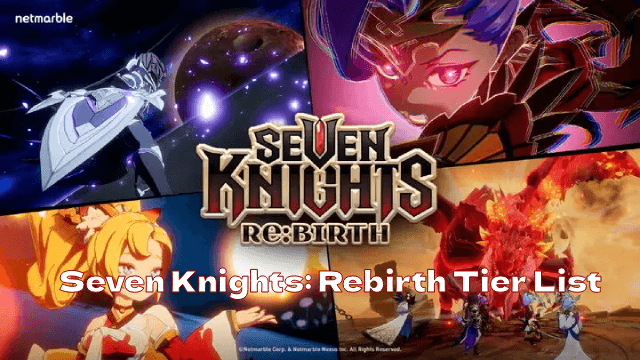
Seven Knights: Rebirth Tier List: Top Heroes to Master the Meta
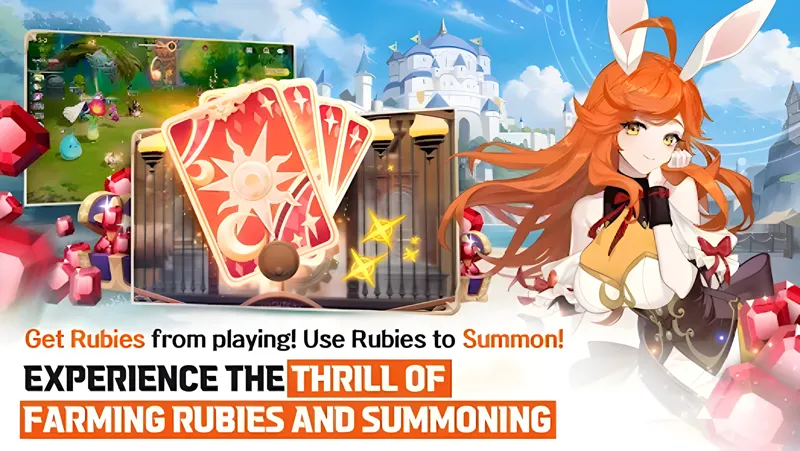
How to play Seven Knights Re:BIRTH on PC & Mac with MuMuPlayer?


(1).png?fop=imageView/0/w/150/h/150)