
Sky: Children of the Light (macOS)
Play Sky: Children of the Light on PC and Mac
Download Sky: Children of the Light on PC or Mac with MuMuPlayer, get a PC like gameplay along with smart control and high graphics performance.
MuMuPlayer, the top Android emulator for PC and Apple silicon Mac, delivers an optimal gaming experience with minimal RAM usage and high FPS. It also allows you to create multiple instances of the emulator and run several games simultaneously, thanks to its Multi-instance feature. Its advanced emulator features ensure smooth gameplay, even on low-end PCs.
Download and play Sky: Children of the Light on PC or Mac with MuMuPlayer and start enjoying your gaming experience now.
About the Game
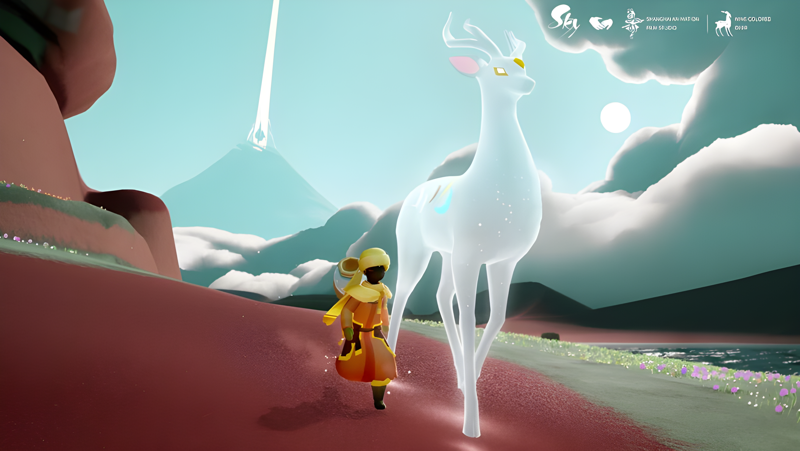
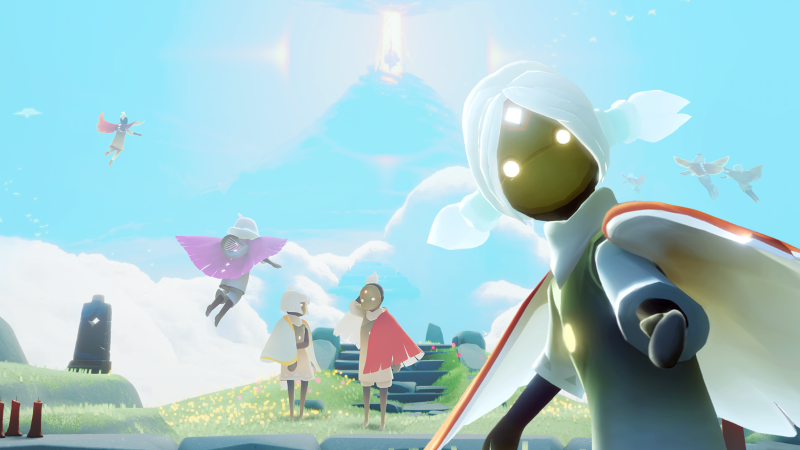
Sky: Children of the Light is a peaceful, award-winning MMO from the creators of Journey. Explore a beautifully-animated kingdom across seven realms and create enriching memories with other players in this delightful puzzle-adventure game.


Game Features:

In this multi-player social game, there are countless ways to meet and play with new friends.

Every day offers an opportunity for adventure. Play frequently to unlock new experiences and be rewarded with candles to redeem for cosmetics.

CUSTOMIZE YOUR LOOK

Express yourself! New looks and accessories are available every new season or event.

ENDLESS EXPERIENCES

Learn new emotes and gain wisdom from elder spirits. Challenge players to a race, get cozy around a fire, jam on instruments, or race down mountains. Whatever you do, beware of the Krill!

CROSS-PLATFORM PLAY

Join millions of real players from all across the world!

SHOW OFF YOUR ARTISTIC SIDE

Join our talented community of creators! Take photos or videos of gameplay, and share memories while playing with your new friends.


Winner of:

-Mobile Game of the Year (Apple)
-Outstanding Design and Innovation (Apple)
-Most users in a concert-themed virtual world (Guinness World Record)
-Mobile Game of the Year (SXSW)
-Best Visual Design: Aesthetic (Webby)
-Best Gameplay & People’s Choice (Games for Change Awards)
-Audience Award (Game Developers Choice Award)
-Best Indie Game ( Tap Tap Game Awards)


As required by Indonesian law, this game is classified as 13+ by IGRS.
Emulator Features

With a smart button scheme and image recognition function, provide a more concise UI, and support custom button mapping to meet different needs.

Run multiple games independently at the same time, easily manage multiple accounts, play games while hanging.

Break through FPS limit, and enjoy a seamless gaming experience without lag and delay!

Get a 3-second startup with 52% less memory usage and 65% more stability.
How to Download and Play Sky: Children of the Light on PC and Mac
Installation Guide
Download MuMuPlayer
Download and install MuMuPlayer on your PC or Mac
Sign-in Google Store
Complete Google sign-in to access the Play Store
Search and Install
Search Sky: Children of the Light in the Play Store
Enjoy Gaming
Enjoy 120 FPS high-def gameplay with big screen
System Requirements
Windows PC
Vulkan / DirectX supported. 4 cores + 4GB RAM recommended. Up to 240 FPS. VT required.
macOS
Recommended: Apple Silicon Mac with 8GB RAM or above. Up to 240 FPS.


(1).png?fop=imageView/0/w/150/h/150)