Play T3 Arena on PC Play T3 Arena on PC and Mac
Download T3 Arena on PC with MuMuPlayer, get a PC like gameplay along with smart control and high graphics performance.
MuMuPlayer, the top Android emulator for PC and Apple silicon Mac, delivers an optimal gaming experience with minimal RAM usage and high FPS. It also allows you to create multiple instances of the emulator and run several games simultaneously, thanks to its Multi-instance feature. Its advanced emulator features ensure smooth gameplay, even on low-end PCs.
Download and play T3 Arena on PC with MuMuPlayer and start enjoying your gaming experience now.
Download T3 Arena on PC or Mac with MuMuPlayer, get a PC like gameplay along with smart control and high graphics performance.
MuMuPlayer, the top Android emulator for PC and Apple silicon Mac, delivers an optimal gaming experience with minimal RAM usage and high FPS. It also allows you to create multiple instances of the emulator and run several games simultaneously, thanks to its Multi-instance feature. Its advanced emulator features ensure smooth gameplay, even on low-end PCs.
Download and play T3 Arena on PC or Mac with MuMuPlayer and start enjoying your gaming experience now.
About the Game
[RUN & GUN FUN]
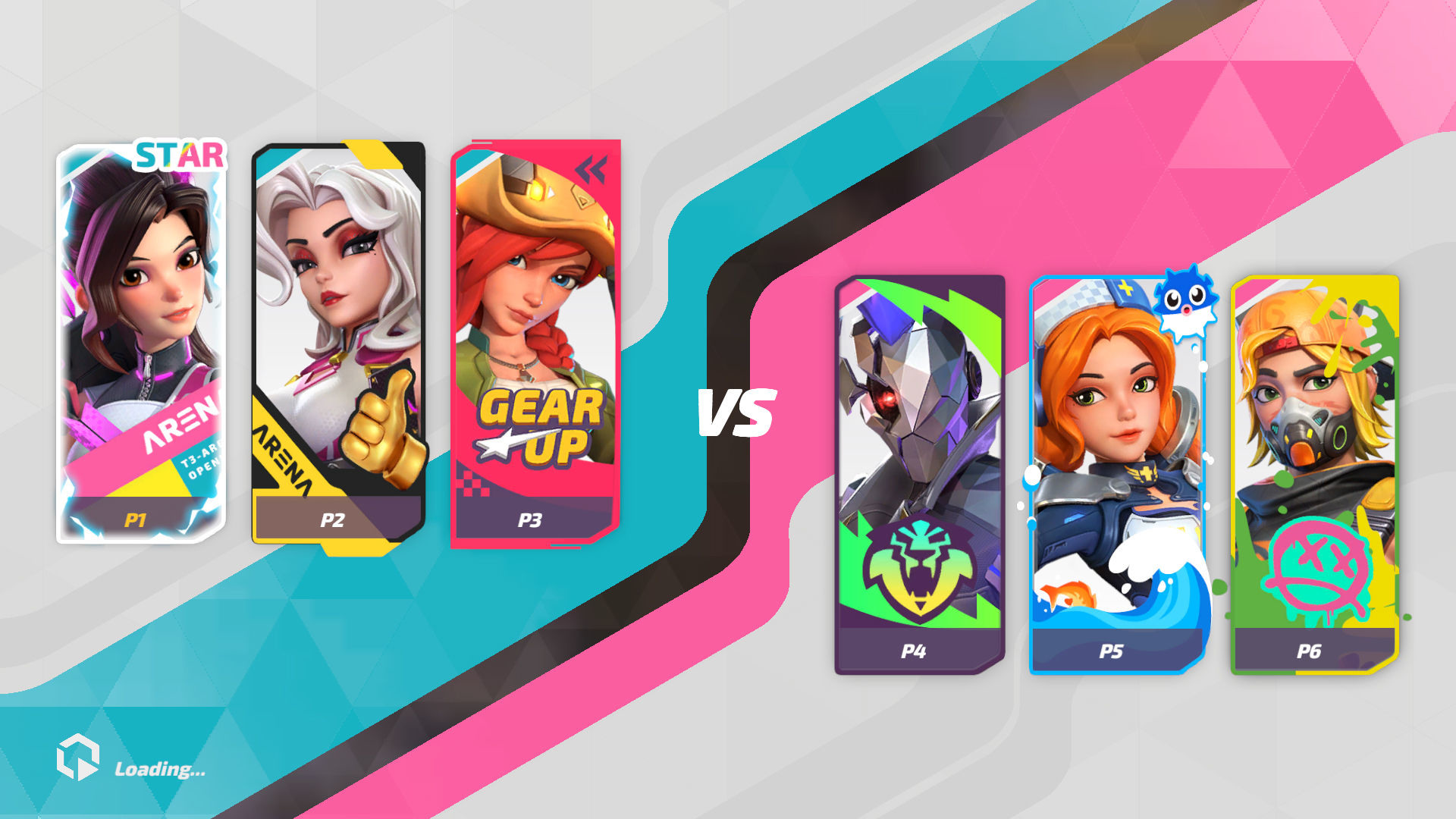
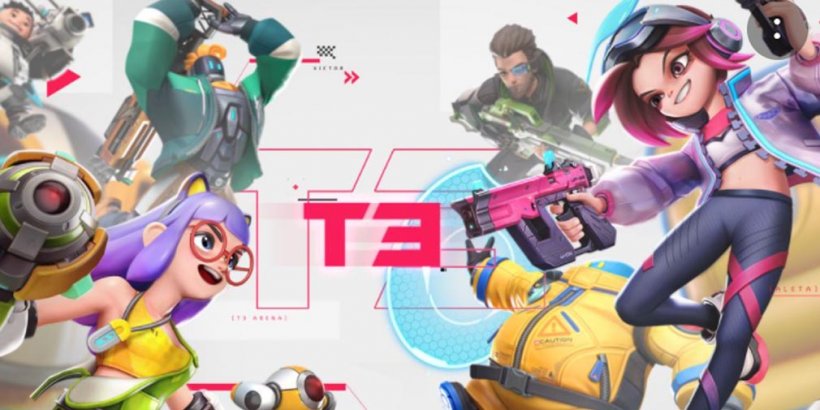
The blockbuster team-based hero shooter ""T3 Arena"" is now available!
Enjoy fast-paced, easy-to-learn gameplay in casual & exciting gunfights at the touch of your hands.
Transform into stylish gun-wielding oddballs and heroes, from rock singers to alien creatures, and collect trendy and flashy outfits to become the most dazzling Hero in the Arena!
With quick 3-5 min gameplay and a super accessible Auto-Fire feature, whether you are a shooting game veteran or a total newbie, playing solo or teamed-up, pure bullet-spraying fun is guaranteed for everyone!

[QUICK MATCHES ON-THE-GO]
With game modes fine-tuned to take only 3-5 min per match, and a 6-sec Respawn-to-Frontline compact map design, you can jump right into the chaotic, non-stop shoot-outs and any time.

[FRANTIC MOVEMENT WITH AUTO-FIRE!]
The easy-to-learn, hard-to-master Auto-Fire feature gives everyone a fighting chance while retaining skillful competition. Just aim at your target and let your weapon do the rest. But remember, strategic thinking and teamwork are key to victory.

[DYNAMIC HEROES AND COOL VIBES]
Choose from nearly 30 unique heroes, each with their own abilities and play styles.
They've joined the league for different reasons but only the coolest will emerge victorious!

[TEAM UP WITH FRIENDS]
Nothing beats having friends by your side when bullets start flying.
Our built-in party system and voice chats make teaming up a breeze, ensuring clear communication and reliable connections.
It's time to win as a team!

[MULTIPLE GAME MODES FOR ENDLESS FUN]
Whether it's TDM, Control, Payload Escort or Crystal Assault, 3 vs 3 or 5 vs 5 setups, we've got you covered. We even offer various limited-time arcade event modes!
Choose your preferred game mode and jump right in - it's your game, played YOUR way!
Emulator Features
Highest Android 15 Support Best Compatibility on Mac

With a smart button scheme and image recognition function, provide a more concise UI, and support custom button mapping to meet different needs. With a smart button scheme and image recognition, enjoy a cleaner UI and custom button mapping to fit different gaming needs on Mac.

Run multiple games independently at the same time, easily manage multiple accounts, play games while hanging. Take your Mac gaming further with multiple independent instances, easy account management, and seamless AFK gaming on Apple Silicon Mac.

Break through FPS limit, and enjoy a seamless gaming experience without lag and delay! Break through FPS limits for a seamless, lag-free gaming experience on MacBook, Mac mini, iMac, and Mac Studio.

Get a 3-second startup with 52% less memory usage and 65% more stability. Enjoy 3-second startup, 52% less memory usage, and 65% greater stability on Apple Silicon Mac.
How to Download and Play T3 Arena on PC and Mac
Installation Guide
Download MuMuPlayer
Download MuMuPlayer and install it on your PC or Mac
Sign-in Google Store
Complete Google sign-in to access the Play Store
Search and Install
Search T3 Arena in the Play Store
Enjoy Gaming
Enjoy 120 FPS high-def gameplay with big screen
System Requirements
Windows PC
Vulkan / DirectX supported. 4 cores + 4GB RAM recommended. Up to 240 FPS. VT required.
macOS
Recommended: Apple Silicon Mac with 8GB RAM or above. Up to 240 FPS.