
สำหรับแฟน ๆ ของ Taboo - Official Party Game การเล่น Taboo - Official Party Game บนพีซีด้วย MuMu Player หน้าจอที่ใหญ่ขึ้นพร้อมกราฟิกที่ดีกว่าสามารถเพิ่มประสบการณ์การดื่มด่ำของคุณได้อย่างมาก เพื่อให้ได้รับการสนับสนุนการทำแผนที่คีย์เต็มรูปแบบเพื่อการควบคุมที่แม่นยำและกำจัดข้อจำกัดของแบตเตอรี่หรือข้อมูลมือถือ เพียงใช้ MuMu Player สำหรับทุกความต้องการของคุณ
MuMu Player ซึ่งเป็นอีมูเลเตอร์ Andriod ที่ยอดเยี่ยมที่สุดสำหรับพีซี ทำหน้าที่เป็นอุปกรณ์ Android เสมือนบนพีซีของคุณ ซึ่งสามารถมอบประสบการณ์การเล่นเกมที่ดีที่สุดด้วยการใช้ RAM น้อยและ FPS สูง นอกจากนี้ คุณสามารถมีบัญชีเกมได้หลายบัญชีบนพีซีเครื่องเดียวในคราวเดียว โดยใช้ประโยชน์จากคุณสมบัติ Multi-drive ของ MuMu Player คุณสมบัติอีมูเลเตอร์ที่พัฒนาขึ้นอย่างน่าทึ่งทำให้เกมมือถือยอดนิยมสามารถทำงานได้อย่างราบรื่นแม้ในพีซีระดับล่าง ดาวน์โหลดและเล่น Taboo - Official Party Game บนพีซีด้วย MuMu Player และสนุกกับเวลาเล่นเกมของคุณตอนนี้
Take the fun wherever you go with Taboo! It's the famous party game on mobile!

ABOUT THE GAME
It’s the game Ellen played with Katy Perry on her show. Like Charades with words not actions, split into 2 teams and take it in turns to describe the words on the cards. Your team has to guess as many as possible before the timer runs out! Play with video chat and throw a house party on your phone!

Taboo is a group game for adults and perfect for a fun night in with friends. How do you describe APPLE when the words RED, FRUIT, PIE, CIDER and CORE are all taboo? If you use a taboo word by mistake, the other team will buzz and you’ll lose a point. Have noisy hilarious fun either online using in-game video chat or in person. Split into two teams, or go head-to-head in One Vs All Mode. Think fast and talk your way to victory!

FEATURES
- FULLY CUSTOMISABLE - Decide the number of players, rounds, how many turns per round and how many skips are allowed
- AD-FREE GAME - Have fun with zero ads to distract you
- COMPLETE STARTER CARD DECK - Includes cards from the original game
- FULLY TRANSLATED - Available in: English, French, German, Spanish, Italian, Turkish, Greek, Polish, Hindi

MORE CARD DECKS

Buy fun themed decks to keep your game fresh, including:

    - Festive Fun (available for a limited time around the winter holidays)
    - Wild World
    - Fun & Games
    - Food Lovers
    - Celebrities
    - The Midnight Deck (for adult-only fun)

…and two exciting Mystery decks!

PLAY MODES
- IN-GAME VIDEO CHAT - You don’t need extra apps or screens! Play the game face-to-face with 2-6 friends, wherever you are
- NEW - One vs All Mode

It’s every player for themselves in this brand new mode!

    - Play with up to 10 friends!
    - Take it in turns to be the Clue-giver while everyone else guesses
    - A leaderboard will announce the winners

One vs All Mode is available in Local Party Mode, and is coming soon to Online Video Mode!

- LOCAL PARTY MODE

If you’re all in the same place, you can play with as many friends as you like, using a single phone!

    - Split into 2 teams
    - Take it in turns to be the Clue-giver
    - If you’re the Clue-giver, make sure your team can’t see the screen
    - If you’re in the opposing team, sit or stand behind the Clue-giver and shout if they use a taboo word

HOW TO PLAY

Create a game
Start a game and invite your friends. Or create an in-app chat group with your friends and start a game from your chat!

Divide into two teams
Split into two teams and name your team.

A Clue-giver is assigned from Team A
Clue-givers are chosen by the app, with team A and B taking it in turns.

The Clue-giver draws a card
The Clue-giver must describe the word, without saying any of the words on the card.

Team B stand by the Buzzer
Team B will buzz if the Clue-giver says a taboo word!

Watch the timer
Your team must guess as many words as possible before the time runs out.
คุณสามารถใช้รูปแบบการควบคุมในตัวซึ่งสะดวกสบายเพียงพอ แต่ด้วย MuMu Player คุณจะได้รับความสามารถในการเขียนสคริปต์ที่กำหนดเองสำหรับระบบควบคุมแทบทุกระบบเท่าที่จะจินตนาการได้!
ต้องการเรียกใช้หลายบัญชีในเกมเดียวพร้อมกัน หรือเล่นหลายเกมพร้อมกันหรือไม่ มัลติอินสแตนซ์ตอบสนองทุกความต้องการของคุณ!
การบันทึกการดำเนินการที่ซับซ้อนเพียงครั้งเดียว เพียงคลิกเมาส์เพียงครั้งเดียว คุณก็จะปล่อยมือเป็นอิสระ และจัดการและเรียกใช้สคริปต์เฉพาะโดยอัตโนมัติ
ทะลวงขีดจำกัด FPS และเพลิดเพลินไปกับประสบการณ์การเล่นเกมที่ไร้รอยต่อโดยไม่กระตุกและล่าช้า!
ดาวน์โหลดอย่างปลอดภัย
ใช้งานฟรี
บริการลูกค้าออนไลน์
วิธีดาวน์โหลด Taboo - Official Party Game บนพีซี
-
① ดาวน์โหลดและติดตั้ง MuMu Player บนพีซีของคุณ
-
② เริ่ม MuMu Player และลงชื่อเข้าใช้ Google ให้เสร็จสิ้นเพื่อเข้าถึง Play Store
-
③ ค้นหา Taboo - Official Party Game ใน App center
-
④ ลงชื่อเข้าใช้บัญชี Google Account (หากยังไม่ได้ทำในขั้นที่ 2) เพื่อติดตั้ง Taboo - Official Party Game
-
⑤ เมื่อการติดตั้งเสร็จสิ้น ให้คลิกที่ไอคอนเกมเพื่อเริ่มเกม
-
⑥ สนุกกับการเล่น Taboo - Official Party Game บนพีซีของคุณด้วย MuMu Player
การกำหนดค่าที่แนะนำ
-
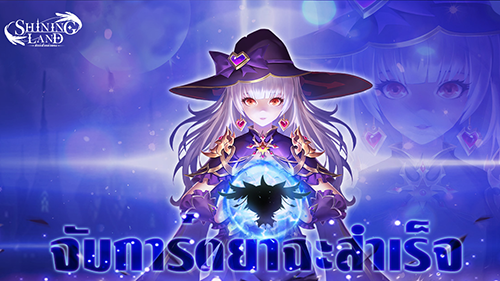
เกม MMORPG "Shining Land: สัตว์เลี้ยงช่วยรบ" จะเปิดตัวอย่างเป็นทางการในวันที่ 24 พฤศจิกายน
-

กวดวิชาสร้างหลายบัญชีของGODDESS OF VICTORY: NIKKE และวิธีตั้งค่าแนวนอน
-
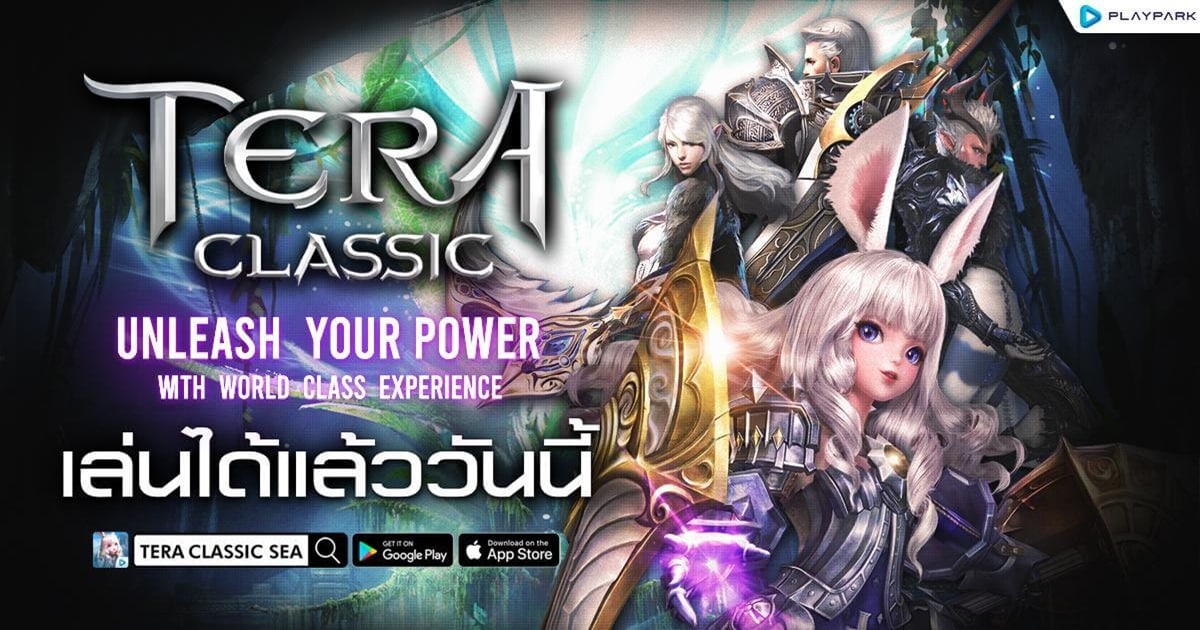
TERA Classic SEA เปิด OBT บน iOS และ Android แล้ววันนี้! ระเบิดความมันส์กับตำนาน MMORPG สุดคลาสสิก
-

Myth-M เกม RPG จากตำนานจีนเปิดให้เล่นบนสโตร์ไทยทั้งสองระบบแล้ว
Color Time - Paint by Number
Royal Chips 2248
The Game of Life 2
Connect Master - จับคู่หรรษา
หมากฮอส: หมากรุก
Unicorn เกมส์ระบายสี & แต่งตัว
Dominoes Café
Blue Archive
Princess Connect! Re: Dive
Pokémon GO
Arknights
Garena Free Fire: Heroes Arise
Summoners War
Garena ROV: 5V5 FEST
YouTube
Google Chrome
Google Play Games
Shopee TH: ช้อปโปรคืนกำไร