
Play Wartune Lite on PC and Mac
Download Wartune Lite on PC or Mac with MuMuPlayer, get a PC like gameplay along with smart control and high graphics performance.
MuMuPlayer, the top Android emulator for PC and Apple silicon Mac, delivers an optimal gaming experience with minimal RAM usage and high FPS. It also allows you to create multiple instances of the emulator and run several games simultaneously, thanks to its Multi-instance feature. Its advanced emulator features ensure smooth gameplay, even on low-end PCs.
Download and play Wartune Lite on PC or Mac with MuMuPlayer and start enjoying your gaming experience now.
About the Game
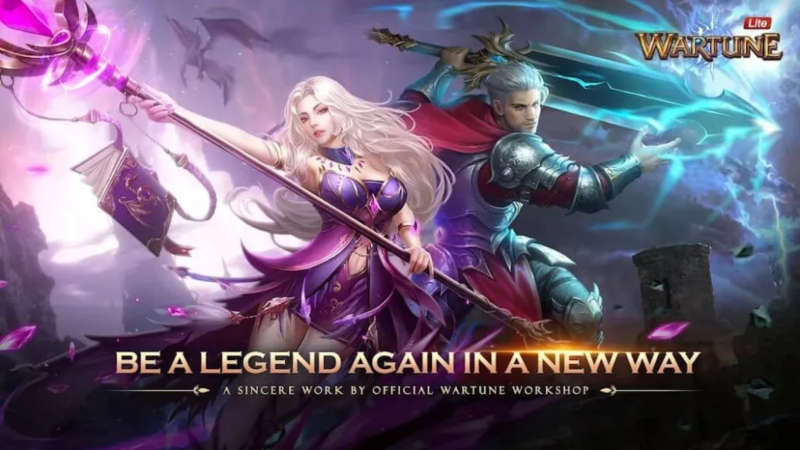
Wartune Lite is the official mobile game developed by the original Wartune crew. The game presents classic Wartune graphics and gameplay, and mixes elements of strategy games with classic turn-based RPG features to create a unique experience. Players can freely allocate skill points, upgrade runes, enhance equipment, upgrade Home City buildings, etc. The game also features a series of awesome in-game cosmetics including Clothing, Mounts, and Wings, which enable players to express their individuality and charm. Besides, players can make friends, form parties, and fight for the title of Top Guild as well. Wartune is back. Come and find the original fun of this classic fantasy MMORPG!

※ 7Road Official Wartune Mobile Game
Developed by 7Road Wartune's original developer team, Wartune Lite is a brand-new mobile game representing the classic Wartune settings, graphics, gameplay, and systems, giving players the original gaming experience.

※ Classic Art Style and Stunning Outfit
The game features a magical world with its representative fantasy art style. Wearing impressive clothing and wings, and riding distinctive mounts, heroes once again gather in the legendary Cloud City.

※ Powerful Gear and Customized Enhancement
Time to assemble your friends again to clear out the dungeon menace! Conquer the formidable bosses to win powerful gear sets. You can freely enhance your gear based on your attribute preference to create unique mighty gear.

※ Strategic City and Character Build
Upgrade your Academy technologies, Home City buildings, and troops wisely to stand out from others. Strategically arrange your skill points, set up runes, and upgrade talents to make a difference in your overall ability. These all matter to winning battles!

※ Guildwork for Resources and Glory
With new and old friends all around, guilds of fellowship are formed. Fight together with your guild mates! Many thrilling events like Guild Battle and Amethyst Mine War await you. The generous rewards will make it worth your efforts!

Official Site: https://wartunelite.wan.com
Emulator Features

With a smart button scheme and image recognition function, provide a more concise UI, and support custom button mapping to meet different needs.

Run multiple games independently at the same time, easily manage multiple accounts, play games while hanging.

Break through FPS limit, and enjoy a seamless gaming experience without lag and delay!

Get a 3-second startup with 52% less memory usage and 65% more stability.
How to Download and Play Wartune Lite on PC and Mac
Installation Guide
Download MuMuPlayer
Download and install MuMuPlayer on your PC or Mac
Sign-in Google Store
Complete Google sign-in to access the Play Store
Search and Install
Search Wartune Lite in the Play Store
Enjoy Gaming
Enjoy 120 FPS high-def gameplay with big screen
System Requirements
Windows PC
Vulkan / DirectX supported. 4 cores + 4GB RAM recommended. Up to 240 FPS. VT required.
macOS
Recommended: Apple Silicon Mac with 8GB RAM or above. Up to 240 FPS.
(1).png?fop=imageView/0/w/150/h/150)