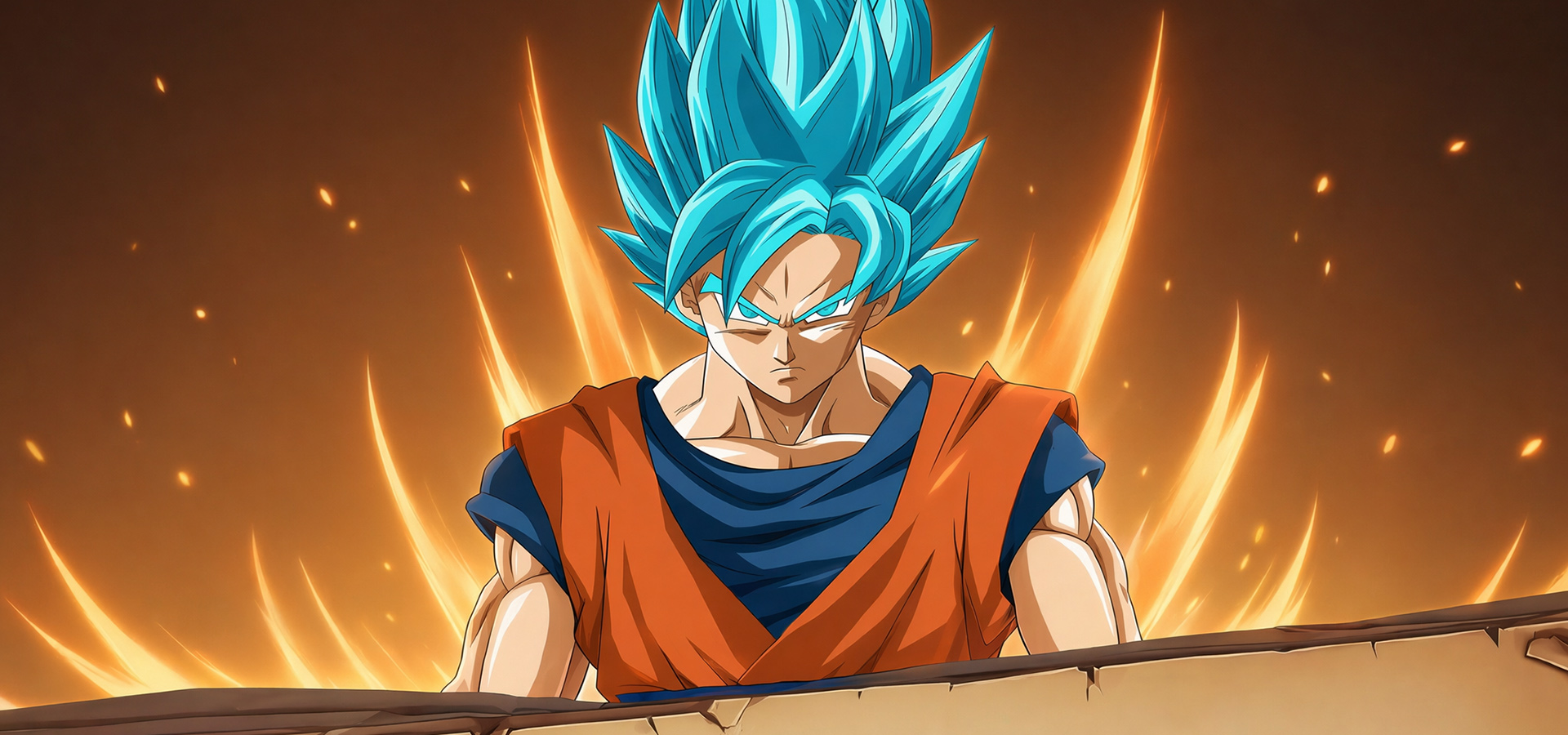

Play Z:The Ultra Fighter on PC and Mac
Z: The Ultra Fighter is a card-based RPG developed by OFPPT that pulls players into a world of multi-universe exploration, warrior cultivation, and intense strategic combat. At its heart, the game revolves around collecting a roster of unique characters, awakening their latent powers, and building a team capable of conquering increasingly difficult challenges across different dimensions. Whether you are drawn to deep progression systems or competitive multiplayer, Z: The Ultra Fighter delivers a layered experience that keeps evolving the further you go. Playing through MuMuPlayer on PC gives you a larger canvas to take in every detail of this universe-spanning adventure.
The game is packed with content that goes well beyond simple card collecting. Players can engage in real-time ranked arena battles to test their strategies against others, take on World Bosses for high-stakes cooperative challenges, gather powerful gear through dedicated equipment collection systems, and push their limits in elemental trials designed to test every aspect of a warrior's build. The universe exploration mechanic introduces fresh territories and scenarios, while the awakening and development system lets you continuously evolve your warriors with unique skills and upgraded capabilities. Turn-based combat is elevated by visually spectacular awakening combo sequences that make every major fight feel genuinely cinematic.
Bringing Z: The Ultra Fighter to PC through MuMuPlayer transforms how you experience the game in several practical ways. The larger screen makes it far easier to manage your roster, track gear sets, and read the battlefield during turn-based encounters. MuMuPlayer's stable performance ensures that ranked arena sessions and World Boss fights run smoothly without the interruptions that can happen on mobile. Keyboard and mouse controls give you more precise command over your actions, which matters when strategic timing is the difference between climbing the rankings or falling behind. For a game this content-rich, playing on PC with MuMuPlayer simply gives you a more comfortable and controlled environment to build your ultimate team.
About the Game
Z: The Ultra Fighter invites players into an expansive card RPG where the journey stretches across multiple universes, each hiding new warriors to discover, enemies to defeat, and power systems to master. Rather than focusing on a single progression path, the game layers several interlocking mechanics on top of each other, creating a loop that rewards both dedicated daily players and those chasing long-term goals. From the moment you start assembling your first team, the scope of what is possible begins to reveal itself gradually and consistently.
At the core of the experience is a warrior collection and development system built around depth rather than simplicity. Each character you obtain brings their own identity to the roster, and the process of developing them goes far beyond leveling up numbers. The game features a dedicated awakening system that transforms warriors in meaningful ways, unlocking new visual states, powerful combo abilities, and enhanced combat roles. Building a strong team means thinking carefully about composition, elemental affinities, and how each warrior's awakened abilities interact during battle.
Combat in Z: The Ultra Fighter uses a turn-based format, but the execution feels far more dynamic than a standard take on the genre. Key highlights of the battle system include:
- Awakening special skills that trigger dramatic visual sequences, adding a cinematic quality to high-stakes encounters
- Strategic team-building that requires balancing offense, defense, and elemental matchups
- A turn structure that rewards planning and ability timing over button-pressing speed
Beyond the core combat loop, the game offers a wide range of content modes designed to serve different playstyles. World Boss encounters bring large-scale challenges that encourage players to strengthen their rosters and coordinate effectively. The ranked arena places your team against real opponents in real time, making every strategic decision count toward your standing on the leaderboard. For those focused on steady power growth, gear collection provides a consistent reward structure, with equipment sets that can meaningfully shift how a warrior performs in battle. Elemental trials add another layer of challenge by creating scenarios that demand specific roster configurations and tactical approaches.
The universe exploration mechanic gives the game a sense of ongoing discovery. New territories introduce unfamiliar enemies, unique storylines, and additional lore that expands the world beyond what any single mode can contain. This system feeds naturally into the awakening and development loop, since exploring further often unlocks new resources needed to push warriors to their next stage.
For players who want to experience all of this on a bigger screen with smoother controls, running Z: The Ultra Fighter through MuMuPlayer on PC is a straightforward upgrade. Managing a deep card roster, reading elemental trial requirements, and navigating between game modes all become noticeably easier with a full keyboard, mouse, and a display that lets you see everything at once. The combination of rich content and PC-level comfort makes MuMuPlayer a natural companion for anyone serious about progressing in Z: The Ultra Fighter.
Emulator Features

With a smart button scheme and image recognition function, provide a more concise UI, and support custom button mapping to meet different needs.

Run multiple games independently at the same time, easily manage multiple accounts, play games while hanging.

Break through FPS limit, and enjoy a seamless gaming experience without lag and delay!

Get a 3-second startup with 52% less memory usage and 65% more stability.
How to Download and Play Z:The Ultra Fighter on PC and Mac
Installation Guide
Download MuMuPlayer
Download and install MuMuPlayer on your PC or Mac
Sign-in Google Store
Complete Google sign-in to access the Play Store
Search and Install
Search Z:The Ultra Fighter in the Play Store
Enjoy Gaming
Enjoy 120 FPS high-def gameplay with big screen
System Requirements
Windows PC
Vulkan / DirectX supported. 4 cores + 4GB RAM recommended. Up to 240 FPS. VT required.
macOS
Recommended: Apple Silicon Mac with 8GB RAM or above. Up to 240 FPS.
