Clash Royale Creator Codes: How to Support Your Favorite Content Creators
Clash Royale, the immensely popular real-time strategy mobile game developed by Supercell, has captivated millions of players worldwide with its engaging gameplay and diverse roster of characters. One of the key aspects that have contributed to its success is the vibrant community of content creators who share their strategies, tips, and decks with the player base. These creators not only enhance the gaming experience but also foster a sense of community among players. In this article, we will delve into the world of Clash Royale creator codes and guide you on how to support your favorite content creators.
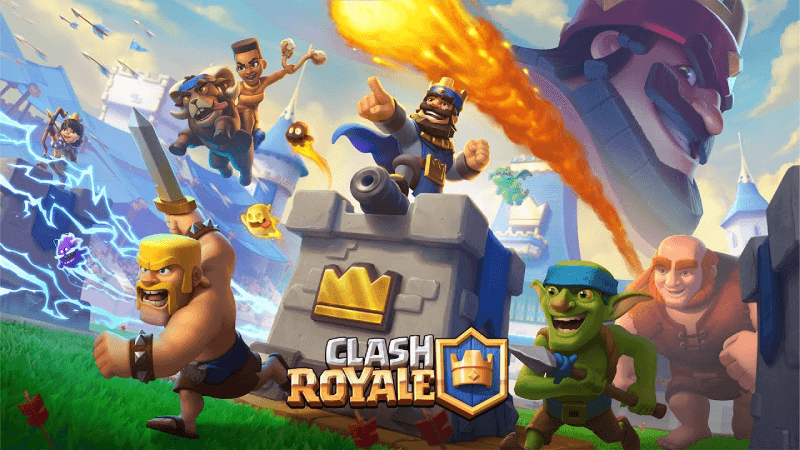
To enjoy the best audio-visual performance, we recommend playing Clash Royale on PC and Mac with MuMuPlayer Emulator! For more guides, please review the list below:
- Clash Royale: Top 5 Best Decks After July Balance Changes (2025)
- Clash Royale: Top Rune Giant Decks
- Clash Royale Guide to Evolution and Wild Shards
Eager to dive deeper into the world of Clash Royale? You could also directly download MuMuPlayer if you are missing any of the latest information for the game.
What Are Clash Royale Creator Codes?
Clash Royale Creator Codes are part of Supercell's Creator Boost program, which allows players to support their favorite content creators through eligible in-game purchases.
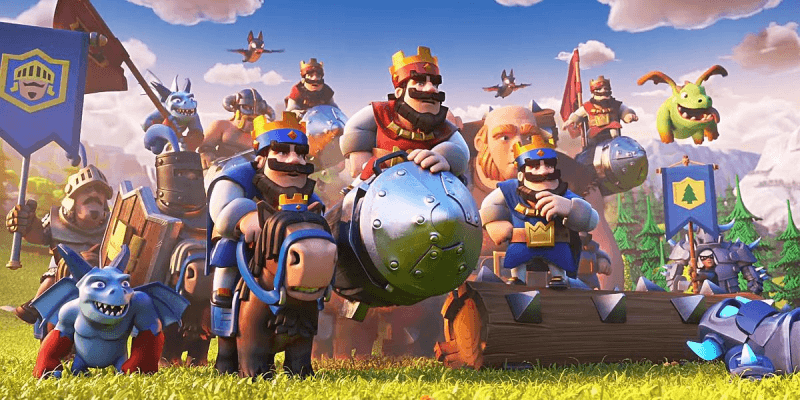
When you enter a creator's code in the Clash Royale Shop, a portion of your eligible purchases goes toward supporting that creator. There is no additional cost to you, and the purchase price remains the same.
Unlike promotional redeem codes, creator codes do not give players free Gems, Gold, cards, chests, or discounts. Their purpose is to support the creators who produce Clash Royale guides, deck recommendations, gameplay videos, and other community content.
Creator support lasts for 7 days after activation. If you want to keep supporting the same creator, simply enter their code again when the support period ends.
Clash Royale Creator Codes (October 2026)
Want to support your favorite Clash Royale YouTubers, streamers, and community creators? Here are some popular creator codes you can enter in the Creator Boost section.
| Content Creator | Creator Code |
|---|---|
| Orange Juice Gaming | oj |
| CLASHwithSHANE | shane |
| SirTagCR | sirtag |
| mortenroyale | morten |
| RoyaleAPI | royaleapi |
| Surgical Goblin | surgicalgoblin |
| Judo Sloth Gaming | judo |
| KairosTime Gaming | kairos |
| Chief Pat | pat |
| Ash (CWA) | cwa |
| Anikilo | anikilo |
| Sumit 007 | sumit007 |
| Alvaro845 | alvaro845 |
| Clash Bashing | bash |
| Clash Ninja | ninja |
| Coach Cory | cory |
| Deck Shop | deckshop |
| Clash Royale Dicas | clashdicas |
| Stats Royale | stats |
| BenTimm1 | bt1 |
Note: Creator codes may change or become unavailable. Check the Creator Boost section in-game to confirm that your selected code is accepted.
You can choose the creator whose content you enjoy most and change your selection whenever you want.
How to Redeem Your Clash Royale Creator Code (Step-by-Step)
Supporting creators takes just seconds:
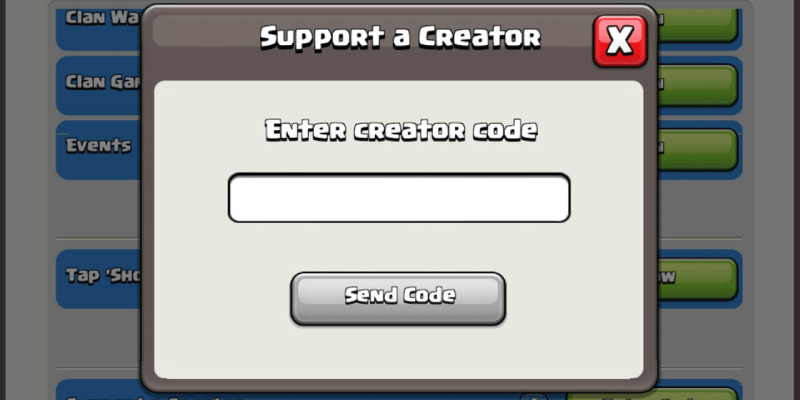
- Open the Shop: Launch Clash Royale on MuMuPlayer and tap the shop icon (usually a chest or gem symbol).
- Find Creator Boost: Scroll down within the shop menu until you locate the "Creator Boost" section.
- Enter Code: Tap the bright green "Enter Code" button.
- Type It In: Carefully input the exact creator code you wish to use (e.g., kairos, judo, ninja) in the text box that appears.
- Confirm: Hit "OK" to activate the code.
Success! The creator's name will now appear in the "Creator Boost" section. A timer shows how long the code remains active (typically 7 days). Remember to re-enter it after it expires to continue your support. You can change codes anytime – feel free to rotate and support different creators!
Important Things to Know About Clash Royale Creator Codes
Before using a creator code, keep these points in mind:
-
No Free Rewards: Creator codes do not unlock free Gems, Gold, cards, chests, or other in-game items.
-
No Extra Cost: Supporting a creator does not increase the price of eligible purchases.
-
Seven-Day Support Period: Your selected creator remains supported for seven days. Re-enter the code to continue supporting them.
-
One Creator at a Time: You can support one creator at a time on each account, but you can change your selection whenever you want.
-
Different From Reward Codes: Creator codes are separate from promotional codes, reward links, and special-event giveaways.
For the latest information about the program, visit the official Supercell Creators website.
Clash Royale Creator Codes FAQ
Do Clash Royale Creator Codes Give Free Gems or Gold?
No. Creator codes are designed to support content creators through eligible purchases. They do not provide free Gems, Gold, cards, or other rewards.
How Long Do Clash Royale Creator Codes Last?
Creator support lasts for seven days after activation. You can re-enter the same code when the support period ends.
Can I Change My Clash Royale Creator Code?
Yes. You can switch to another creator whenever you want. Only one creator can be supported at a time on each account.
Why Is My Clash Royale Creator Code Not Working?
Check that you've entered the correct code and that the creator is still participating in the program. You can also look at the Creator Boost section for the current support status.
Where Can I Find More Clash Royale Creator Codes?
Follow your favorite creators on YouTube, Twitch, TikTok, or other official social media channels. You can also learn more about the program through Supercell Creators.
Play Clash Royale on Mac or PC with MuMuPlayer
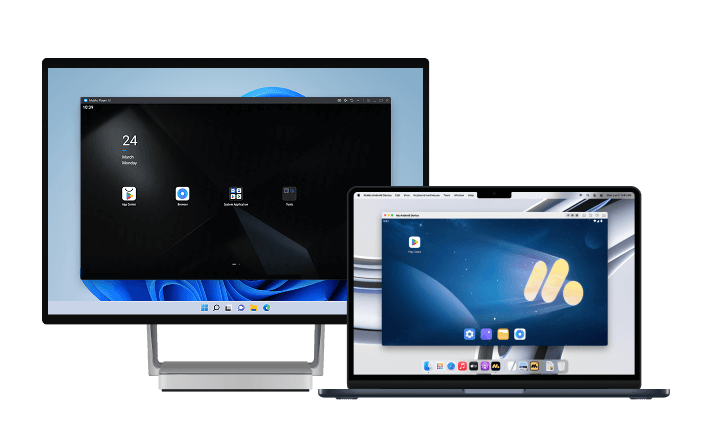
Looking to sharpen your Clash Royale skills with the precision of a PC? MuMuPlayer, popular Android emulator from NetEase, lets you run mobile games like Clash Royale smoothly on Windows or macOS including full native support for Apple Silicon Macs (M1/M2). Now powered by Android 12, MuMuPlayer delivers a next-level experience for real-time strategy gameplay.
With support for over 3 million Android games, MuMuPlayer ensures stable, high-performance Clash Royale gameplay on desktop. Enjoy up to 240 FPS, 4K-quality visuals, and ultra-low input latency, giving you the competitive edge during clutch elixir trades or fast-paced overtime pushes.
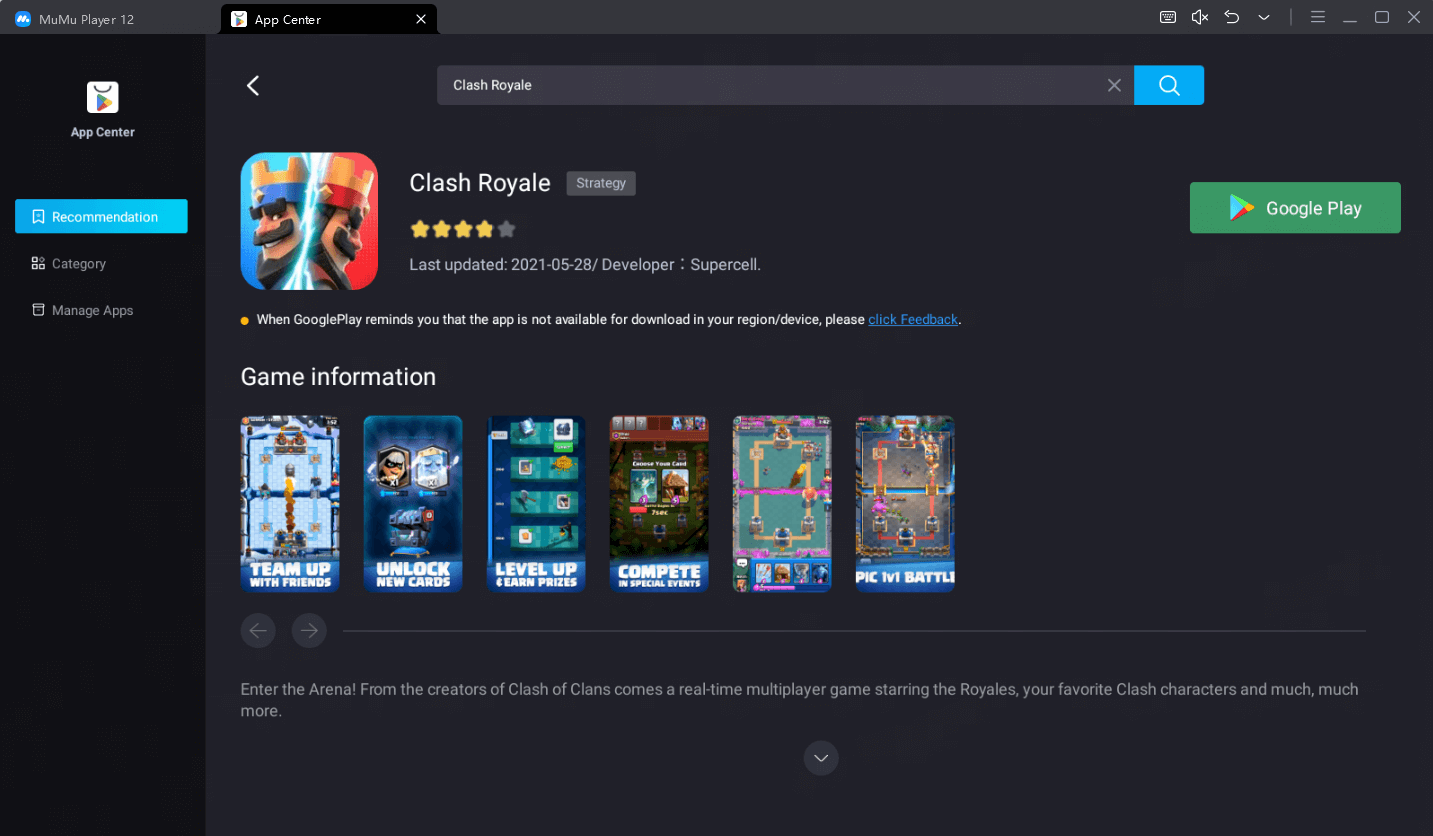
Key features that elevate your Clash Royale experience:
- Smart Control & Key Mapping: Custom keyboard and mouse support restores the PC feel while also supporting joysticks and Mac touchpad gestures.
- Multi-Instance Support: Manage multiple Clash Royale accounts, simulate friendly battles, or play other games alongside without lag.
- Lightning-Fast Startup: Launch the emulator in under 3 seconds and jump into battle without delays.
- HD+ High FPS Graphics: Crisp visuals and smooth animations let you track every interaction, helping you react faster and make better decisions.
- Mac-Compatible: Specifically designed for mobile gamers and tailored for macOS, MuMuPlayer(macOS) is the first to adapt to the Apple Silicon Mac.
MuMuPlayer also partners with leading tech brands like Intel, Qualcomm, and Lenovo, ensuring ongoing optimization across devices and chipsets.
Final Thoughts
Using a Clash Royale Creator Code is a simple way to support the creators behind your favorite decks, strategies, and gameplay guides. It doesn't cost extra, and you can choose the creator whose content has helped you most.
Pick a code from the list above, activate it in the Creator Boost section, and remember to renew your support after seven days if you'd like to continue.
For a more comfortable desktop gaming experience, you can also play Clash Royale on PC and Mac with MuMuPlayer and enjoy building decks, managing cards, and battling opponents on a larger screen.
End of Article