Play Clash Royale on PC and Mac with MuMuPlayer
Clash Royale is a multiplayer strategy game published by Supercell, featuring real time battles, royal themed arenas, and competitive gameplay. MuMuPlayer helps you play on PC with smoother performance and better control, allowing you to perform at your best against other players.Dominate Clash Royale's fast-paced real-time battles—deploy legendary cards, crush towers, and outplay opponents—now elevate your Clash Royale PC gameplay with MuMuPlayer for an unbeatable edge.
Merge Tactics introduces a major seasonal update featuring the new Ruler Grand Warden, who grants shields to allies and adds strategic depth through shield based mechanics. New Shield Modifiers enhance battles by triggering effects when shields break, including buffs, slows, leveling boosts, and damage over time. Returning troops like Executioner, Royal Ghost, Bandit, and Princess expand tactical options, while increased Elixir per round improves pacing. Trait systems are upgraded to support larger team bonuses, and additional modifiers reward winning, strengthen high tier units, and boost synergy, creating a more dynamic and strategic gameplay experience.
Why Choose MuMuPlayer for Clash Royale PC?
· Immersive Big Screen: Crystal-clear visuals and wider field of view let you spot enemy moves instantly.
· Precision Controls: Custom keyboard/mouse mapping + macro command support for lightning-fast card drops and strategic combos.
· Lag-Free Performance: High FPS, minimal RAM usage, and smooth gameplay—even on low-end PCs.
· Multi-Instance Flexibility: Manage multiple accounts or test decks simultaneously to master every strategy.
Unleash your inner champion in Clash Royale—Download MuMuPlayer now to turn quick battles into epic victories. Outsmart rivals, climb the ranks, and claim trophies with the ultimate Clash Royale PC gaming setup. Your next arena win awaits—start dominating now!
What is Clash Royale? Clash Royale Overview
Clash Royale is a real time multiplayer strategy card game developed by Supercell, blending tower defense mechanics with fast paced PvP combat. Set in the Clash universe, the game challenges players to assemble powerful decks, deploy troops strategically, and outplay opponents in dynamic Arena battles. By combining quick decision making with long term planning, players must balance offense and defense, destroying enemy towers while protecting their own King’s Tower. With a constantly evolving meta and competitive environment, Clash Royale delivers a deeply engaging experience that rewards both skill and strategy.

At its core, the gameplay revolves around building effective battle decks and mastering real time tactical execution. Players choose from a wide selection of cards, each representing troops, spells, or defensive structures, and deploy them using Elixir during matches. Success depends on timing placement and resource management, making every battle a test of awareness and adaptability.

Core gameplay features include
• Real time multiplayer PvP card battles against global players
• Strategic deck building using diverse troop spell and defense cards
• Fast paced Arena matches combining offense and tower defense
• Resource management through Elixir based deployment system
• Progressive difficulty through multiple Arenas and competitive tiers

As players advance, they unlock and upgrade a large collection of cards, each with unique attributes and combat roles. Familiar units such as Hog Rider and various Clash troops return with distinct abilities, allowing players to experiment with different strategies and playstyles. Upgrading cards enhances their strength and effectiveness, enabling deeper customization and optimization of battle decks.

Collection and progression systems include
• Unlocking and upgrading over 100 cards from the Clash universe
• Enhancing decks with stronger units spells and defensive options
• Progressing through Arenas to access new cards and mechanics
• Utilizing Evo Shards to further improve card performance
• Adapting strategies based on card combinations and synergy

Beyond individual matches, Clash Royale offers a competitive ecosystem filled with leagues tournaments and seasonal content. Players can climb ranked ladders, participate in global competitions, and earn rewards through consistent performance. Seasonal systems introduce new cosmetic items challenges and gameplay variations, keeping the experience fresh and engaging over time.

Competitive and social features include
• Ranked multiplayer leagues with progression based rewards
• Global tournaments featuring high level competitive play
• Seasonal events offering exclusive items and challenges
• Clan system enabling teamwork card sharing and Clan Wars
• Social interaction through cooperative and competitive clan activities

Overall, Clash Royale combines accessible mechanics with deep strategic layers, creating a balanced experience that appeals to both casual players and competitive enthusiasts. With its blend of card collection tactical combat and social interaction, the game continues to stand out as a leading title in the real time strategy and multiplayer card battle genre.
Clash Royale PC Features
Highest Android 15 Support Best Compatibility on Mac

With a smart button scheme and image recognition function, provide a more concise UI, and support custom button mapping to meet different needs. With a smart button scheme and image recognition, enjoy a cleaner UI and custom button mapping to fit different gaming needs on Mac.

Run multiple games independently at the same time, easily manage multiple accounts, play games while hanging. Take your Mac gaming further with multiple independent instances, easy account management, and seamless AFK gaming on Apple Silicon Mac.

Break through FPS limit, and enjoy a seamless gaming experience without lag and delay! Break through FPS limits for a seamless, lag-free gaming experience on MacBook, Mac mini, iMac, and Mac Studio.

Get a 3-second startup with 52% less memory usage and 65% more stability. Enjoy 3-second startup, 52% less memory usage, and 65% greater stability on Apple Silicon Mac.
How to Download and Play Clash Royale on PC and Mac
Installation Guide for playing Clash Royale on PC or Mac with MuMuPlayer
1. Download MuMuPlayer and install on your device. It will auto-detect your system for the latest optimized version.
2. Launch the emulator, sign in to Google Play, and search for Clash Royale to install.
3. Once installed, click the game icon on MuMuPlayer's home page to start playing!
Recommended Configuration for MuMuPlayer
To run MuMuPlayer smoothly, ensure your computer meets or exceeds the following specifications.
• For Windows OS:
CPU (Processor): Intel Core i5 or equivalent (4 cores minimum)
RAM (Memory): 8GB or higher (4GB minimum)
Graphics Card (GPU): NVIDIA GeForce GTX 950 or better
OS: Windows 10 64-bit or later
• For macOS:
CPU (Processor): Apple Silicon
RAM (Memory): 8GB or higher (4GB minimum)
OS: macOS 10.13 or later
Recommended Android Device performance settings
Maximize your emulator's speed and stability by configuring these key settings inside MuMuPlayer.
• Graphics Renderer:
For the best performance in most games, we recommend Vulkan mode.
DirectX mode is also supported for broader compatibility.
• Performance Preset (Recommended):
CPU Cores: 2 Cores
Memory: 2GB
>> Click here to learn how to adjust performance settings
Recommended Android Device Display Settings
Enjoy crystal-clear visuals and buttery-smooth gameplay with these display settings.
• Resolution Settings: Customize your screen clarity. Navigate to Device Settings > Display > Resolution to select the perfect resolution for your monitor.
• High FPS Mode: MuMuPlayer supports up to 240 FPS. Gain a competitive edge with ultra-smooth animations.
>> Click here to learn how to enable high FPS mode
Recommended to enable VT
Enabling VT is one of the most important steps to boost your MuMuPlayer performance. It significantly reduces lag, prevents screen freezing, and makes all games run more smoothly.
>> Click here to learn how to enable VT
Clash Royale on PC - MuMuPlayer FAQs
1. Is Clash Royale available on PC or Mac?
Yes, you can play Clash Royale on your computer using an Android emulator, which is also one of the officially recommended methods.
• Recommended option: MuMuPlayer (compatible with Windows & macOS), a powerful Android emulator supporting 2.2M+ mobile games.
• Easy installation: Get the game from MuMuPlayer's built-in game center or manually import the APK—no system restrictions.
2. Does PC Clash Royale offer a better user experience than mobile?
Absolutely—playing Clash Royale on PC with MuMuPlayer takes your gameplay to a competitive edge. Enjoy superior visuals (up to 240 FPS & 4K UHD) for smooth battles and vivid card details, plus customizable keyboard/mouse/gamepad mapping (F12 key) for pinpoint card deployment—outperforming mobile touchscreens. With 3-second quick startup and 65% improved stability, MuMuPlayer ensures zero lag or crashes during intense 1v1 clashes. Elevate your Clash Royale experience on PC or Mac with a seamless, powerful gaming setup.
3. Is it legal and safe to play Clash Royale on PC or Mac with MuMuPlayer?
Yes, it's completely legal. Emulators like MuMuPlayer are legitimate software. Supercell doesn't ban accounts for using standard emulators (no cheats/modified programs allowed).
• MuMuPlayer (developed by NetEase) features strict security mechanisms to prevent malware injection and memory tampering, with regular automatic updates for vulnerability fixes.
• Play Clash Royale on PC via MuMuPlayer safely—complies with regulations and protects your account.
4. Is Clash Royale free on PC?
Yes, Clash Royale is free to play on PC (same as mobile) with core gameplay 100% free and in-game purchases (resources, decor) matching the mobile version, and MuMuPlayer is free to use with no annoying ads—plus, enjoy the bonus unlimited multi-instance feature to run multiple Clash Royale accounts simultaneously for free, ideal for managing villages or accumulating resources efficiently.
5. How to sync my mobile game progress to PC on MuMuPlayer for Clash Royale?
To sync Clash Royale mobile progress to PC via MuMuPlayer, first link your mobile account to a Supercell ID (open the game on mobile > Settings > Supercell ID > register/login with email to bind progress).
Then launch MuMuPlayer on PC, download/install the official Clash Royale from MuMu's App Center, complete the initial tutorial, go to in-game Settings > Supercell ID, log in with the same email/verification code, and your mobile progress will auto-sync—ensure a stable internet connection and use the official game version to avoid compatibility issues.
Get more news, guides and redeem codes about Clash Royale
How to Push Trophies Faster in Clash Royale (Current Meta Guide 2026)
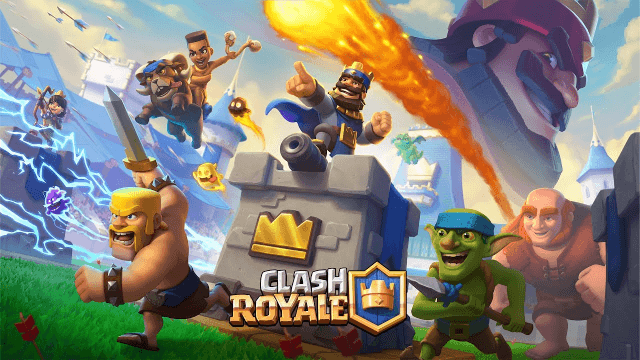
Clash Royale Creator Codes: How to Support Your Favorite Content Creators in February 2026
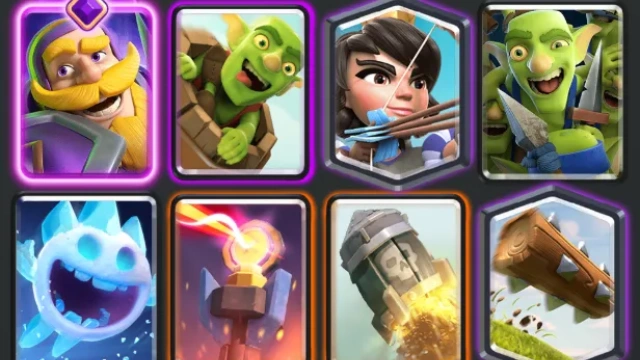
Best Meta Decks in Clash Royale - Top 5 Builds for Every Player
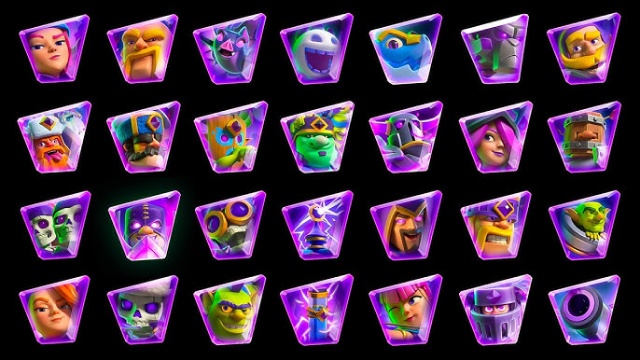
Top 5 Evolution Cards in Clash Royale - Ranked for 2025
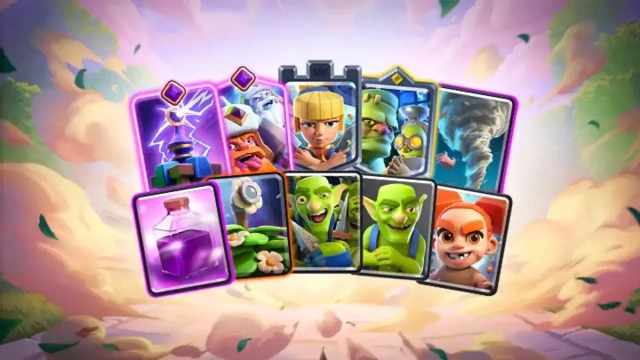
Clash Royale September 2025 Balance Changes – Full Breakdown
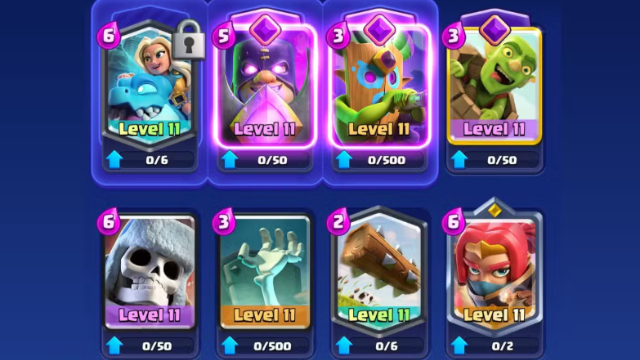
Best Spirit Empress Decks in Clash Royale (2025 Meta)
Clash Royale Spirit Empress Complete Guide - Stats, Decks and more
Clash Royale August 2025 Balance Changes Guide
