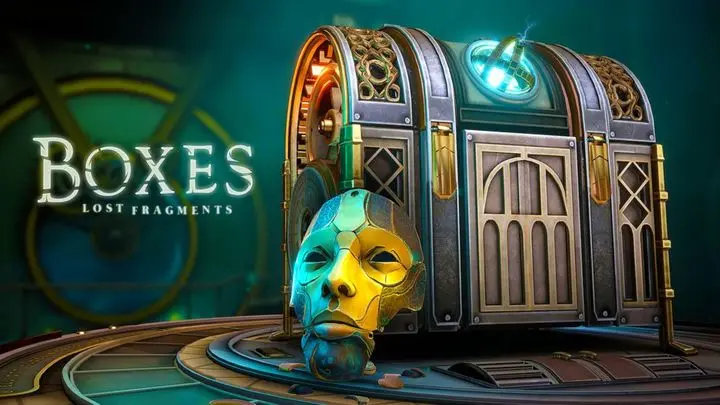
Play Boxes: Lost Fragments on PC Play Boxes: Lost Fragments on PC and Mac
Boxes: Lost Fragments is a 3D puzzle escape game developed by Snapbreak that puts you in the shoes of a legendary thief. Your next job takes you into a lavish mansion, where a collection of mysterious puzzle boxes awaits. What begins as a simple heist quickly turns into a fight for answers and freedom as strange signs suggest you may never have been in control. You can play Boxes: Lost Fragments on PC through MuMuPlayer, diving into its mechanical puzzles and dark atmosphere on a larger screen.
The game stands out with a diverse set of original puzzle boxes, including Victorian, Mechanical, Classic, Architectural, and Ancient styles. Each level is unique and beautifully crafted, inviting you to explore and solve at your own pace. As you progress, you investigate carefully designed objects to uncover hidden mechanisms and collect intricate items that drive the story forward. The grand mansion setting transforms with each step, and immersive audio, from sound effects to music, sets a memorable tone for the journey.
Playing Boxes: Lost Fragments on PC with MuMuPlayer gives you a comfortable way to enjoy the game's detailed environments and intricate puzzles. The keyboard and mouse controls can make examining objects and manipulating mechanisms more precise, while the larger screen helps you spot subtle clues. MuMuPlayer also lets you keep the game running smoothly alongside other tasks on Windows, so you can take your time with each puzzle box without feeling rushed. Whether you are a fan of escape games or new to the genre, MuMuPlayer offers a reliable way to experience this mysterious adventure on PC.
Download Boxes: Lost Fragments on PC or Mac with MuMuPlayer, get a PC like gameplay along with smart control and high graphics performance.
MuMuPlayer, the top Android emulator for PC and Apple silicon Mac, delivers an optimal gaming experience with minimal RAM usage and high FPS. It also allows you to create multiple instances of the emulator and run several games simultaneously, thanks to its Multi-instance feature. Its advanced emulator features ensure smooth gameplay, even on low-end PCs.
Download and play Boxes: Lost Fragments on PC or Mac with MuMuPlayer and start enjoying your gaming experience now.
About the Game
Boxes: Lost Fragments is a puzzle escape game that blends mechanical conundrums with a dark, unfolding mystery. Developed by Snapbreak, the game casts you as a legendary thief whose latest assignment leads to a grand mansion filled with puzzle boxes created for an unknown purpose. What should be a quick in-and-out job slowly becomes a harrowing struggle for freedom and answers as you realize that events may be beyond your control.
The core experience revolves around solving unique puzzle boxes. These are not simple locks and keys; each box is a complex mechanical device with its own theme and logic. You will encounter Victorian, Mechanical, Classic, Architectural, and Ancient styles, each offering a distinct look and set of challenges. The variety keeps the gameplay fresh, and every level is designed to be explored and figured out at your own pace.
Exploration is central to the game. The mansion is not just a backdrop; it is a captivating environment that reveals secrets and transformations as you progress. Investigating carefully designed items is essential, as many contain hidden mechanisms that you must uncover and use. Collecting and using intricate objects becomes a natural part of the flow, rewarding close observation and experimentation.
Audio plays a big role in building atmosphere. Incredible sound effects and music set the tone for a memorable journey, making each discovery feel more immersive. The game is available in multiple languages, including English, French, German, Italian, Japanese, Korean, Portuguese, Russian, Spanish, Turkish, and Chinese, so a wide audience can enjoy the mystery.
For players who want to experience Boxes: Lost Fragments on PC, MuMuPlayer provides a way to play on Windows with keyboard and mouse controls. The larger screen can make it easier to examine the detailed puzzle boxes and spot subtle clues, while the precision of a mouse helps when manipulating small mechanisms. MuMuPlayer also allows for smooth performance and the convenience of playing alongside other desktop tasks. If you are using a Mac, you can play on Mac with MuMuPlayer, or play on Mac mini through MuMuPlayer, enjoying the same puzzle-solving experience on macOS. The game is not natively supported on Mac, but MuMuPlayer offers a way to access it on Apple Silicon devices such as M1, M2, M3, M4, M5, M5 Pro, and M6, including MacBook models. Whether you choose a PC or a Mac, MuMuPlayer aims to deliver a stable and comfortable environment for this atmospheric escape adventure.
Emulator Features
Highest Android 15 Support Best Compatibility on Mac
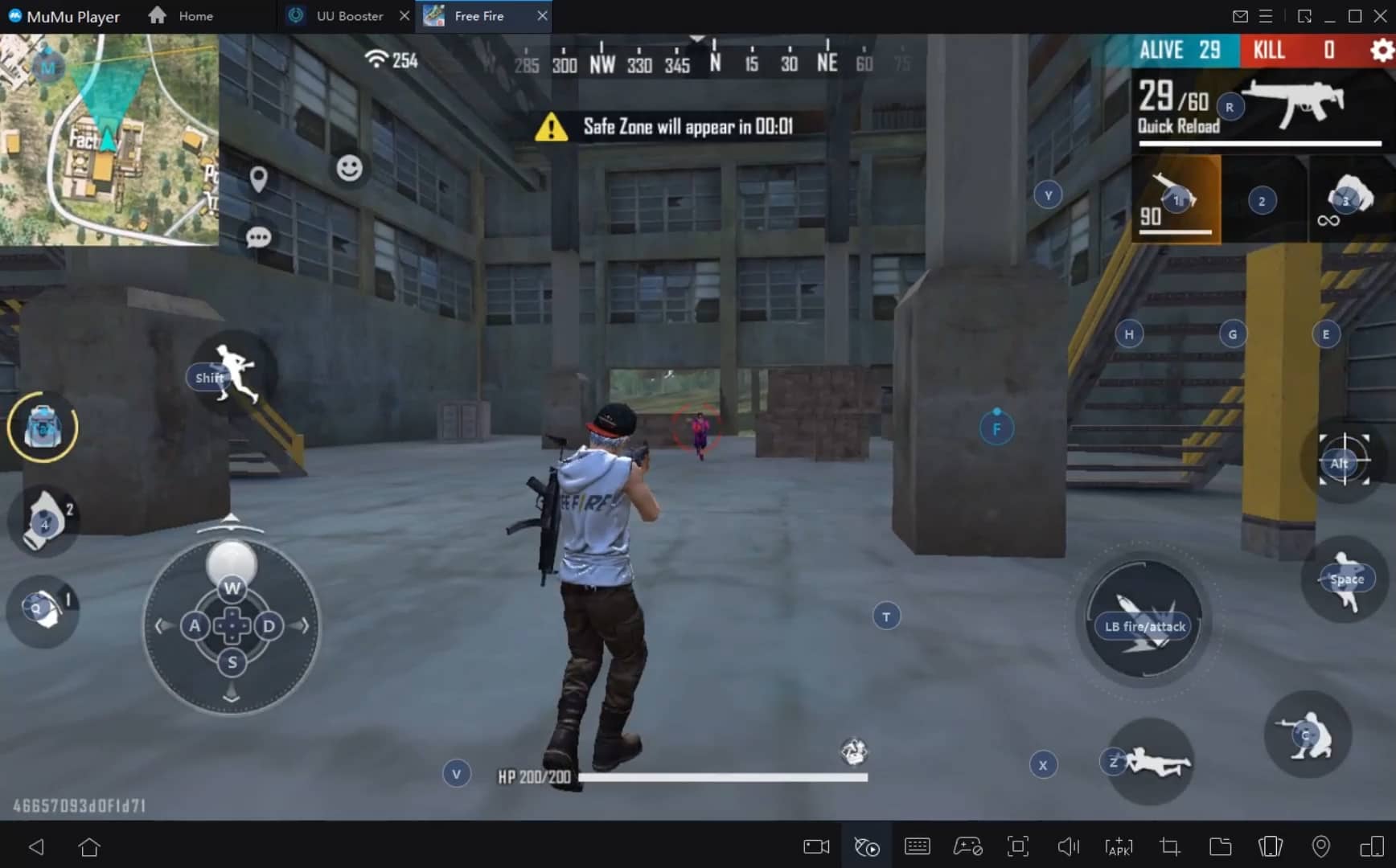
With a smart button scheme and image recognition function, provide a more concise UI, and support custom button mapping to meet different needs. With a smart button scheme and image recognition, enjoy a cleaner UI and custom button mapping to fit different gaming needs on Mac.
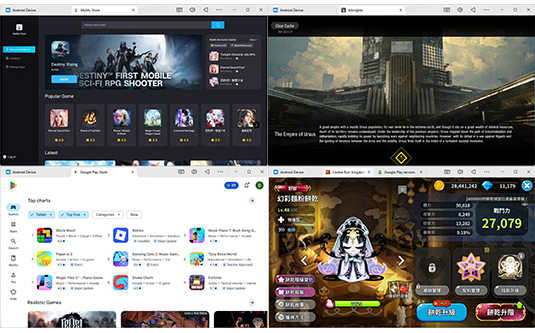
Run multiple games independently at the same time, easily manage multiple accounts, play games while hanging. Take your Mac gaming further with multiple independent instances, easy account management, and seamless AFK gaming on Apple Silicon Mac.
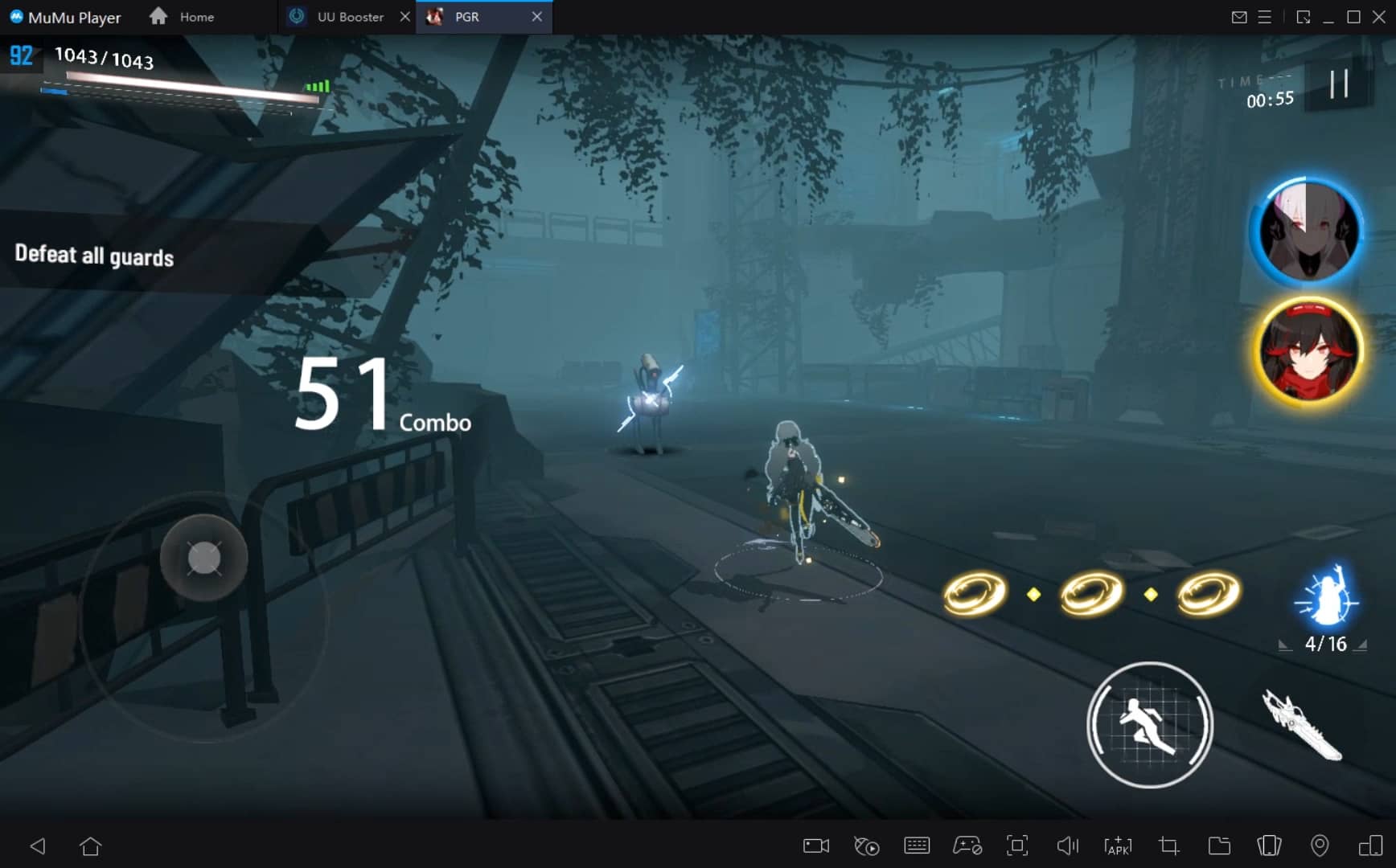
Break through FPS limit, and enjoy a seamless gaming experience without lag and delay! Break through FPS limits for a seamless, lag-free gaming experience on MacBook, Mac mini, iMac, and Mac Studio.
Get a 3-second startup with 52% less memory usage and 65% more stability. Enjoy 3-second startup, 52% less memory usage, and 65% greater stability on Apple Silicon Mac.
How to Download and Play Boxes: Lost Fragments on PC and Mac
Installation Guide
Download MuMuPlayer
Download MuMuPlayer and install it on your PC or Mac
Sign-in Google Store
Complete Google sign-in to access the Play Store
Search and Install
Search Boxes: Lost Fragments in the Play Store
Enjoy Gaming
Enjoy 120 FPS high-def gameplay with big screen
System Requirements
Windows PC
Vulkan / DirectX supported. 4 cores + 4GB RAM recommended. Up to 240 FPS. VT required.
macOS
Recommended: Apple Silicon Mac with 8GB RAM or above. Up to 240 FPS.