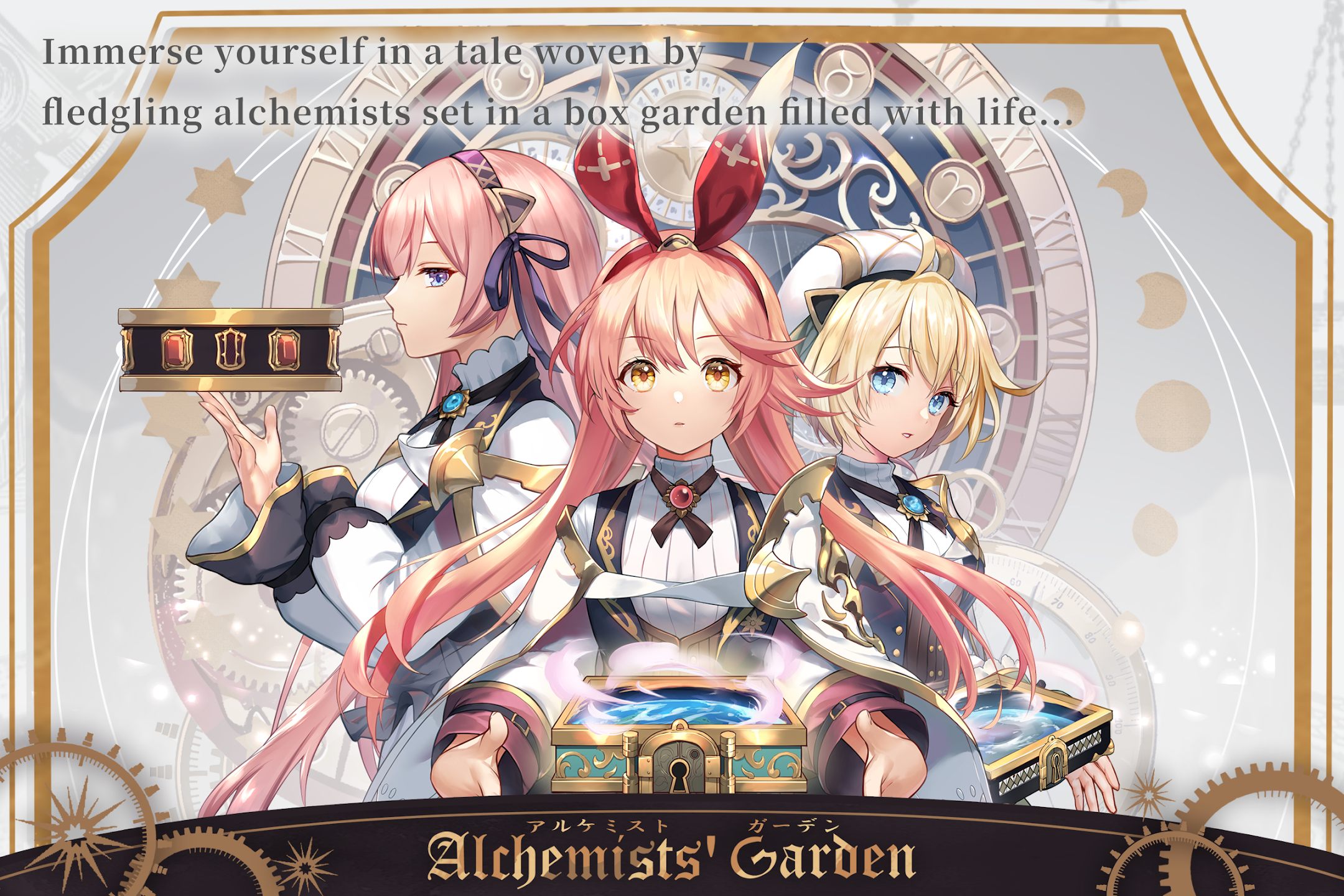
Play Alchemists' Garden on PC and Mac
Download Alchemists' Garden on PC or Mac with MuMuPlayer, get a PC like gameplay along with smart control and high graphics performance.
MuMuPlayer, the top Android emulator for PC and Apple silicon Mac, delivers an optimal gaming experience with minimal RAM usage and high FPS. It also allows you to create multiple instances of the emulator and run several games simultaneously, thanks to its Multi-instance feature. Its advanced emulator features ensure smooth gameplay, even on low-end PCs.
Download and play Alchemists' Garden on PC or Mac with MuMuPlayer and start enjoying your gaming experience now.
About the Game
Enjoy Gardens filled with life and stories woven by the future alchemists.

Create a unique box Garden through your adventures.
Garden Simulation RPG x Strategy x Puzzle.

◆ About the Game
This story takes place in a different era, in a faraway land...
As an Alchemist in the Academy, you will receive a box "Garden" teeming with life.
Influenced by your will and magic, your Garden will eventually evolve into a world of its own...

◆Garden Simulation RPG x Strategy x Puzzle
Explore this new world as you please and collaborate with other players. You can even compete against them.
Enhance Characters to aid you and grow your Garden the way you like.
Form a Guild with friends, participate in Guild events, engage in intense and thrilling Guild Wars, and more.
There are many more game modes for you to explore!

◆Recruit Characters
You can find Characters ranging from the beast-eared maidens to mecha ladies. There are all kinds of Garden residents with intriguing personalities.
You can even recruit your favorite Characters to join your adventures.
You can enhance every Character to the highest grade. These Characters will then become a part of your indispensable assault team!

◆Powerful Voice Cast
Dozens of well-known voice actors dedicated their voices to bring you a highly immersive audio-visual feast:
Koga Aoi, Mineda Mayu, Inoue Honoka, Tajima Saran, Yamaki Anna, and more!

Join Our Community
Discord:https://discord.gg/zyQEqR2j6j
Twitter:https://twitter.com/AG_Alchemist
Emulator Features
Highest Android 15 Support Best Compatibility on Mac

With a smart button scheme and image recognition function, provide a more concise UI, and support custom button mapping to meet different needs. With a smart button scheme and image recognition, enjoy a cleaner UI and custom button mapping to fit different gaming needs on Mac.

Run multiple games independently at the same time, easily manage multiple accounts, play games while hanging. Take your Mac gaming further with multiple independent instances, easy account management, and seamless AFK gaming on Apple Silicon Mac.

Break through FPS limit, and enjoy a seamless gaming experience without lag and delay! Break through FPS limits for a seamless, lag-free gaming experience on MacBook, Mac mini, iMac, and Mac Studio.

Get a 3-second startup with 52% less memory usage and 65% more stability. Enjoy 3-second startup, 52% less memory usage, and 65% greater stability on Apple Silicon Mac.
How to Download and Play Alchemists' Garden on PC and Mac
Installation Guide
Download MuMuPlayer
Download MuMuPlayer and install it on your PC or Mac
Sign-in Google Store
Complete Google sign-in to access the Play Store
Search and Install
Search Alchemists' Garden in the Play Store
Enjoy Gaming
Enjoy 120 FPS high-def gameplay with big screen
System Requirements
Windows PC
Vulkan / DirectX supported. 4 cores + 4GB RAM recommended. Up to 240 FPS. VT required.
macOS
Recommended: Apple Silicon Mac with 8GB RAM or above. Up to 240 FPS.