Play Avatar Generations on PC and Mac
Download Avatar Generations on PC or Mac with MuMuPlayer, get a PC like gameplay along with smart control and high graphics performance.
MuMuPlayer, the top Android emulator for PC and Apple silicon Mac, delivers an optimal gaming experience with minimal RAM usage and high FPS. It also allows you to create multiple instances of the emulator and run several games simultaneously, thanks to its Multi-instance feature. Its advanced emulator features ensure smooth gameplay, even on low-end PCs.
Download and play Avatar Generations on PC or Mac with MuMuPlayer and start enjoying your gaming experience now.
About the Game
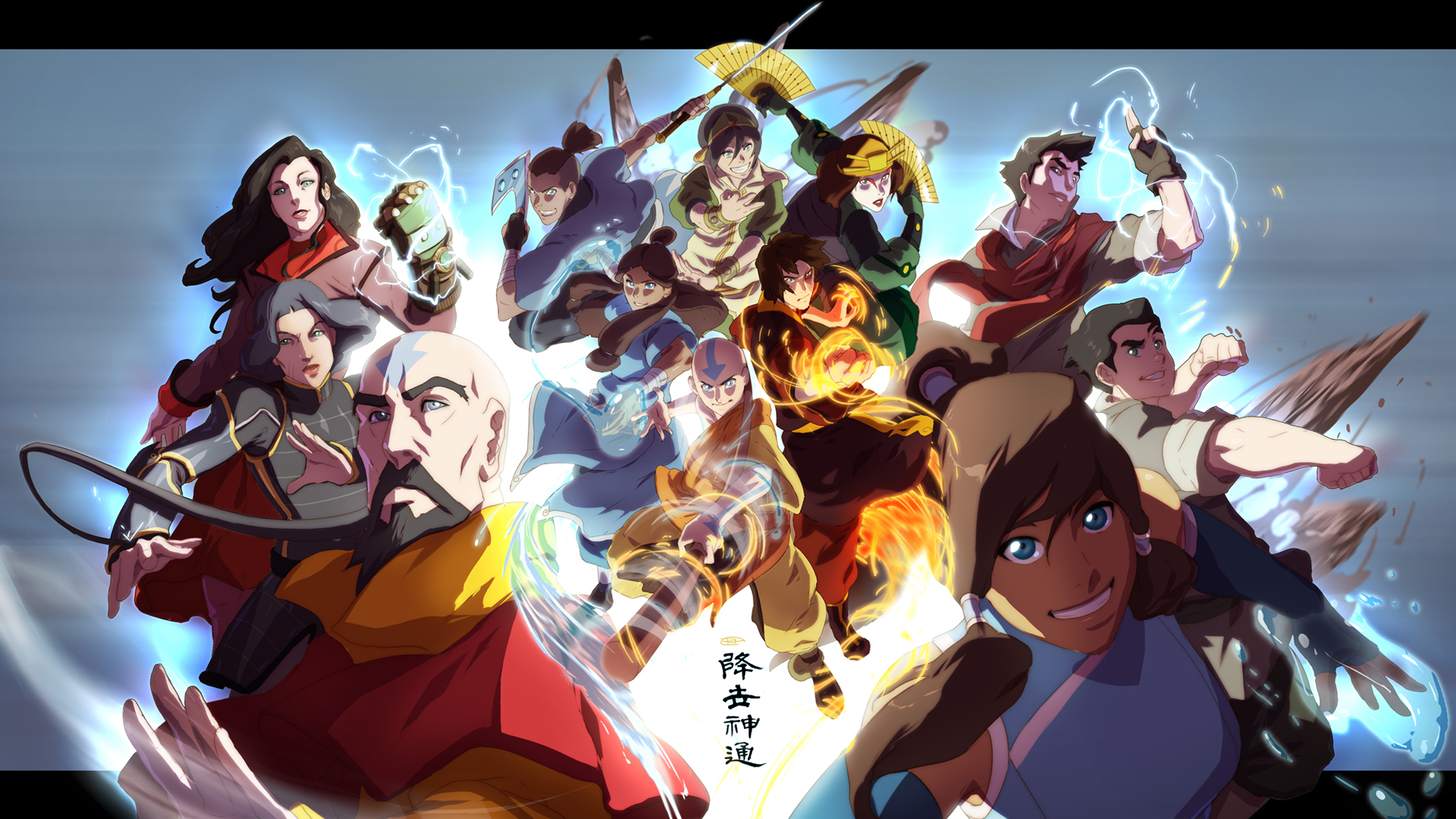
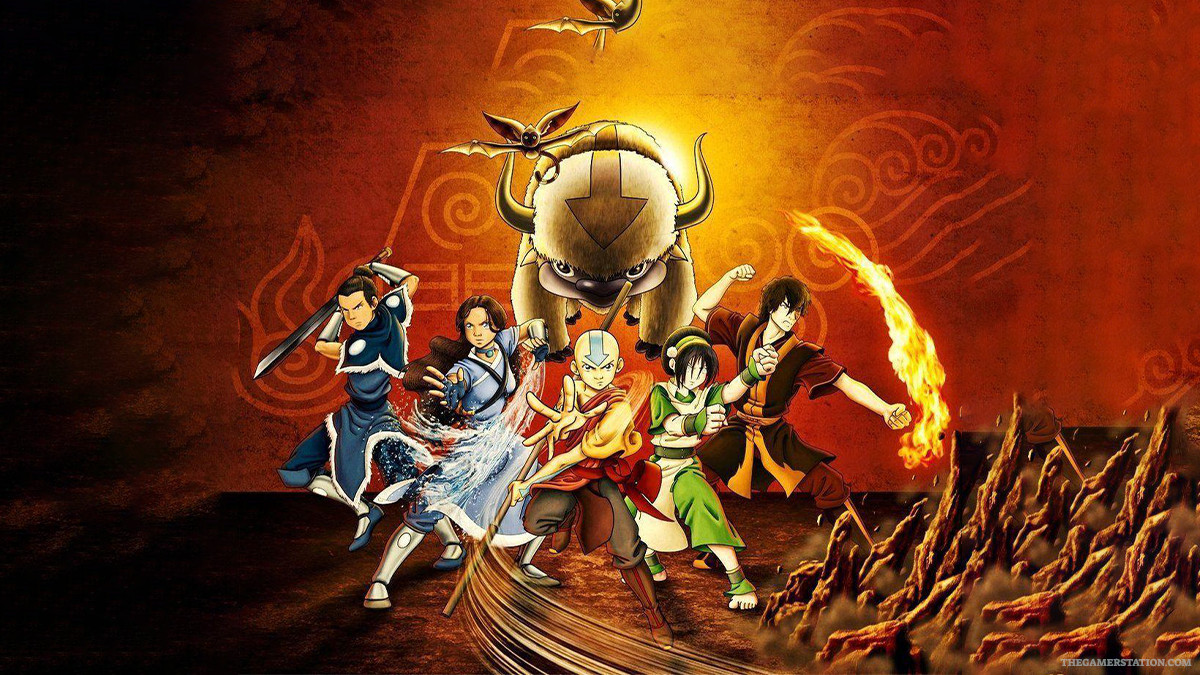
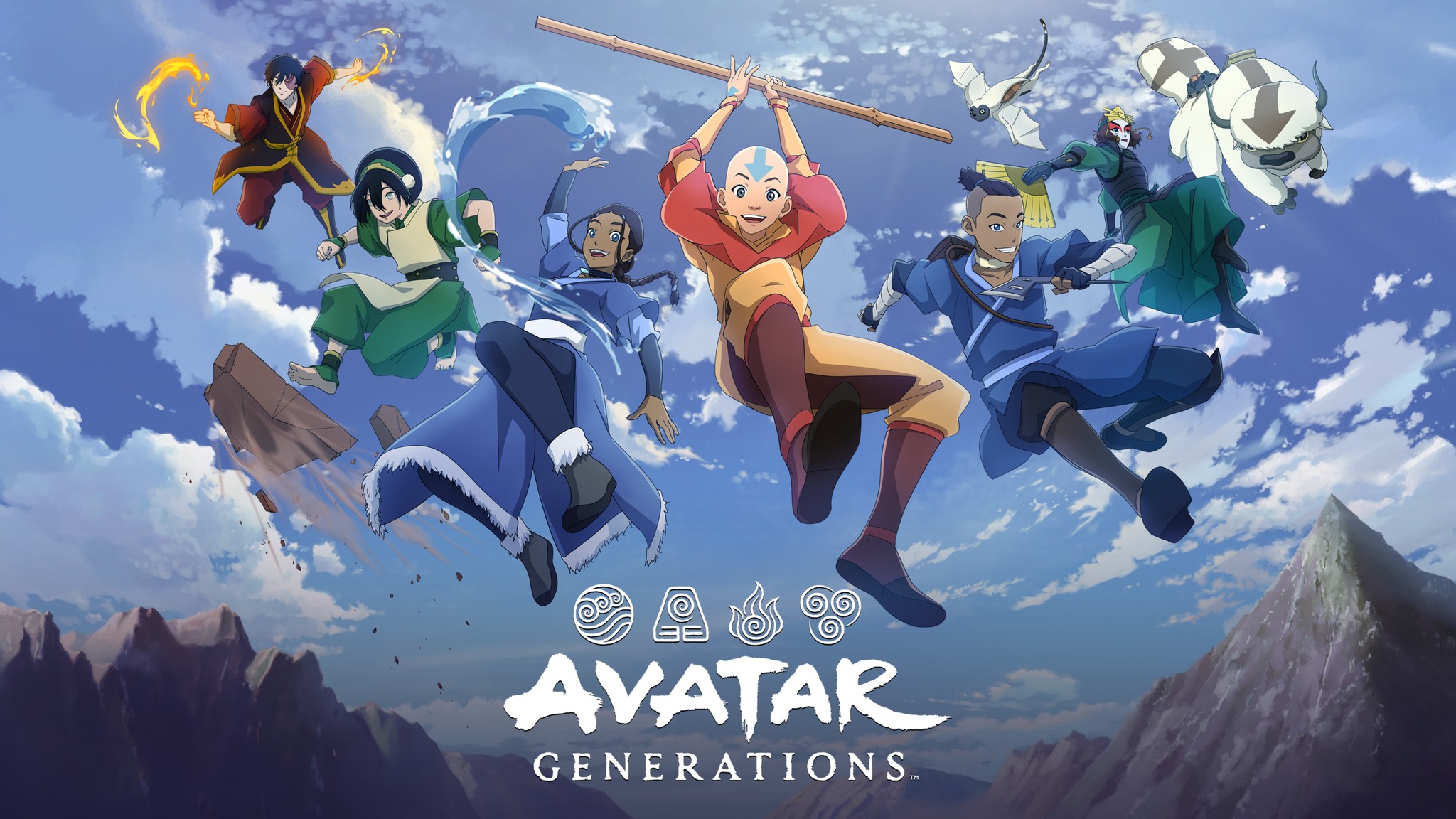
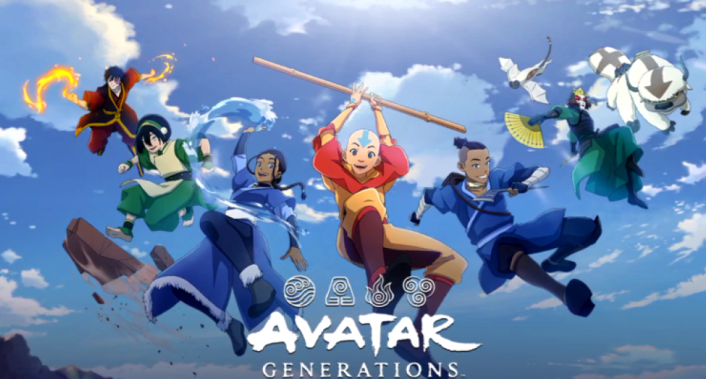
Embark on a globetrotting quest to fulfil Aang’s destiny with all your favourite characters and companions including Aang, Katara, Sokka, Toph, Suki and Zuko and the much-loved Appa and Momo for the first time on mobile.

Journey across the four nations in a living adventure map with puzzle-like exploration. Send parties to each corner of the world to autobattle, earning tons of valuable resources and upgrades, whilst battling with another party elsewhere!

Take the reins on all aspects of combat as you control each hero within your squad, performing powerful team combo’s and Ultimate's with a simple tap of the finger. Utilizing a tactical grid system, position your hero's within a given formation to yield addition battle benefits, adding an even deeper layer of strategy. Staying true to its Avatar roots, a dynamic camera heightens the action experience and gives a unique cinematic feel to each encounter.

Avatar: Generations also features a multi-layered hero and equipment upgrade system. This includes a plethora of unique skills and enchantable gears for each character including equipment, support and relic items, each with various tiers of rarity for tons of possible loadout and party combinations.

Underpinning every facet of the game is a rich narrative that follows, and builds upon, the themes, messages and stories from the beloved Nickelodeon show. This includes bright and bold 2D narrative sequences and stellar introductory cinematics from the same animation studio that created the beloved animated series’ memorable opener.
Emulator Features

With a smart button scheme and image recognition function, provide a more concise UI, and support custom button mapping to meet different needs.

Run multiple games independently at the same time, easily manage multiple accounts, play games while hanging.

Break through FPS limit, and enjoy a seamless gaming experience without lag and delay!

Get a 3-second startup with 52% less memory usage and 65% more stability.
How to Download and Play Avatar Generations on PC and Mac
Installation Guide
Download MuMuPlayer
Download and install MuMuPlayer on your PC or Mac
Sign-in Google Store
Complete Google sign-in to access the Play Store
Search and Install
Search Avatar Generations in the Play Store
Enjoy Gaming
Enjoy 120 FPS high-def gameplay with big screen
System Requirements
Windows PC
Vulkan / DirectX supported. 4 cores + 4GB RAM recommended. Up to 240 FPS. VT required.
macOS
Recommended: Apple Silicon Mac with 8GB RAM or above. Up to 240 FPS.