Play Bullet Echo: PVP Shooter on PC Play Bullet Echo: PVP Shooter on PC and Mac
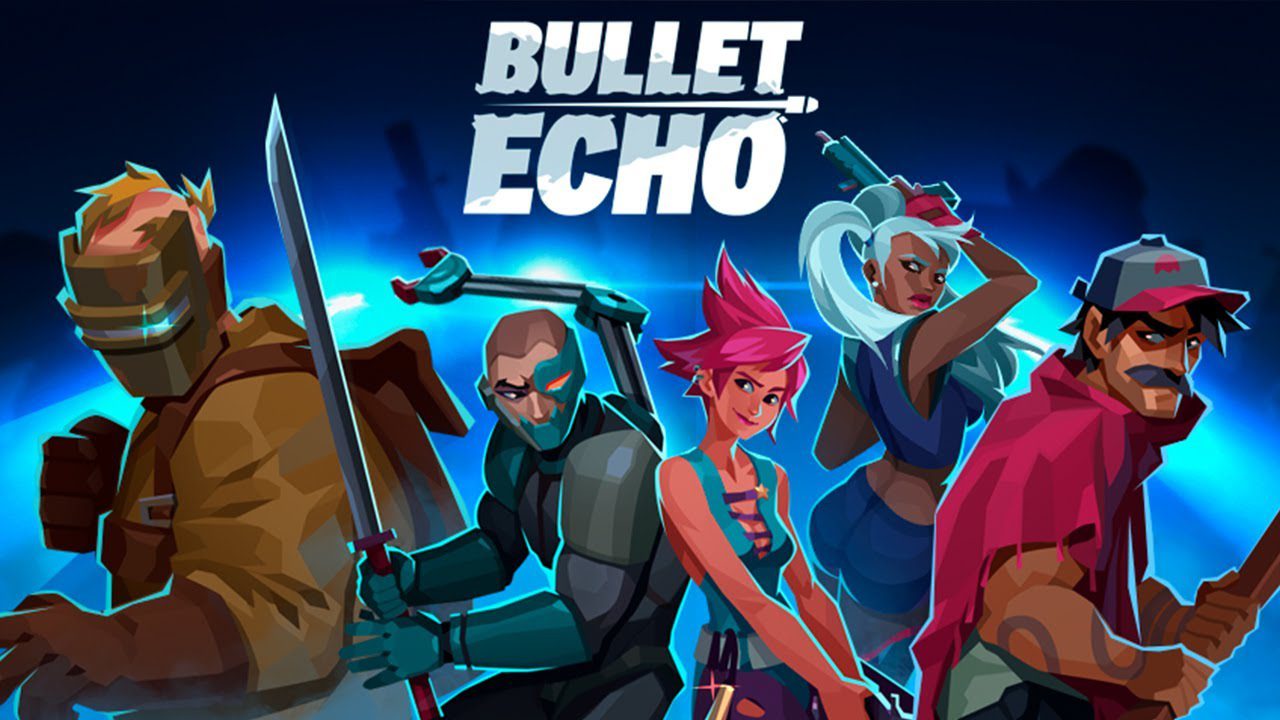
Bullet Echo is a tactical top-down shooter developed by ZeptoLab, the studio behind the beloved Cut the Rope series. Rather than relying on raw firepower alone, this PvP multiplayer game challenges players to use stealth, awareness, and smart coordination to outlast every opponent on the battlefield. With a diverse roster of heroes, multiple game modes, and team-focused mechanics, Bullet Echo delivers an experience that rewards strategy just as much as sharp aim. You can enjoy all of this on PC by downloading Bullet Echo through MuMuPlayer, bringing the full mobile experience to a larger screen.
At the heart of Bullet Echo is a visibility system that limits each player to the narrow beam of a flashlight, while still letting you hear enemy footsteps and distant gunfire. This tension-filled design forces you to think carefully before every move. The game offers dozens of unique heroes, each carrying a distinct set of abilities, weapons, and perks that can be ranked up over time. Whether you prefer solo play, team versus team battles, or a battle royale format that pits five small squads against one another, there is a mode that fits your style. Championships and missions add ongoing goals, rewarding progress with heroes, gear, and other resources.
Playing Bullet Echo on PC through MuMuPlayer gives you meaningful advantages that align directly with what the game demands. The top-down tactical perspective becomes easier to read on a full monitor, letting you track flashlight beams, enemy positions, and teammate movements with much greater clarity. Keyboard and mouse controls offer more precise aiming and faster ability activation compared to touchscreen input, which can make a real difference during intense close-quarters engagements. MuMuPlayer also provides a stable, consistent connection that supports smooth multiplayer sessions, so you can coordinate with your squad without interruptions when championships and limited events are running.
Download Bullet Echo: PVP Shooter on PC or Mac with MuMuPlayer, get a PC like gameplay along with smart control and high graphics performance.
MuMuPlayer, the top Android emulator for PC and Apple silicon Mac, delivers an optimal gaming experience with minimal RAM usage and high FPS. It also allows you to create multiple instances of the emulator and run several games simultaneously, thanks to its Multi-instance feature. Its advanced emulator features ensure smooth gameplay, even on low-end PCs.
Download and play Bullet Echo: PVP Shooter on PC or Mac with MuMuPlayer and start enjoying your gaming experience now.
About the Game
Bullet Echo puts a fresh spin on competitive multiplayer by combining top-down shooting with genuine tactical depth. Developed by ZeptoLab, the game strips away the full-visibility maps common in many shooters and replaces open sightlines with a flashlight cone mechanic. You only see what falls within your beam, but your ears become just as important as your eyes. Enemy footsteps, distant gunshots, and the faint rustling of movement all serve as clues, turning every match into a test of patience and situational awareness rather than simple reflexes.
The hero roster is one of the most compelling parts of the experience. Players can choose from dozens of characters, and no two feel the same. Each hero brings a personal loadout of weapons and a specific set of abilities that define their role in combat. Some are built for aggressive entry, others excel at support or area control, and a few thrive in ambush scenarios. As you rank a hero up, new perks unlock and existing stats improve, creating a clear progression path that keeps each character feeling rewarding to develop over time.
Game modes offer plenty of variety to prevent the experience from going stale:
- Team vs Team: Coordinate with your squad to eliminate the opposing side through focused teamwork and role assignment.
- Solo Mode: Head in alone and rely entirely on personal skill and map reading to survive.
- Battle Royale: Five small teams share a single map, shrinking the space and forcing chaotic, unpredictable encounters until one group remains.
The game is built with cooperative play in mind from the ground up. When you bring friends into a party, the matchmaking system adjusts to the highest hero level present, meaning a newer player can jump in alongside a veteran without facing a wildly uneven field right away. Setting up strategy before a round and adapting mid-match based on audio cues and positioning is what separates good teams from great ones.
Progression extends beyond just leveling heroes. Championships provide a competitive structure with meaningful rewards for consistent performance. Daily missions and ongoing events, including the Vault Event, the Festival, and the Mimic Hunt, give players regular targets to work toward. Each event offers specific resources, and certain premium perks tied to the Gifts of Technology subscription can increase what you earn from these activities. The subscription is entirely optional, and the core game remains fully playable without it.
For players who want to take things further, Bullet Echo has an active community through an official Discord server where tactics get shared, teams get formed, and updates get discussed. The game continues to receive new content, and staying connected with other players is a straightforward way to stay current with the meta and event schedules.
Downloading Bullet Echo on PC through MuMuPlayer reshapes how the game feels in practice. The wider field of view on a monitor makes tracking multiple flashlight beams across a map noticeably easier, and the precision of mouse aiming translates directly into better shot consistency during close-quarters engagements. Keyboard shortcuts for abilities and items reduce reaction time in high-pressure moments. Combined with MuMuPlayer's reliable performance, the PC experience is a strong fit for anyone who wants to compete seriously in team matches or grind championship rankings without the limitations of a phone screen.
Emulator Features
Highest Android 15 Support Best Compatibility on Mac

With a smart button scheme and image recognition function, provide a more concise UI, and support custom button mapping to meet different needs. With a smart button scheme and image recognition, enjoy a cleaner UI and custom button mapping to fit different gaming needs on Mac.

Run multiple games independently at the same time, easily manage multiple accounts, play games while hanging. Take your Mac gaming further with multiple independent instances, easy account management, and seamless AFK gaming on Apple Silicon Mac.

Break through FPS limit, and enjoy a seamless gaming experience without lag and delay! Break through FPS limits for a seamless, lag-free gaming experience on MacBook, Mac mini, iMac, and Mac Studio.

Get a 3-second startup with 52% less memory usage and 65% more stability. Enjoy 3-second startup, 52% less memory usage, and 65% greater stability on Apple Silicon Mac.
How to Download and Play Bullet Echo: PVP Shooter on PC and Mac
Installation Guide
Download MuMuPlayer
Download MuMuPlayer and install it on your PC or Mac
Sign-in Google Store
Complete Google sign-in to access the Play Store
Search and Install
Search Bullet Echo: PVP Shooter in the Play Store
Enjoy Gaming
Enjoy 120 FPS high-def gameplay with big screen
System Requirements
Windows PC
Vulkan / DirectX supported. 4 cores + 4GB RAM recommended. Up to 240 FPS. VT required.
macOS
Recommended: Apple Silicon Mac with 8GB RAM or above. Up to 240 FPS.