Play Darkness saga on PC and Mac
Download Darkness saga on PC or Mac with MuMuPlayer, get a PC like gameplay along with smart control and high graphics performance.
MuMuPlayer, the top Android emulator for PC and Apple silicon Mac, delivers an optimal gaming experience with minimal RAM usage and high FPS. It also allows you to create multiple instances of the emulator and run several games simultaneously, thanks to its Multi-instance feature. Its advanced emulator features ensure smooth gameplay, even on low-end PCs.
Download and play Darkness saga on PC or Mac with MuMuPlayer and start enjoying your gaming experience now.
About the Game
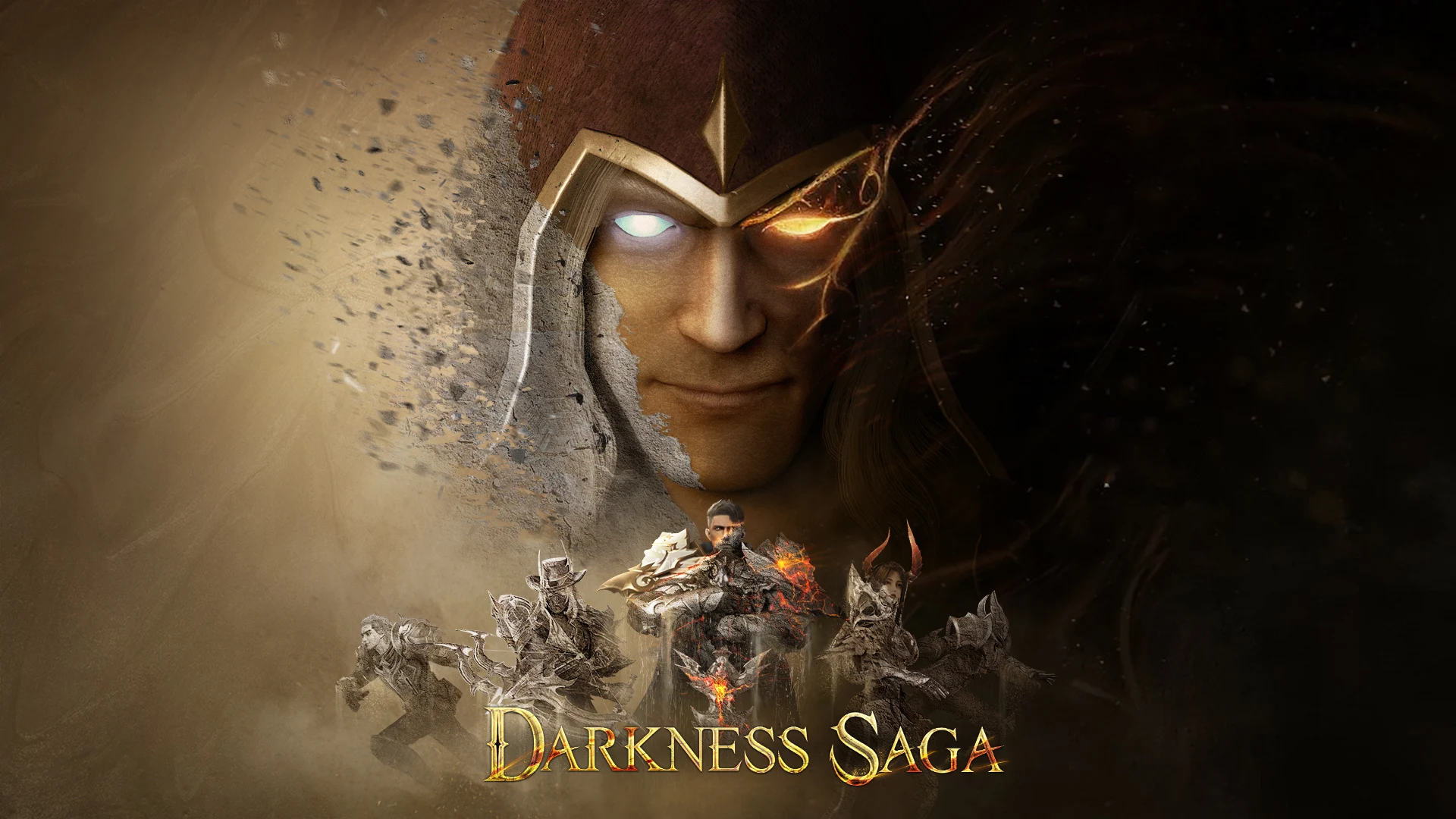
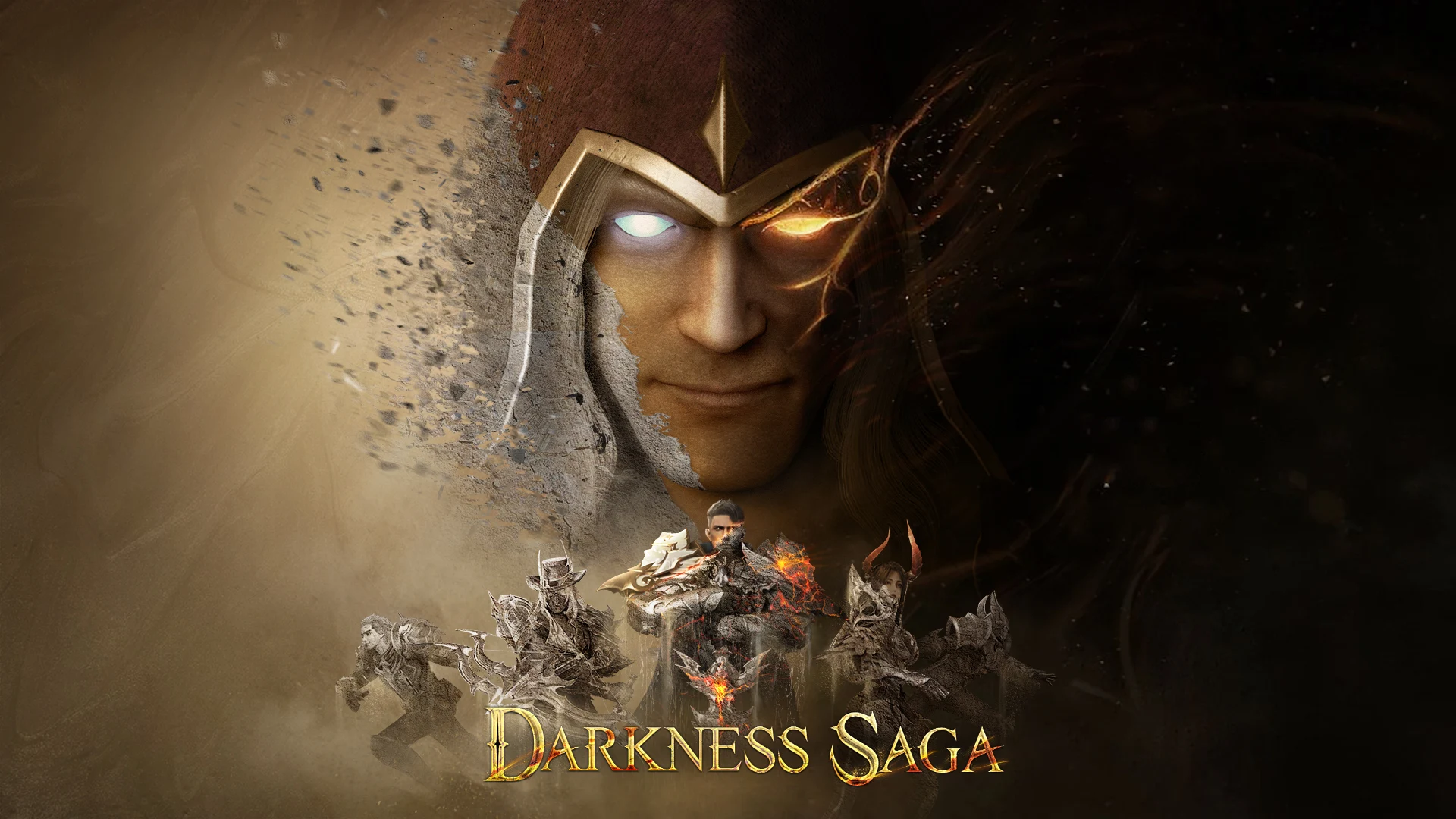
Darkness Saga presents to you a fantastical magic world with incredibly stunning combat effects. From magic exploration to equipment forging, class advancements, spirit guardians, equipment trading, guild battles, and world domination, it takes you on a journey through a world of magic.

=====Game Features=====

【Everyone is enemy 】
Here, the chance of gear dropped is the same for every player. Build a team with your friends. Let's go to slay the BOSS, you must don't want to miss the rare item.

【Cross server Battle】
Get to meet some people that won't betray you and team up with them. Conquer this magical world, conquer the other servers. Make everyone surrender to you, Be the empire of the world. In the game of cross-server, you win or you die.

【Multiple Class Switching】
Freely switch between multiple classes, with talents and equipment seamlessly inherited, providing more freedom of choice and a diverse class experience.

【Steam and Magic】
Explore a steampunk world and experience a different magical continent, embarking on an adventure in Diagon Alley and the Magic Academy.

【Free Abyss Treasure Hunt】
Free PvP across the entire map, team up to clear dungeons and share resources, and obtain a full set of top-tier divine equipment from boss drops easily.
Emulator Features
Highest Android 15 Support Best Compatibility on Mac

With a smart button scheme and image recognition function, provide a more concise UI, and support custom button mapping to meet different needs. With a smart button scheme and image recognition, enjoy a cleaner UI and custom button mapping to fit different gaming needs on Mac.

Run multiple games independently at the same time, easily manage multiple accounts, play games while hanging. Take your Mac gaming further with multiple independent instances, easy account management, and seamless AFK gaming on Apple Silicon Mac.

Break through FPS limit, and enjoy a seamless gaming experience without lag and delay! Break through FPS limits for a seamless, lag-free gaming experience on MacBook, Mac mini, iMac, and Mac Studio.

Get a 3-second startup with 52% less memory usage and 65% more stability. Enjoy 3-second startup, 52% less memory usage, and 65% greater stability on Apple Silicon Mac.
How to Download and Play Darkness saga on PC and Mac
Installation Guide
Download MuMuPlayer
Download MuMuPlayer and install it on your PC or Mac
Sign-in Google Store
Complete Google sign-in to access the Play Store
Search and Install
Search Darkness saga in the Play Store
Enjoy Gaming
Enjoy 120 FPS high-def gameplay with big screen
System Requirements
Windows PC
Vulkan / DirectX supported. 4 cores + 4GB RAM recommended. Up to 240 FPS. VT required.
macOS
Recommended: Apple Silicon Mac with 8GB RAM or above. Up to 240 FPS.