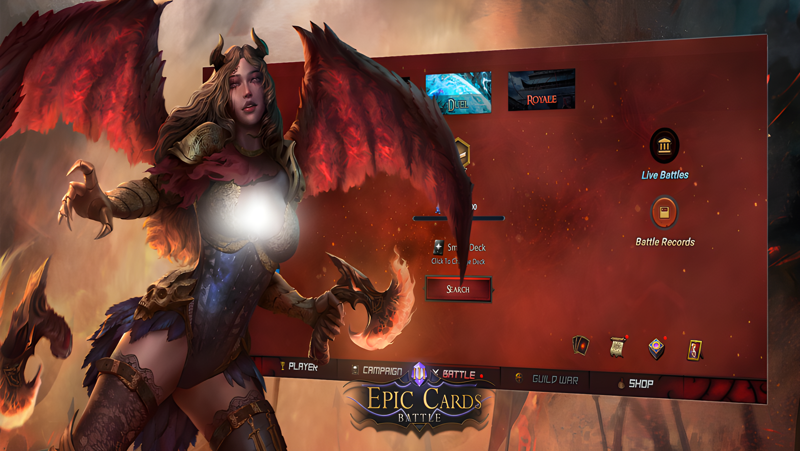
Play Epic Cards Battle 3 on PC Play Epic Cards Battle 3 on PC and Mac
Epic Cards Battle 3 is an online strategy multiplayer collectible card game that blends tactical deck building with auto chess, PVP, PVE, and RPG style battles against players from around the world. Set in a fantasy universe filled with magic, onmyoji, and heroes, the game invites you to construct decks, outmaneuver opponents, and climb the leaderboards. For the best experience, play Epic Cards Battle 3 on PC with MuMuPlayer, where a larger screen and precise controls make every card play and board decision feel more deliberate.
The game features a rich card system with creatures, spells, and traps spread across eight factions: Shrine, Dragonborn, Elves, Nature, Demons, Darkrealm, Dynasty, and Segiku. Creatures fall into six professions (Warrior, Tank, Shooter, Assassin, Mage, and Warlock), each with unique talents. Deck building is unrestricted, so you can combine any cards you own without rotation or faction limits. Battles take place on a 4x7 mini chessboard where positioning matters, and a mana system lets you retain some energy for the next turn. Elemental types (Ice, Fire, Earth, Storm, Light, Shadow, Lightning, Toxic) and a counter system add layers of strategic depth, while spell and trap cards enable quick reactions and advance planning. The game emphasizes balance, with no wasted cards and no first or second turn advantage, so victory depends on skill rather than luck.
Running Epic Cards Battle 3 on PC through MuMuPlayer gives you a comfortable way to manage complex deck strategies and watch the battlefield clearly. The larger window helps you track all cards on the 4x7 board, read tooltips, and plan several moves ahead. Keyboard and mouse controls offer precision when selecting cards and placing creatures, which is especially useful during fast-paced PVP duels. MuMuPlayer also supports multiple instances, so you can manage alternate accounts or experiment with different decks without switching devices. Whether you are challenging campaign puzzles, climbing the leaderboards, or battling friends, playing on PC with MuMuPlayer makes the experience smoother and more enjoyable.
Download Epic Cards Battle 3 on PC or Mac with MuMuPlayer, get a PC like gameplay along with smart control and high graphics performance.
MuMuPlayer, the top Android emulator for PC and Apple silicon Mac, delivers an optimal gaming experience with minimal RAM usage and high FPS. It also allows you to create multiple instances of the emulator and run several games simultaneously, thanks to its Multi-instance feature. Its advanced emulator features ensure smooth gameplay, even on low-end PCs.
Download and play Epic Cards Battle 3 on PC or Mac with MuMuPlayer and start enjoying your gaming experience now.
About the Game
Epic Cards Battle 3 is a strategic collectible card game that combines online multiplayer battles with auto chess style positioning and RPG progression. Developed for players who enjoy deep tactics, it offers PVP duels, PVE campaigns, and a fantasy setting filled with magic and heroes. You can play Epic Cards Battle 3 on PC with MuMuPlayer to enjoy a bigger screen and more precise controls.
The card pool is built around three main types: creatures (minions), spells, and traps. Creatures are divided into six professions: Warrior, Tank, Shooter, Assassin, Mage, and Warlock. Each profession brings its own talents and combat role, allowing you to form teams that complement each other. Cards belong to eight factions: Shrine, Dragonborn, Elves, Nature, Demons, Darkrealm, Dynasty, and Segiku. New cards are added with each version update, and rarer hidden cards can be found in enhancement packs or card packs, bringing back the excitement of drawing something special. A future update plans to introduce a card exchange mechanism to strengthen the trading card game aspect.
Deck building is intentionally flexible. You can include any cards you own without restrictions like rotation, class-specific limits, or faction rules. This freedom lets you experiment with combinations and build decks that suit your style. The battlefield uses a 4x7 mini chessboard where cards act as pieces, so placement is a key part of every match. A mana system governs play, and a portion of unused mana carries over to the next turn, rewarding careful resource management. Spell cards provide fast effects to counter opponents, while trap cards can be set in advance to prepare surprises. An elemental system (Ice, Fire, Earth, Storm, Light, Shadow, Lightning, Toxic) adds another layer of card specificity, and a counter system opens up more complex strategies.
Balance is a core design goal. The game follows a no wasted cards philosophy, meaning every card has a purpose regardless of its cost. There is no first or second turn advantage because players make decisions simultaneously, and all cards in your deck can be used during battle. Victory is not determined by luck or a dealer, so skill and planning are what matter most.
Competitive players can test their skills on worldwide servers against legend players. Leaderboards let you showcase your mastery and claim your throne. You can also enjoy quick battles with friends. A redesigned guild system offers conflict, cooperation, and intense guild clashes, letting you build your kingdom. Custom rooms (taverns) are planned for the future, allowing players to create or join tavern brawl rooms and watch other players battles in real time.
For those who prefer solo play, Epic Cards Battle 3 includes a single player experience. Campaign missions turn each level into a puzzle waiting to be solved. Speed Run mode challenges you to find ways to reduce completion time and show off your wit on the leaderboard.
Playing Epic Cards Battle 3 on PC with MuMuPlayer enhances the strategic experience. The larger screen makes it easier to see the entire 4x7 board, read card details, and plan your mana usage. Keyboard and mouse controls provide accuracy when placing creatures and activating spells, which helps in fast PVP matches. Multiple instances let you manage several accounts or test different decks at once. Whether you are battling worldwide opponents, solving campaign puzzles, or climbing the leaderboards, MuMuPlayer offers a smooth and comfortable way to enjoy the game on a bigger display.
Emulator Features
Highest Android 15 Support Best Compatibility on Mac
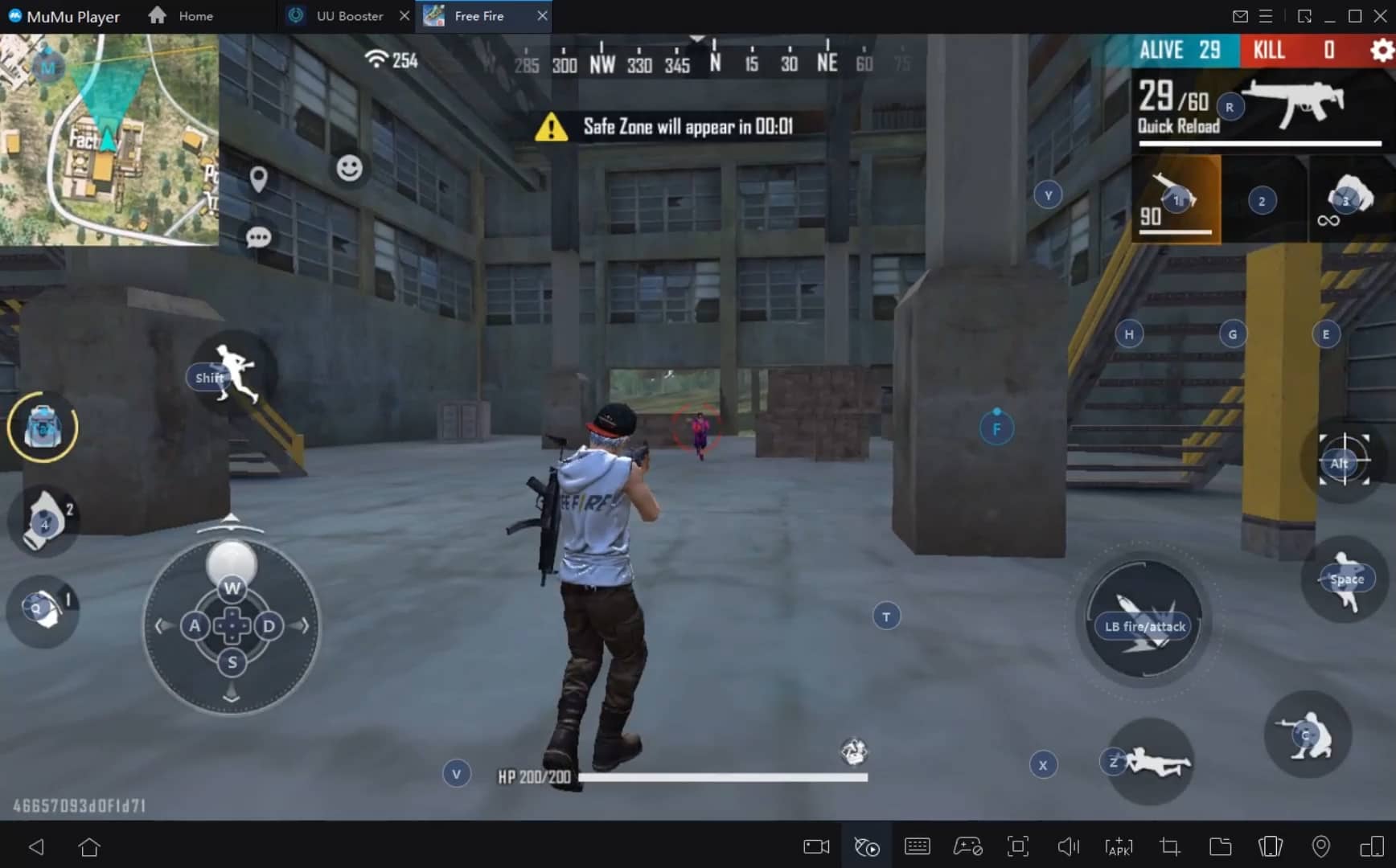
With a smart button scheme and image recognition function, provide a more concise UI, and support custom button mapping to meet different needs. With a smart button scheme and image recognition, enjoy a cleaner UI and custom button mapping to fit different gaming needs on Mac.
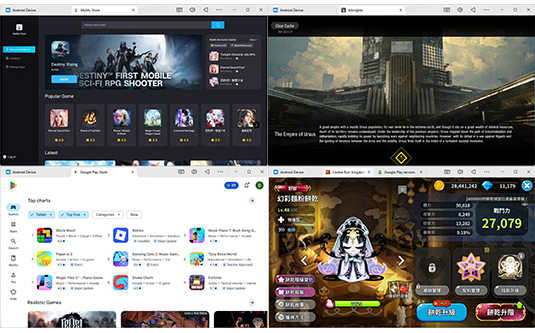
Run multiple games independently at the same time, easily manage multiple accounts, play games while hanging. Take your Mac gaming further with multiple independent instances, easy account management, and seamless AFK gaming on Apple Silicon Mac.
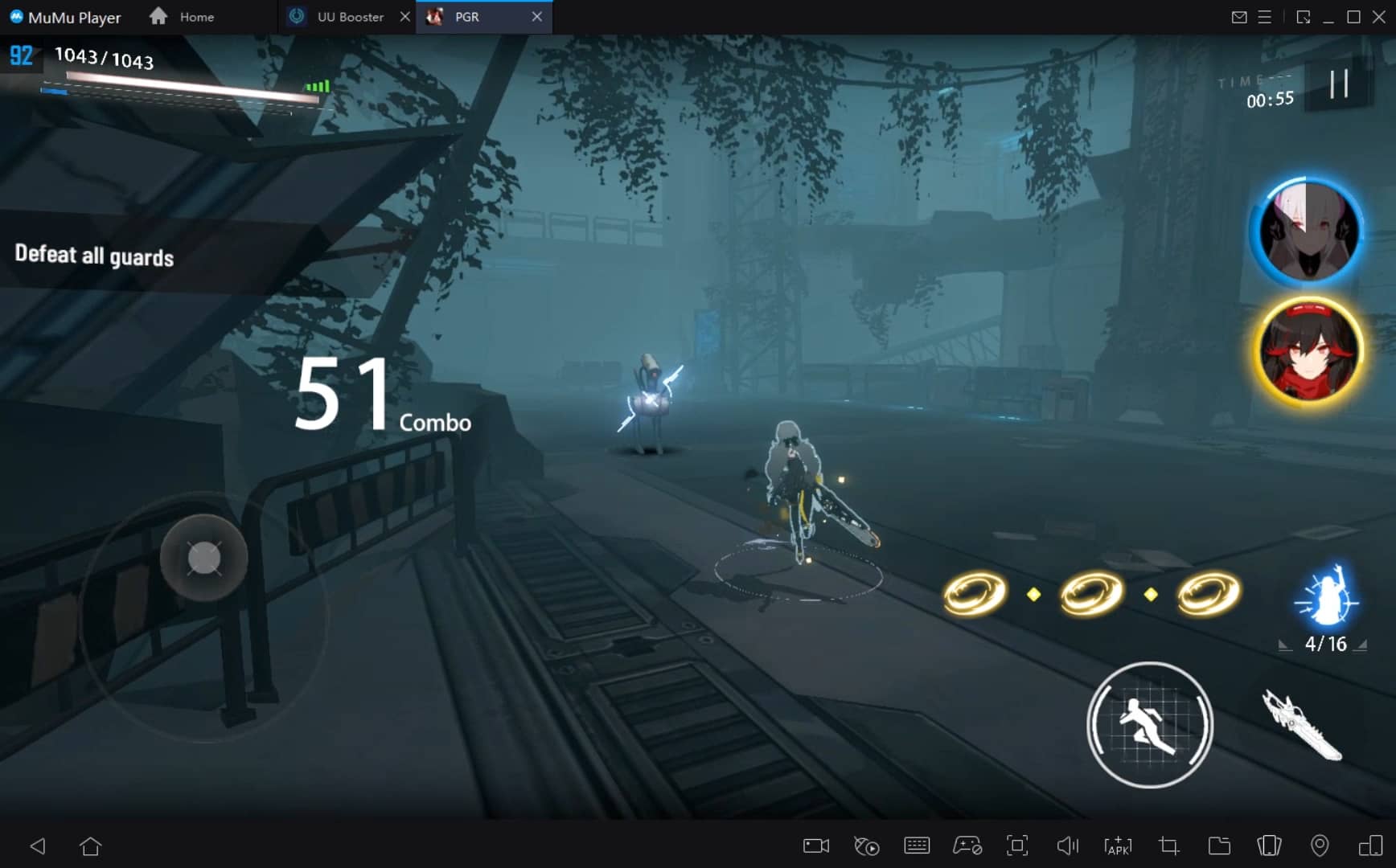
Break through FPS limit, and enjoy a seamless gaming experience without lag and delay! Break through FPS limits for a seamless, lag-free gaming experience on MacBook, Mac mini, iMac, and Mac Studio.
Get a 3-second startup with 52% less memory usage and 65% more stability. Enjoy 3-second startup, 52% less memory usage, and 65% greater stability on Apple Silicon Mac.
How to Download and Play Epic Cards Battle 3 on PC and Mac
Installation Guide
Download MuMuPlayer
Download MuMuPlayer and install it on your PC or Mac
Sign-in Google Store
Complete Google sign-in to access the Play Store
Search and Install
Search Epic Cards Battle 3 in the Play Store
Enjoy Gaming
Enjoy 120 FPS high-def gameplay with big screen
System Requirements
Windows PC
Vulkan / DirectX supported. 4 cores + 4GB RAM recommended. Up to 240 FPS. VT required.
macOS
Recommended: Apple Silicon Mac with 8GB RAM or above. Up to 240 FPS.