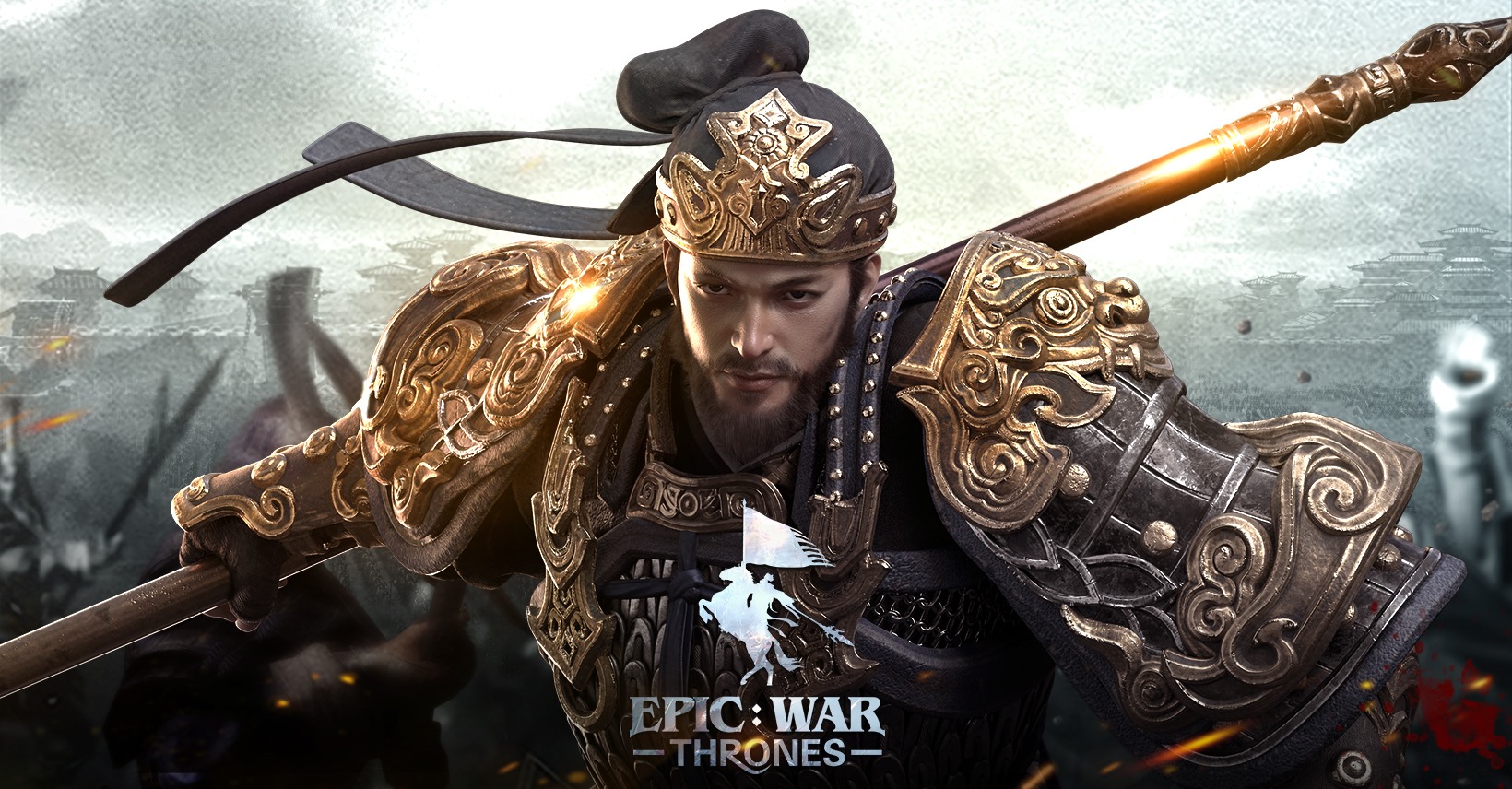
Play Epic War: Thrones 5 Anniv. on PC Play Epic War: Thrones 5 Anniv. on PC and Mac
Epic War: Thrones is a strategy game developed by Archosaur Games that drops you into the chaotic Three Kingdoms era as a lord fighting for supremacy. Your job is to build a city, research technologies, expand territories, and lead loyal generals into real-time battles against thousands of online players. While the game is made for mobile, you can play it on PC with MuMuPlayer, giving you a larger screen and more precise controls to manage your growing empire.
The game's core appeal comes from its massive scale and historical depth. You can join epic real-time battles with hundreds of players, where every decision like a full assault or a sneak attack matters. The world is a recreation of the Three Kingdoms, complete with legendary generals such as Guan Yu and Jiang Wei, each with unique skills and troop types. You can choose to fight alongside friends in an alliance or become a lone ranger who plunders the battlefield. The map spans over four million tiles with diverse terrains and weather that affect combat, and with hundreds of general skills, multiple troop variants, and various formations, you have endless strategic options.
Playing Epic War: Thrones on PC with MuMuPlayer enhances your experience by providing a stable and optimized environment for this Unreal Engine 4 powered strategy game. The larger screen makes it easier to oversee your city, manage alliances, and coordinate large-scale battles. With keyboard and mouse support, you can issue commands quickly and accurately, which is crucial when every decision counts. MuMuPlayer also allows you to play on Mac and MacBook devices, including those with Apple Silicon chips like M1, M2, M3, M4, M5, M5 Pro, and M6, as well as on Mac mini and other Macintosh computers, so you can enjoy the game on a bigger display without being tied to a phone. Whether you are on Windows PC or macOS, MuMuPlayer delivers a smooth and immersive strategy experience.
Download Epic War: Thrones 5 Anniv. on PC or Mac with MuMuPlayer, get a PC like gameplay along with smart control and high graphics performance.
MuMuPlayer, the top Android emulator for PC and Apple silicon Mac, delivers an optimal gaming experience with minimal RAM usage and high FPS. It also allows you to create multiple instances of the emulator and run several games simultaneously, thanks to its Multi-instance feature. Its advanced emulator features ensure smooth gameplay, even on low-end PCs.
Download and play Epic War: Thrones 5 Anniv. on PC or Mac with MuMuPlayer and start enjoying your gaming experience now.
About the Game
Epic War: Thrones, developed by Archosaur Games, is a strategy game that transports you to the turbulent Three Kingdoms period. As a lord, you must build your city, research technologies, and expand your territories to boost resource production. Your ultimate goal is to conquer the chaotic land and claim the throne. The game is built with Unreal Engine 4, bringing PC-level visuals and realistic landscapes to mobile, but you can also play it on PC with MuMuPlayer for an enhanced experience.
One of the standout features is the epic real-time battles that involve hundreds of players. Every decision you make matters, from choosing between a full assault or a sneak attack, to deciding whether to ally with or fight against other players. Capturing ports and passes strengthens your position, while fighting for resource grids boosts your production. You need to rule the battlefield like a true commander.
The world of the Three Kingdoms is meticulously recreated, letting you embark on a conquest that took place a thousand years ago. You will witness clashes of warlords, tactics from the Art of War being implemented, and legendary generals confronting each other. Surviving in this chaotic land and eventually claiming the throne is your challenge.
Legendary generals from the Three Kingdoms are at your command. You can summon formidable warriors like Guan Yu or loyal marshals like Jiang Wei, each with unique skills and troop types. These generals are detailed modeled and brought to life from history, waiting for your orders to build a powerful legion.
You can choose your role in this world: join an alliance to fight with friends, defeat strong enemies together, and help each other grow. Alternatively, become a ranger, a lone wolf who plunders the battlefield with stealth and maneuverability. The choice of who you want to become is yours.
The game features a massive map with over four million tiles, encompassing mountains, rivers, deserts, forests, and frozen lands. A global weather system affects your army, generals, and overall combat effectiveness. By using terrain and weather to your advantage, you can defeat enemies that once seemed untouchable.
Strategically, there are unlimited possibilities. With hundreds of general skills, four troop types with 28 variants, six different battle formations, and various strategies that utilize weather to strengthen your army, you have countless options to prove your wisdom.
For the best experience, play Epic War: Thrones on PC with MuMuPlayer. The larger screen and precise controls make managing your city and battles more efficient. MuMuPlayer also supports Mac and MacBook devices, including those with Apple Silicon chips like M1, M2, M3, M4, M5, M5 Pro, and M6, as well as Mac mini and other Macintosh computers. Whether you are on Windows PC or macOS, MuMuPlayer provides a smooth and immersive strategy gaming experience.
Emulator Features
Highest Android 15 Support Best Compatibility on Mac

With a smart button scheme and image recognition function, provide a more concise UI, and support custom button mapping to meet different needs. With a smart button scheme and image recognition, enjoy a cleaner UI and custom button mapping to fit different gaming needs on Mac.

Run multiple games independently at the same time, easily manage multiple accounts, play games while hanging. Take your Mac gaming further with multiple independent instances, easy account management, and seamless AFK gaming on Apple Silicon Mac.

Break through FPS limit, and enjoy a seamless gaming experience without lag and delay! Break through FPS limits for a seamless, lag-free gaming experience on MacBook, Mac mini, iMac, and Mac Studio.

Get a 3-second startup with 52% less memory usage and 65% more stability. Enjoy 3-second startup, 52% less memory usage, and 65% greater stability on Apple Silicon Mac.
How to Download and Play Epic War: Thrones 5 Anniv. on PC and Mac
Installation Guide
Download MuMuPlayer
Download MuMuPlayer and install it on your PC or Mac
Sign-in Google Store
Complete Google sign-in to access the Play Store
Search and Install
Search Epic War: Thrones 5 Anniv. in the Play Store
Enjoy Gaming
Enjoy 120 FPS high-def gameplay with big screen
System Requirements
Windows PC
Vulkan / DirectX supported. 4 cores + 4GB RAM recommended. Up to 240 FPS. VT required.
macOS
Recommended: Apple Silicon Mac with 8GB RAM or above. Up to 240 FPS.