Play Ezetta Prophecy on PC and Mac
Download Ezetta Prophecy on PC or Mac with MuMuPlayer, get a PC like gameplay along with smart control and high graphics performance.
MuMuPlayer, the top Android emulator for PC and Apple silicon Mac, delivers an optimal gaming experience with minimal RAM usage and high FPS. It also allows you to create multiple instances of the emulator and run several games simultaneously, thanks to its Multi-instance feature. Its advanced emulator features ensure smooth gameplay, even on low-end PCs.
Download and play Ezetta Prophecy on PC or Mac with MuMuPlayer and start enjoying your gaming experience now.
About the Game
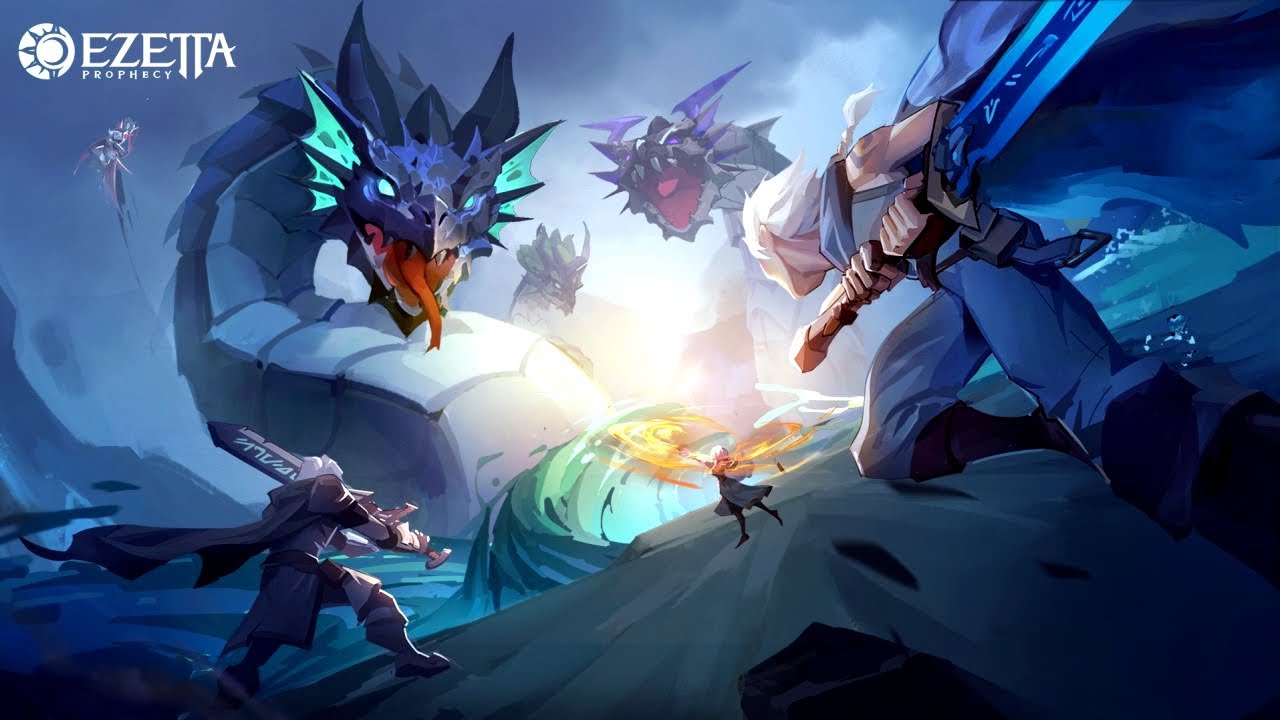
Battle through a visually stunning fantasy RPG with real-time strategy.

Dark forces are coming to the world of Ezetta through cracks in the sky. You, guided by the Prophecy of Ezetta must save the world of Ezetta through mastering the elements of nature, recruiting legendary heroes, and leading your team to explore the continent of Ezetta.

Download now and join the legendary adventure!

*Features*

REAL-TIME STRATEGY
Make tough decisions during the fight with immense real-time strategy. Any choice you make can turn the tide of battle.

DEEP TACTICAL PLAY
The power of the 5 elements of nature deeply affect each other. Master them and use the weakness mechanism to win battles against much more powerful enemies.

MASSIVE PVE STORY CAMPAIGN
Explore through the continent of Ezettam, fight against all types of dark forces through a sprawling, well-designed story campaign.

COLLECT POWERFUL HEROES
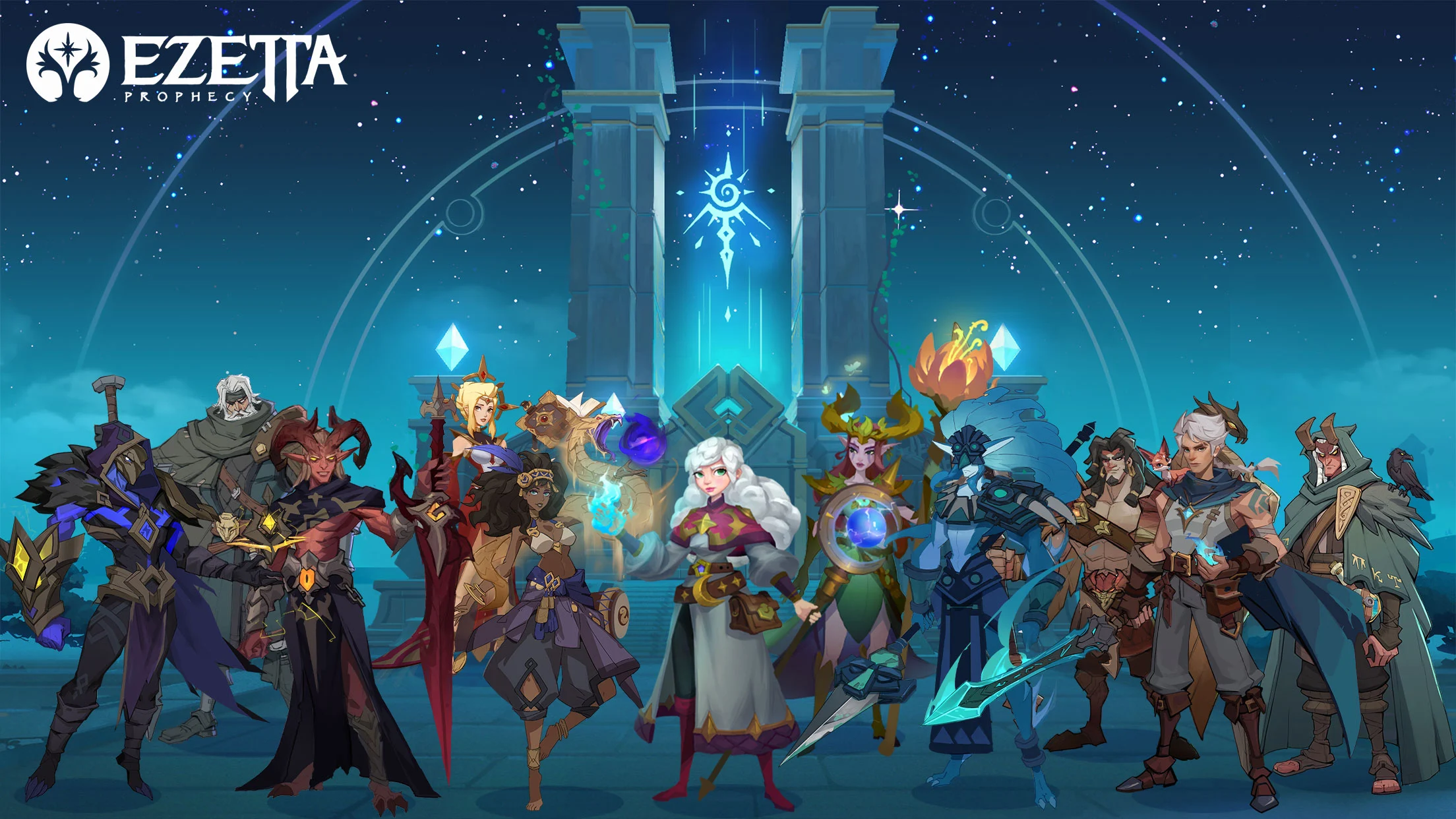
Elves, Humans and Demons all live on this land. Collet heroes from different factions. Form your most powerful team and lead them though this legendary adventure.

SUPERIOR RPG CUSTOMIZATION
Each hero can master various elements of nature. The Talent system allows you to develop heroes freely based on their unique characteristics. Don't forget to equip them up with the most powerful weapon sets to further enhance their attributes.

FIGHT TOGETHER
Join guilds and work with other clan members to fight against mighty demons and win epic loot.

When there is disaster, there is also hope. Get ready for an epic adventure and save the world through the guidance of Ezetta Prophecy. It is time for you to become the Hero!

Facebook: https://www.facebook.com/EzettaProphecy/
Privacy Policy: https://www.gaea.com/en/privacy.html
Terms of Use: https://www.gaea.com/en/service.html
Emulator Features
Highest Android 15 Support Best Compatibility on Mac

With a smart button scheme and image recognition function, provide a more concise UI, and support custom button mapping to meet different needs. With a smart button scheme and image recognition, enjoy a cleaner UI and custom button mapping to fit different gaming needs on Mac.

Run multiple games independently at the same time, easily manage multiple accounts, play games while hanging. Take your Mac gaming further with multiple independent instances, easy account management, and seamless AFK gaming on Apple Silicon Mac.

Break through FPS limit, and enjoy a seamless gaming experience without lag and delay! Break through FPS limits for a seamless, lag-free gaming experience on MacBook, Mac mini, iMac, and Mac Studio.

Get a 3-second startup with 52% less memory usage and 65% more stability. Enjoy 3-second startup, 52% less memory usage, and 65% greater stability on Apple Silicon Mac.
How to Download and Play Ezetta Prophecy on PC and Mac
Installation Guide
Download MuMuPlayer
Download MuMuPlayer and install it on your PC or Mac
Sign-in Google Store
Complete Google sign-in to access the Play Store
Search and Install
Search Ezetta Prophecy in the Play Store
Enjoy Gaming
Enjoy 120 FPS high-def gameplay with big screen
System Requirements
Windows PC
Vulkan / DirectX supported. 4 cores + 4GB RAM recommended. Up to 240 FPS. VT required.
macOS
Recommended: Apple Silicon Mac with 8GB RAM or above. Up to 240 FPS.