Play Angels Pact: Reversal World on PC and Mac
Download Angels Pact: Reversal World on PC or Mac with MuMuPlayer, get a PC like gameplay along with smart control and high graphics performance.
MuMuPlayer, the top Android emulator for PC and Apple silicon Mac, delivers an optimal gaming experience with minimal RAM usage and high FPS. It also allows you to create multiple instances of the emulator and run several games simultaneously, thanks to its Multi-instance feature. Its advanced emulator features ensure smooth gameplay, even on low-end PCs.
Download and play Angels Pact: Reversal World on PC or Mac with MuMuPlayer and start enjoying your gaming experience now.
About the Game
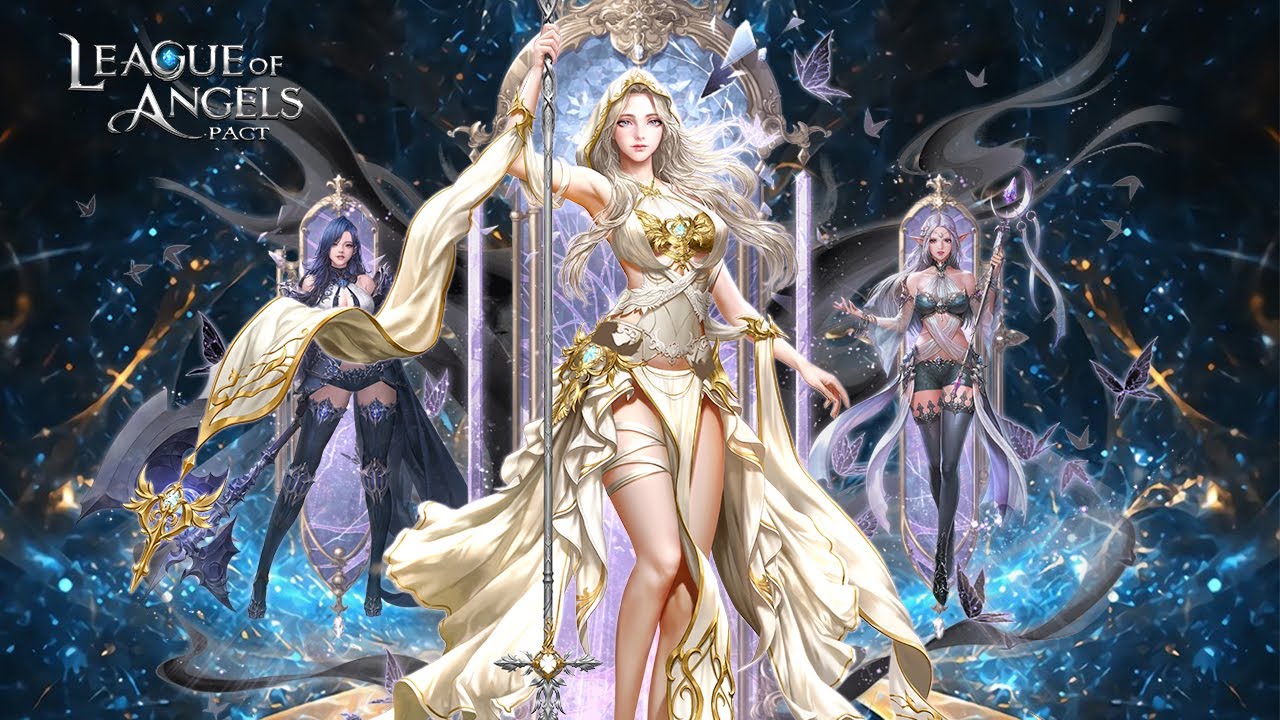
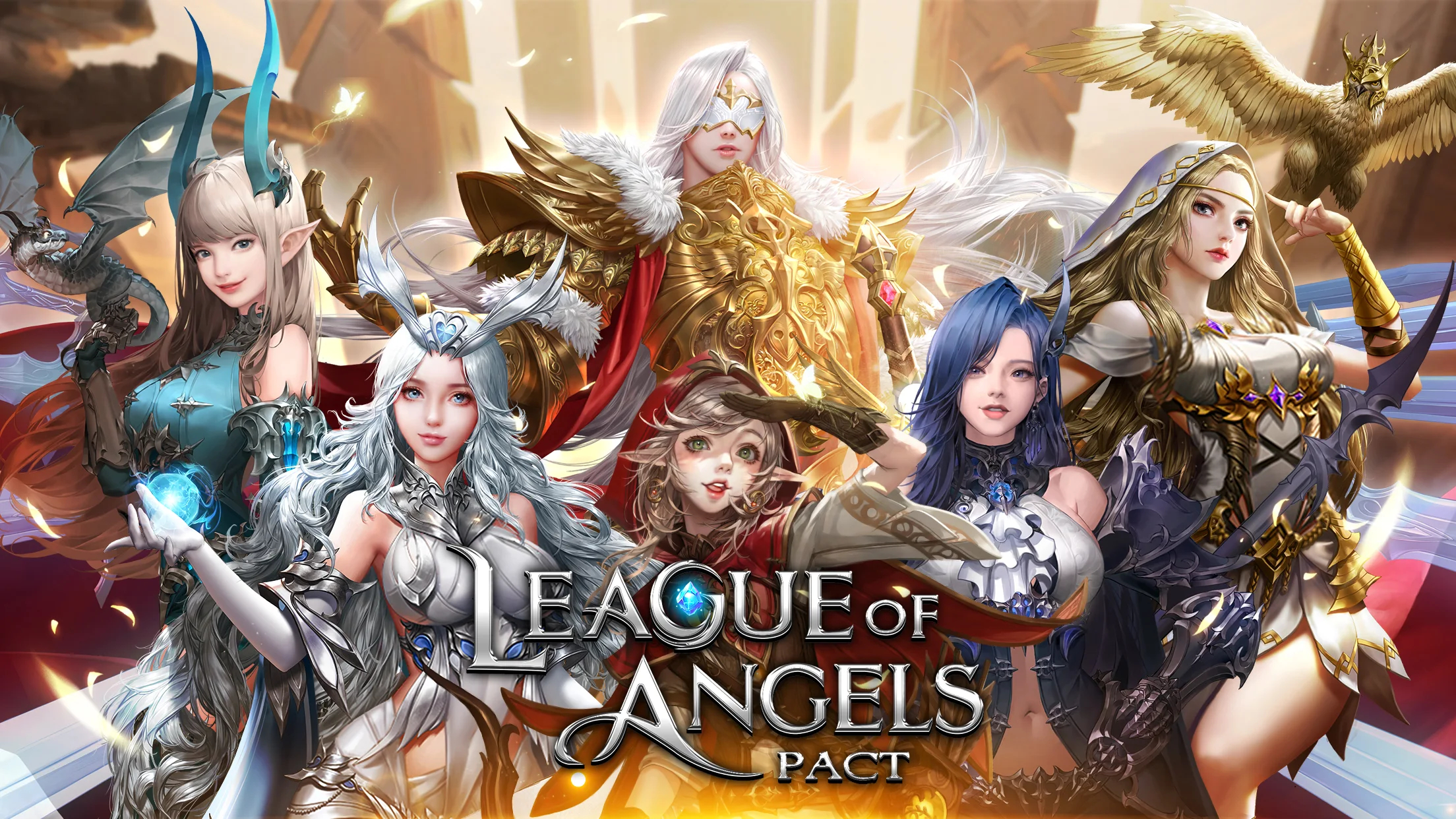
Welcome to Angels Pact: Reversal World, an epic idle MMORPG on mobile where myth and destiny are reversed.

Once, the Divine Kingdom was a realm of holy light, protected by benevolent deities. When a dark force shattered the barrier between realities, the gods fled into a parallel world—only to find everything inverted. The ancient demons they once sealed away now fight to save this world, while the fallen gods of light, corrupted by darkness, have become its greatest threat.

Now the continent is locked in endless war between reborn villains and fallen champions. Choose your allies, reclaim the broken pact, and decide the fate of this fractured realm.

[Game Features]
● Summon & Empower Divine Allies — Recruit dozens of celestial companions. Upgrade, reforge, and rebirth your angels to craft unstoppable teams. Strategic synergy decides the victors.

● Epic Boss Raids & Endless Loot — Take on world bosses and raids with friends or solo. High-value drops and divine gear await those who master the battlefield.

● 100+ Divine Weapons & Wing Sets — Collect and combine legendary weapons and wings that dramatically change your build and style. Swap attributes to optimize for any encounter.

● AFK Progression — Progress while you're away. AFK rewards let you return stronger every session.

● Climb the PvP Leaderboards — Rank, duel, and dominate seasonal arenas for unique rewards and glory.

● Stunning Character Art & Worldbuilding — Hand-crafted character designs and cinematic scenes that deepen the legend of the angels and the fractured league.

Facebook: https://www.facebook.com/AngelsPactMobile
Discord: https://discord.gg/P6Nqh8x3Ry
YouTube: https://www.youtube.com/@AngelsPactMobile
Emulator Features
Highest Android 15 Support Best Compatibility on Mac

With a smart button scheme and image recognition function, provide a more concise UI, and support custom button mapping to meet different needs. With a smart button scheme and image recognition, enjoy a cleaner UI and custom button mapping to fit different gaming needs on Mac.

Run multiple games independently at the same time, easily manage multiple accounts, play games while hanging. Take your Mac gaming further with multiple independent instances, easy account management, and seamless AFK gaming on Apple Silicon Mac.

Break through FPS limit, and enjoy a seamless gaming experience without lag and delay! Break through FPS limits for a seamless, lag-free gaming experience on MacBook, Mac mini, iMac, and Mac Studio.

Get a 3-second startup with 52% less memory usage and 65% more stability. Enjoy 3-second startup, 52% less memory usage, and 65% greater stability on Apple Silicon Mac.
How to Download and Play Angels Pact: Reversal World on PC and Mac
Installation Guide
Download MuMuPlayer
Download MuMuPlayer and install it on your PC or Mac
Sign-in Google Store
Complete Google sign-in to access the Play Store
Search and Install
Search Angels Pact: Reversal World in the Play Store
Enjoy Gaming
Enjoy 120 FPS high-def gameplay with big screen
System Requirements
Windows PC
Vulkan / DirectX supported. 4 cores + 4GB RAM recommended. Up to 240 FPS. VT required.
macOS
Recommended: Apple Silicon Mac with 8GB RAM or above. Up to 240 FPS.