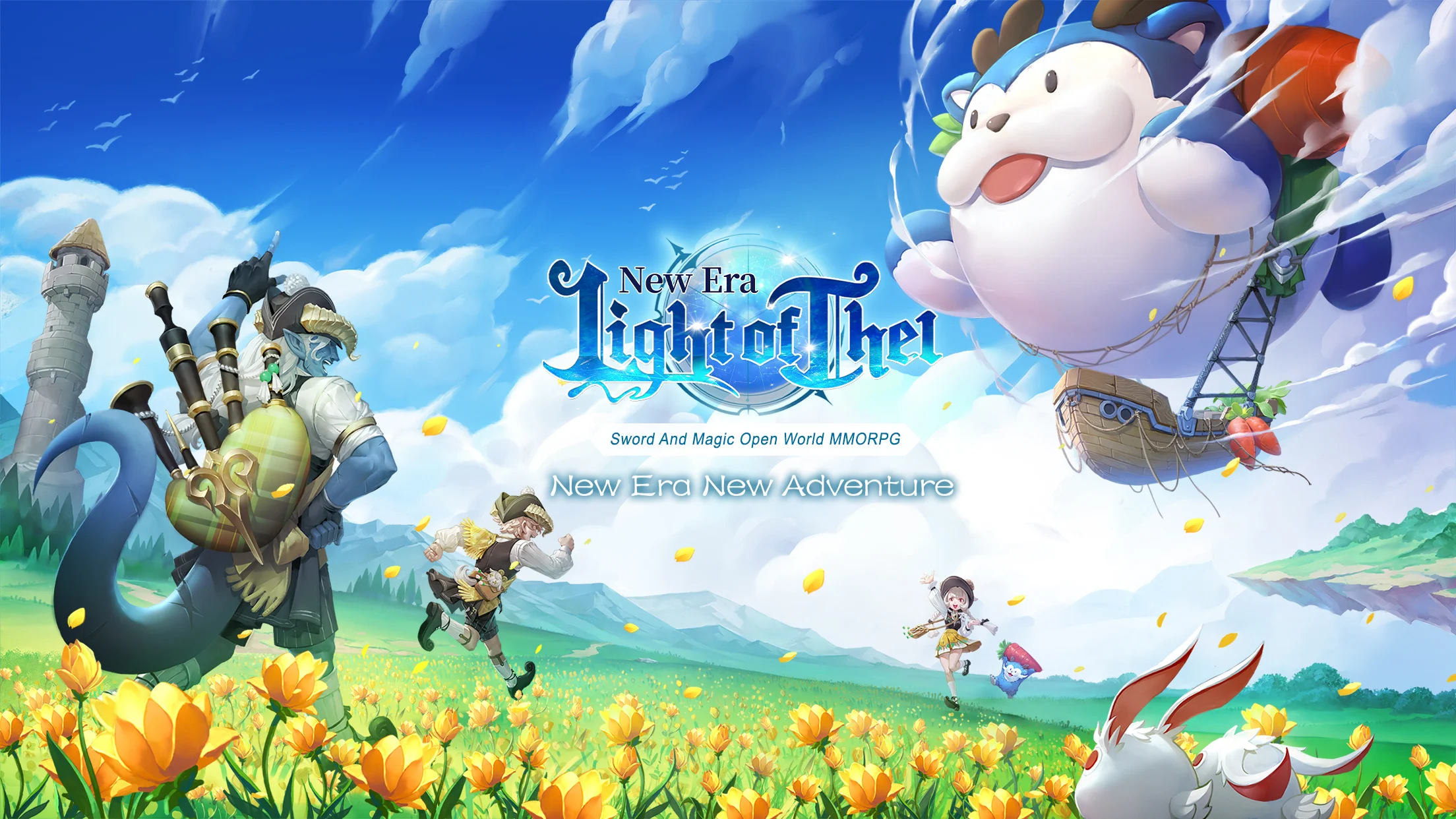
Play Light of Thel: New Era on PC and Mac
Download Light of Thel: New Era on PC or Mac with MuMuPlayer, get a PC like gameplay along with smart control and high graphics performance.
MuMuPlayer, the top Android emulator for PC and Apple silicon Mac, delivers an optimal gaming experience with minimal RAM usage and high FPS. It also allows you to create multiple instances of the emulator and run several games simultaneously, thanks to its Multi-instance feature. Its advanced emulator features ensure smooth gameplay, even on low-end PCs.
Download and play Light of Thel: New Era on PC or Mac with MuMuPlayer and start enjoying your gaming experience now.
About the Game
Light of Thel: New Era introduces gorgeous battle graphics, a reformed comprehensive 3D battle interface, and rich new adventures to create a new experience. Relive the memories on a new journey with a fresh perspective that satisfies your adventurous soul! Join arms, and defend the Land of Thel once again!

Features
[Relive Your Glories with an Enhanced Experience]
Greater graphic realism creates more beautiful combat special effects than ever before, bringing a new adventure that's a sight to behold.

[Competitive 1v1 and Team Battles]
Show Your Strength and Conquer the Competition! Pick your battleground among Solo Arena, Guild War, 5v5 Team Battle, or 10v10 Brawl, and fight your opponents all the ways you want!

[Flaunt Your Fashionista Ego with Costume Mashups]
Unleash your imagination with the endless wardrobe options that await you! With over a hundred costumes at your fingertips, it's time to discover your unique style. Who will you become today? A noble prince, a dashing hero, a charming diva, or a fashion icon? The choice is yours!

[Multiplayer Adventure with Endless Strategies]
Dive into the ultimate challenge with group dungeons that support up to 10 players. Brace yourself for thrilling, high-stakes battles that will challenge your teamwork to get the incredible rewards.

[Ring Your Wedding Bells and Celebrate Together]
Experience the extraordinary romance at the Wedding Square, where all players can join and bestow their blessings. Create an abundance of happiness and heartwarming memories with ease!

[Summon Spirits and Valiant Mercenaries]
Harness the power of Sprite and recruit Mercenaries from across the land, each with unique spells and abilities. Explore dungeons and fend off fierce monsters alongside your trusted allies!

[The Darkness Approaches and The Star warriors Awaken]
Feel the rush of gorgeous transformations and awakenings, unleashing awe-inspiring combat power to clash monsters and win PvP battles!
----------------------------------------
Contact Us
Join Us in【The light of Tel : New Era】 and begin the new adventure with us!
Facebook Fanpage: https://www.facebook.com/lightofthelNewEra.EN
Official Website: lightofthel.lingrengame.com
Emulator Features
Highest Android 15 Support Best Compatibility on Mac

With a smart button scheme and image recognition function, provide a more concise UI, and support custom button mapping to meet different needs. With a smart button scheme and image recognition, enjoy a cleaner UI and custom button mapping to fit different gaming needs on Mac.

Run multiple games independently at the same time, easily manage multiple accounts, play games while hanging. Take your Mac gaming further with multiple independent instances, easy account management, and seamless AFK gaming on Apple Silicon Mac.

Break through FPS limit, and enjoy a seamless gaming experience without lag and delay! Break through FPS limits for a seamless, lag-free gaming experience on MacBook, Mac mini, iMac, and Mac Studio.

Get a 3-second startup with 52% less memory usage and 65% more stability. Enjoy 3-second startup, 52% less memory usage, and 65% greater stability on Apple Silicon Mac.
How to Download and Play Light of Thel: New Era on PC and Mac
Installation Guide
Download MuMuPlayer
Download MuMuPlayer and install it on your PC or Mac
Sign-in Google Store
Complete Google sign-in to access the Play Store
Search and Install
Search Light of Thel: New Era in the Play Store
Enjoy Gaming
Enjoy 120 FPS high-def gameplay with big screen
System Requirements
Windows PC
Vulkan / DirectX supported. 4 cores + 4GB RAM recommended. Up to 240 FPS. VT required.
macOS
Recommended: Apple Silicon Mac with 8GB RAM or above. Up to 240 FPS.