Lost Light: Weapon Skin Treat (macOS)
Play Lost Light: Weapon Skin Treat on PC Play Lost Light: Weapon Skin Treat on PC and Mac
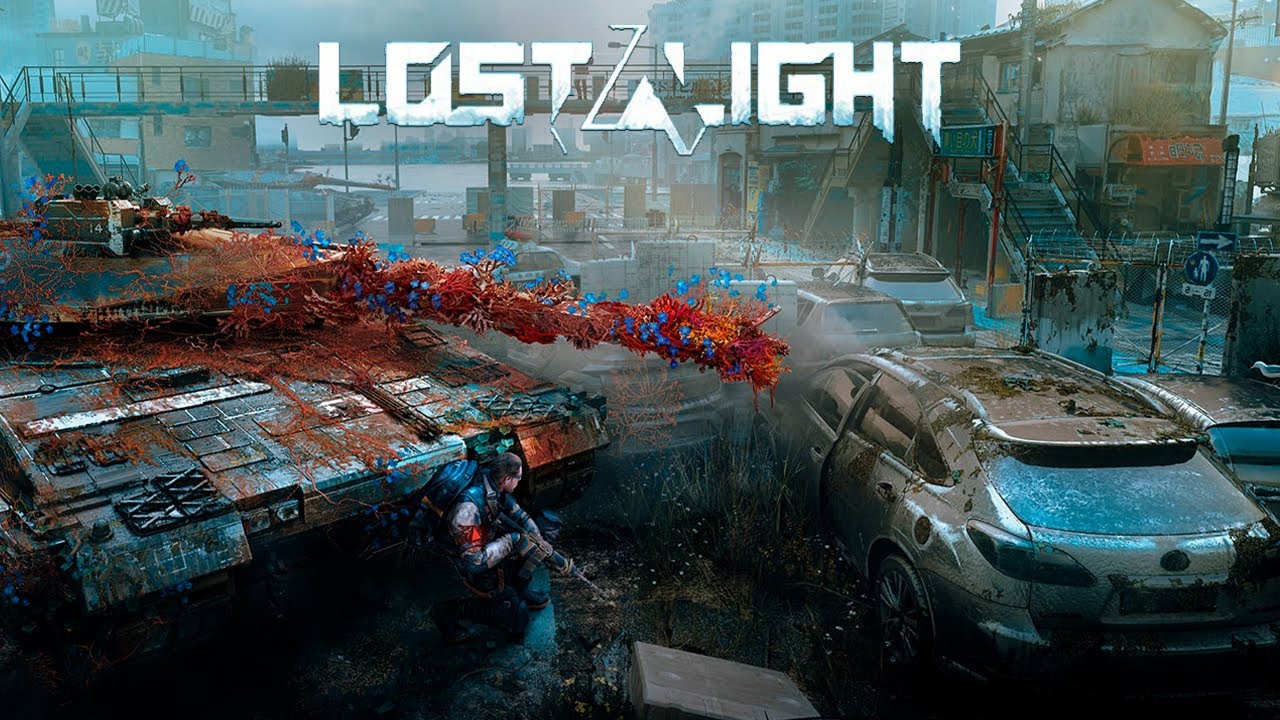
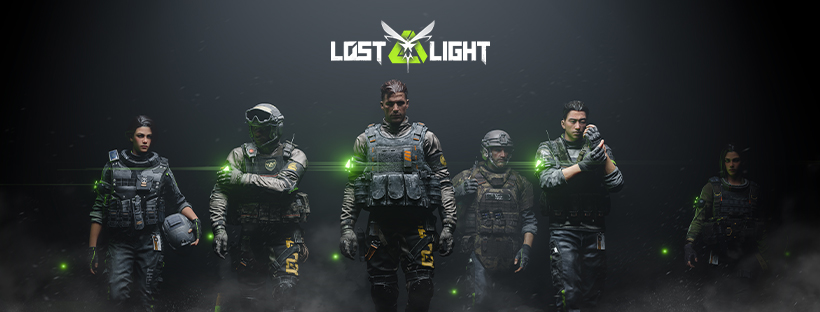
Lost Light is a post-apocalyptic action game developed by Netease Games Global, placing you in a dangerous Exclusion Zone where survival is never guaranteed. As a member of the Firefly Squad, your mission is to explore a devastated world, scavenge valuable resources, confront hostile enemies, and uncover the truth behind a catastrophic Pheromone Outbreak. Every session is a tense battle of preparation, decision-making, and careful execution. Playing on PC through MuMuPlayer lets you bring this immersive experience to a larger screen with smoother controls and more comfortable gameplay.
Lost Light delivers a rich set of features built around the core idea that knowledge and preparation are your greatest weapons. The weapon customization system is one of the most detailed in the genre, offering 12 component categories and over 100 individual parts to configure, plus a Weapon Skin Customization System with more than 10,000 spray combinations to make your loadout truly personal. Strategic flexibility is equally important, as you can choose to enter missions fully geared or travel light to avoid confrontation, with looting and successful evacuation being just as rewarding as combat. Your Shelter serves as a base for physical recovery, gear upgrades, and loadout planning, and a Smart Pet companion can help carry items or attempt to recover your belongings if you fall. The game also supports cooperative play, letting you rescue other players, form squads, and evacuate together, while cross-platform connectivity allows PC and mobile players to team up seamlessly.
For a game this demanding in terms of precision and awareness, running Lost Light on PC with MuMuPlayer offers real advantages. The larger display gives you a clearer view of the map and enemy positions, while keyboard and mouse controls provide faster, more accurate responses during combat and looting. MuMuPlayer's stable performance helps maintain consistent frame rates during intense firefights, and the cross-platform feature means you can coordinate with teammates on mobile without any barriers. Whether you are managing your Shelter, fine-tuning your weapon build, or navigating the chaos of the Exclusion Zone, MuMuPlayer gives you the control and clarity needed to survive.
Download Lost Light: Weapon Skin Treat on PC or Mac with MuMuPlayer, get a PC like gameplay along with smart control and high graphics performance.
MuMuPlayer, the top Android emulator for PC and Apple silicon Mac, delivers an optimal gaming experience with minimal RAM usage and high FPS. It also allows you to create multiple instances of the emulator and run several games simultaneously, thanks to its Multi-instance feature. Its advanced emulator features ensure smooth gameplay, even on low-end PCs.
Download and play Lost Light: Weapon Skin Treat on PC or Mac with MuMuPlayer and start enjoying your gaming experience now.
About the Game
Somewhere beyond the collapse of civilization lies the Exclusion Zone, a fractured and hostile landscape where resources are scarce, danger is constant, and the truth behind a world-ending disaster is buried beneath layers of chaos and conflict. Lost Light, developed by Netease Games Global, drops you into this environment as part of the Firefly Squad, a group determined to unravel the mystery of the Pheromone Outbreak while doing whatever it takes to stay alive. This is not a game about mindless shooting. It is about thinking carefully, preparing thoroughly, and making every decision count.
Survival in the Exclusion Zone demands more than just combat skill. You need to understand your weapons, read the map, manage hunger and injuries, and anticipate threats before they materialize. The game rewards players who invest time into preparation and punishes those who cut corners. Completing missions for the Black Market merchant, looting useful supplies, and steadily sharpening your survival instincts are all part of building a foundation that gives you a fighting chance against both the environment and other players.
Weapon customization sits at the heart of the Lost Light experience. The modification system is built around realism, with authentic weapon structures and textures that make every build feel grounded. Players can work with 12 component categories and more than 100 individual parts, allowing for a level of personalization that goes far beyond surface-level adjustments. On top of mechanical customization, the Weapon Skin Customization System opens up over 10,000 spray combinations, giving you the freedom to design a visual identity that is entirely your own. For those who prefer efficiency, over 100 preset loadouts and a one-click preparation function let you gear up quickly without sacrificing quality.
How you approach each operation is entirely up to you. Consider the following strategic options the game puts on the table:
- Enter fully equipped and take the fight to well-prepared opponents
- Travel light, avoid confrontations, and focus on looting and evacuation
- Complete merchant missions to earn rewards without relying solely on combat
- Use your Smart Pet to carry back collected items or recover gear after a defeat
Your Shelter is where strategy comes together between missions. Maintaining good physical condition, upgrading equipment, and organizing your gear are all essential routines. The Smart Pet companion adds another layer of depth, acting as a practical tool for resource management both during and after each run.
The social dimension of Lost Light adds unpredictability to every encounter. Other players in the Exclusion Zone are neither guaranteed allies nor guaranteed threats. You can choose to rescue a downed player, form a temporary squad, and evacuate together, splitting the risk and the reward. If you are knocked out yourself, broadcasting an SOS signal reveals your position to nearby players, but whether they arrive to help or to finish the job is never certain. This tension between cooperation and betrayal is what makes every interaction feel meaningful.
Lost Light also supports cross-platform play, allowing PC and mobile players to communicate and form teams in real time. Playing through MuMuPlayer on PC brings added comfort and precision to the experience, with a larger screen for better situational awareness, keyboard and mouse input for faster responses, and stable performance that holds up during the most chaotic moments of an operation. Whether you are deep in the Exclusion Zone or back at your Shelter preparing for the next run, MuMuPlayer provides the environment to play at your best.
Emulator Features
Highest Android 15 Support Best Compatibility on Mac

With a smart button scheme and image recognition function, provide a more concise UI, and support custom button mapping to meet different needs. With a smart button scheme and image recognition, enjoy a cleaner UI and custom button mapping to fit different gaming needs on Mac.

Run multiple games independently at the same time, easily manage multiple accounts, play games while hanging. Take your Mac gaming further with multiple independent instances, easy account management, and seamless AFK gaming on Apple Silicon Mac.

Break through FPS limit, and enjoy a seamless gaming experience without lag and delay! Break through FPS limits for a seamless, lag-free gaming experience on MacBook, Mac mini, iMac, and Mac Studio.

Get a 3-second startup with 52% less memory usage and 65% more stability. Enjoy 3-second startup, 52% less memory usage, and 65% greater stability on Apple Silicon Mac.
How to Download and Play Lost Light: Weapon Skin Treat on PC and Mac
Installation Guide
Download MuMuPlayer
Download MuMuPlayer and install it on your PC or Mac
Sign-in Google Store
Complete Google sign-in to access the Play Store
Search and Install
Search Lost Light: Weapon Skin Treat in the Play Store
Enjoy Gaming
Enjoy 120 FPS high-def gameplay with big screen
System Requirements
Windows PC
Vulkan / DirectX supported. 4 cores + 4GB RAM recommended. Up to 240 FPS. VT required.
macOS
Recommended: Apple Silicon Mac with 8GB RAM or above. Up to 240 FPS.