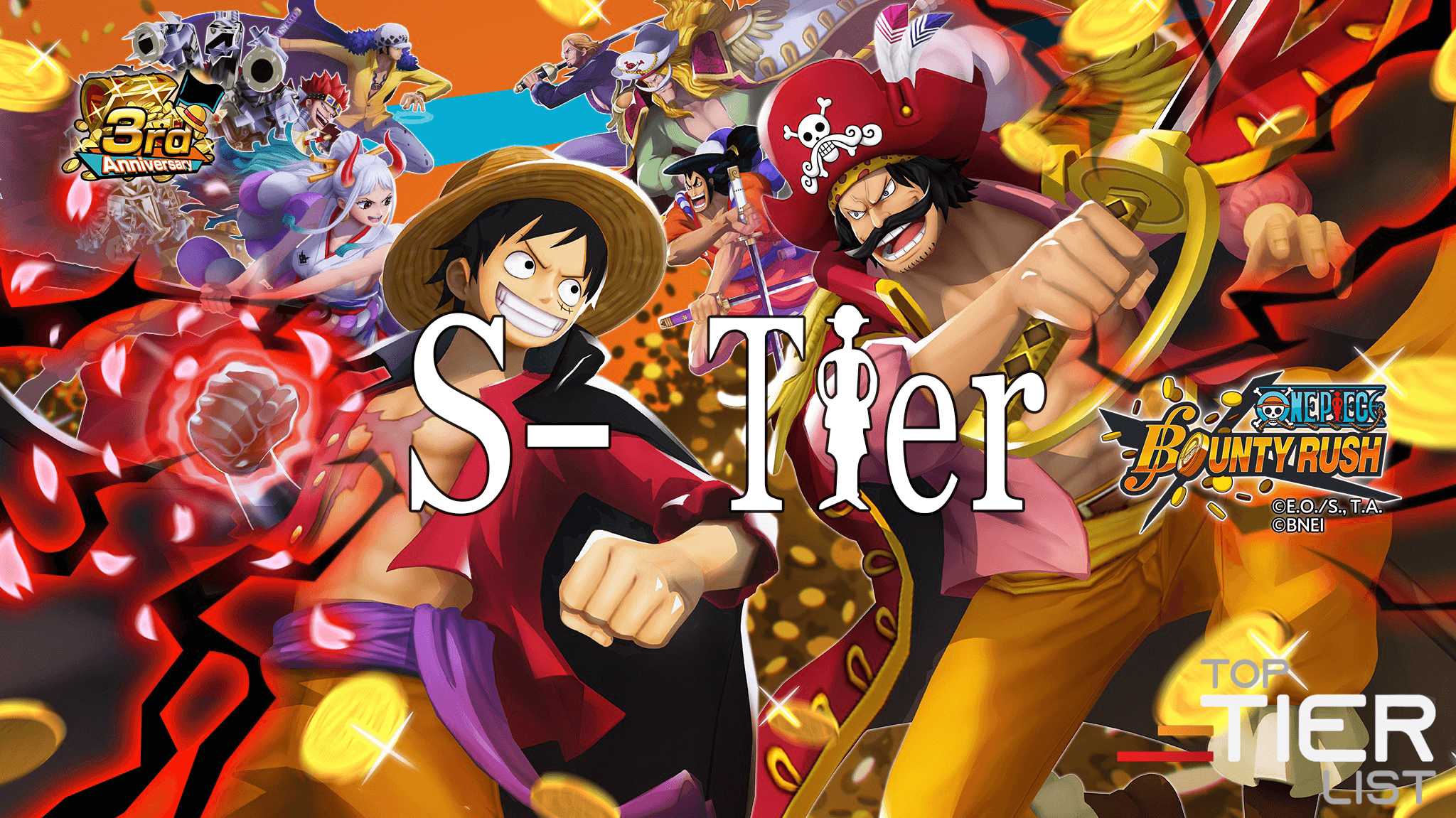
ONE PIECE Bounty Rush (macOS)
Play ONE PIECE Bounty Rush on PC Play ONE PIECE Bounty Rush on PC and Mac
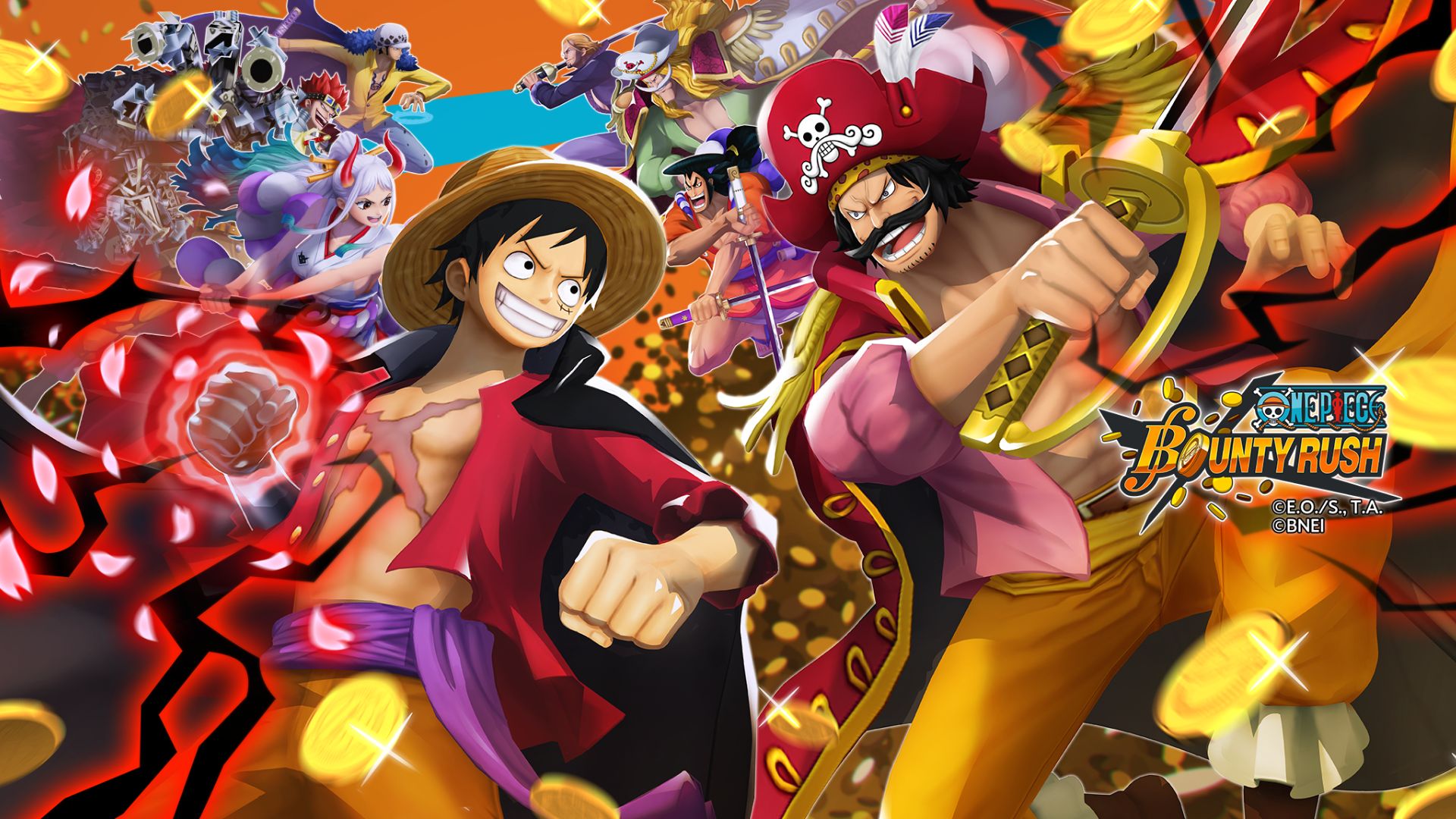
ONE PIECE Bounty Rush is an action-packed 3D battle arena game developed by Bandai Namco Entertainment Inc., set within the beloved pirate universe of One Piece. Players dive into fast-paced 4 vs 4 real-time multiplayer matches, competing to loot Berry coins and claim treasure before the opposing team does. Whether you are a longtime fan of the manga or a newcomer to the world of pirates, the game brings iconic characters and locations to life in a way that feels both faithful and thrilling. MuMuPlayer makes it easy to enjoy all of this on PC, giving you a bigger screen and smoother controls right from your desktop.
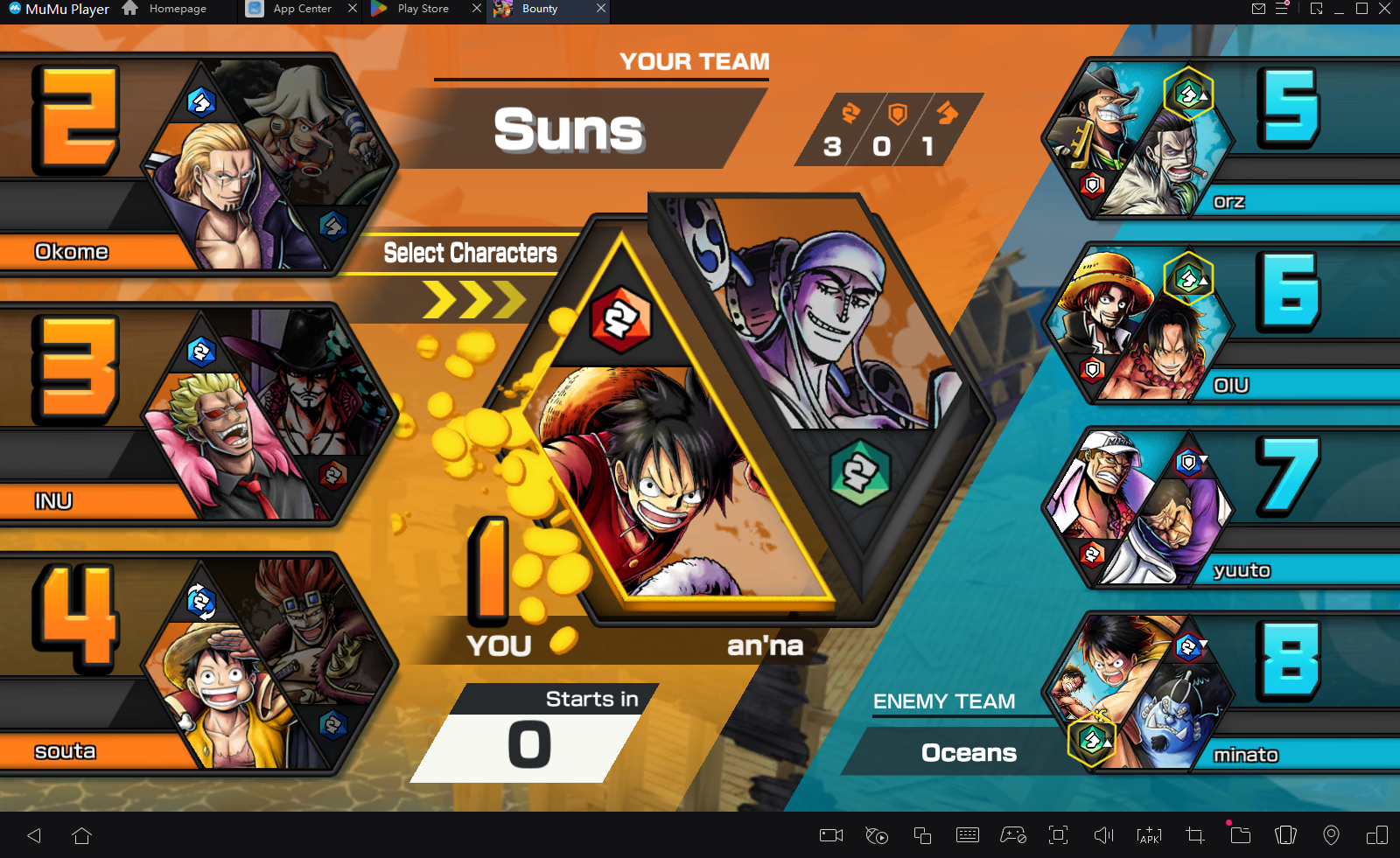
The heart of ONE PIECE Bounty Rush revolves around team-based treasure looting in a capture-the-flag style format. Two squads of four go head-to-head, with each player choosing a role, such as Attacker, Defender, or Runner, to build a balanced and competitive crew. The roster pulls from across the One Piece universe, letting you field favorites from Luffy to Zolo and mix characters strategically for maximum impact. Between matches, players collect Character Fragments to unlock new fighters, upgrade grade levels through League and Solo battles, and equip Medals that grant unique combat Traits. Battles take place across beautifully rendered arenas based on iconic anime locations, including the Baratie seafaring restaurant and the sandy Alabasta kingdom.
Playing ONE PIECE Bounty Rush on PC through MuMuPlayer brings meaningful advantages to your experience. The larger display makes it far easier to track treasure points, monitor teammate positions, and react quickly in the heat of real-time PvP. Keyboard and mouse support gives you more precise control over character movement and ability timing, which can make a real difference in competitive matches. MuMuPlayer also provides a stable and consistent performance environment, helping you stay focused on building the strongest pirate crew and climbing the ranks without interruptions.
Download ONE PIECE Bounty Rush on PC or Mac with MuMuPlayer, get a PC like gameplay along with smart control and high graphics performance.
MuMuPlayer, the top Android emulator for PC and Apple silicon Mac, delivers an optimal gaming experience with minimal RAM usage and high FPS. It also allows you to create multiple instances of the emulator and run several games simultaneously, thanks to its Multi-instance feature. Its advanced emulator features ensure smooth gameplay, even on low-end PCs.
Download and play ONE PIECE Bounty Rush on PC or Mac with MuMuPlayer and start enjoying your gaming experience now.
About the Game
Step into the chaotic, treasure-filled world of ONE PIECE Bounty Rush, where rival pirate crews clash in real-time battles for control of Berry coins scattered across iconic battlefields. Developed by Bandai Namco Entertainment Inc., this action game translates the energy of the One Piece manga and anime into a competitive 3D arena experience unlike anything else in the genre. The goal is simple but the execution demands teamwork, smart role selection, and a solid understanding of your crew's strengths.
At its core, the game is built around 4 vs 4 multiplayer matches that unfold in real time. Both teams race to gather as many Berry coins as possible before the timer runs out, turning every match into a tense push-and-pull struggle over contested treasure zones. Victory goes to the team that manages the map most effectively, not just the one that wins individual fights. This dynamic makes every battle feel genuinely competitive, whether you are defending a treasure point or charging across the map to steal coins from the enemy.
Building the right team is one of the most rewarding parts of the experience. Every character falls into one of three roles:
- Attacker: High offensive capability, ideal for disrupting opponents and winning head-to-head combat
- Defender: Built to hold treasure zones and protect Berry coins from enemy advances
- Runner: Fast and agile, perfect for reaching treasure quickly and repositioning across the map
Mixing these roles effectively is what separates good crews from great ones. The game features a wide roster of playable characters drawn from across the One Piece universe, from series staples like Luffy and Zolo to a growing lineup of fan favorites. Characters are unlocked by collecting fragments earned during battle, giving every match a sense of ongoing progress even when you lose.
Progression goes beyond simply unlocking new fighters. Each character can be leveled up through participation in both League and Solo battles, gradually increasing their combat effectiveness. The Medal equipping system adds another layer of depth by allowing players to assign items that grant specific battle Traits, letting you tailor a character's performance to suit a particular playstyle or team composition. These systems reward consistent play and encourage experimentation rather than locking players into a single approach.
The visual presentation draws heavily from the source material, recreating beloved locations from the One Piece world in detailed 3D environments. Arenas like the floating Baratie restaurant and the vast Alabasta desert kingdom serve as backdrops for each match, giving the game a strong sense of place and atmosphere. Special items tied to the One Piece universe also appear during matches, offering temporary advantages that can shift the momentum of a close battle.
For players who want to get the most out of their matches, running ONE PIECE Bounty Rush on PC through MuMuPlayer is a practical choice. The larger screen gives a clearer view of the battlefield, making it easier to coordinate with teammates and respond to threats quickly. Stable performance on PC ensures that fast-paced PvP moments stay smooth and responsive. Whether you are grinding for Character Fragments or pushing for the top of the League rankings, MuMuPlayer provides a reliable and comfortable setup for building your ultimate pirate crew and chasing the Berry coin lead every single match.
Emulator Features
Highest Android 15 Support Best Compatibility on Mac

With a smart button scheme and image recognition function, provide a more concise UI, and support custom button mapping to meet different needs. With a smart button scheme and image recognition, enjoy a cleaner UI and custom button mapping to fit different gaming needs on Mac.

Run multiple games independently at the same time, easily manage multiple accounts, play games while hanging. Take your Mac gaming further with multiple independent instances, easy account management, and seamless AFK gaming on Apple Silicon Mac.

Break through FPS limit, and enjoy a seamless gaming experience without lag and delay! Break through FPS limits for a seamless, lag-free gaming experience on MacBook, Mac mini, iMac, and Mac Studio.

Get a 3-second startup with 52% less memory usage and 65% more stability. Enjoy 3-second startup, 52% less memory usage, and 65% greater stability on Apple Silicon Mac.
How to Download and Play ONE PIECE Bounty Rush on PC and Mac
Installation Guide
Download MuMuPlayer
Download MuMuPlayer and install it on your PC or Mac
Sign-in Google Store
Complete Google sign-in to access the Play Store
Search and Install
Search ONE PIECE Bounty Rush in the Play Store
Enjoy Gaming
Enjoy 120 FPS high-def gameplay with big screen
System Requirements
Windows PC
Vulkan / DirectX supported. 4 cores + 4GB RAM recommended. Up to 240 FPS. VT required.
macOS
Recommended: Apple Silicon Mac with 8GB RAM or above. Up to 240 FPS.