
Play Pet Clash on PC and Mac
Download Pet Clash on PC or Mac with MuMuPlayer, get a PC like gameplay along with smart control and high graphics performance.
MuMuPlayer, the top Android emulator for PC and Apple silicon Mac, delivers an optimal gaming experience with minimal RAM usage and high FPS. It also allows you to create multiple instances of the emulator and run several games simultaneously, thanks to its Multi-instance feature. Its advanced emulator features ensure smooth gameplay, even on low-end PCs.
Download and play Pet Clash on PC or Mac with MuMuPlayer and start enjoying your gaming experience now.
About the Game
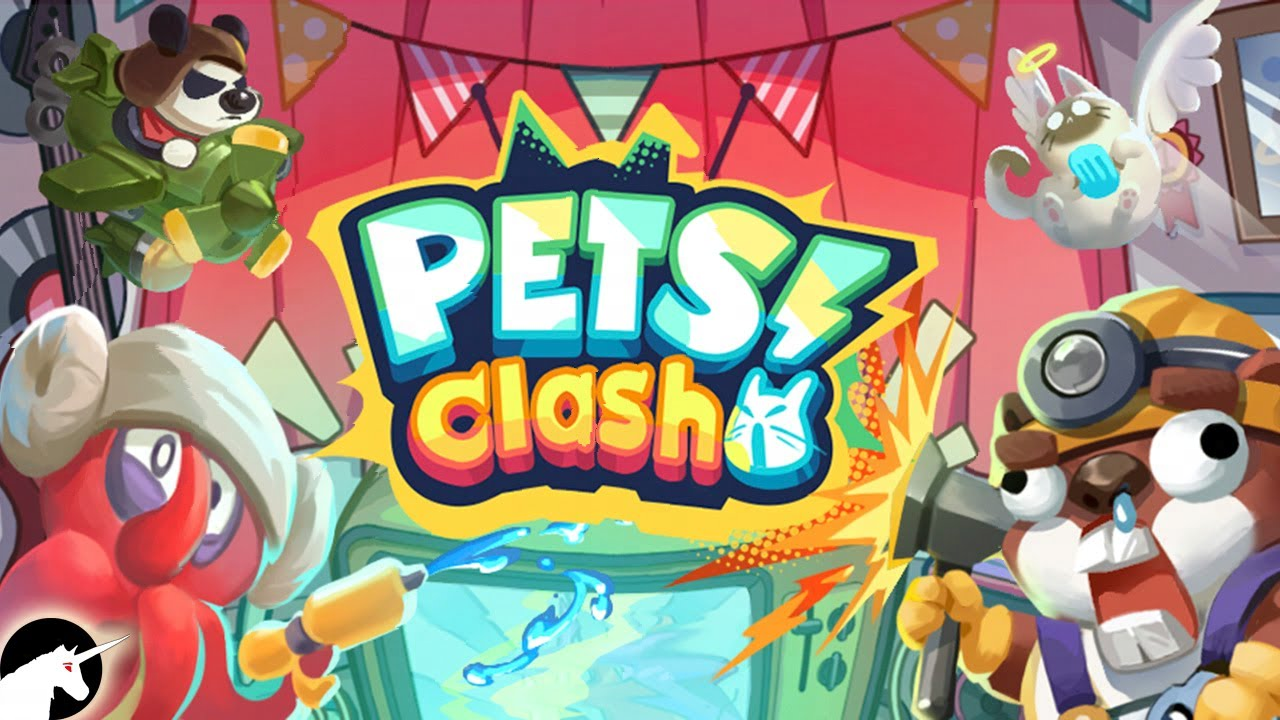
Pet Clash is an SLG mobile game that combines simulation management and card-based gameplay. With stunning visuals and dazzling effects, players can enjoy a delightful gaming experience while appreciating the unique charm of adorable animals.
(1) Adorable Pet Design
The Pets are designed based on animal prototypes, offering a fresh and cute visual experience. Their movements and effects are tailored to match their lovable personalities, creating visually appealing and smooth animations that enhance the excitement and enjoyment of battles.
(2) Development System
The card development system allows players to upgrade and evolve Pets, increasing their abilities. This adds depth and fun to character cultivation.
(3) Simulation Management
Simulation management emphasizes players' real-time involvement in gathering and converting resources, reducing the mental load of decision-making. Players need to manage their territory by collecting resources and constructing buildings to boost production capacity and gather supplies.
(4) Diverse Gameplay
The game offers a variety of modes, including daily training and various challenges, ensuring ample opportunities for participation and fun while enriching the gaming experience.
(5) Exquisite 3D Visuals
The charming 3D graphics stand out among similar action card games. The cute and lively expressions of animals are humorously and vividly portrayed, providing a delightful visual treat.
(6) Fast-Paced Combat System
The fast-paced combat system, combined with the thrill of unleashing ultimate skills and intuitive skill feedback, delivers an intense and exciting gaming experience.
(7) Strategic SLG Gameplay
In SLG mode, players engage in strategic battles and resource management on a large map. This mode blends simulation management and card cultivation while emphasizing social interaction and competition between players, offering a rich and challenging gaming experience.
Pet Clash focuses on player experience, stunning visuals, and diverse gameplay. Join these adorable animals to fish, chop trees, conquer territories, and rule the entire forest!
Emulator Features

With a smart button scheme and image recognition function, provide a more concise UI, and support custom button mapping to meet different needs.

Run multiple games independently at the same time, easily manage multiple accounts, play games while hanging.

Break through FPS limit, and enjoy a seamless gaming experience without lag and delay!

Get a 3-second startup with 52% less memory usage and 65% more stability.
How to Download and Play Pet Clash on PC and Mac
Installation Guide
Download MuMuPlayer
Download and install MuMuPlayer on your PC or Mac
Sign-in Google Store
Complete Google sign-in to access the Play Store
Search and Install
Search Pet Clash in the Play Store
Enjoy Gaming
Enjoy 120 FPS high-def gameplay with big screen
System Requirements
Windows PC
Vulkan / DirectX supported. 4 cores + 4GB RAM recommended. Up to 240 FPS. VT required.
macOS
Recommended: Apple Silicon Mac with 8GB RAM or above. Up to 240 FPS.

(1).png?fop=imageView/0/w/150/h/150)