
Play Survivor.io on PC Play Survivor.io on PC and Mac
Survivor.io drops you into a city overrun by relentless zombie hordes, where every run tests your reflexes, build choices, and ability to adapt under pressure. This fast-paced adventure game pushes you to survive wave after wave of monsters while unlocking new skills and weapons along the way. Playing Survivor.io on PC with MuMuPlayer gives you a larger screen, stable performance, and the precision of mouse and keyboard controls for a smoother survival experience.
The core thrill comes from facing massive groups of enemies at once, with battles that can throw more than a thousand monsters at you in a single stage. One-hand controls make the game easy to pick up, while the roguelite skill system creates endless build combinations that change how each run plays out. Multiple stages with different difficulty levels keep the challenge fresh, whether you are a new survivor or a seasoned player pushing into harder content.
MuMuPlayer makes Survivor.io feel right at home on PC or Windows, with responsive input handling that helps you dodge, aim, and clear crowds more comfortably. On a Mac or MacBook, you can also run Survivor.io through MuMuPlayer and enjoy the same fluid gameplay without relying on a small touchscreen. Whether you are using a Windows desktop or playing on Mac mini through MuMuPlayer, the emulator gives you a stable way to focus on the action instead of fighting the controls.
Download Survivor.io on PC or Mac with MuMuPlayer, get a PC like gameplay along with smart control and high graphics performance.
MuMuPlayer, the top Android emulator for PC and Apple silicon Mac, delivers an optimal gaming experience with minimal RAM usage and high FPS. It also allows you to create multiple instances of the emulator and run several games simultaneously, thanks to its Multi-instance feature. Its advanced emulator features ensure smooth gameplay, even on low-end PCs.
Download and play Survivor.io on PC or Mac with MuMuPlayer and start enjoying your gaming experience now.
About the Game
The city has fallen into chaos. Zombies are everywhere, and the only thing standing between total destruction and a fighting chance is you. Survivor.io puts you in the middle of a desperate battle where survival depends on quick movement, smart upgrades, and the ability to handle overwhelming odds. The game wastes no time throwing you into danger, and every run asks you to make split-second decisions that determine how long you last.
One of the biggest draws in Survivor.io is the sheer scale of combat. You are not fighting a handful of enemies. You are facing massive swarms that rush toward you from all sides, forcing you to keep moving while your attacks carve through the crowd. The game is designed around one-hand controls, so you can focus on positioning and dodging without wrestling with a complicated input scheme. That simplicity makes it easy to start playing, but surviving the later stages takes real awareness and planning.
The roguelite progression system is another major part of the experience. As you defeat enemies and move through a run, you collect upgrades that can completely change how your character fights. Different weapons and skills combine in unexpected ways, so no two runs feel exactly the same. You might focus on area damage in one attempt, then shift to fast single-target bursts in the next. Experimenting with these combinations is a big part of the fun, and the game rewards players who learn how to build around the tools they find.
Survivor.io also offers multiple stages with different difficulty levels. Early stages help you learn the basics and get comfortable with the flow of combat, while later stages push your movement, timing, and build knowledge much harder. The rising challenge keeps the game engaging, and there is always a reason to jump back in for another attempt.
Playing Survivor.io on PC with MuMuPlayer brings several practical advantages. The larger display makes it easier to track enemy positions and spot incoming threats before they surround you. Mouse and keyboard support gives you more reliable control over movement and aiming, which matters a lot when the screen is packed with monsters. On Windows, MuMuPlayer provides a stable environment with consistent performance, so you can focus on the run instead of dealing with lag or touchscreen limitations.
For Mac users, MuMuPlayer also offers a way to enjoy Survivor.io on macOS devices. You can play on a MacBook or a Mac mini through MuMuPlayer and still get the same core experience with better visibility and control than a phone screen typically allows. Whether you are on an Apple Silicon machine like an M1 or M2, or using a newer setup such as an M3, M4, M5, M5 Pro, or M6 device, MuMuPlayer helps bridge the gap between mobile gaming and desktop comfort. Macintosh users who prefer a larger screen and more stable input will find the emulator a practical choice for this kind of fast-paced action game.
Survivor.io keeps the pressure on from the first minute to the last. The combination of huge enemy waves, simple controls, deep skill combinations, and escalating difficulty makes it a strong pick for anyone who enjoys roguelite action. With MuMuPlayer, you can take that experience to PC or Windows for better control and visibility, or bring it to a Mac or MacBook for a more comfortable way to play. Either way, the zombies are not going to wait, so it is time to gear up and survive.
Emulator Features
Highest Android 15 Support Best Compatibility on Mac

With a smart button scheme and image recognition function, provide a more concise UI, and support custom button mapping to meet different needs. With a smart button scheme and image recognition, enjoy a cleaner UI and custom button mapping to fit different gaming needs on Mac.

Run multiple games independently at the same time, easily manage multiple accounts, play games while hanging. Take your Mac gaming further with multiple independent instances, easy account management, and seamless AFK gaming on Apple Silicon Mac.

Break through FPS limit, and enjoy a seamless gaming experience without lag and delay! Break through FPS limits for a seamless, lag-free gaming experience on MacBook, Mac mini, iMac, and Mac Studio.

Get a 3-second startup with 52% less memory usage and 65% more stability. Enjoy 3-second startup, 52% less memory usage, and 65% greater stability on Apple Silicon Mac.
How to Download and Play Survivor.io on PC and Mac
Installation Guide
Download MuMuPlayer
Download MuMuPlayer and install it on your PC or Mac
Sign-in Google Store
Complete Google sign-in to access the Play Store
Search and Install
Search Survivor.io in the Play Store
Enjoy Gaming
Enjoy 120 FPS high-def gameplay with big screen
System Requirements
Windows PC
Vulkan / DirectX supported. 4 cores + 4GB RAM recommended. Up to 240 FPS. VT required.
macOS
Recommended: Apple Silicon Mac with 8GB RAM or above. Up to 240 FPS.
Get more news, guides and redeem codes about Survivor.io
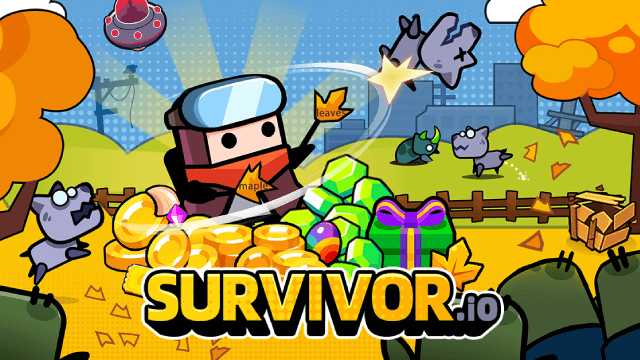
Survivor.io Weapons Tier List Guide: Master the Best Gear (Updated June 2025)
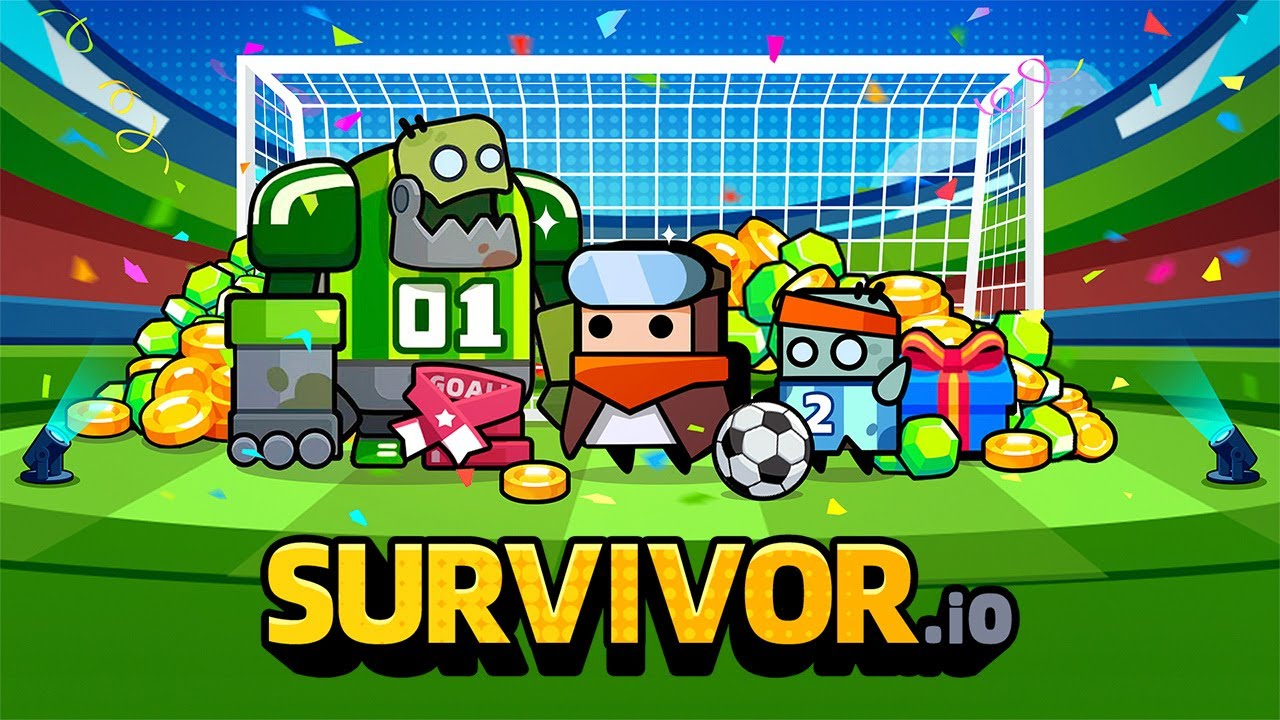
Survivor.io Guide: Cheats and Strategies
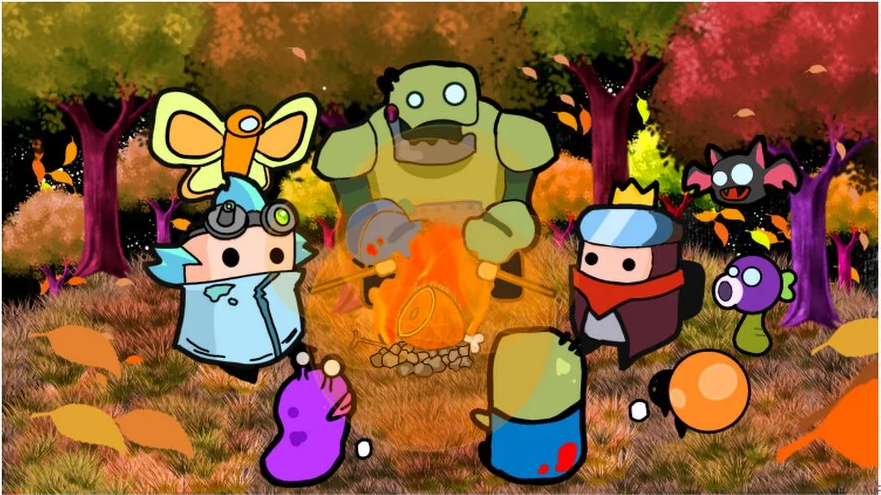
Survivor.io Best Hero Tier List
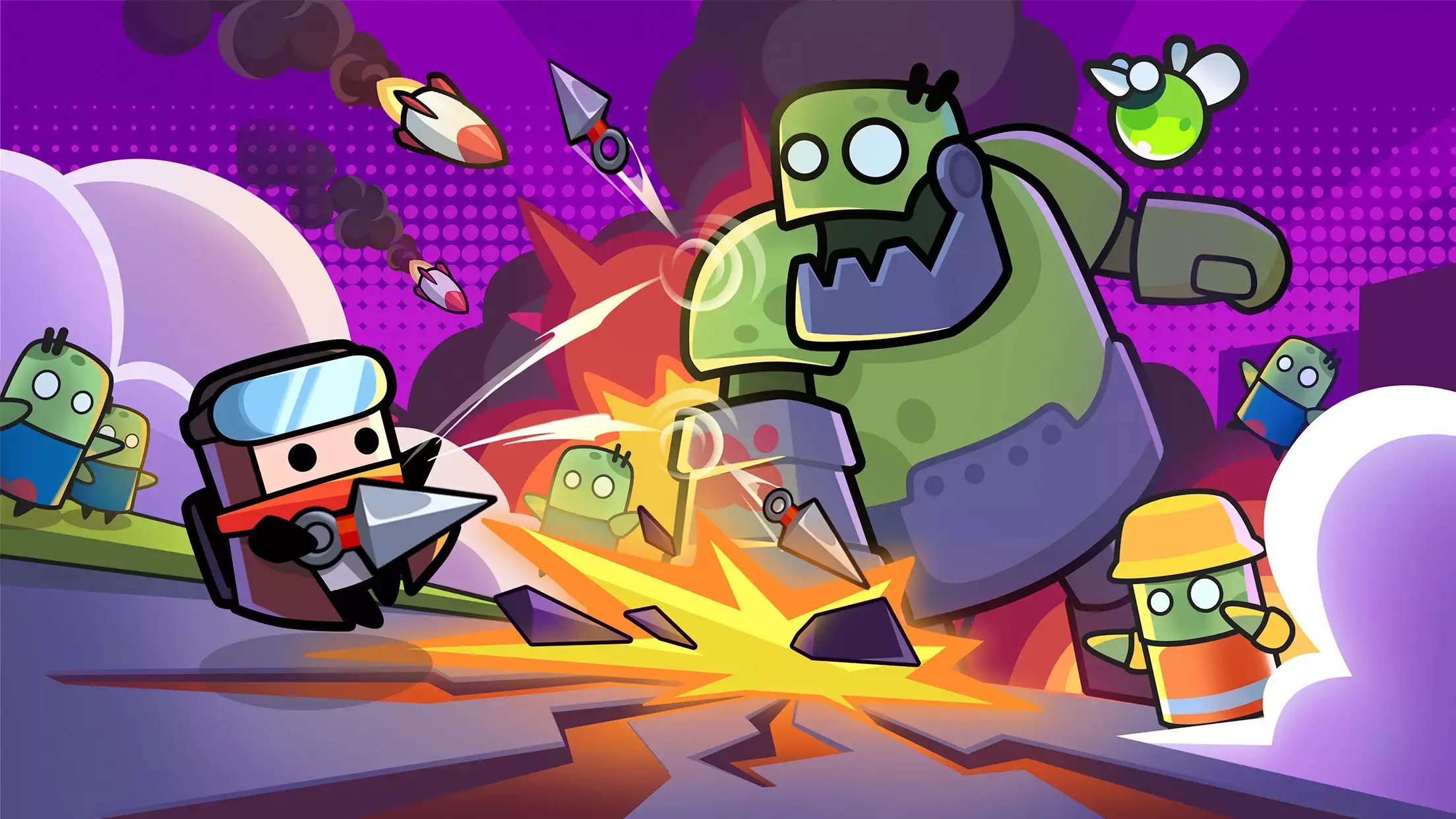
Survivor.io Tier List Guide: Best Skills

Survivor.io - New Version Valentine's Romance Party is Coming!
How to Play Survivor.io on PC with MuMu Player X
Survivor.io Free Codes for January 2023
Survivor.io Guide: Tips to Improve Your Gameplay
.png?fop=imageView/0/w/150/h/150)