Play Top War: Battle Game on PC Play Top War: Battle Game on PC and Mac
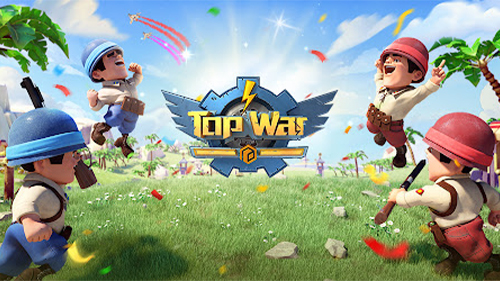
Top War: Battle Game is a strategy title developed by Topwar Studio that sets itself apart with a distinctive merge-to-upgrade mechanic. Instead of sitting through lengthy construction timers, players combine matching buildings, units, and skills to instantly power them up. The game drops you into a conflict-torn world where the Dark Legion dominates every corner of the map, and it falls to you to build a resistance, recruit legendary commanders, and push back against overwhelming odds. You can experience all of this on a larger screen by running Top War: Battle Game on PC through MuMuPlayer.
The core loop revolves around merging rather than waiting. Every upgrade in the game, whether it applies to structures, troop types, or hero abilities, is completed the moment two identical items are combined. You begin on an empty island and gradually shape it into a fully operational military base, deploying Land, Navy, and Airforce divisions under the command of heroes who each carry unique skills and equippable gear. Beyond the base-building side, the game opens up a wide range of competitive modes including Server vs Server wars, Dark Forces confrontations, War Robots battles, and weekly Capital Throne Showdowns. An alliance system ties everything together, letting you coordinate large-scale operations with players from around the globe.
Playing Top War: Battle Game through MuMuPlayer on PC gives you meaningful advantages in a game built around constant activity and real-time coordination. The larger display makes base management far easier, letting you survey your island layout, track multiple queues, and spot incoming threats without constantly zooming in and out. Keyboard and mouse input adds precision to hero control and troop deployment during fast-moving battles. MuMuPlayer also handles the network demands of live Server vs Server events and alliance wars reliably, so you stay connected during the moments that matter most. For a strategy game that rewards attentiveness and quick decisions, the PC environment through MuMuPlayer is a genuinely practical choice.
Download Top War: Battle Game on PC or Mac with MuMuPlayer, get a PC like gameplay along with smart control and high graphics performance.
MuMuPlayer, the top Android emulator for PC and Apple silicon Mac, delivers an optimal gaming experience with minimal RAM usage and high FPS. It also allows you to create multiple instances of the emulator and run several games simultaneously, thanks to its Multi-instance feature. Its advanced emulator features ensure smooth gameplay, even on low-end PCs.
Download and play Top War: Battle Game on PC or Mac with MuMuPlayer and start enjoying your gaming experience now.
About the Game
Top War: Battle Game throws out the rulebook on traditional mobile strategy by replacing the familiar countdown timer with something far more satisfying: a merge system that rewards action over patience. When you want to upgrade a building, a military unit, or a skill, you simply combine two identical ones and the result is immediate. No queuing, no waiting, no spending resources to skip ahead. This single design decision gives the entire game a rhythm that feels active and rewarding from the very first session.
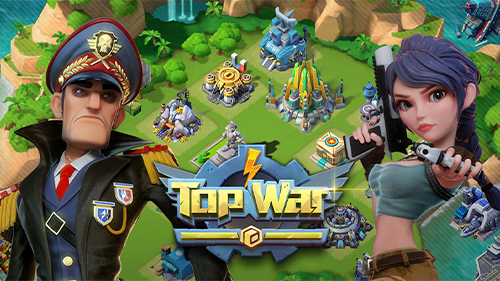
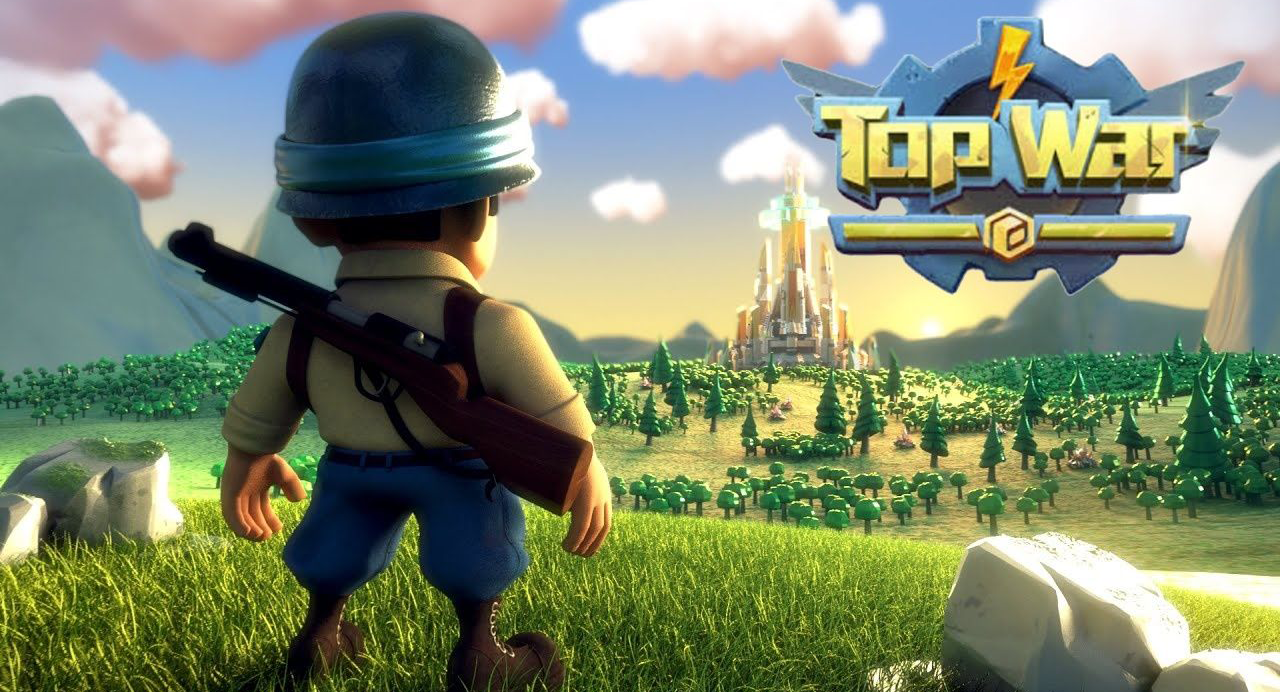
The setting frames everything with urgency. The Dark Legion has seized control of the world, leaving populations displaced and hope in short supply. You step in as a Commander aligned with the freedom league, tasked with building the strength needed to challenge these tyrants directly. Your starting point is a desolate island with nothing on it, and through steady development you transform it into a layered military installation capable of projecting power across the game's wider conflict.
Building your base involves more than just raw military output. The game offers a genuine range of structures and decorative options, encouraging players to construct something that reflects their own priorities and aesthetic preferences. Some commanders lean into aggressive expansion while others invest in fortified layouts. The flexibility here means no two islands end up looking quite the same.
On the military side, the game organizes forces across three distinct branches:
- Land forces handle ground-based combat and form the backbone of most offensive pushes.
- Naval units extend your reach across water and open up strategic positioning options.
- Airforce troops provide high-mobility firepower that can shift the balance in contested engagements.
Each branch benefits from hero leadership. Recruiting legendary heroes and assigning them to specific troop types adds a layer of depth, since every hero brings a skill set that can be developed further through upgrades and specialized equipment. Building the right combinations across all three armies is central to long-term progression.
The competitive landscape keeps things from ever settling into pure base-building. Top War: Battle Game hosts several distinct multiplayer formats that push alliances and individual commanders to test their strength regularly:
- Server vs Server wars pit entire communities against one another in large coordinated conflicts.
- Dark Forces events challenge players to push back against powerful opposing factions.
- War Robots modes introduce mechanized combat scenarios with their own tactical considerations.
- Capital Throne Showdowns run on a weekly schedule and crown the most dominant force on the server.
Alliances sit at the center of all of this. Coordinating with teammates, timing attacks, sharing resources, and mounting joint defenses turns the game into a genuinely social experience where relationships built over time translate directly into battlefield results.
For players who want the fullest experience, running Top War: Battle Game on PC through MuMuPlayer adds real practical value. The expanded screen real estate makes base oversight dramatically easier, alliance communication stays visible alongside the main map, and mouse-based input improves precision during combat events. The stable connection that MuMuPlayer provides also matters during high-stakes multiplayer moments where a dropped signal could mean the difference between a successful raid and a costly defeat.
Emulator Features
Highest Android 15 Support Best Compatibility on Mac

With a smart button scheme and image recognition function, provide a more concise UI, and support custom button mapping to meet different needs. With a smart button scheme and image recognition, enjoy a cleaner UI and custom button mapping to fit different gaming needs on Mac.

Run multiple games independently at the same time, easily manage multiple accounts, play games while hanging. Take your Mac gaming further with multiple independent instances, easy account management, and seamless AFK gaming on Apple Silicon Mac.

Break through FPS limit, and enjoy a seamless gaming experience without lag and delay! Break through FPS limits for a seamless, lag-free gaming experience on MacBook, Mac mini, iMac, and Mac Studio.

Get a 3-second startup with 52% less memory usage and 65% more stability. Enjoy 3-second startup, 52% less memory usage, and 65% greater stability on Apple Silicon Mac.
How to Download and Play Top War: Battle Game on PC and Mac
Installation Guide
Download MuMuPlayer
Download MuMuPlayer and install it on your PC or Mac
Sign-in Google Store
Complete Google sign-in to access the Play Store
Search and Install
Search Top War: Battle Game in the Play Store
Enjoy Gaming
Enjoy 120 FPS high-def gameplay with big screen
System Requirements
Windows PC
Vulkan / DirectX supported. 4 cores + 4GB RAM recommended. Up to 240 FPS. VT required.
macOS
Recommended: Apple Silicon Mac with 8GB RAM or above. Up to 240 FPS.