Play Whiteout Survival on PC Play Whiteout Survival on PC and Mac
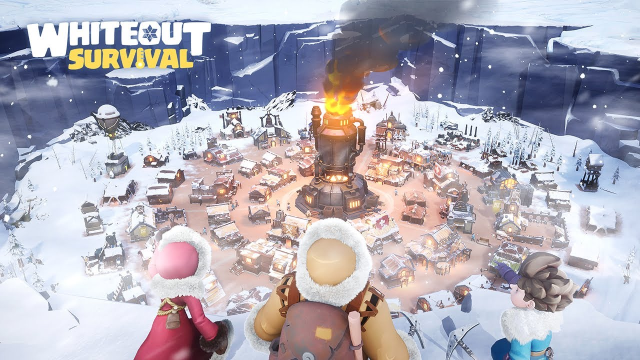
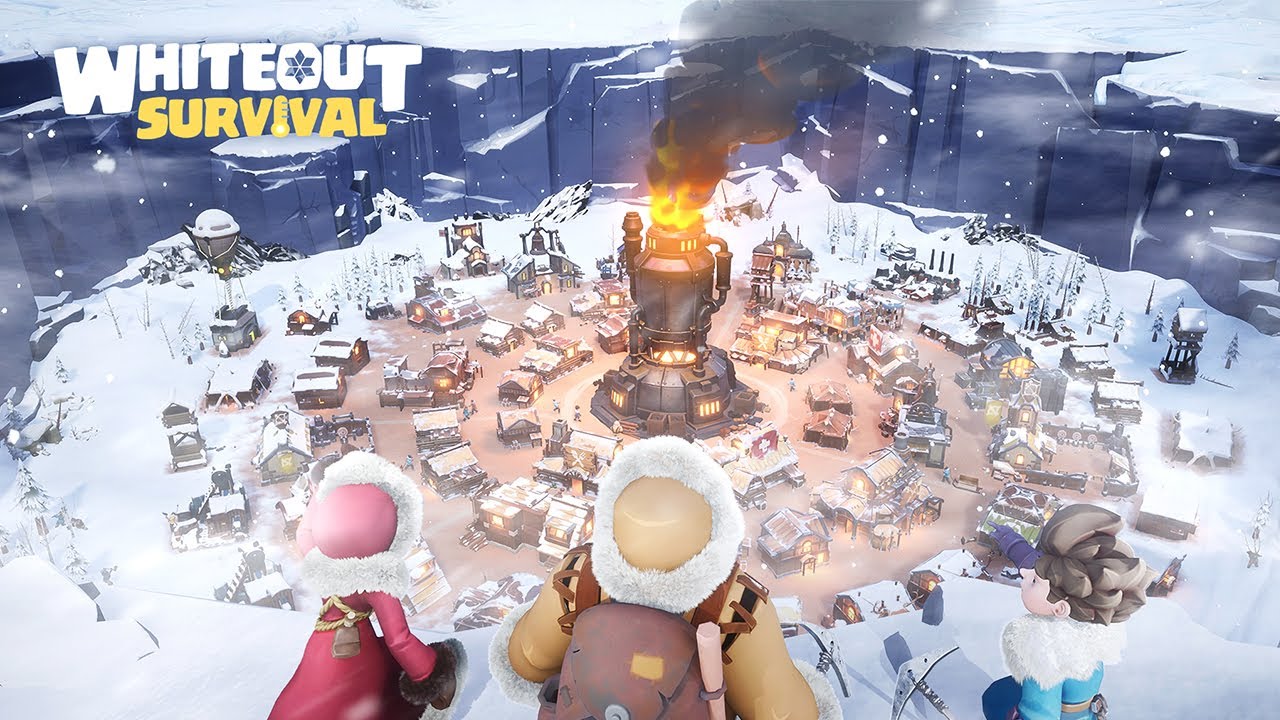
Whiteout Survival is a winter-themed strategy game developed by Century Games Pte. Ltd. that puts you in charge of rebuilding civilization after a devastating blizzard wipes the world clean. As a survivor leading a growing settlement, you gather resources, manage your people, and work alongside a cast of heroes to restore warmth and life to a frozen landscape. The entire experience is available on PC through MuMuPlayer, letting you manage your frost-covered city from the comfort of a larger screen.
The game blends multiple playstyles into one cohesive package. You can build and expand your town by firing up the furnace, reclaiming snow-covered land, and keeping your community supplied with everything it needs to thrive. An idle system handles resource generation in the background, so progress never fully stops even when you step away. When you want something more hands-on, activities like ice fishing and treasure hunting beneath the snow offer quick, satisfying sessions. Heroes all share the same level progression, which means you can freely mix and match their abilities to form powerful skill combinations without being locked into grinding a single character.
Playing Whiteout Survival on PC with MuMuPlayer brings genuine advantages to a game built around ongoing management and coordination. The larger display makes it easier to oversee your entire settlement, monitor multiple queues, and react to alliance activity at a glance. Keyboard and mouse controls give you faster, more precise input when organizing resources or responding to time-sensitive events. With MuMuPlayer running on PC, you can keep the game open alongside other tasks, making the most of the idle reward system without ever missing a beat.
Download Whiteout Survival on PC or Mac with MuMuPlayer, get a PC like gameplay along with smart control and high graphics performance.
MuMuPlayer, the top Android emulator for PC and Apple silicon Mac, delivers an optimal gaming experience with minimal RAM usage and high FPS. It also allows you to create multiple instances of the emulator and run several games simultaneously, thanks to its Multi-instance feature. Its advanced emulator features ensure smooth gameplay, even on low-end PCs.
Download and play Whiteout Survival on PC or Mac with MuMuPlayer and start enjoying your gaming experience now.
About the Game
Whiteout Survival drops players into a world transformed by an unrelenting blizzard. The storm has erased what civilization once built, leaving behind only snow, silence, and the slim hope carried by those willing to fight for survival. You step in as a leader with something to prove, tasked with turning a frozen patch of land into a thriving, self-sustaining community. The journey starts small, but every decision you make pushes your settlement a little closer to something worth calling home.
At the heart of the experience is a town-building loop that feels rewarding from the very first move. Lighting the furnace is your opening act, and from there the snow begins to retreat. Land opens up, structures go up, and the population grows. Managing the flow of resources becomes increasingly layered as your town expands, requiring you to balance production, storage, and the needs of your residents. The visual transformation of your settlement, from icy wasteland to a warm and lively town, gives the building process a sense of real momentum.
Heroes are central to everything you do, and the system behind them is refreshingly flexible. Rather than forcing you to choose one character and invest exclusively in that individual, all heroes share a unified level, meaning anyone you recruit is immediately viable. This opens the door to genuine experimentation. Each hero brings distinct skills to the table, and pairing them thoughtfully can produce combinations that shift the tide in your favor during encounters. The free SSR hero Molly joins your crew early and serves as a capable anchor while you build out the rest of your roster.
The game also understands that players have varied schedules and attention spans, and it accommodates both.
- Idle rewards keep your resource pile growing even when you are away, so returning after a break still feels productive
- One-tap hero dispatch lets you send characters out on missions without micromanagement, streamlining the loop considerably
- Ice fishing and snow-buried treasure hunts offer bite-sized activities perfect for shorter play sessions
- These lighter moments break up the strategic depth without feeling disconnected from the larger goals
Alliance play adds a meaningful social dimension. Teaming up with other players accelerates healing, strengthens your defenses, and unlocks exploration opportunities that solo play cannot match. Shared victories and collective challenges create a sense of community that mirrors the in-game theme of survivors banding together against the cold.
With over 300 million players having already joined the experience, Whiteout Survival has established itself as a landmark title in mobile strategy. The combination of idle convenience, thoughtful hero mechanics, hands-on mini-activities, and cooperative alliance features gives it a breadth that keeps players engaged across many different moods and playstyles. Whether you are the type to carefully optimize every resource route or someone who prefers to check in, collect rewards, and enjoy a quick fishing session, the game has something built specifically for you.
Emulator Features
Highest Android 15 Support Best Compatibility on Mac

With a smart button scheme and image recognition function, provide a more concise UI, and support custom button mapping to meet different needs. With a smart button scheme and image recognition, enjoy a cleaner UI and custom button mapping to fit different gaming needs on Mac.

Run multiple games independently at the same time, easily manage multiple accounts, play games while hanging. Take your Mac gaming further with multiple independent instances, easy account management, and seamless AFK gaming on Apple Silicon Mac.

Break through FPS limit, and enjoy a seamless gaming experience without lag and delay! Break through FPS limits for a seamless, lag-free gaming experience on MacBook, Mac mini, iMac, and Mac Studio.

Get a 3-second startup with 52% less memory usage and 65% more stability. Enjoy 3-second startup, 52% less memory usage, and 65% greater stability on Apple Silicon Mac.
How to Download and Play Whiteout Survival on PC and Mac
Installation Guide
Download MuMuPlayer
Download MuMuPlayer and install it on your PC or Mac
Sign-in Google Store
Complete Google sign-in to access the Play Store
Search and Install
Search Whiteout Survival in the Play Store
Enjoy Gaming
Enjoy 120 FPS high-def gameplay with big screen
System Requirements
Windows PC
Vulkan / DirectX supported. 4 cores + 4GB RAM recommended. Up to 240 FPS. VT required.
macOS
Recommended: Apple Silicon Mac with 8GB RAM or above. Up to 240 FPS.