

Where Winds Meet Latest Codes (2026)
Where Winds Meet has taken the open-world RPG scene by storm, blending immersive wuxia storytelling with dynamic Soulslike combat set in 10th-century ancient China. As a free-to-play adventure, it invites players to explore vast, lifelike landscapes, interact with thousands of unique NPCs, and forge their own path—whether teaming up with friends in multiplayer or embarking on a solo narrative journey. To help players kickstart their adventures, the developers regularly release exclusive exchange codes, unlocking free rewards like Echo Jade (premium currency), Coins, and rare utility items. Below, we’ve compiled all verified active codes, step-by-step redemption instructions, and tips to find fresh codes.
If you’re looking to get more information about Where Winds Meet, feel free to check out the related guides below:
- Where Winds Meet: Multiplayer Guide - Co-op & MMO Mode Tips
- Where Winds Meet: Sheng Wu Puppeteer Boss Guide
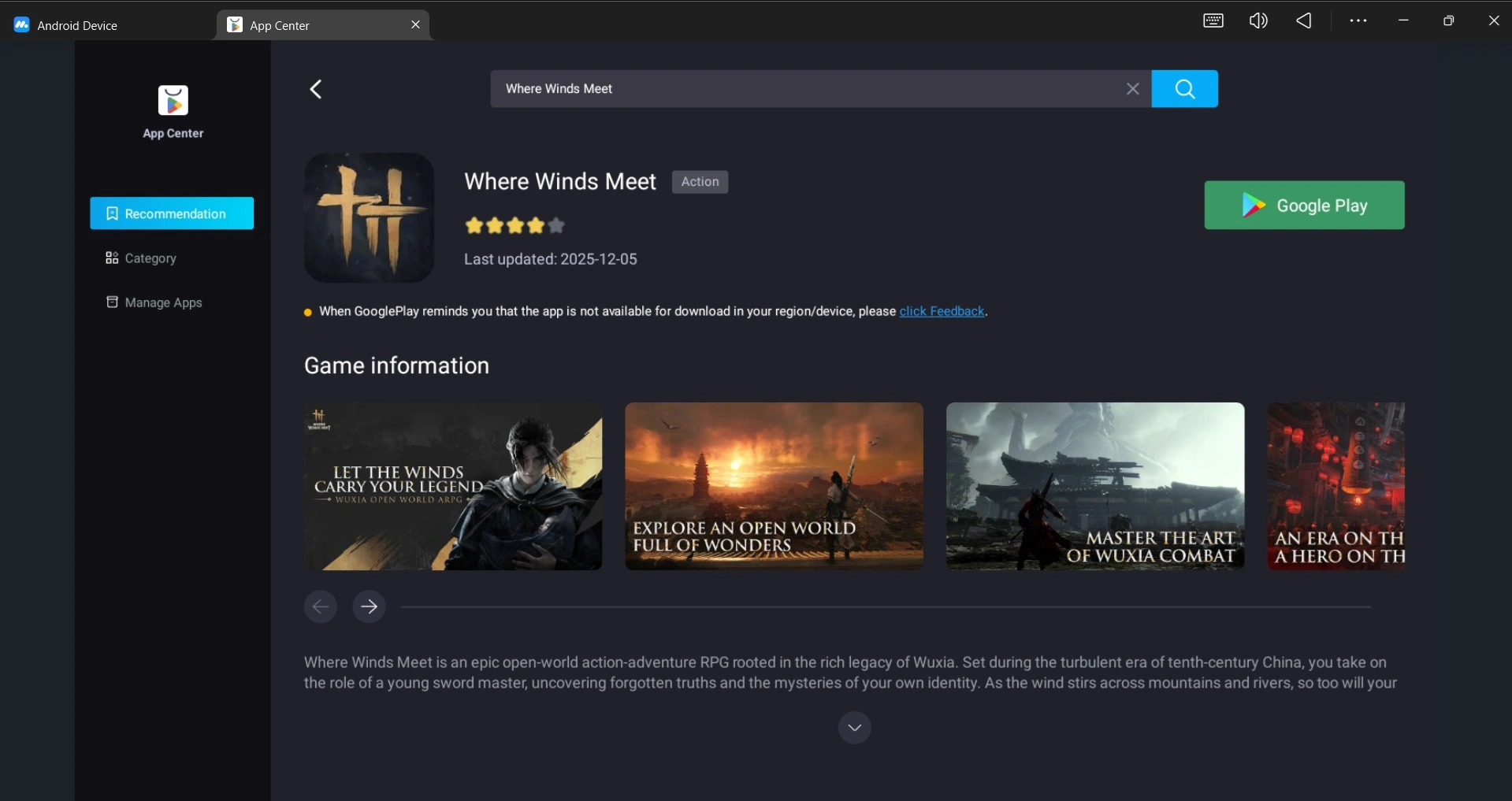
By the way, if you’re already eager to play Where Winds Meet, we highly recommend playing Where Winds Meet on PC or Mac with MuMuPlayer for a smoother gameplay experience. MuMuPlayer is the top Android emulator that offers optimal gaming performance with smooth keyboard and mouse controls, high FPS, and multi-instance support. You could also directly download MuMuPlayer if you don’t want to miss out on the latest game updates.
All Active Where Winds Meet Codes (2026)
- WWM251115 - 10 x Echo Jade, 5,000 Coins, 1 x Goose God Player Nameplate
- WWMGLyoutube - 20 x Echo Jade, 5,000 Coins, 2 x Inner Way Note: Chest
- WWMGLtiktok - 10 x Echo Jade, 10,000 Coins
How to Redeem Where Winds Meet Codes
1.Launch the game
Open Where Winds Meet and log into your account.
2.Access the Settings menu
Press “ESC” or “Options”to open the main menu. Locate the cog icon (labeled “Settings”) on the right-hand side and click it.
3.Navigate to the Exchange Code section
In Settings, switch to the “Other” tab (the final option in the top row). Under “Account Info,” select “Exchange Code” to open the input box.
4.Enter the code and confirm
Type or paste the code (avoid typos—mixing up “O” and “0” is a common pitfall!) into the text field, then hit “Confirm.”
5.Collect your rewards
Rewards won’t appear in your inventory immediately—head to the in-game mailbox (envelope icon on the main menu) to claim them. Note that rewards expire after 7 days, so collect them promptly!
Where to Find New Where Winds Meet Codes
Developers often release new gift codes through official communication channels. Here are the most reliable sources to monitor:
- The official Where Winds Meet website
- The game's social media channels (Twitter/X, Facebook, YouTube)
- Update announcements, patch notes, and in-game event notices
- Community platforms such as Discord or active fan groups
Following these channels ensures you never miss new limited-time codes once they become available.
Common Issues When Redeeming Codes
If you experience problems while redeeming a code, here are common reasons:
- Typing mistakes: Codes must be entered exactly as shown.
- Expired codes: Most codes remain valid only for a short period.
- Region restrictions: Some codes work only on specific servers.
- One-time use: Codes can generally be redeemed only once per account.
- Server delays: Heavy traffic during major events may cause temporary redemption failures.
Trying again later or checking for official updates can help resolve most issues.
Play Where Winds Meet on PC or Mac with MuMuPlayer
For the ultimate gaming experience, we suggest you downloadWhere Winds Meet on MuMuPlayer. This emulator offers several advantages:
1. Smooth Gaming Experience
Enjoy smooth, stable gameplay with high FPS—perfect for long sessions, exploration, or fast-paced moments. The larger screen and sharper visuals also make details, UI, and effects easier to read.
2. Smart & Customizable Controls
Customize smart keyboard and mouse mappings for precise and comfortable control. MuMuPlayer also supports gamepad input, offering a familiar, PC-like playstyle for any game genre.
3. Multi-Instance Productivity
Run multiple instances at the same time to boost efficiency. Ideal for managing accounts, farming resources, or multitasking between different in-game activities.
4. Full Platform Support
Fully compatible with Windows and macOS, delivering optimized performance across devices.
 Conclusion
Using exchange codes in Where Winds Meet is one of the simplest ways to unlock extra rewards, boost your character’s strength, and accelerate your progression—whether you’re stockpiling Echo Jade for upgrades or grabbing rare utility items to ease your wuxia journey. Be sure to redeem active codes promptly, as they often expire or reach usage limits quickly, and check back regularly for fresh releases tied to game events, milestones, or promotional campaigns.
To enjoy smoother gameplay, faster loading, and easier code redemption, we highly recommend playing Where Winds Meet on PC or Mac with MuMuPlayer. The enhanced performance, customizable controls, and multi-instance features make it the ideal platform for long-term gameplay. Start your adventure on MuMuPlayer!
End of Article