Play Clash of Clans on PC and Mac with MuMuPlayer
Clash of Clans is a globally celebrated strategy game developed by Supercell, where players build and defend their own village, recruit a powerful army, and engage in large-scale clan battles against opponents from every corner of the world. The game blends base construction, resource management, and tactical combat into one endlessly engaging experience that has kept millions of players hooked for years. With MuMuPlayer, you can bring all of that action to your PC and enjoy the full Clash of Clans experience on a larger screen with smoother performance.
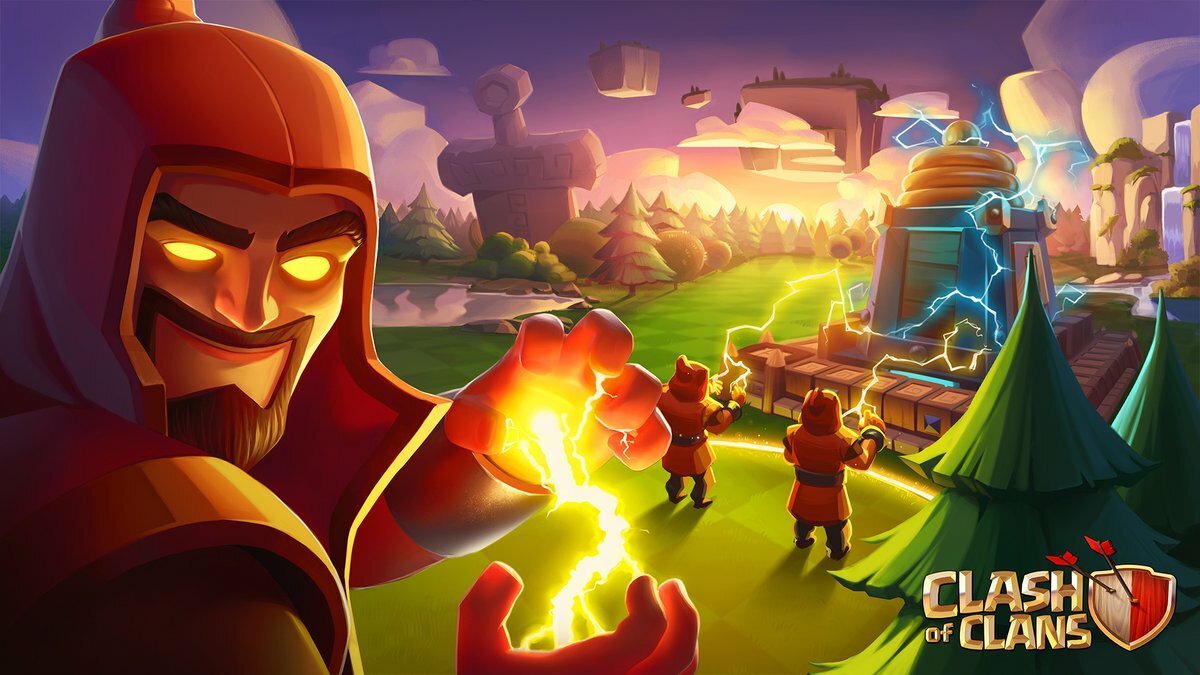
At its core, Clash of Clans offers an enormous range of gameplay options that go far beyond simple building and attacking. Players can join or create their own Clan, participate in Clan Wars and Clan War Leagues, and collaborate with teammates during Clan Games to earn powerful Magic Items. The roster of troops is packed with personality, from Mustachioed Barbarians to fire-wielding Wizards, and each can be upgraded through Laboratory research to become even more devastating. Legendary Heroes such as the Barbarian King, Archer Queen, Grand Warden, Royal Champion, and Battle Machine can be unlocked and customized with exclusive skins. Beyond the multiplayer side, there is a single-player campaign against the Goblin King, a Practice Mode for experimenting with strategies, and the Builder Base offering a separate world with its own buildings, troops, and Versus Battles.
Playing Clash of Clans on PC through MuMuPlayer gives you a real advantage in how you manage and experience the game. The larger display makes it significantly easier to plan base layouts, monitor incoming attacks, and execute complex raid strategies with precision. Keyboard and mouse controls add a level of responsiveness that touchscreens simply cannot match, which is especially valuable during time-sensitive moments like Clan Wars or live event participation. MuMuPlayer also delivers stable, consistent performance so you can spectate clanmate battles in real time, review replays, and stay connected to your Clan without interruption, making every session more productive and enjoyable.
Clash of Clans Game Overview
Few mobile strategy games have achieved the kind of lasting global impact that Clash of Clans has maintained since its release. Developed by Supercell, this strategy title challenges players to construct a fortified village from the ground up, build an army of fantastical warriors, and take the fight to opponents across the world. Whether you prefer methodical base planning, competitive multiplayer warfare, or cooperative clan teamwork, there is always something meaningful to pursue.
The foundation of the game revolves around your village. You gather resources, construct and upgrade buildings, and design a defensive layout capable of repelling enemy raids. Walls, Cannons, Mortars, Traps, Towers, and Bombs all play a role in keeping attackers at bay, and arranging them effectively requires real strategic thought. At the same time, you are also raiding other players to steal their loot, which fuels your own upgrades and keeps the cycle of progression moving forward.
On the offensive side, Clash of Clans provides an impressive variety of troops, spells, and siege machines to experiment with:
- Classic ground units like Barbarians, Giants, and Wizards form the backbone of most armies
- Air troops, spells, and Siege Machines open up entirely different attack strategies
- Heroes including the Barbarian King, Archer Queen, Grand Warden, Royal Champion, and Battle Machine each bring unique abilities to the battlefield
- The Laboratory allows you to research upgrades that strengthen every unit in your roster over time
The social and competitive elements are where Clash of Clans truly stands apart. Joining a Clan connects you with a community of players you can coordinate with, chat alongside, and fight beside. Clan Wars pit your group against another clan in a structured two-phase battle that rewards smart planning and reliable participation. For those chasing glory at the highest level, Clan War Leagues offer a ranked competitive format, while the Legend League Leaderboard showcases the world's strongest players. Clan Games provide a more relaxed cooperative challenge where members contribute to shared goals in exchange for valuable Magic Items.
Beyond the multiplayer experience, the game includes a single-player campaign that sends you through a series of Goblin-held bases across a sprawling realm. Practice Mode lets you test army compositions and refine attack strategies without any pressure or resource cost. The Builder Base introduces a separate progression path with its own troop roster, building types, and a head-to-head Versus Battle format that adds yet another competitive dimension.
Personalization is also a genuine part of the experience. Exclusive Hero Skins and Sceneries let you give your village and characters a distinctive look, and Friendly Challenges or Friendly Wars allow you to set up custom battles with clanmates outside of the standard war schedule.
For players who want the most comfortable and capable way to experience everything Clash of Clans has to offer, running it through MuMuPlayer on PC makes a noticeable difference. The expanded screen real estate simplifies base editing, makes troop deployment easier to execute, and lets you take in real-time battle replays with far greater clarity. Stable PC performance ensures you stay connected during critical Clan War moments, and the overall smoothness of the MuMuPlayer environment keeps the focus where it belongs: on building, battling, and climbing the ranks.
Clash of Clans on PC - Emulator Features

With a smart button scheme and image recognition function, provide a more concise UI, and support custom button mapping to meet different needs.

Run multiple games independently at the same time, easily manage multiple accounts, play games while hanging.

Break through FPS limit, and enjoy a seamless gaming experience without lag and delay!

Get a 3-second startup with 52% less memory usage and 65% more stability.
How to Download and Play Clash of Clans on PC and Mac with MuMuPlayer
How to install Clash of Clans on PC or Mac with MuMuPlayer?
1. Download MuMuPlayer and install on your device. It will auto-detect your system for the latest optimized version.
2. Launch the emulator, sign in to Google Play, and search for Clash of Clans to install.
3. Once installed, click the game icon on MuMuPlayer's home page to start playing!
Recommended Configuration for MuMuPlayer
To run MuMuPlayer smoothly, ensure your computer meets or exceeds the following specifications.
• For Windows OS:
CPU (Processor): Intel Core i5 9400 or equivalent (6 cores minimum)
RAM (Memory): 8GB or higher (4GB minimum)
Graphics Card (GPU): GTX 1650 SUPER 4G or better
OS: Windows 10 64-bit or later
• For macOS:
CPU (Processor): Apple Silicon
RAM (Memory): 8GB or higher (4GB minimum)
OS: macOS 10.13 or later
Recommended Android Device performance settings
Maximize your emulator's speed and stability by configuring these key settings inside MuMuPlayer.
• Graphics Renderer: Vulkan mode
• Performance Preset (Recommended):
CPU Cores: 2 Cores
Memory: 2GB
>> Click here to learn how to adjust performance settings
Recommended Android Device Display Settings
Enjoy crystal-clear visuals and buttery-smooth gameplay with these display settings.
• Resolution Settings: Customize your screen clarity. Navigate to Device Settings > Display > Resolution to select the perfect resolution for your monitor.
• High FPS Mode: MuMuPlayer supports up to 240 FPS. Gain a competitive edge with ultra-smooth animations.
>> Click here to learn how to enable high FPS mode
Recommended to enable VT
Enabling VT is one of the most important steps to boost your MuMuPlayer performance. It significantly reduces lag, prevents screen freezing, and makes all games run more smoothly.
>> Click here to learn how to enable VT
Clash of Clans on PC and Mac - FAQs
1. How to play Clash of Clans on Mac?
Playing Clash of Clans on Mac is simple with MuMuPlayer, the best Android emulator designed for Mac:
Step 1: Download and install MuMuPlayer for Mac from the official website.
Step 2: Launch MuMuPlayer and search for "Clash of Clans" in the built-in app center.
Step 3: Install the game and log in to your existing account or create a new one.
2. Is it safe and legal to play Clash of Clans on PC with MuMuPlayer?
It is 100% safe and legal. MuMuPlayer is a legitimate Android emulator that complies with relevant regulations. It does not modify the game code or violate Clash of Clans' user agreement. Your game account will not be banned for using MuMuPlayer, and all your game progress is fully synced with your mobile account.
3. Why choose MuMuPlayer for Clash of Clans?
MuMuPlayer is the best choice for Clash of Clans due to its tailored optimizations: Ultra-large HD screen for clear village layout and battle visuals, customizable keyboard/mouse controls for precise troop deployment, stable high FPS to avoid lag during intense clan wars, multi-instance sync for efficient account management, and low resource consumption. These features provide a more intuitive and powerful gaming experience compared to other emulators or mobile gameplay.
4. What are the system requirements for playing Clash of Clans on PC/Mac?
The system requirements are consistent with MuMuPlayer's minimum and recommended specs:
- PC (Windows): Windows 7/8/10/11 (64-bit), Intel/AMD CPU with SSE2 support, 4GB+ RAM, 10GB+ free storage space, dedicated GPU (optional but recommended for optimal performance).
- Mac: macOS 10.14 or later, Apple Silicon (M1/M2/M3) or Intel Core i5+, 4GB+ RAM, 10GB+ free storage space.
For the best experience, 8GB+ RAM and a mid-range GPU are suggested.
Get more news, guides and redeem codes about Clash of Clans
Clash of Clans Resource Protection Strategies for Long Term Growth in 2026
Clash of Clans Clan War Guide 2026 | Preparation, Attack Timing, and Elite Coordination
Clash of Clans codes (February 2026)
Clash of Clans Best Base Layouts for Desert Nights Season 2026
Clash of Clans Best Equipment to Invest Ores & Upgrade in 2026
Clash of Clans Fastest TH18 Upgrade Guide - Most Efficient Upgrade Order
Best Farming Strategies in Clash of Clans (2026 Guide)
Clash of Clans Electro Dragon Mass Totem Attack Guide