CookieRun: Tower of Adventures (macOS)
Play CookieRun: Tower of Adventures on PC and Mac
CookieRun: Tower of Adventures is an action game developed by Devsisters Corporation that drops players into a colorful 3D world where GingerBrave and a cast of beloved Cookie characters must band together to protect the Pancake Tower from a rising evil. With its top-down perspective and fast-paced combat, the game blends exploration, teamwork, and charming storytelling into an adventure that keeps you hooked from the very first stage. You can experience the full journey on PC by downloading CookieRun: Tower of Adventures through MuMuPlayer, bringing the whole sugary world to a bigger screen.
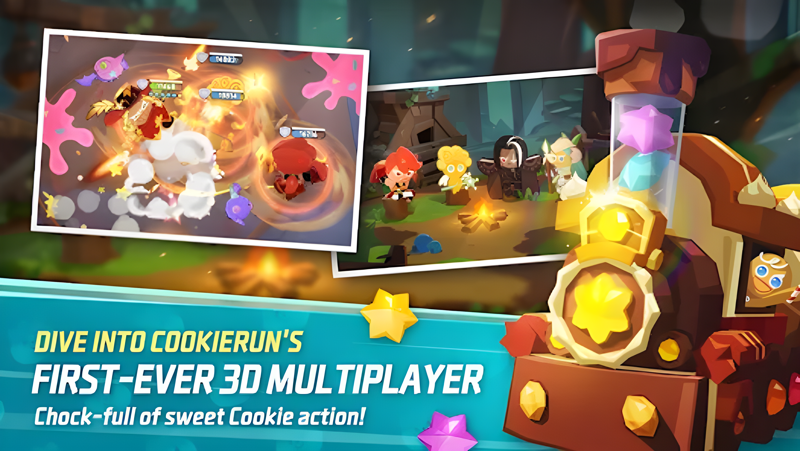
The game centers on cooperative multiplayer action, inviting players to team up with friends as they push deeper into the Pancake Tower. Each stage challenges your group with increasingly tough enemies and boss encounters that require real coordination to overcome. As you clear stages, you collect equipment to strengthen your Cookies, while an unfolding story gradually reveals the mysterious forces threatening peace inside the tower. The mix of accessible action gameplay, co-op mechanics, and a rewarding progression loop makes each session feel purposeful and fun.
Playing CookieRun: Tower of Adventures on PC through MuMuPlayer gives you a genuine advantage when navigating the tower's many floors. The larger display makes it much easier to track teammates and enemy movements during hectic boss battles, while a keyboard and mouse setup can sharpen your reaction time and movement precision. MuMuPlayer runs the game smoothly, so you can focus on coordinating with your crew and grinding for the best equipment without worrying about device performance. Download MuMuPlayer today and take your Cookie adventure to the next level.
About the Game
Something has gone terribly wrong inside the Pancake Tower. The seal on the oven has shattered, and a dark threat now looms over everything within. It falls to GingerBrave and a group of courageous Cookie companions to push through the tower floor by floor, uncover the truth behind the chaos, and restore peace before it is too late. CookieRun: Tower of Adventures is a 3D action game built around co-op exploration, intense combat, and a story that unfolds the further you climb.
At its core, the game is designed to be experienced alongside others. Up to several players can join forces and tackle the Pancake Tower together, working through themed stages filled with traps, enemies, and environmental challenges. The top-down camera gives everyone a clear view of the battlefield, which becomes especially important when the action heats up and you need to coordinate movement with your teammates in real time.
What sets the adventure apart is how it blends casual charm with genuinely demanding encounters:
- Boss battles serve as the highlight of each section of the tower, featuring enemies with unique attack patterns that require your group to adapt and communicate
- Clearing stages rewards players with equipment drops that directly improve their Cookies, creating a satisfying loop of progression tied to actual effort
- The 3D environment brings the CookieRun universe to life in a new way, letting players explore corners and discover details that earlier games in the franchise never showed
- Each Cookie character brings a distinct personality to the adventure, and the story weaves their relationships together as the mystery of the tower deepens
The narrative layer adds more weight to the combat than you might expect. Rather than simply pushing through levels for rewards, players gradually piece together why the seal broke and what force has been pulling strings inside the tower all along. Story moments are spread across stages, so there is always something new to uncover as you advance.
Progression feels rewarding because equipment is tied directly to the stages you clear. Better gear opens up stronger builds, and experimenting with different setups adds replay value to stages you have already completed. The combination of story discovery, gear hunting, and cooperative boss encounters keeps the experience fresh across many sessions.
Whether you are a longtime fan of the CookieRun franchise or stepping into this world for the first time, Tower of Adventures offers an approachable entry point backed by real mechanical depth. The colorful visual style and lighthearted tone make it easy to jump in, while the cooperative challenge and equipment system give dedicated players plenty of reasons to keep climbing. Download CookieRun: Tower of Adventures and join GingerBrave on a mission that is as sweet as it is thrilling.
Emulator Features

With a smart button scheme and image recognition function, provide a more concise UI, and support custom button mapping to meet different needs.

Run multiple games independently at the same time, easily manage multiple accounts, play games while hanging.

Break through FPS limit, and enjoy a seamless gaming experience without lag and delay!

Get a 3-second startup with 52% less memory usage and 65% more stability.
How to Download and Play CookieRun: Tower of Adventures on PC and Mac
Installation Guide
Download MuMuPlayer
Download and install MuMuPlayer on your PC or Mac
Sign-in Google Store
Complete Google sign-in to access the Play Store
Search and Install
Search CookieRun: Tower of Adventures in the Play Store
Enjoy Gaming
Enjoy 120 FPS high-def gameplay with big screen
System Requirements
Windows PC
Vulkan / DirectX supported. 4 cores + 4GB RAM recommended. Up to 240 FPS. VT required.
macOS
Recommended: Apple Silicon Mac with 8GB RAM or above. Up to 240 FPS.
Get more news, guides and redeem codes about CookieRun: Tower of Adventures

Cookie Run: Tower of Adventures Latest Codes & Redemption Guide

Playing Cookie Run: Tower of Adventures on Mac with MuMuPlayer Pro: Keymapping Settings, Performance Optimization, Graphics Enhancement Guide
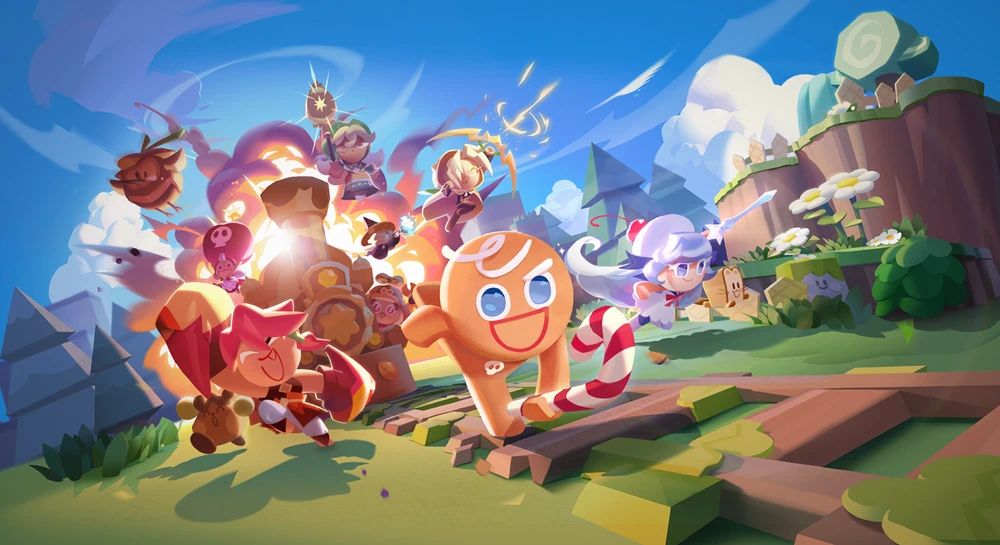
Cookie Run: Tower of Adventures Characters Introduction
How to play Cookie Run: Tower of Adventures on Mac with MuMuPlayer Pro
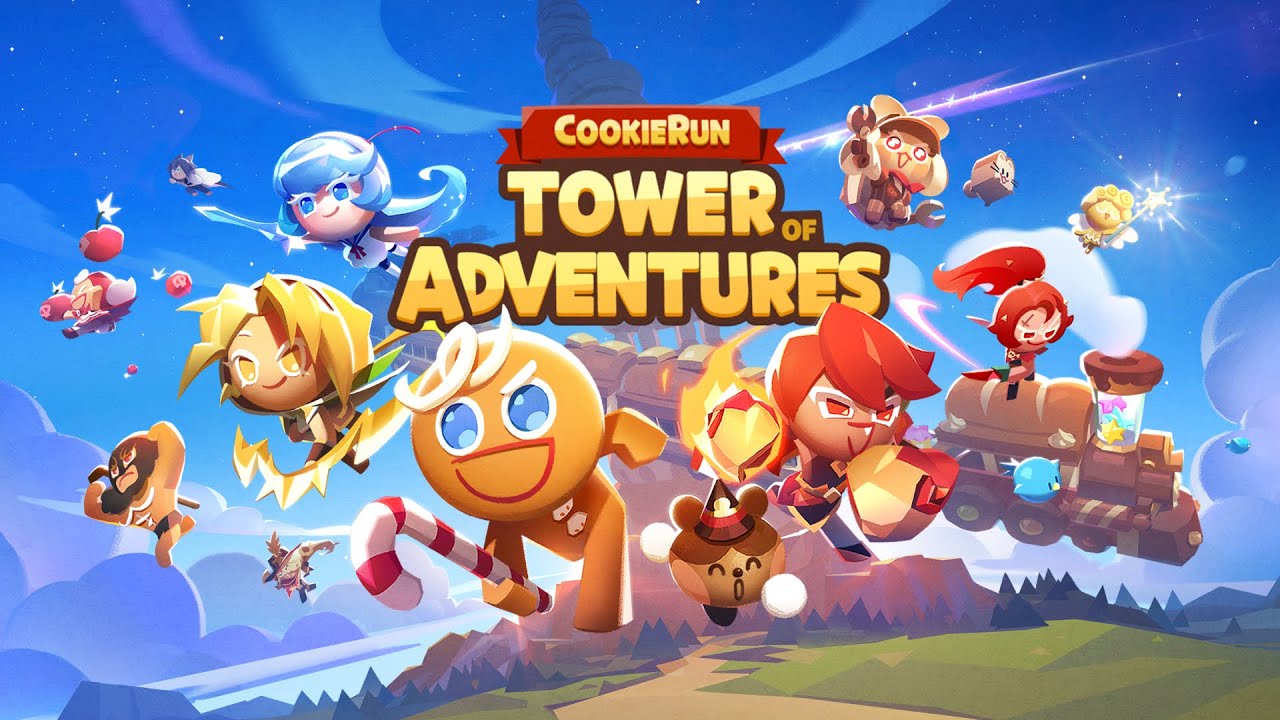
The grand launch of Cookie Run: Tower of Adventures is just around the corner!

